nova-system
build simple single page design of calcultor

Comments (0)
Sign in to leave a comment
Project Tasks4
Setup Theme Design System
As a UI/UX Designer, configure the global design system and theme for the nova-system calculator application. Define CSS variables or a theme configuration for all design tokens: primary (#4A90E2), primary_light (#A6C8FF), secondary (#F5A623), accent (#50E3C2), highlight (#F8E71C), bg (#FFFFFF), surface (rgba(255,255,255,0.9)), text (#333333), text_muted (#777777), border (rgba(0,0,0,0.1)). Set up global styles, font choices, and base layout styles.
Build Calculator Page UI
As a Frontend Developer, implement the single-page Calculator application using React. Include the calculator display, number input keypad, operation buttons (+, -, *, /), equals button, and clear button. Apply the defined color theme (primary: #4A90E2, secondary: #F5A623, accent: #50E3C2) and implement arithmetic logic for addition, subtraction, multiplication, and division. Ensure the UI is responsive for both desktop and mobile devices.
Implement Framer Motion Animations
As a Frontend Developer, integrate framer-motion into the calculator application to implement the signature animated interaction model. Add hover transitions that gently expand buttons, smooth press animations on button clicks, and a subtle background gradient shift as the user interacts with the calculator. Ensure animations are smooth and unobtrusive, enhancing the user experience without affecting performance.
Ensure Responsive Accessibility
As a Frontend Developer, verify and enhance the calculator's responsiveness across all modern web browsers and device types (desktop and mobile). Ensure the layout adapts gracefully to different screen sizes. Add accessibility attributes (aria-labels, keyboard navigation support) to all interactive elements to make the application usable without a mouse. Validate compliance with WCAG 2.1 AA standards.
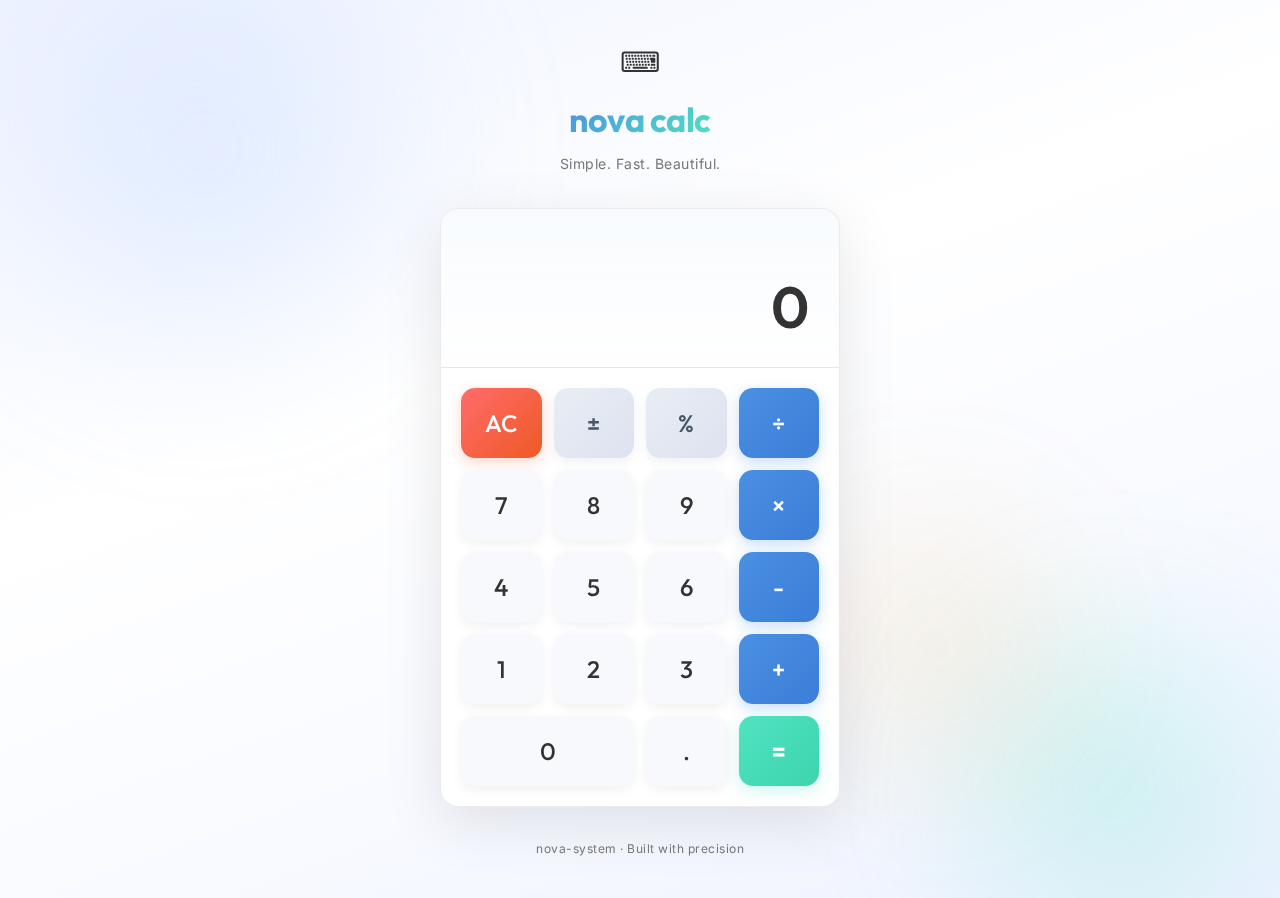
nova calc
Simple. Fast. Beautiful.
No comments yet. Be the first!