noble-banner
 Sitaraman Ramasamy
Put banner as signboard on gate


Comments (0)
Sign in to leave a comment
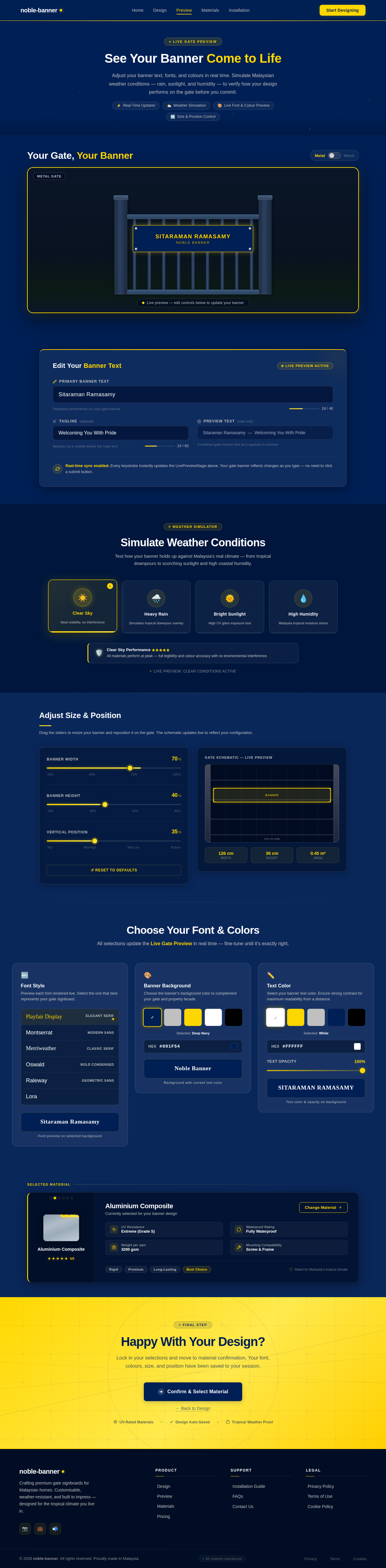
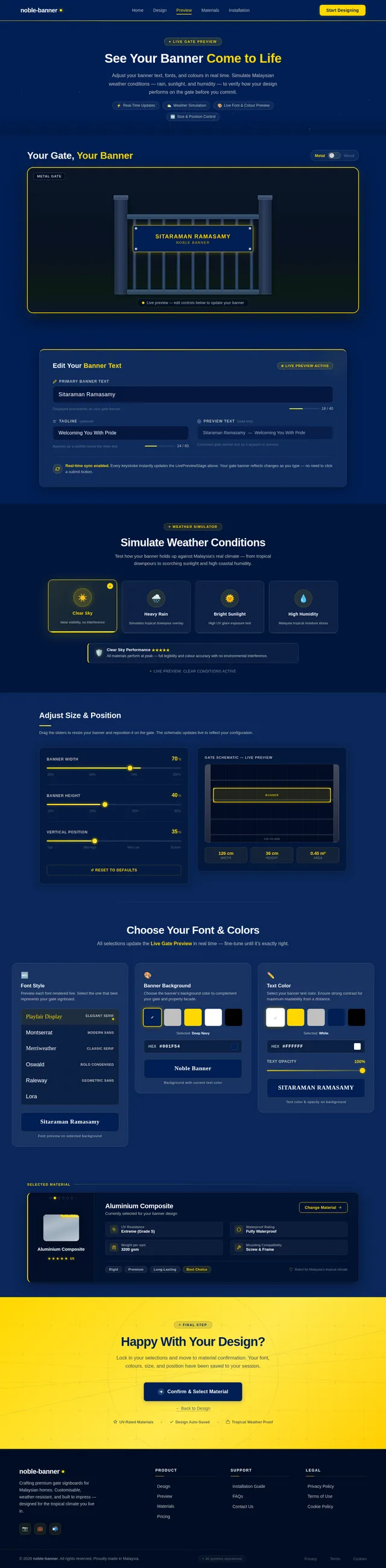
See Your Banner Come to Life
Adjust your banner text, fonts, and colours in real time. Simulate Malaysian weather conditions — rain, sunlight, and humidity — to verify how your design performs on the gate before you commit.
Your Gate, Your Banner
Edit Your Banner Text
Real-time sync enabled. Every keystroke instantly updates the LivePreviewStage above. Your gate banner reflects changes as you type — no need to click a submit button.
Simulate Weather Conditions
Test how your banner holds up against Malaysia's real climate — from tropical downpours to scorching sunlight and high coastal humidity.
Adjust Size & Position
Drag the sliders to resize your banner and reposition it on the gate. The schematic updates live to reflect your configuration.
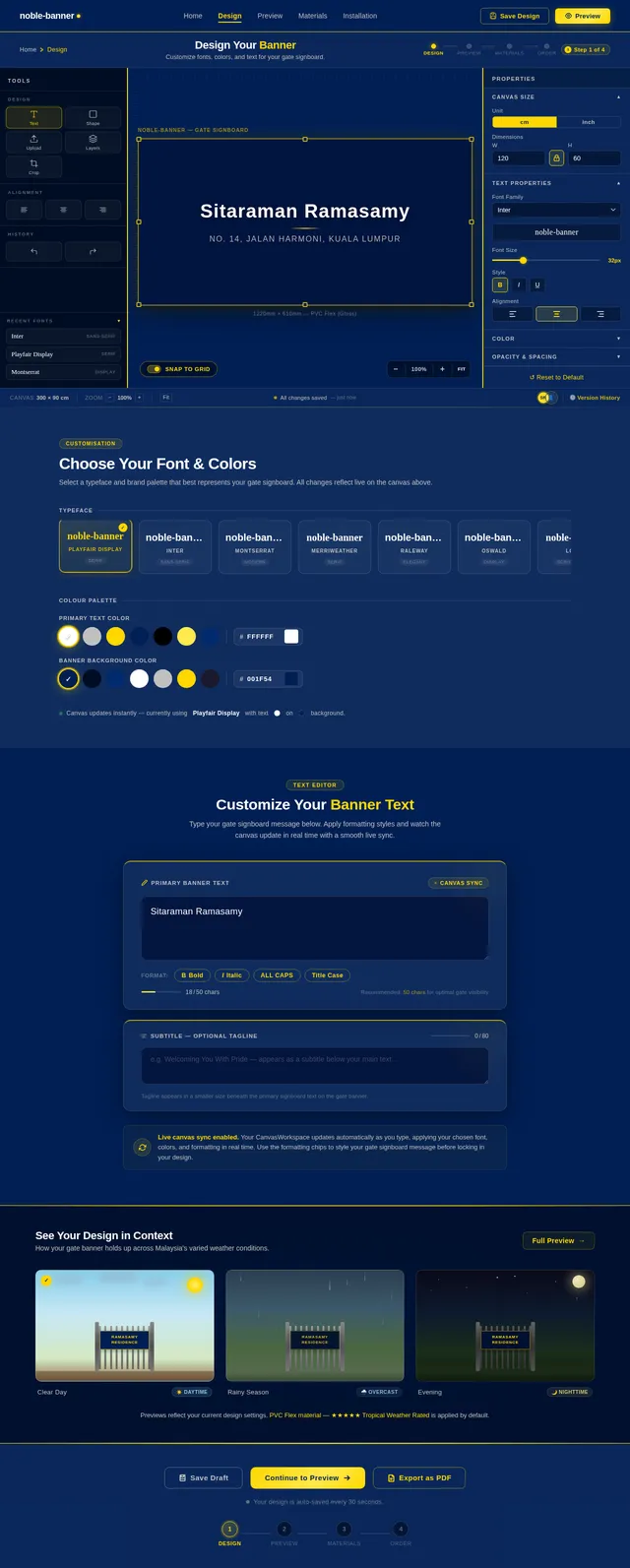
Choose Your Font & Colors
All selections update the Live Gate Preview in real time — fine-tune until it’s exactly right.
Font Style
Preview each font rendered live. Select the one that best represents your gate signboard.
Font preview on selected background
Banner Background
Choose the banner’s background color to complement your gate and property facade.
Selected: Deep Navy
Background with current text color
Text Color
Select your banner text color. Ensure strong contrast for maximum readability from a distance.
Selected: White
Text color & opacity on background
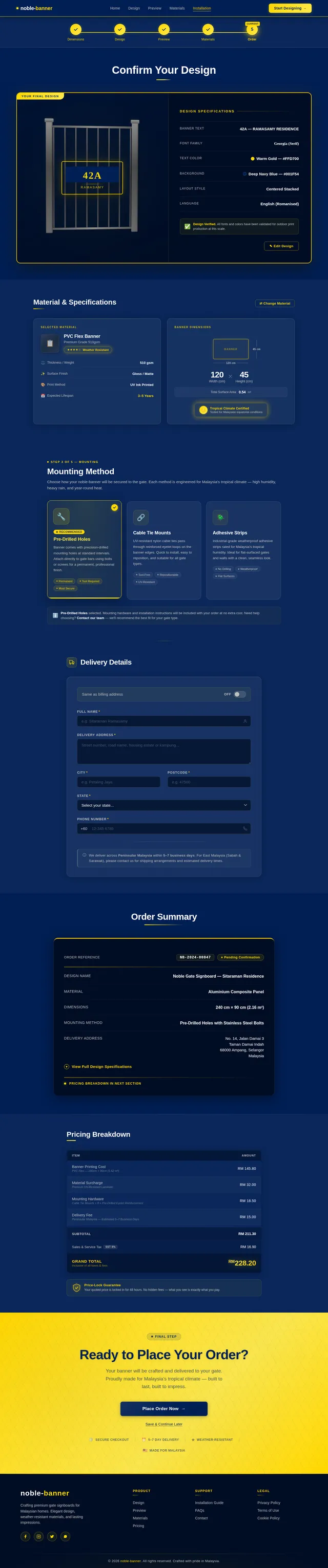
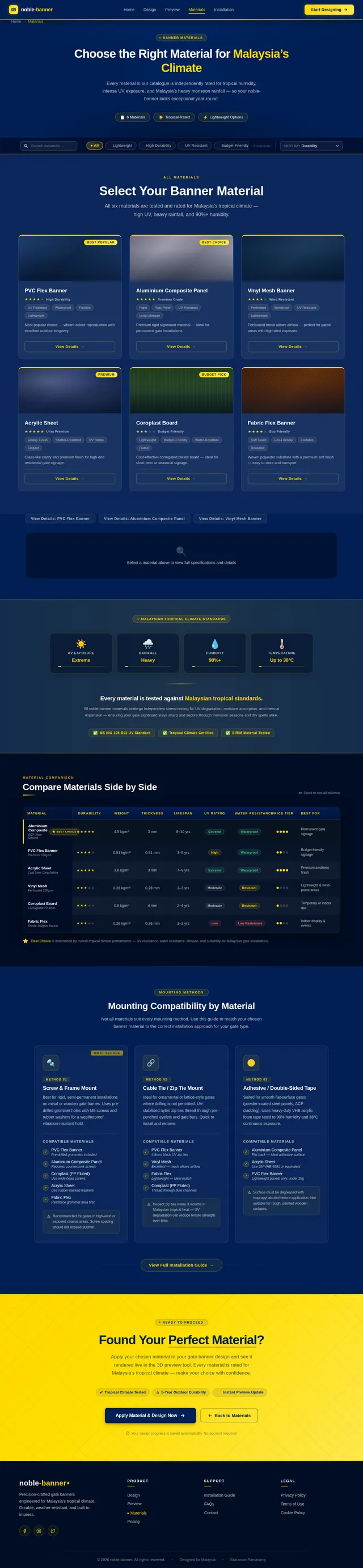
Aluminium Composite
Currently selected for your banner design
- UV ResistanceExtreme (Grade S)
- Waterproof RatingFully Waterproof
- Weight per sqm3200 gsm
- Mounting CompatibilityScrew & Frame
Happy With Your Design?
Lock in your selections and move to material confirmation. Your font, colours, size, and position have been saved to your session.
No comments yet. Be the first!