neon-todo
by Diya Trivedi
Diya Trivedistart a project to build a simple single page design of todo

Comments (0)
Sign in to leave a comment
Architecture
No Services Diagrams Yet
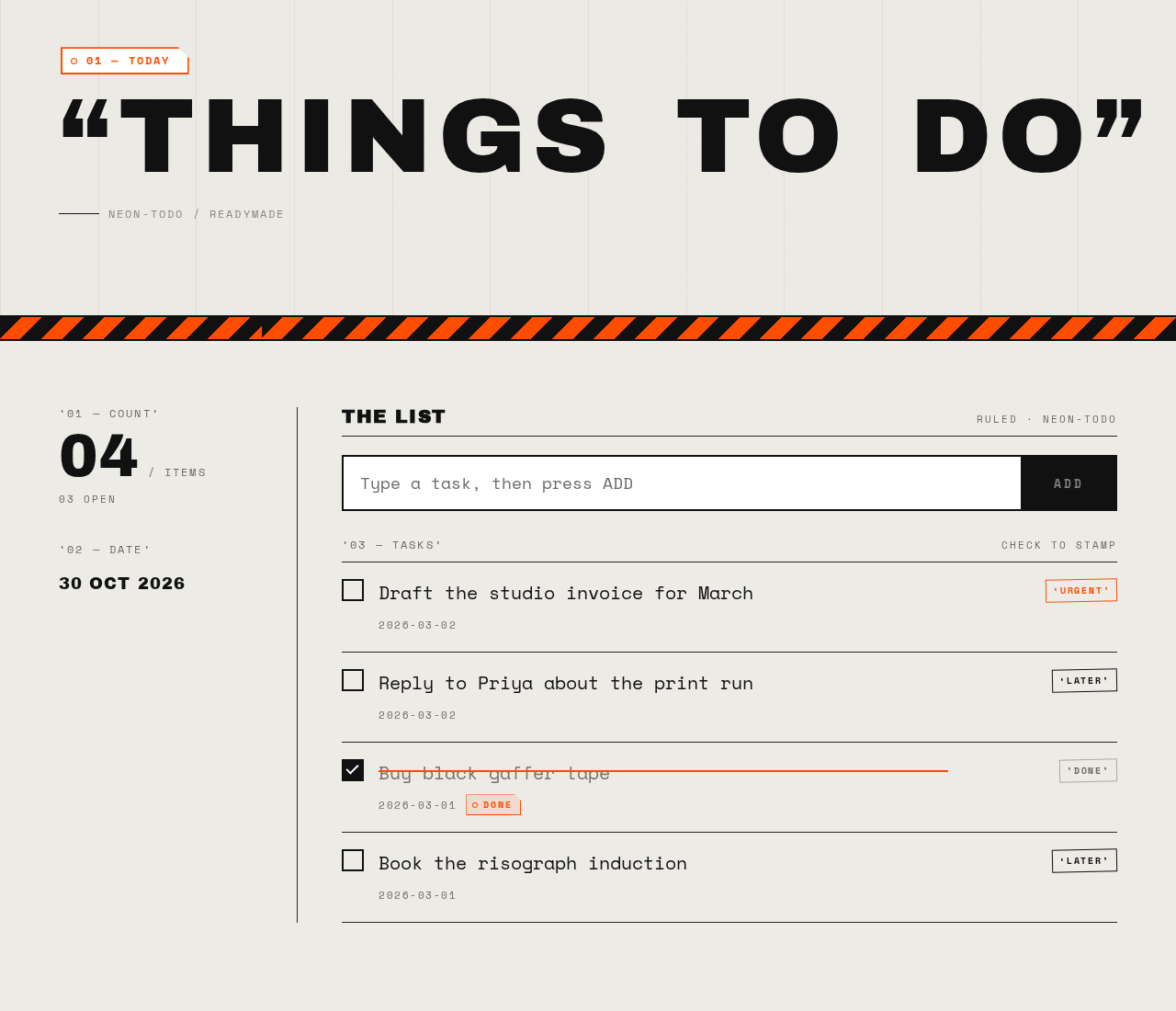
01 — TODAY
THINGS TO DO
The List
‘03 — TASKS’CHECK TO STAMP
- ‘URGENT’Draft the studio invoice for March
- ‘LATER’Reply to Priya about the print run
- ‘DONE’Buy black gaffer tape
- ‘LATER’Book the risograph induction
01 — TODAY
THINGS TO DO
The List
‘03 — TASKS’CHECK TO STAMP
- ‘URGENT’Draft the studio invoice for March
- ‘LATER’Reply to Priya about the print run
- ‘DONE’Buy black gaffer tape
- ‘LATER’Book the risograph induction
No comments yet. Be the first!