moon-start
by Diya Trivedi
Diya Trivedistart a project to build a simple single design of calculator

Comments (0)
Sign in to leave a comment
Project Tasks
18 planning tasks#1
Generate system requirement document
0m 53s0.05 cr used
Done#2
Generate personas & user flows
0m 4s0.05 cr used
Done#7
Create flow for Calculator User
0m 3sCredits in parent
Done#8
Landing
3m 31sCredits in subtasks
Done#20
Fix Landing review finding: frontend/src/components/Landing Calculator Object.jsx: The…
0m 8s0.02 cr used
Error#18
Fix Landing review findings: The result numeral is vertically clipped in all three… (+1 more)
0m 40s0.02 cr used
Done#19
Fix Landing: The primary calculation flow still loses the first operand after an operator. sets but…
0m 8sCredits unavailable
Error#10
Landing / Wordmark
0m 19s0.85 cr used
Done#11
Landing / Headline
0m 22s0.85 cr used
Done#12
Landing / Calculator Object
1m 2s0.85 cr used
Done#13
Landing / Orientation
0m 19s0.85 cr used
Done#14
Landing / Footer
0m 0s0.85 cr used
Done#16
Fix Landing: The result numeral is vertically clipped in all three viewports. In , uses with hidden…
1m 11sCredits unavailable
Done#17
Fix Landing: The calculator’s primary interaction is broken: sets without adding the operator to the…
0m 57sCredits unavailable
Done#15
Footer
0m 18sCredits in parent
Done#9
Calculator
Credits in subtasks
Backlog#5
Architecture
0.05 cr needed
Backlog#6
Workspace task plan
0.05 cr needed
Backlog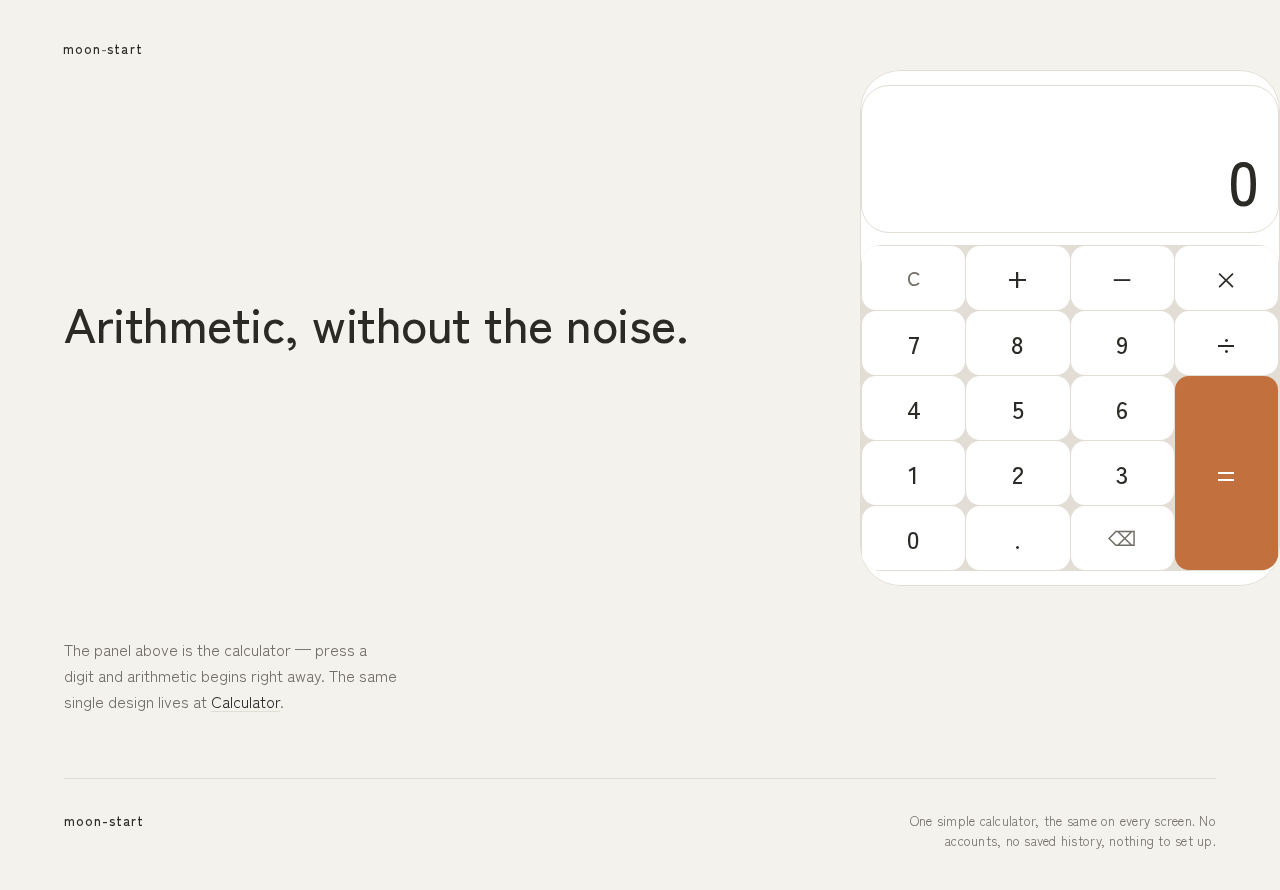
moon-start
Arithmetic, without the noise.
Expression
0
Result 0
The panel above is the calculator — press a digit and arithmetic begins right away. The same single design lives at Calculator.
moon-start
Arithmetic, without the noise.
Expression
0
Result 0
The panel above is the calculator — press a digit and arithmetic begins right away. The same single design lives at Calculator.
No comments yet. Be the first!