misty-design
creaet a project to build single page design for calculator

Comments (0)
Sign in to leave a comment
Project Tasks6
Setup Theme and Design System
As a Frontend Developer, configure the global theme and design system for the misty-design calculator application. Set up the following design tokens as CSS variables or a theme configuration: primary (#4A90E2), primary_light (#A6C8FF), secondary (#F5A623), accent (#E94E77), highlight (#FFD700), bg (#F0F4F8), surface (rgba(255,255,255,0.9)), text (#333333), text_muted (#777777), border (rgba(0,0,0,0.1)). Configure typography, spacing, and breakpoints. Install and configure framer-motion for animations. Ensure the design system adheres to WCAG 2.1 AA accessibility standards.
Configure Docker for Frontend
As a DevOps Engineer, create a Dockerfile and docker-compose configuration for the React frontend application. The setup should: (1) Use a multi-stage build for production optimization, (2) Serve the built React app via a lightweight web server (e.g., nginx or serve), (3) Configure environment variables for any build-time settings, (4) Ensure the container runs correctly in both development (hot-reload) and production modes. Note: per SRD, backend and database are not applicable — this is a frontend-only Docker setup.
Build Calculator Page UI
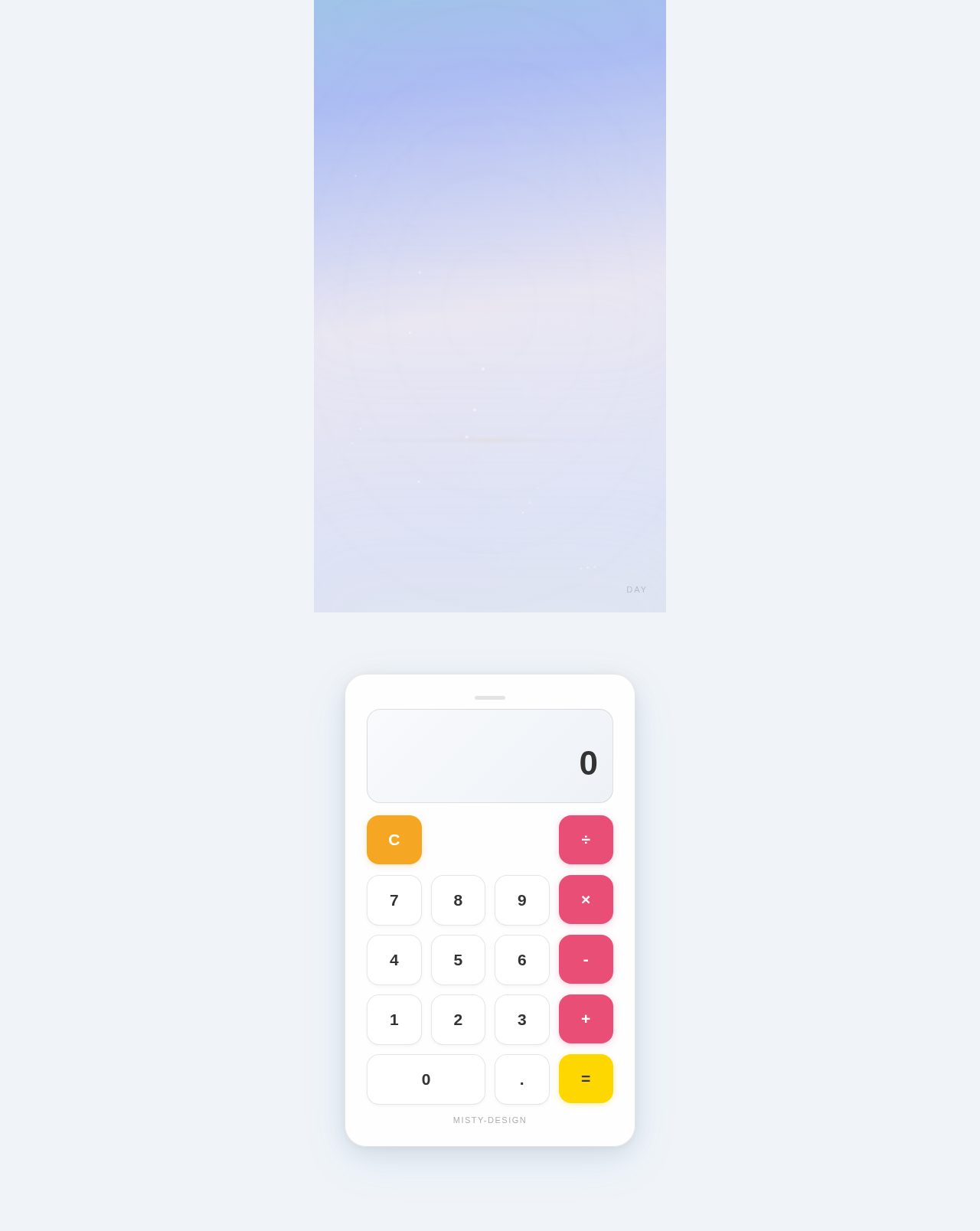
As a Frontend Developer, implement the single-page calculator application using React. Include: (1) Calculator display showing current input and result, (2) Number buttons (0-9) and decimal point, (3) Arithmetic operation buttons (+, -, *, /), (4) Clear (C) and equals (=) buttons, (5) Arithmetic logic for addition, subtraction, multiplication, and division, (6) Responsive layout for both desktop and mobile devices. Implement the 'floating calculator' concept where the calculator appears to float above a misty landscape background. Use framer-motion for smooth transitions and animations. The background should subtly shift colors based on time of day. Enable click-and-drag interaction for the calculator interface.
Implement Parallax Misty Background
As a Frontend Developer, implement the parallax scrolling background for the misty landscape effect. The background should: (1) Use a parallax interaction model where background moves at a different speed than foreground on scroll, (2) Subtly shift colors based on the time of day (morning, afternoon, evening, night), (3) Create a layered depth effect for visual richness. Use framer-motion or CSS techniques to achieve smooth parallax transitions. Ensure the effect performs well and does not negatively impact load time (target: under 2 seconds). Test on both desktop and mobile devices.
Ensure WCAG 2.1 AA Accessibility
As a Frontend Developer, audit and implement accessibility improvements across the calculator application to comply with WCAG 2.1 AA standards. This includes: (1) Proper ARIA labels on all calculator buttons and display, (2) Keyboard navigation support (Tab, Enter, Space, numeric keys), (3) Sufficient color contrast ratios for all text and interactive elements, (4) Screen reader compatibility, (5) Focus indicators on all interactive elements, (6) Announcing calculation results to screen readers via aria-live regions. Run automated accessibility checks (e.g., axe-core) and fix all reported issues.
Optimize App Performance
As a Frontend Developer, optimize the calculator application to meet the performance requirement of loading within 2 seconds on a standard internet connection. Tasks include: (1) Code splitting and lazy loading where applicable, (2) Image/asset optimization for the misty background assets, (3) Bundle size analysis and reduction, (4) Implement React.memo or useMemo where appropriate to prevent unnecessary re-renders, (5) Optimize framer-motion animations to avoid layout thrashing, (6) Lighthouse audit and resolution of performance issues. Target a Lighthouse performance score of 90+.
No comments yet. Be the first!