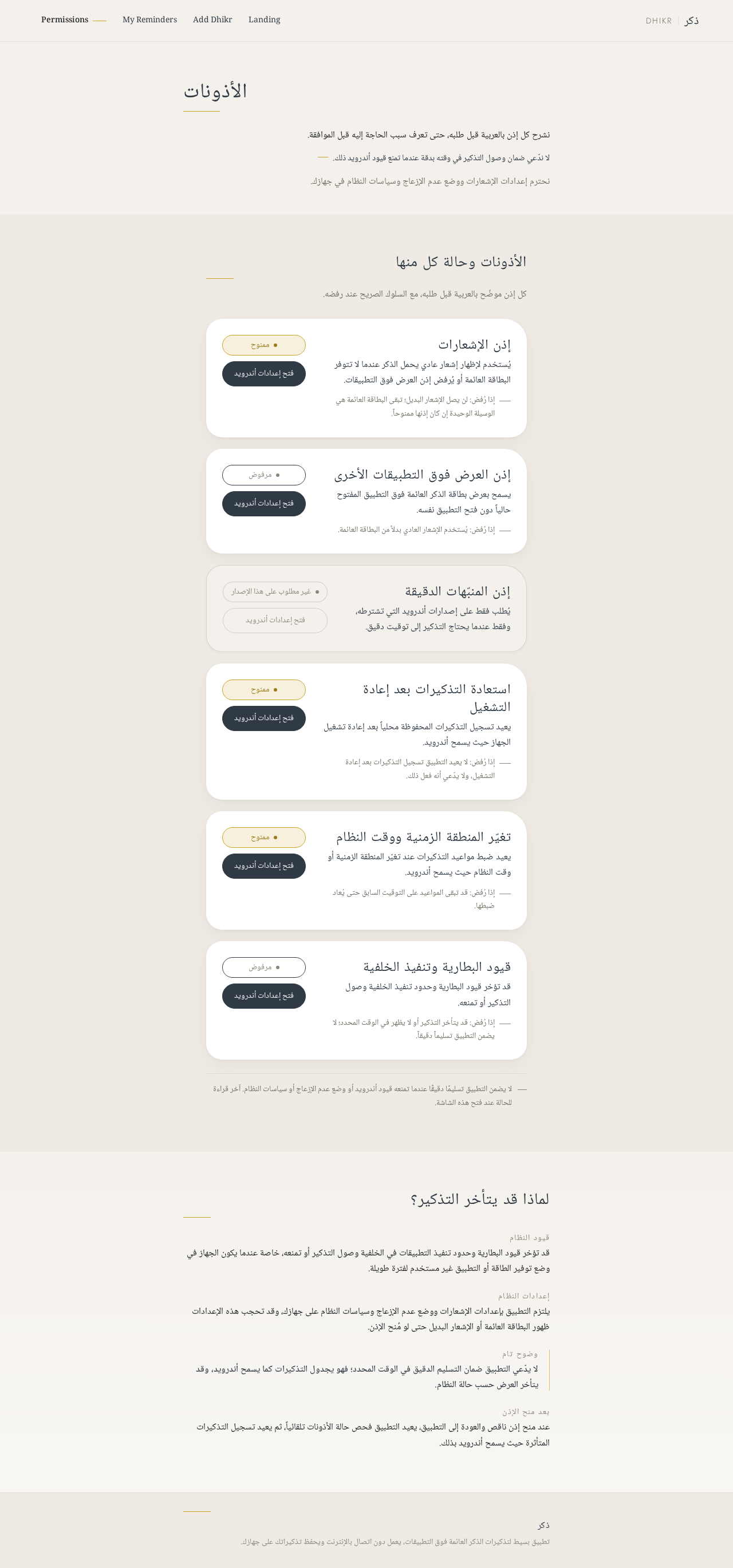
إذن الإشعارات
يُستخدم لإظهار إشعار عادي يحمل الذكر عندما لا تتوفر البطاقة العائمة أو يُرفض إذن العرض فوق التطبيقات.
إذا رُفض: لن يصل الإشعار البديل؛ تبقى البطاقة العائمة هي الوسيلة الوحيدة إن كان إذنها ممنوحاً.
ممنوح
 Abderahim Lamrabat
<role> You are a senior B2B researcher in the international mineral specimen trade. You find real, verifiable buyers and never fabricate data. </role> <product> Moroccan mineral specimens: Cerussite (grey/smoky crystals) on Barite (orange-red bladed/rosette), cabinet and thumbnail size, natural, no restoration. </product> <goal> Find real buyers in Europe and the USA who purchase Moroccan specimens, and give me professional ways to contact them. </goal> <targets> Mineral dealers, wholesalers, galleries/shops, online mineral stores, museum/university buyers, collector clubs, and mineral show organizers and exhibitors (Tucson, Munich, Sainte-Marie-aux-Mines, Denver, Milan, Ste-Marie, Bologna...). Priority countries: Germany, France, Italy, Spain, UK, USA. </targets> <method> Work step by step (ReAct + Chain-of-Verification): 1. SEARCH: at least 25 searches in English, German, French, Italian, Spanish. Examples: "Moroccan cerussite on barite", "Morocco cerussite specimen for sale", "Mibladen Khenifra minerals dealer", "Tucson Gem Show Morocco dealers", "Mindat dealer directory", "mineral wholesale Morocco". 2. SOURCES: Mindat, Mineralienatlas, show exhibitor lists, official business websites, LinkedIn company pages, Instagram/Facebook business pages, Etsy/eBay/Ebay-style stores (as proof of demand). 3. EXTRACT per lead: business name, country/city, type, proof they sell or buy Moroccan material (cite exact page), website, business email, LinkedIn page, public WhatsApp Business/phone ONLY if published by the business itself. 4. VERIFY: re-open every source, confirm activity within the last 12 months and that contacts appear on an official page. Delete anything unverifiable. 5. SCORE: 1-5 likelihood of buying from a Moroccan supplier, plus confidence High/Medium/Low. </method> <rules> - NEVER invent companies, emails, numbers, or links. If not found, write "Not found". - Source URL for every data point. - Only publicly published business contacts. No personal numbers, no private profile scraping. </rules> <output> Answer in Arabic, with English kept for names and links: 1. Table of at least 30 leads: Name | Country | Type | Proof of Moroccan purchase | Website | Email | LinkedIn | WhatsApp/Phone (public) | Score | Confidence | Source URL. 2. Top 10 priority leads with a one-line reason each. 3. Where to find more leads (shows, directories, groups, platforms). 4. Outreach messages (EN + FR) for email, LinkedIn, and WhatsApp Business. Mention: Cerussite on Barite, Morocco; photos attached; sizes; ask for wholesale price interest. Keep each under 90 words. 5. Short legal notes: export documents from Morocco and GDPR for cold outreach. </output> @Réfléchis


Sign in to leave a comment
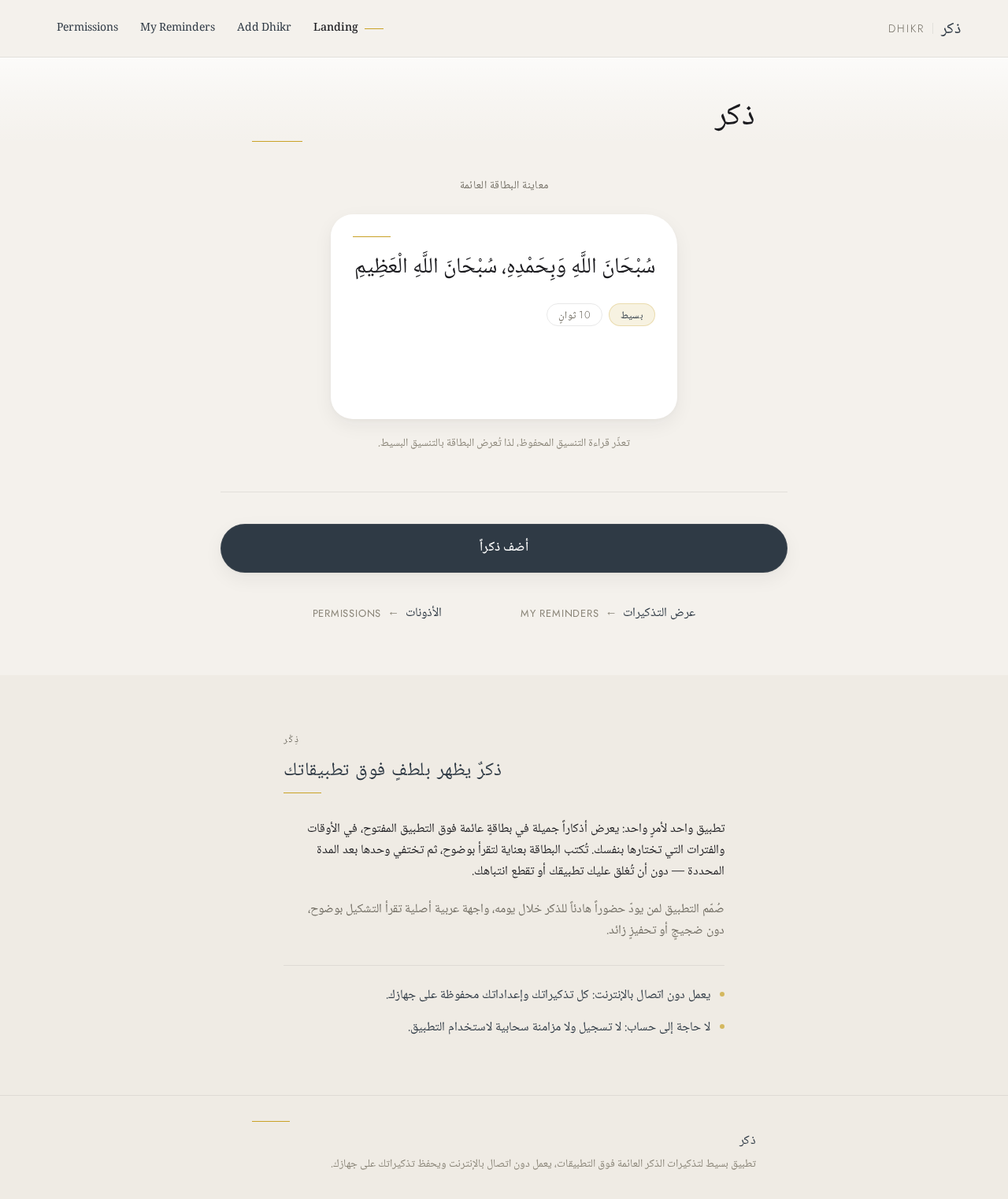
معاينة البطاقة العائمة
سُبْحَانَ اللَّهِ وَبِحَمْدِهِ، سُبْحَانَ اللَّهِ الْعَظِيمِ
تعذّر قراءة التنسيق المحفوظ، لذا تُعرض البطاقة بالتنسيق البسيط.
ذِكْر
تطبيق واحد لأمرٍ واحد: يعرض أذكاراً جميلة في بطاقةٍ عائمة فوق التطبيق المفتوح، في الأوقات والفترات التي تختارها بنفسك. تُكتب البطاقة بعناية لتقرأ بوضوح، ثم تختفي وحدها بعد المدة المحددة — دون أن تُغلق عليك تطبيقك أو تقطع انتباهك.
صُمّم التطبيق لمن يودّ حضوراً هادئاً للذكر خلال يومه، واجهة عربية أصلية تقرأ التشكيل بوضوح، دون ضجيجٍ أو تحفيزٍ زائد.
يعمل دون اتصال بالإنترنت: كل تذكيراتك وإعداداتك محفوظة على جهازك.
لا حاجة إلى حساب: لا تسجيل ولا مزامنة سحابية لاستخدام التطبيق.
No comments yet. Be the first!