
metro-booking

byDev Kalyani

make me a metro booking app make 8 pages

LandingLoginTicketsSearchBookingBookingsServicesReviews
Landing

Comments (0)

No comments yet. Be the first!

Architecture

No Services Diagrams Yet

Architecture diagrams will be automatically generated when the Project Manager creates tasks for your project.

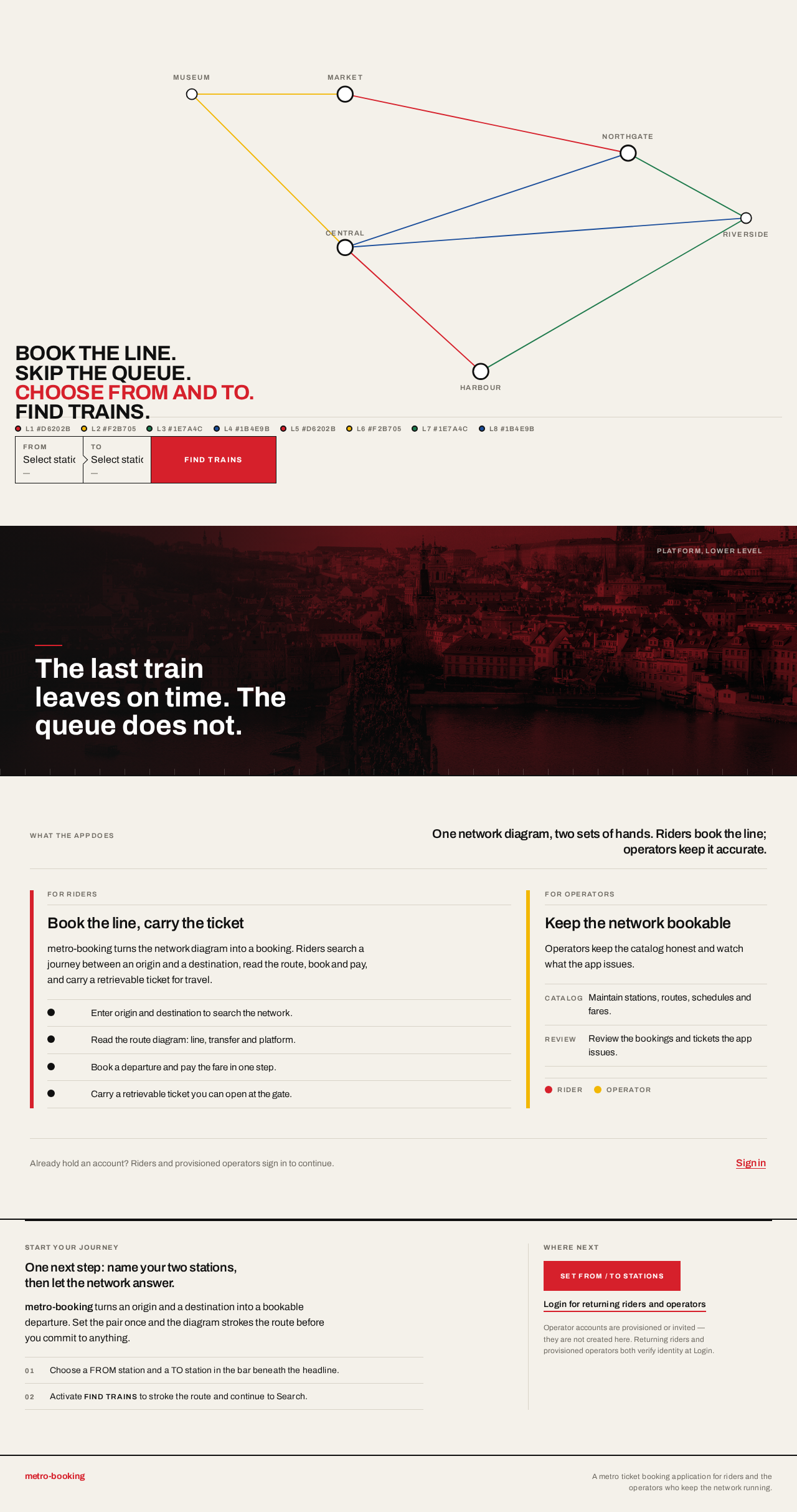
Landing design preview
Landing: Enter anonymously, read network diagram
Landing: Read operator explanation
Login: Select Sign in
Login: 1. Submit provisioned credentials
Login: 2. Correct invalid credentials and resubmit
Login: 3. Read operator-provisioning note after access denied
Services: 1. Switch to Stations collection
Services: 2. Add or edit a station
Services: 3. Correct station validation failure and resave
Services: 4. Switch to Routes collection
Services: 5. Add or edit route with ordered station sequence
Services: 6. Correct route referencing unknown station
Services: 7. Switch to Schedules collection
Services: 8. Add or edit schedule with times and platforms
Services: 9. Correct schedule validation failure and resave
Services: 10. Switch to Fares collection
Services: 11. Add or edit fare for route or station pair
Services: 12. Correct fare with no route and resave
Services: 13. Deactivate a catalog entry
Services: 14. Retry failed deactivation
Reviews: 15. Review issued bookings and tickets
Reviews: 16. Retry failed reviews load
Reviews: 17. Filter record by date, line or status
Reviews: 18. Select row to open booking detail
Reviews: 19. Trace bad booking back to catalog entry
Landing design preview
Landing: Enter anonymously, read network diagram
Landing: Read operator explanation
Login: Select Sign in
Login: 1. Submit provisioned credentials
Login: 2. Correct invalid credentials and resubmit
Login: 3. Read operator-provisioning note after access denied
Services: 1. Switch to Stations collection
Services: 2. Add or edit a station
Services: 3. Correct station validation failure and resave
Services: 4. Switch to Routes collection
Services: 5. Add or edit route with ordered station sequence
Services: 6. Correct route referencing unknown station
Services: 7. Switch to Schedules collection
Services: 8. Add or edit schedule with times and platforms
Services: 9. Correct schedule validation failure and resave
Services: 10. Switch to Fares collection
Services: 11. Add or edit fare for route or station pair
Services: 12. Correct fare with no route and resave
Services: 13. Deactivate a catalog entry
Services: 14. Retry failed deactivation
Reviews: 15. Review issued bookings and tickets
Reviews: 16. Retry failed reviews load
Reviews: 17. Filter record by date, line or status
Reviews: 18. Select row to open booking detail
Reviews: 19. Trace bad booking back to catalog entry