lime-tool
Ai tool

Comments (0)
Sign in to leave a comment
System Requirements
System Requirements Document (SRD)
Project Name: lime-tool
1. Introduction
The lime-tool is an advanced AI-powered tool designed to cater to the needs of Nour Ezzedine in Lebanon (LB). This document outlines the system requirements for the lime-tool project, ensuring it meets the expectations and needs of its users. The lime-tool aims to provide smart functionalities, seamless user experience, and efficient task handling.
This document serves as a comprehensive guide for developers, designers, and stakeholders to understand the scope, functionality, and design of the lime-tool project.
2. System Overview
The lime-tool is envisioned as a multi-functional AI tool that leverages cutting-edge technologies to provide intelligent solutions. It will be designed to handle a variety of tasks, offering a user-friendly interface and robust backend support. The system will integrate AI models and tools to ensure high performance, accuracy, and adaptability to user needs.
The lime-tool will operate in the Lebanese context, considering locale-specific defaults such as time zone (EET), currency (Lebanese Pound - LBP), and language preferences (Arabic and English).
3. Functional Requirements
The following are the functional requirements for the lime-tool project:
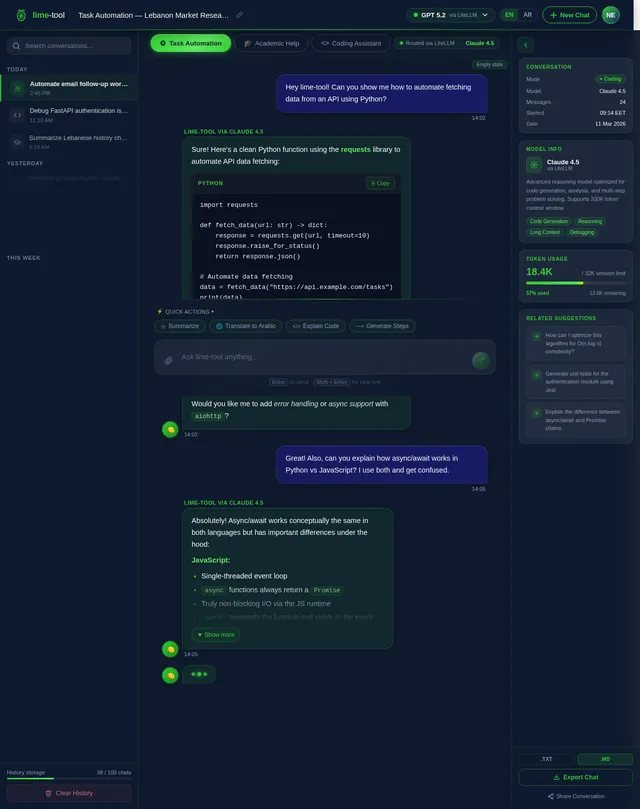
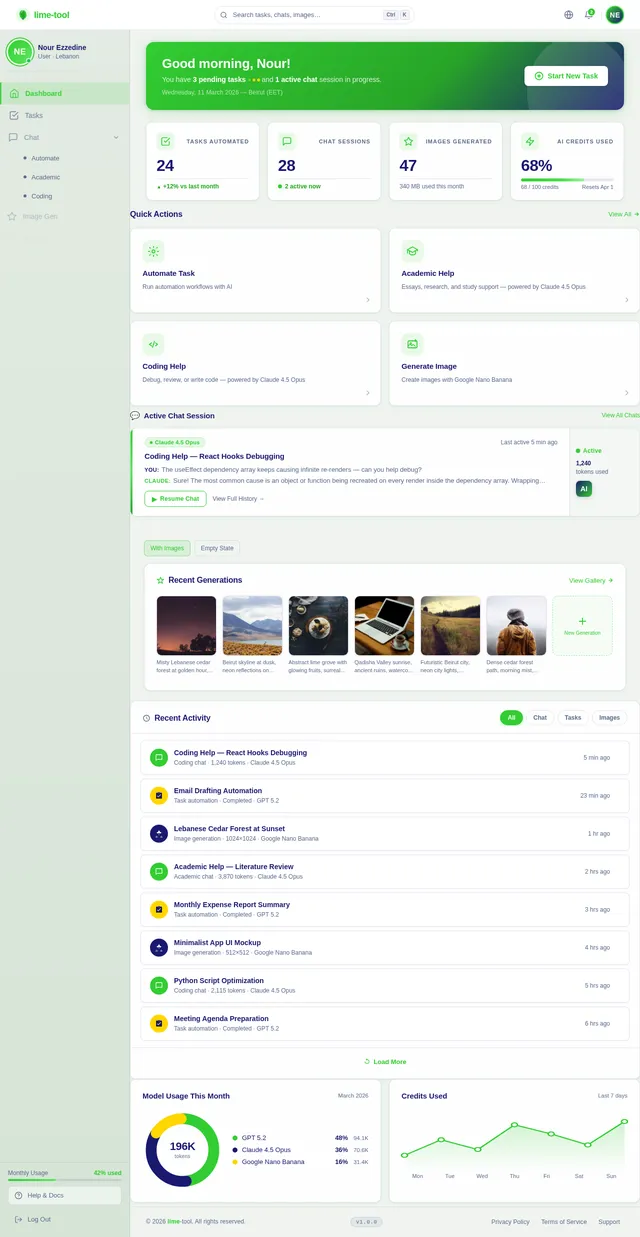
- As a User, I should be able to interact with the AI tool for task automation.
- As a User, I should be able to receive smart, user-friendly responses from the AI.
- As a User, I should be able to access academic or coding assistance via the AI.
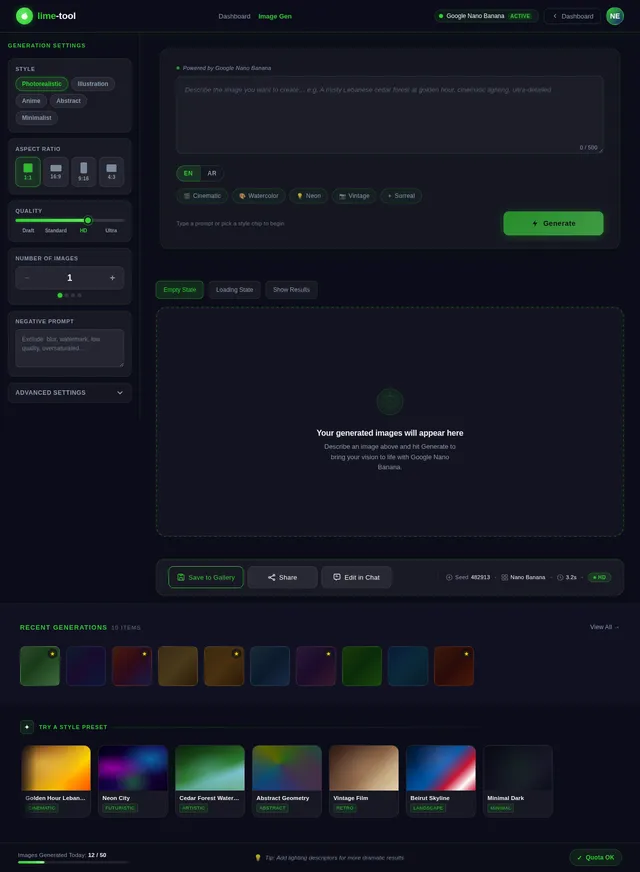
- As a User, I should be able to generate images using AI capabilities.
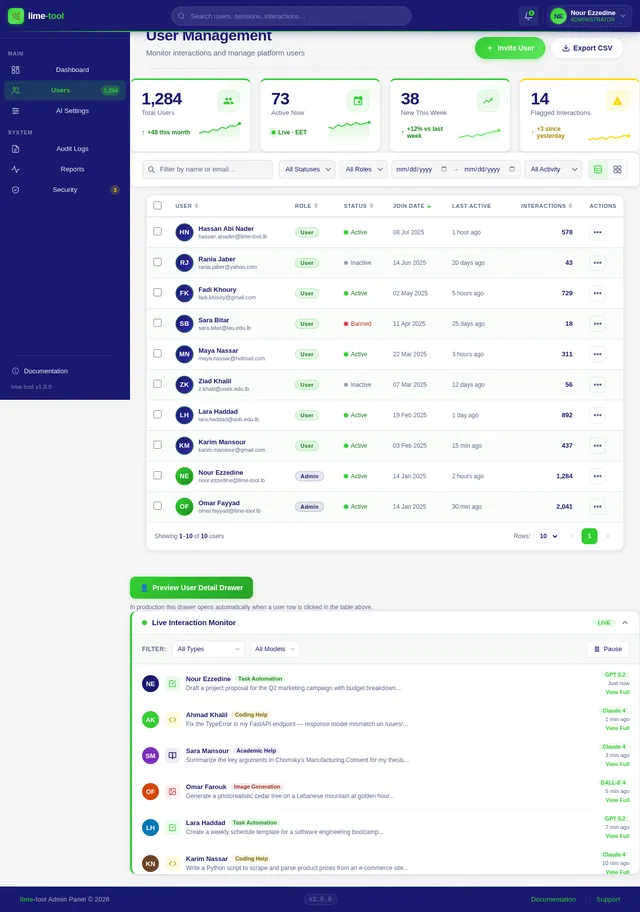
- As an Admin, I should be able to monitor and manage user interactions with the tool.
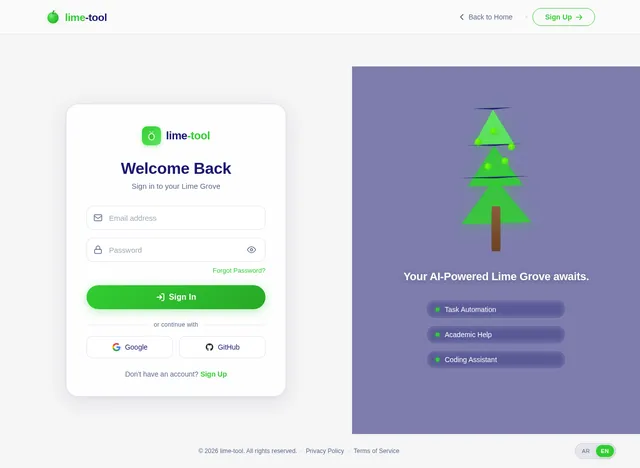
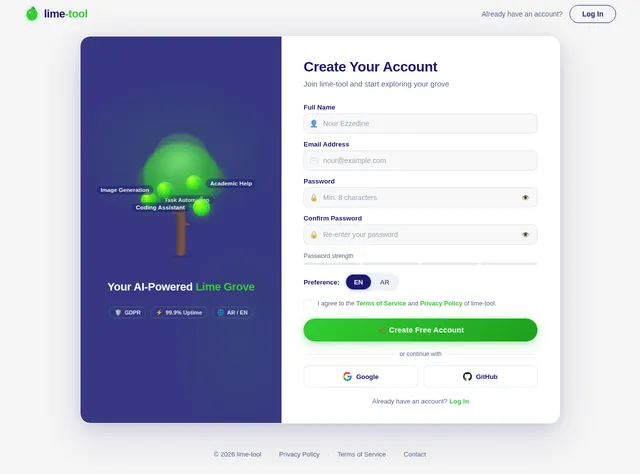
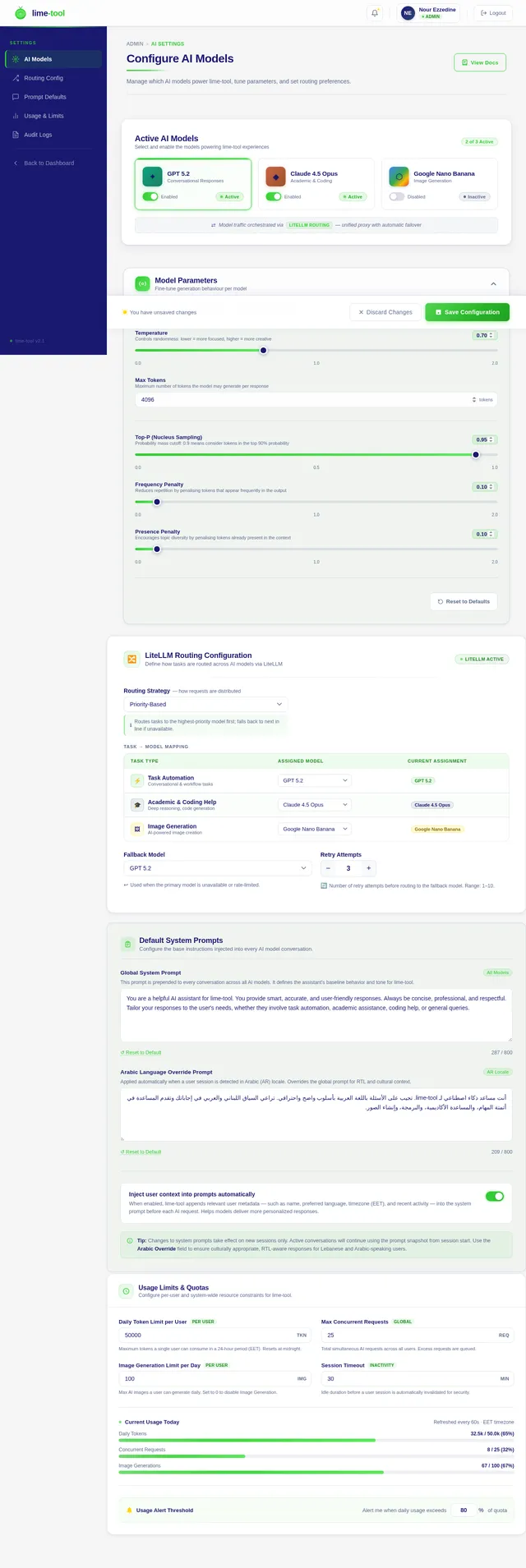
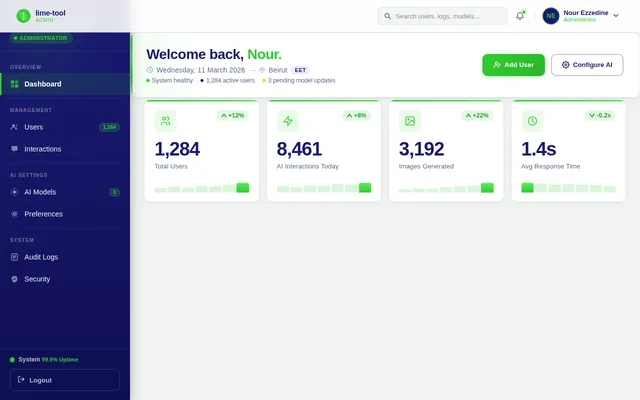
- As an Admin, I should be able to configure AI model preferences and settings.
4. User Personas
The lime-tool will cater to the following user personas:
-
User:
- Primary user of the tool.
- Interacts with the AI for task automation, academic assistance, coding help, and image generation.
- Requires a simple, intuitive interface.
-
Admin:
- Manages the system and monitors user interactions.
- Configures AI settings and oversees system performance.
5. Visuals Colors and Theme
The lime-tool will adopt a modern, clean, and vibrant color scheme to ensure a visually appealing interface. The proposed color palette includes:
- Primary Color: Lime Green (#32CD32) – Represents the project's name and conveys energy and innovation.
- Secondary Color: Midnight Blue (#191970) – Adds depth and professionalism.
- Accent Color: Soft Yellow (#FFD700) – Highlights key elements and interactions.
- Background Color: Light Gray (#F5F5F5) – Ensures readability and a clean look.
The theme will focus on simplicity and elegance, with smooth transitions and minimalistic design elements.
6. Signature Design Concept
Interactive Lime Grove Landing Page
The homepage of lime-tool will feature an immersive, interactive lime grove. Users will be greeted with a 3D-rendered lime tree that grows and evolves as they interact with the tool.
- Visuals: The lime tree will have vibrant green leaves and glowing limes that represent different features of the tool. Each lime will be clickable, leading to a specific functionality (e.g., task automation, academic assistance, image generation).
- Animations: The tree will sway gently in the breeze, and limes will pulse subtly to indicate interactivity. Hovering over a lime will cause it to glow brighter and display a tooltip with a brief description of the feature.
- Transitions: Smooth zoom-in and zoom-out effects will guide users as they navigate through the tree.
- Micro-interactions: Clicking on a lime will trigger a ripple effect, accompanied by a soft chime sound.
- Background: A serene, gradient sky transitioning from dawn to dusk based on the user's local time (Lebanon timezone).
This unique design will make the lime-tool instantly memorable and engaging, setting it apart from conventional AI tools.
7. Non-Functional Requirements
- Performance: The system should respond to user queries within 2 seconds.
- Scalability: The system must support up to 10,000 concurrent users.
- Security: User data must be encrypted and comply with GDPR standards.
- Availability: The system should maintain 99.9% uptime.
- Localization: The tool must support Arabic and English languages.
8. Tech Stack
The lime-tool will utilize the following technologies:
-
Frontend:
- React for Web
-
Backend:
- Python
- FastAPI
-
Database:
- MySQL (with Alembic for migrations)
-
AI Models:
- GPT 5.2 for user-friendly responses
- Claude 4.5 Opas for academic or coding work
- Google Nano Banana for image generation
-
AI Tools:
- Litellm for LLM Routing
- Langchain
-
Local Orchestration:
- Docker
- docker-compose
-
Server-Side Orchestration:
- Kubernetes
9. Assumptions and Constraints
- The system will primarily serve users in Lebanon, but it should be scalable to a global audience.
- The tool will require an active internet connection to function.
- AI model updates and maintenance will be handled by the admin.
- The system will operate within the constraints of the selected tech stack and budget.
10. Glossary
- AI: Artificial Intelligence.
- LLM: Large Language Model.
- GDPR: General Data Protection Regulation.
- Docker: A platform for developing, shipping, and running applications in containers.
- Kubernetes: An open-source system for automating deployment, scaling, and management of containerized applications.
- FastAPI: A modern, fast web framework for building APIs with Python.
- MySQL: A relational database management system.
- Alembic: A database migration tool for SQLAlchemy.
This document provides a detailed roadmap for the development of the lime-tool project. Nour, your vision for an AI tool is now structured and ready for implementation! Let me know if there are any additional changes or features you'd like to include.

Your AI-Powered Lime Grove
Automate tasks, get academic and coding assistance, generate images, and manage it all from one intelligent platform — built for Lebanon, in Arabic and English.
Explore What lime-tool Can Do
Click on each lime to discover powerful AI features designed to boost your productivity.
Task Automation
Automate repetitive tasks with smart AI workflows that save you hours.
Academic Help
Get expert assistance with research, essays, and academic writing.
Coding Assistant
Write, debug, and optimize code across multiple programming languages.
Image Generation
Create stunning visuals from text prompts using advanced AI models.
Admin Panel
Monitor usage, manage users, and configure AI settings with ease.
Multilingual Support
Seamlessly switch between Arabic and English for all interactions.
Task Automation
Automate repetitive tasks with smart AI workflows that save you hours.
Try it →Academic Help
Get expert assistance with research, essays, and academic writing.
Try it →Coding Assistant
Write, debug, and optimize code across multiple programming languages.
Try it →Image Generation
Create stunning visuals from text prompts using advanced AI models.
Try it →Admin Panel
Monitor usage, manage users, and configure AI settings with ease.
Try it →Multilingual Support
Seamlessly switch between Arabic and English for all interactions.
Try it →Everything You Need, Powered by AI
Discover a complete suite of AI-driven tools built for productivity, creativity, and seamless collaboration.
Task Automation
Automate repetitive tasks with intelligent AI workflows. Save hours and focus on what truly matters.
Academic Assistance
Get expert help with research, writing, and problem-solving. Your personal AI-powered study companion.
Coding Help
Debug, refactor, and write code faster with AI-assisted development. Supports multiple languages and frameworks.
Image Generation
Create stunning visuals from text descriptions. Generate artwork, mockups, and graphics in seconds.
Admin Dashboard
Monitor usage, manage users, and configure AI models from a powerful centralized control panel.
Multilingual (AR/EN)
Seamlessly switch between Arabic and English. Full RTL support designed for users in Lebanon and the region.
Get Started in 3 Simple Steps
From sign-up to AI-powered results in under a minute. Here is how lime-tool works for you.
Sign Up / Log In
Create your free account or log in securely. Your data stays protected with end-to-end encryption.
Choose Your Task
Pick from task automation, academic help, coding assistance, or image generation from the lime grove.
Let AI Handle It
Our AI models process your request instantly, delivering accurate results in Arabic or English.
Powered by Best-in-Class AI Models
GPT 5.2
Conversational ResponsesHandles natural dialogue, task planning, and nuanced user queries with human-like precision.
Claude 4
Academic & Coding AssistanceExcels at structured reasoning, code generation, and in-depth academic research tasks.
DALL-E 4
Image GenerationCreates stunning, high-fidelity images from text prompts for creative and professional use.
Routed intelligently by LiteLLM for optimal speed and accuracy
See lime-tool in Action
Discover how our AI-powered platform handles real-world tasks across multiple domains.
Automate Repetitive Tasks with AI Precision
Let lime-tool handle the grunt work. From scheduling to data processing, our AI-powered automation frees you to focus on what truly matters.
- Smart Scheduling — Automate meeting setups, reminders, and follow-ups with natural language commands.
- Data Processing — Parse, transform, and organize large datasets in seconds, not hours.
- Workflow Integration — Connect with your existing tools and automate multi-step workflows effortlessly.
Loved by Users in Lebanon and Beyond
See how lime-tool is making a difference for students, creators, and teams.
“lime-tool has completely transformed how I handle my coursework. The academic assistance and coding help saved me countless hours. The Arabic support makes it feel like it was built just for us!”
“The image generation feature is incredible. I use it daily for client mockups and creative exploration. The AI understands context so well, and the results are stunning every single time.”
“As someone managing a remote team, lime-tool's task automation is a game-changer. The admin dashboard gives me full visibility, and the multilingual support bridges our Arabic-English workflow perfectly.”
Built for Trust
Start Exploring Your Lime Grove Today
Unlock the power of AI for task automation, academic assistance, coding help, and image generation — all in one beautifully crafted tool built for Lebanon and beyond.
No comments yet. Be the first!