lime-tool
Ai tool

Comments (0)
Sign in to leave a comment
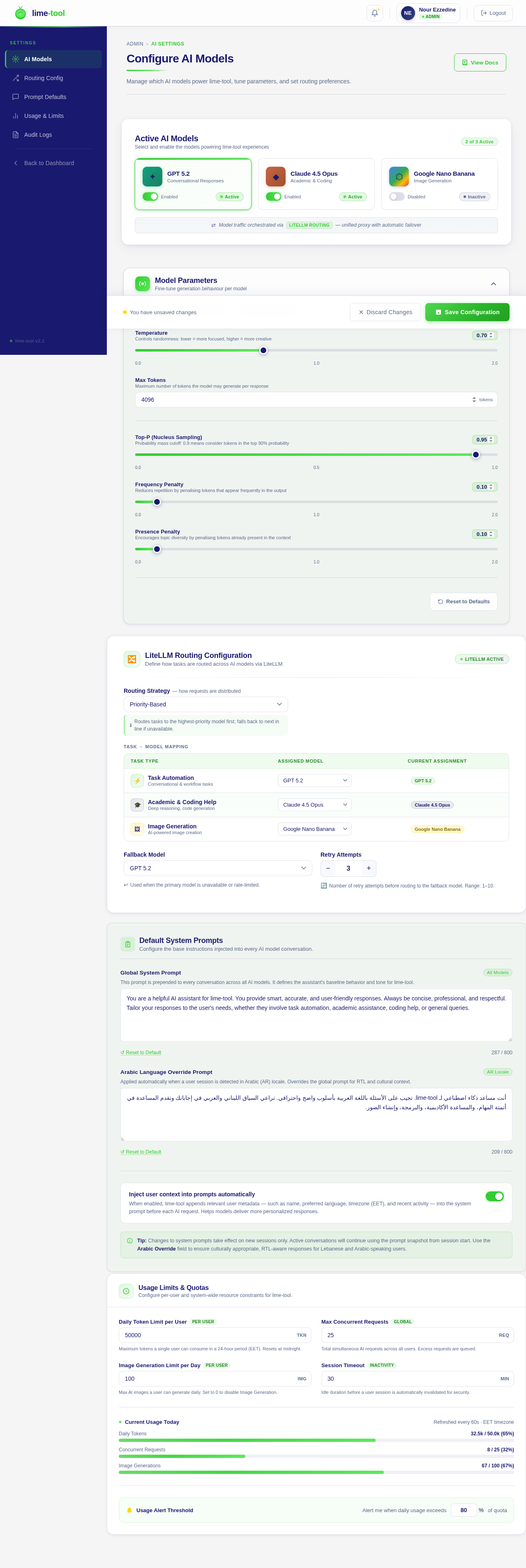
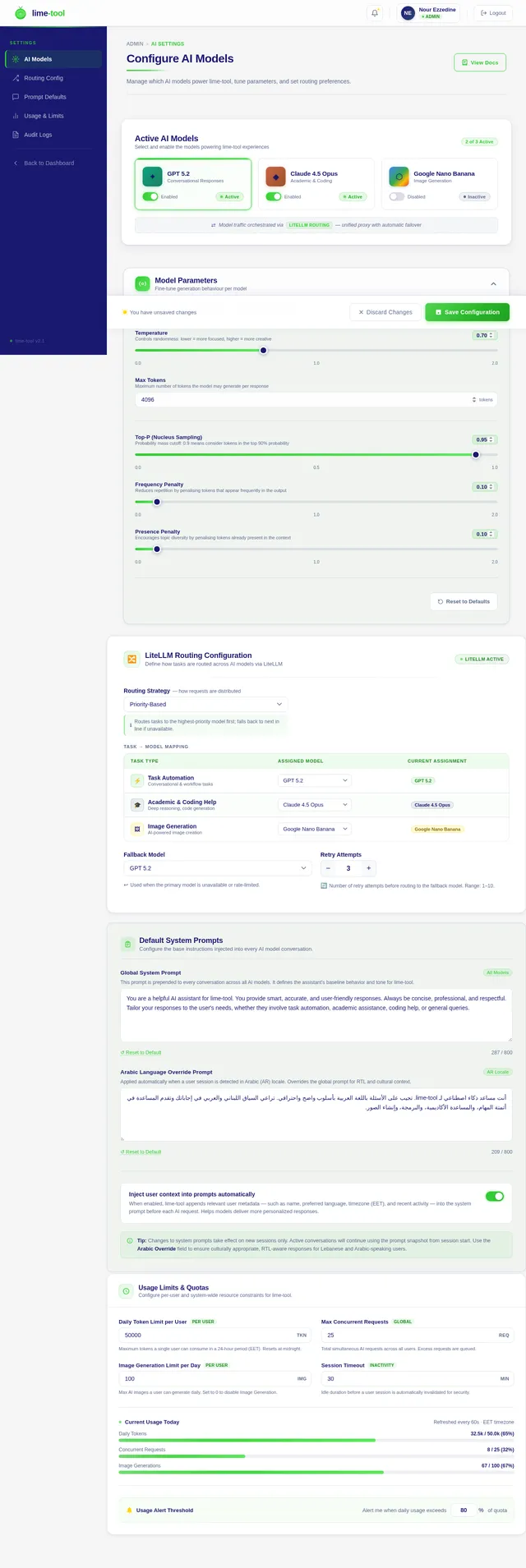
Configure AI Models
Manage which AI models power lime-tool, tune parameters, and set routing preferences.
Active AI Models
Select and enable the models powering lime-tool experiences
GPT 5.2
Conversational Responses
Claude 4.5 Opus
Academic & Coding
Google Nano Banana
Image Generation
LiteLLM Routing Configuration
Define how tasks are routed across AI models via LiteLLM
Task → Model Mapping
| Task Type | Assigned Model | Current Assignment |
|---|---|---|
Task Automation Conversational & workflow tasks | GPT 5.2 | |
Academic & Coding Help Deep reasoning, code generation | Claude 4.5 Opus | |
Image Generation AI-powered image creation | Google Nano Banana |
Default System Prompts
Configure the base instructions injected into every AI model conversation.
This prompt is prepended to every conversation across all AI models. It defines the assistant's baseline behavior and tone for lime-tool.
Applied automatically when a user session is detected in Arabic (AR) locale. Overrides the global prompt for RTL and cultural context.
Inject user context into prompts automatically
When enabled, lime-tool appends relevant user metadata — such as name, preferred language, timezone (EET), and recent activity — into the system prompt before each AI request. Helps models deliver more personalized responses.
Tip: Changes to system prompts take effect on new sessions only. Active conversations will continue using the prompt snapshot from session start. Use the Arabic Override field to ensure culturally appropriate, RTL-aware responses for Lebanese and Arabic-speaking users.
Usage Limits & Quotas
Configure per-user and system-wide resource constraints for lime-tool.
Maximum tokens a single user can consume in a 24-hour period (EET). Resets at midnight.
Total simultaneous AI requests across all users. Excess requests are queued.
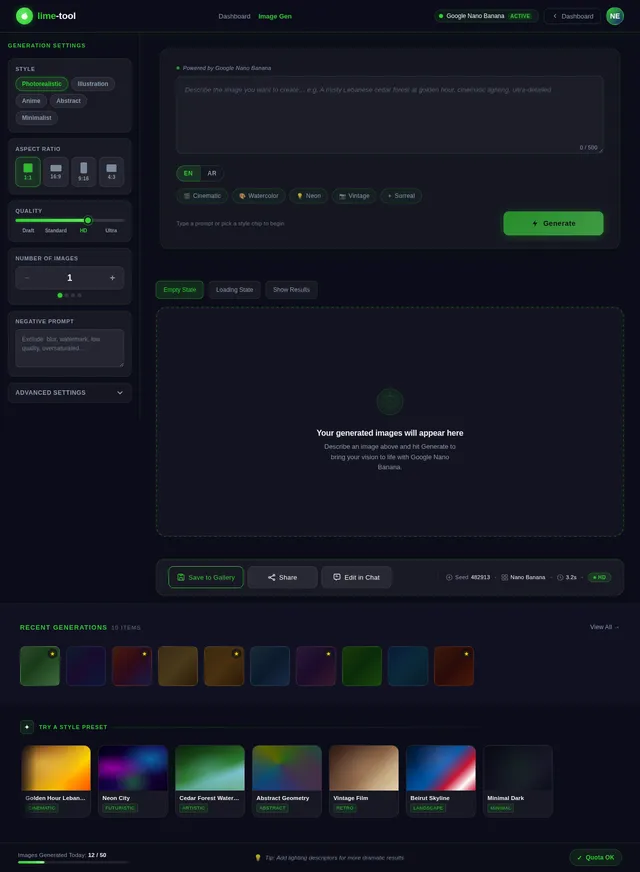
Max AI images a user can generate daily. Set to 0 to disable Image Generation.
Idle duration before a user session is automatically invalidated for security.
No comments yet. Be the first!