
leads-linkedin

byHello Mcdonald

can you build an app that can extract leads from linkedin

LandingLoginExtractionLeads
Landing

Comments (0)

No comments yet. Be the first!

Architecture

leads-linkedin Service Networkv7
Storage
backend : FastAPI (port 7011)
frontend : React UI (port 7012)
Client
POST /api/auth/register, /login
GET/POST/PATCH/DELETE
/api/extraction_runs
POST /complete
GET/POST/PATCH/DELETE
/api/leads
get_current_user
get_current_user
users
extraction_runs
leads (FK run_id)
connectivity check
MariaDB :3306
FastAPI App
/api/auth
(register, login)
/api/extraction_runs
(list, create, complete, patch, delete)
/api/leads
(CRUD)
/health
security.py
JWT + password hashing
get_current_user
App / AppRoutes
AuthContext
localStorage: app_user, auth_token
PrivateRoute guard
(defined, not wired into routes)
Landing Page
(LandingEntryPanel)
Login Page
(LoginForm, RegisterForm)
Extraction Page
(ExtractionRunPanel, ExtractionResultPanel)
Leads Page
(LeadsSavedListSelector, LeadsLeadRowsPanel)
Browser
Live
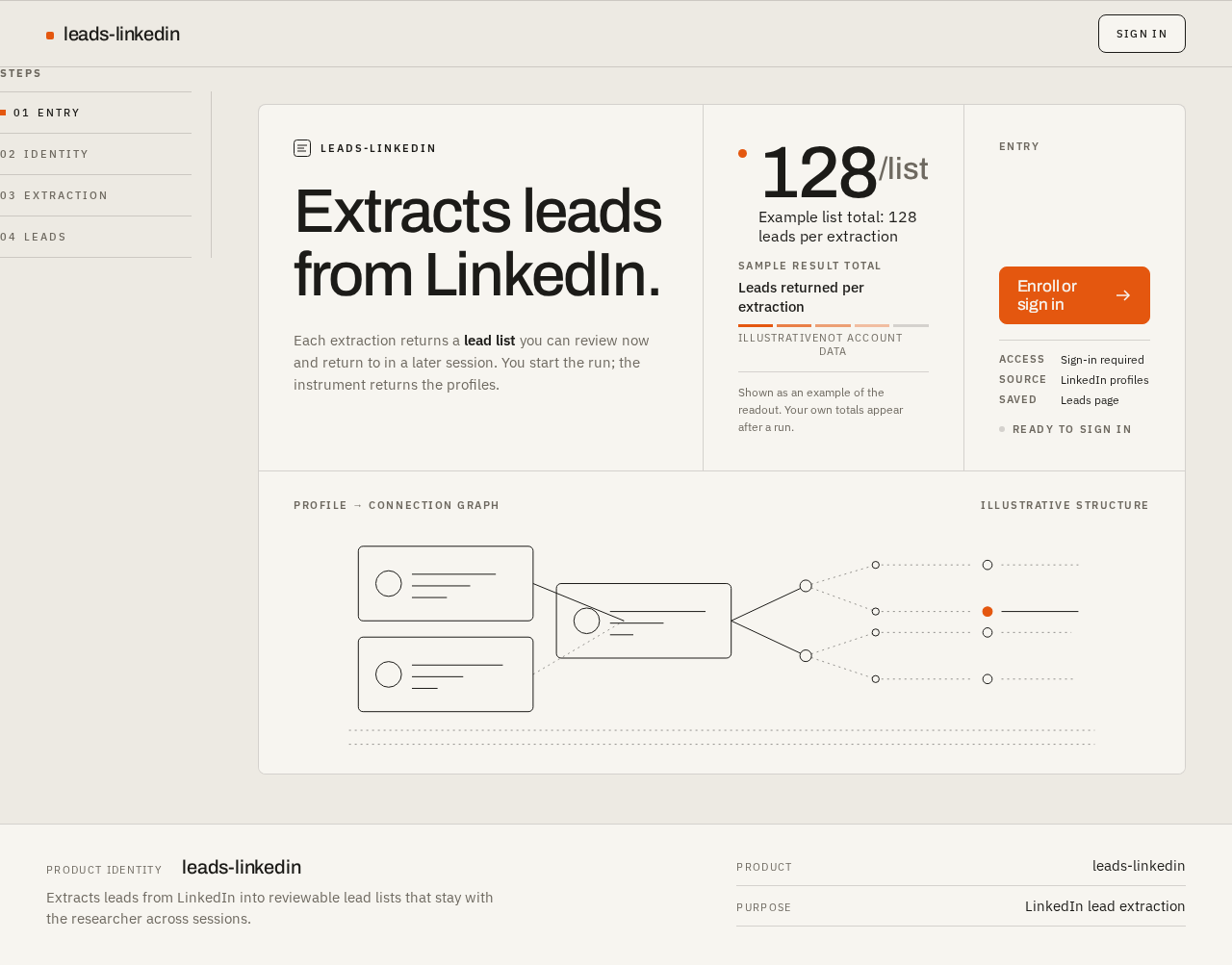
Landing design preview
Landing: Read extraction explanation
Landing: Proceed to Login
Login: Select Enroll mode
Login: 1. Submit credentials
Login: 2. Correct invalid input
Login: 3. Retry failed enrollment
Extraction: 1. Supply extraction input
Extraction: 2. Start extraction run
Extraction: 3. Observe running state
Extraction: 4. Retry failed run
Extraction: 5. Read returned leads
Extraction: 6. View empty result notice
Leads: 7. Open saved lead lists
Leads: 8. Select saved list
Leads: 9. Read lead rows
Leads: 10. Retry failed load
Leads: 11. View no-lists empty state
Login: Select Sign in mode
Login: 1. Submit credentials
Login: 2. Retry failed verification
Login: Switch to Enroll mode
Extraction: 12. Run another extraction
Leads: 13. Select another saved list
Live
Landing design preview
Landing: Read extraction explanation
Landing: Proceed to Login
Login: Select Enroll mode
Login: 1. Submit credentials
Login: 2. Correct invalid input
Login: 3. Retry failed enrollment
Extraction: 1. Supply extraction input
Extraction: 2. Start extraction run
Extraction: 3. Observe running state
Extraction: 4. Retry failed run
Extraction: 5. Read returned leads
Extraction: 6. View empty result notice
Leads: 7. Open saved lead lists
Leads: 8. Select saved list
Leads: 9. Read lead rows
Leads: 10. Retry failed load
Leads: 11. View no-lists empty state
Login: Select Sign in mode
Login: 1. Submit credentials
Login: 2. Retry failed verification
Login: Switch to Enroll mode
Extraction: 12. Run another extraction
Leads: 13. Select another saved list