infini-solar
 Basavesh SY
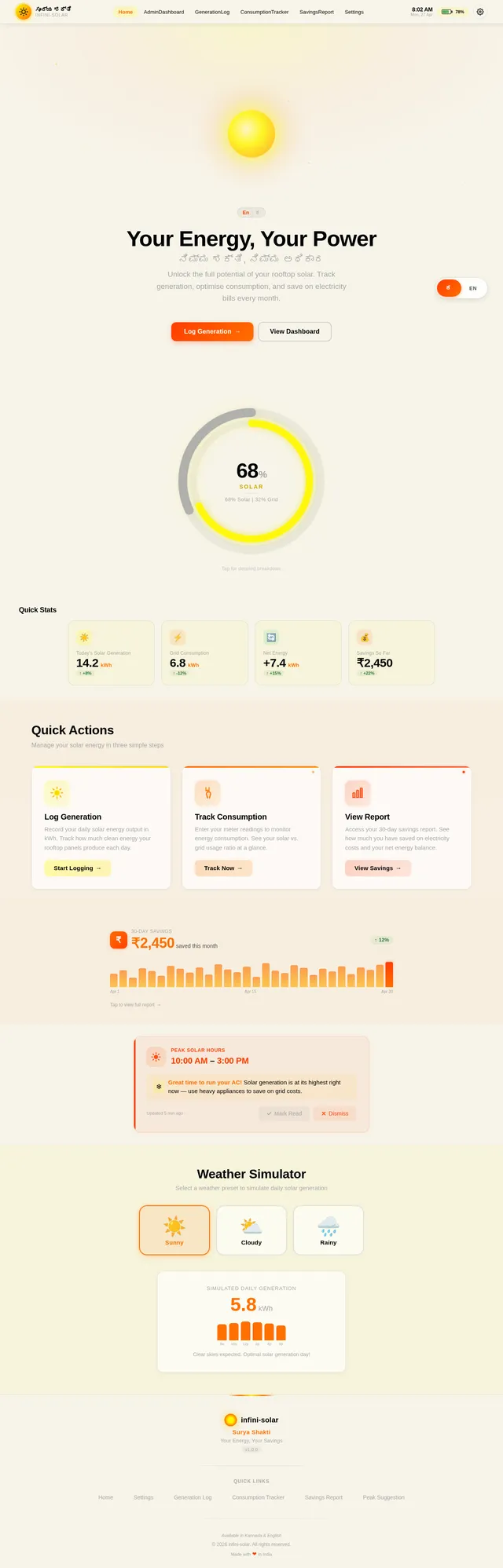
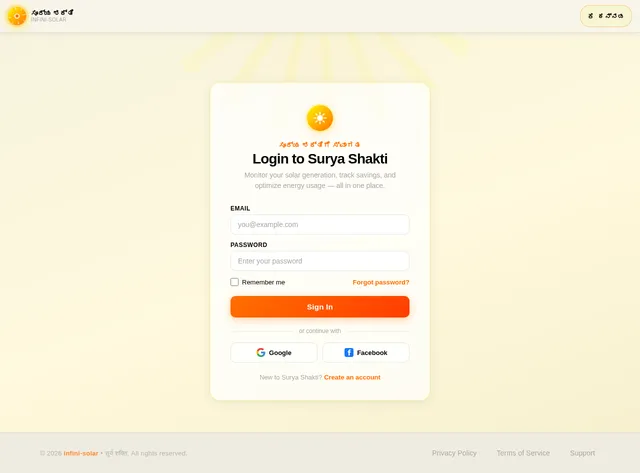
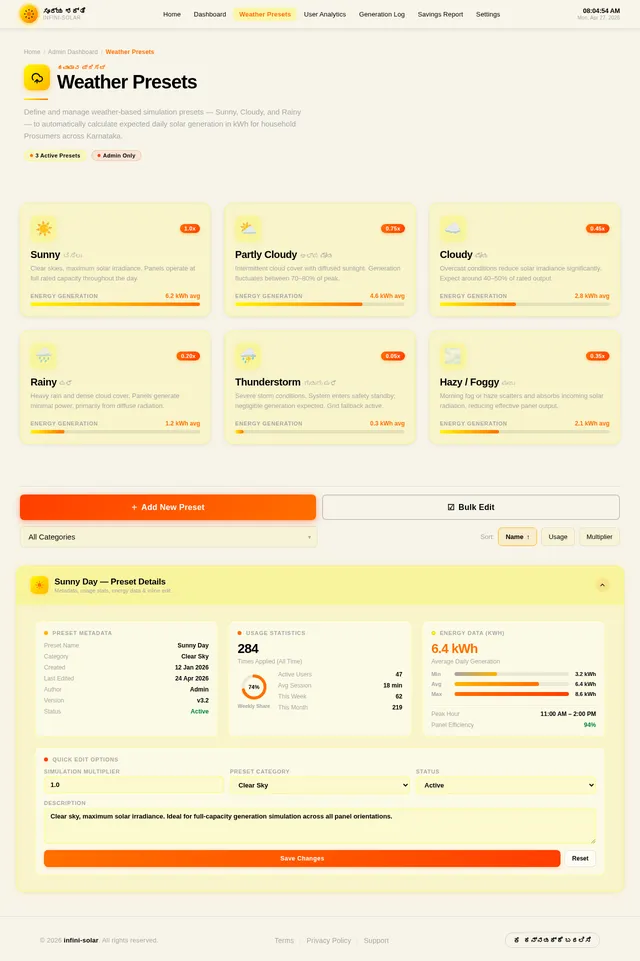
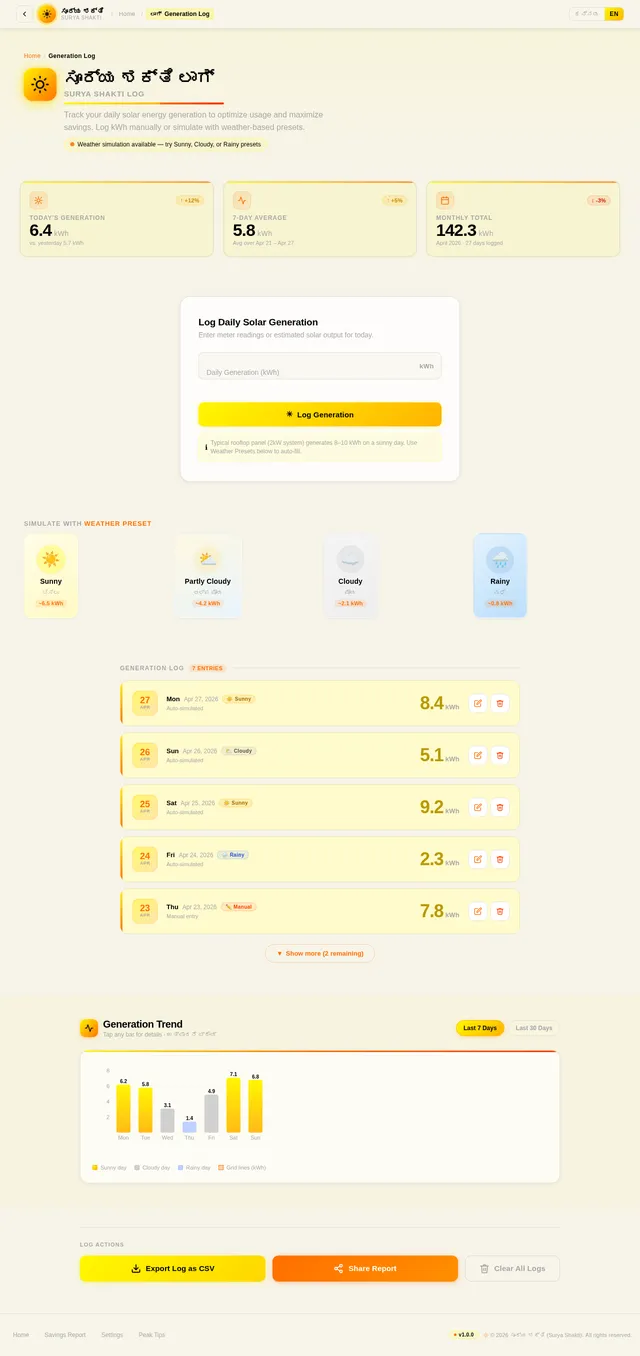
Android App Development using GenAI - Surya-Shakti Solar Monitor (Energy) 1. The Problem Statement: Many households in rural and semi-urban area are installing rooftop solar panels. However, users often don't understand how much energy they are generating versus consuming. Without a simple monitoring tool, they can’t optimize usage (like running a pump during peak sun) to maximize savings. 2. Detailed Description (The Vision) Surya-Shakti is a personal energy dashboard for solar-enabled homes. It turns raw electrical data into a "Visual Energy Budget." The app allows a user to input daily generation and battery levels to see their "Green Energy Independence" score. It helps the common citizen transition from being a consumer to a "Prosumer" (Producer + Consumer). 3. App Usage & User Flow ● Generation Log: Manually enter orsimulate the kWh produced by panels today. ● Consumption Tracker: Enter current meter readingsto calculate net usage. ● Peak Suggestion: A notification saying "High Sun: Ideal time for heavy appliances." ● Savings Report: A 30-day view of electricity costs saved. 4. Technical Implementation & Hints ● Visuals: Use a circular Progress Bar to show the ratio of solar vs. grid usage. ● Simulation: Create a function that varies "Daily Generation" based on a mock weather condition (Cloudy/Sunny). ● Storage: Use Room DB for persistent daily energy logs. 5. Impact Goals ● Renewable Transition: Accelerating the adoption of clean energy at the household level. ● Energy Security: Reducing the load on the central power grid. ● Economic Savings: Putting money back into the hands of citizensthrough lower bills. 6. Success Criteria for Students ● The app must accurately calculate "Net Savings" based on a set per-unit rate. ● The UI must be high-contrast (Yellow/Black) for readability in sunlight. ● The logic must handle "Over-generation" scenarios(Export to grid) App name should be ಸೂರ್ಯ ಶಕ್ತಿ (in kannada only) with app icon as Sun image Application should have responsive ui with stunning animations and colorful and beautiful with quick response Android studio kotlin
Comments (0)
Sign in to leave a comment
No comments yet. Be the first!