indigo-tic
 Priyal Vadgama
make me a tic tac toe app

Comments (0)
Sign in to leave a comment
Project Tasks
19 planning tasksGenerate system requirement document
Generate personas & user flows
Create flow for Player
Landing
Fix Landing review finding: Q1 as reviewed now: The current desktop screenshot still…
Fix Landing review findings: Q1 as reviewed now: The tablet landing composition also… (+1 more)
Landing / Navigation
Landing / Hero Field
Landing / Intro Copy
Landing / Play Action
Landing / Demo Board
Landing / Footer
Fix Landing: The landing composition does not follow the explicit hero layout: the demo board is not…
Fix Landing: The demo does not play a self-solving game: its supplied move sequence , , , , ends with…
Navigation
Footer
Game
Architecture
Workspace task plan
Three in a row, two players, one screen
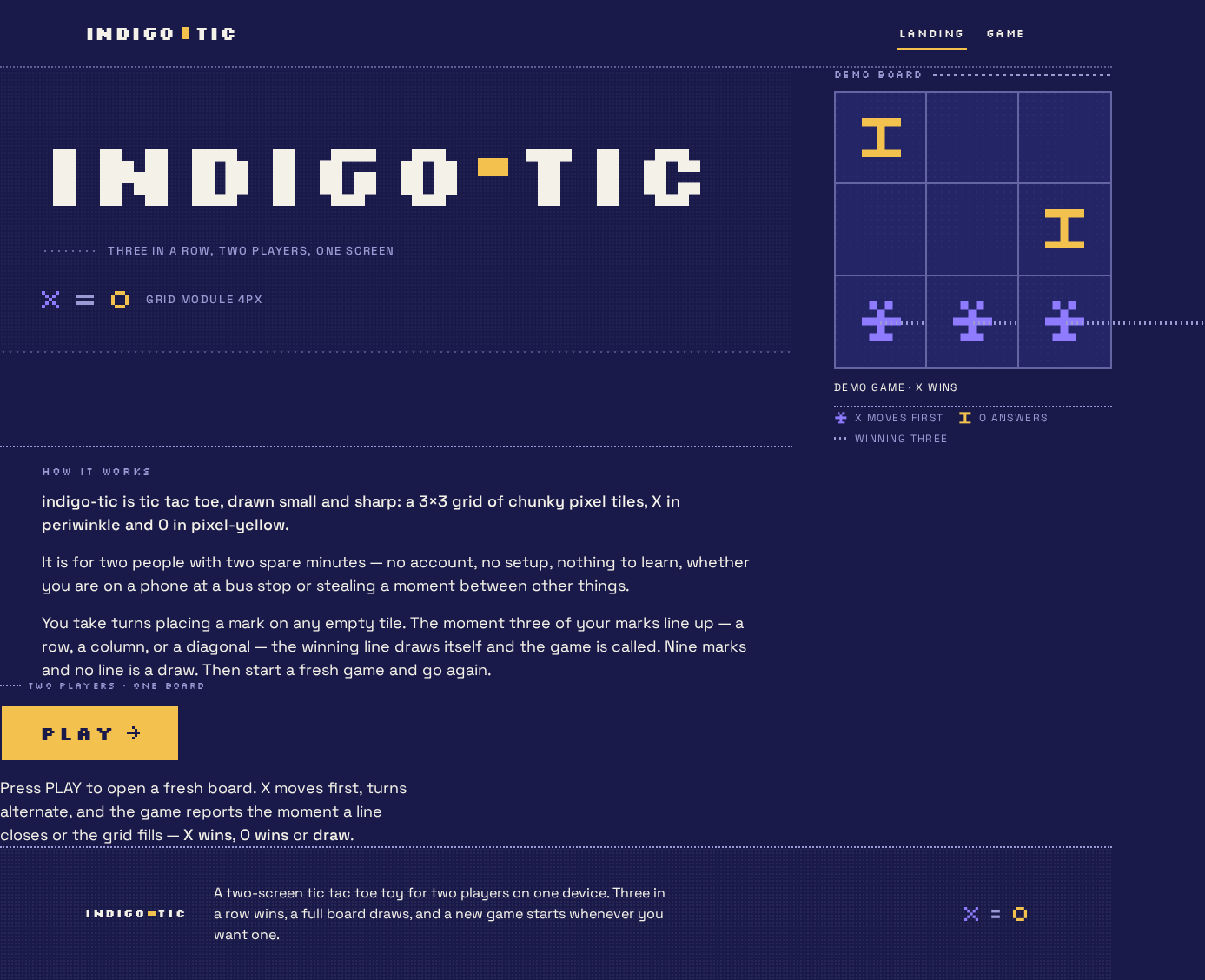
indigo-tic is tic tac toe, drawn small and sharp: a 3×3 grid of chunky pixel tiles, X in periwinkle and O in pixel-yellow.
It is for two people with two spare minutes — no account, no setup, nothing to learn, whether you are on a phone at a bus stop or stealing a moment between other things.
You take turns placing a mark on any empty tile. The moment three of your marks line up — a row, a column, or a diagonal — the winning line draws itself and the game is called. Nine marks and no line is a draw. Then start a fresh game and go again.
Two players · one board
PLAYPress PLAY to open a fresh board. X moves first, turns alternate, and the game reports the moment a line closes or the grid fills — X wins, O wins or draw.
Demo game · X WINS
Three in a row, two players, one screen
indigo-tic is tic tac toe, drawn small and sharp: a 3×3 grid of chunky pixel tiles, X in periwinkle and O in pixel-yellow.
It is for two people with two spare minutes — no account, no setup, nothing to learn, whether you are on a phone at a bus stop or stealing a moment between other things.
You take turns placing a mark on any empty tile. The moment three of your marks line up — a row, a column, or a diagonal — the winning line draws itself and the game is called. Nine marks and no line is a draw. Then start a fresh game and go again.
Two players · one board
PLAYPress PLAY to open a fresh board. X moves first, turns alternate, and the game reports the moment a line closes or the grid fills — X wins, O wins or draw.
Demo game · X WINS
No comments yet. Be the first!