icy-habit
byJourney QA mobile
Build Daylight, a simple personal habit tracker. Include a dashboard with daily progress, a habits page to add and complete habits, and a weekly insights page. Use a clean, friendly design with teal accents. Keep the first version focused on these three pages.


Comments (0)
Sign in to leave a comment
Project Tasks
28 planning tasks#1
Generate system requirement document
0m 49s0.05 cr used
Done#2
Generate personas & user flows
0m 7s0.05 cr used
Done#5
Architecture
0.05 cr needed
Paused#6
Workspace task plan
0.05 cr needed
Paused#7
Create flow for Habit tracker user
0m 5sCredits in parent
Done#8
Landing
1m 33sCredits in subtasks
Done#9
Sign Up
2m 0sCredits in subtasks
Done#10
Dashboard
2m 17sCredits in subtasks
Done#11
Login
2m 30sCredits in subtasks
Paused#12
Habits
2m 30sCredits in subtasks
Paused#13
Weekly Insights
2m 30sCredits in subtasks
Paused#14
Landing / Header
0m 0s0.85 cr used
Done#15
Landing / Hero
0m 22s0.85 cr used
Done#16
Landing / Footer
0m 0s0.85 cr used
Done#17
Daylight Header
0m 17sCredits in parent
Done#18
Footer
0m 13sCredits in parent
Done#19
Sign Up / Header
0m 0s0.85 cr used
Done#20
Sign Up / Enrollment
0m 46s0.85 cr used
Done#21
Sign Up / Footer
0m 0s0.85 cr used
Done#22
Dashboard / Daylight Header
0m 0s0.85 cr used
Done#23
Dashboard / Progress
0m 27s0.85 cr used
Done#24
Dashboard / Footer
0m 0s0.85 cr used
Done#25
Login / Header Slot
0.85 cr needed
Paused#26
Login / Credentials
0.85 cr needed
Paused#27
Login / Footer Slot
0.85 cr needed
Paused#28
Habits / Header Slot
0.85 cr needed
Paused#29
Habits / Workspace
0.85 cr needed
Paused#30
Habits / Footer Slot
0.85 cr needed
Paused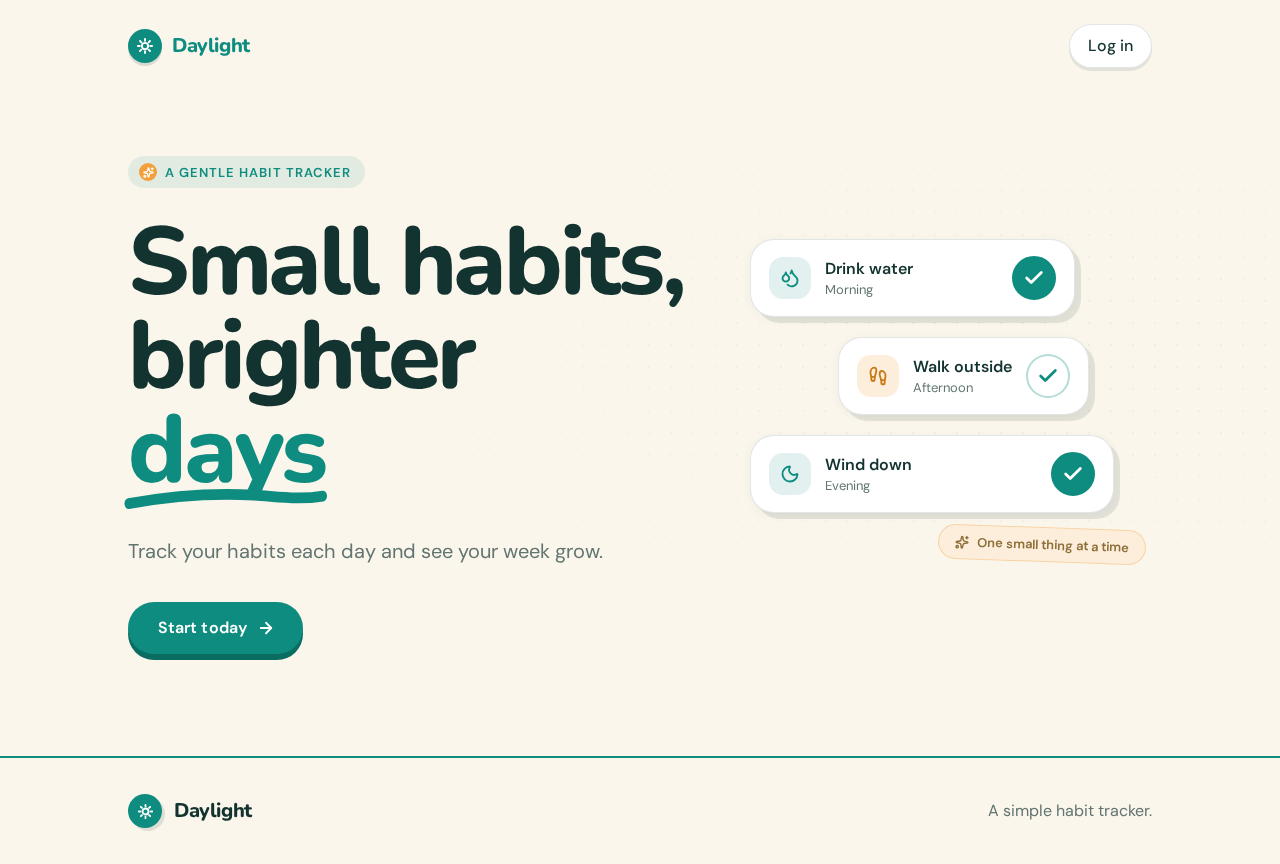
A gentle habit tracker
Small habits,brighterdays
Track your habits each day and see your week grow.
Start todayDrink water
Walk outside
Wind down
A gentle habit tracker
Small habits,brighterdays
Track your habits each day and see your week grow.
Start todayDrink water
Walk outside
Wind down
No comments yet. Be the first!