hyper-start
by Diya Trivedi
Diya Trivedistart a project to build simple single page of calculator

Comments (0)
Sign in to leave a comment
Project Tasks
13 planning tasks#4
Generate system requirement document
0m 36s0.05 cr needed
Done#5
Generate personas & user flows
0m 3s0.05 cr needed
Done#7
Create flow for Calculator User
0m 3sCredits in parent
Done#8
Calculator
2m 50sCredits in subtasks
Done#14
Fix Calculator review findings: The decorative red block causes horizontal page overflow… (+2 more)
0m 35s0.02 cr used
Done#9
Calculator / Poster Wordmark
0m 38s0.85 cr used
Done#10
Calculator / Keypad Panel
0m 32s0.85 cr used
Done#11
Fix Calculator: The decorative red block causes horizontal page overflow on desktop; see , selector .
1m 4sCredits unavailable
Done#12
Fix Calculator: The keypad omits the required key, so users cannot enter calculations containing that…
1m 4sCredits unavailable
Done#13
Fix Calculator: Is attached to the containing only the keypad, so keyboard input is ignored unless that…
1m 4sCredits unavailable
Done#6
Design remaining pages
Not recorded0.05 cr needed
Done#1
Architecture
0.05 cr needed
Backlog#3
Workspace task plan
0.05 cr needed
Backlog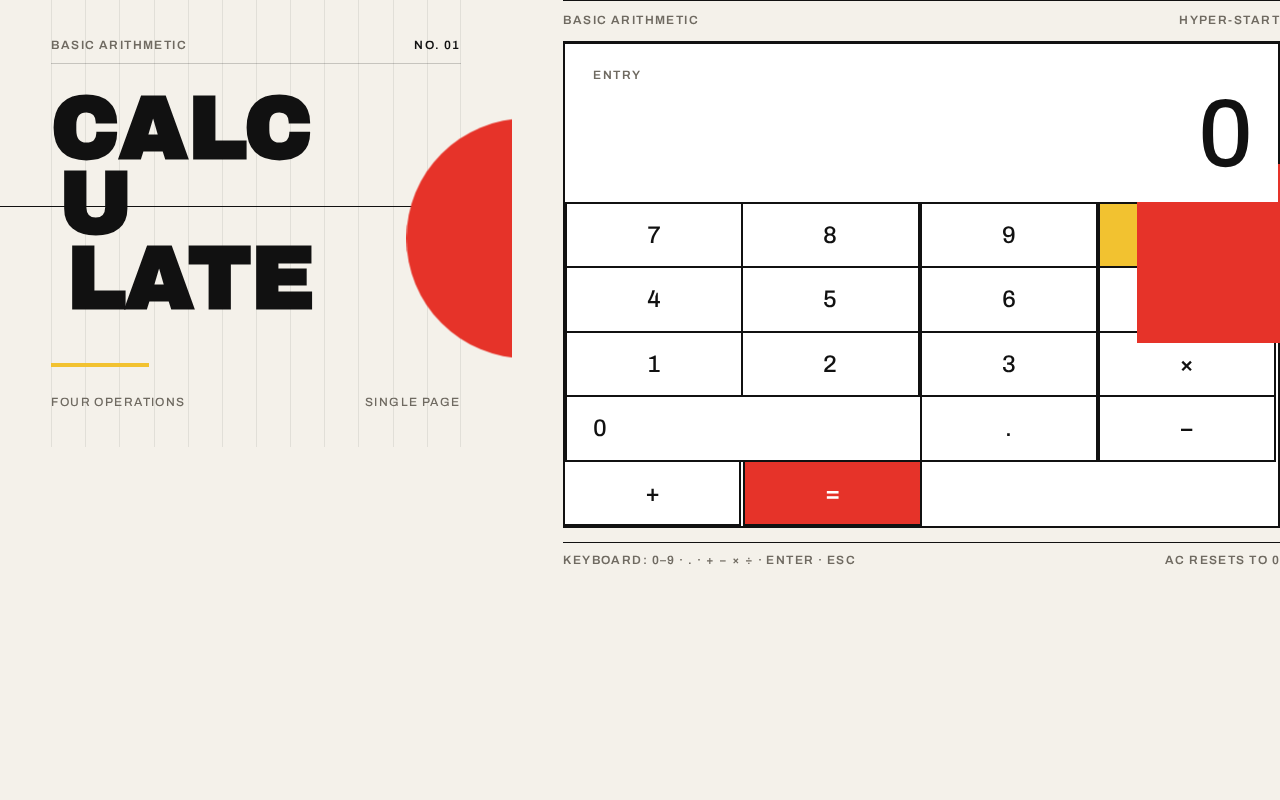
Basic Arithmetic
Four operationsSingle page
Basic arithmetichyper-start
Keyboard: 0–9 · . · + − × ÷ · Enter · EscAC resets to 0
Basic Arithmetic
Four operationsSingle page
Basic arithmetichyper-start
Keyboard: 0–9 · . · + − × ÷ · Enter · EscAC resets to 0
No comments yet. Be the first!