hardy-dashboard
 Hiren Gandhi
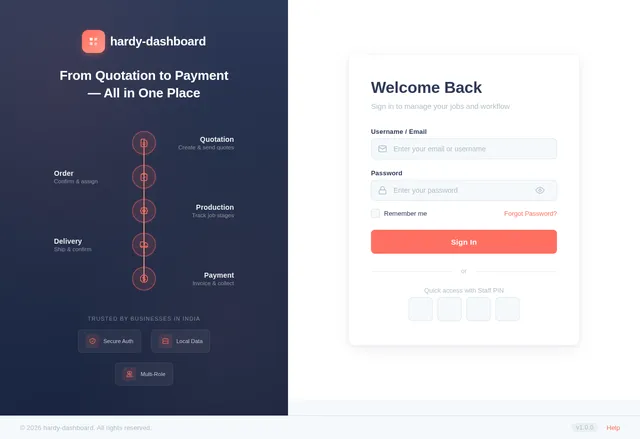
Dashboard Overview of total jobs (Active, Completed, Pending) Daily/Monthly revenue summary Pending payments & overdue invoices Recent activities timeline 2. Customer Management Add/Edit/Delete customer Fields: Customer Name Contact Number Email Company Name Address View complete job history per customer 3. Job Management (Main Module) Each job should include: Date Customer Name (linked to customer module) Job Description Quantity / Specifications Status Tracker: Quotation Order Confirmed Printing Binding Delivery Priority (Normal / Urgent) Notes / Attachments (design files, PDFs) 4. Quotation Management Create & send quotation Auto-generate quotation number Fields: Job details Price breakdown Taxes Total amount Option to convert quotation → order 5. Order Management Convert quotation into confirmed order Track order status Assign production stage 6. Production Tracking Track job stages: Printing Binding Ready for Delivery Assign responsible staff Status updates with timestamps 7. Delivery Management Delivery Date Delivery Status (Pending / Delivered) Delivery notes Option to upload proof (signature/image) 8. Invoice Management Generate invoice automatically from order Unique invoice number GST calculation (if applicable) Download as PDF 9. Payment Tracking Payment Status (Paid / Partial / Pending) Payment Method (Cash / UPI / Bank / Cheque) Payment Date Outstanding balance tracking 🔸 Additional Features 🔍 Search & Filter (by customer, date, status) 📊 Reports: Sales report Pending jobs Payment report 🔔 Notifications: Pending delivery alerts Payment reminders 📁 File Upload (designs, proofs) 👥 Multi-user roles (Admin / Staff) 🔸 Technical Requirements Web-based responsive application Backend: Node.js / Django / Laravel (any scalable framework) Database: MySQL / PostgreSQL Authentication: Secure login system API-ready architecture Cloud storage integration (optional) 🔸 UI/UX Guidelines Clean and minimal interface Color-coded job statuses Easy navigation with sidebar Mobile-friendly dashboard 🔸 Goal Build a CRM that: Simplifies job tracking Reduces manual errors Improves customer handling Gives complete visibility from quotation to payment
Comments (0)
Sign in to leave a comment
Architecture
No Services Diagrams Yet
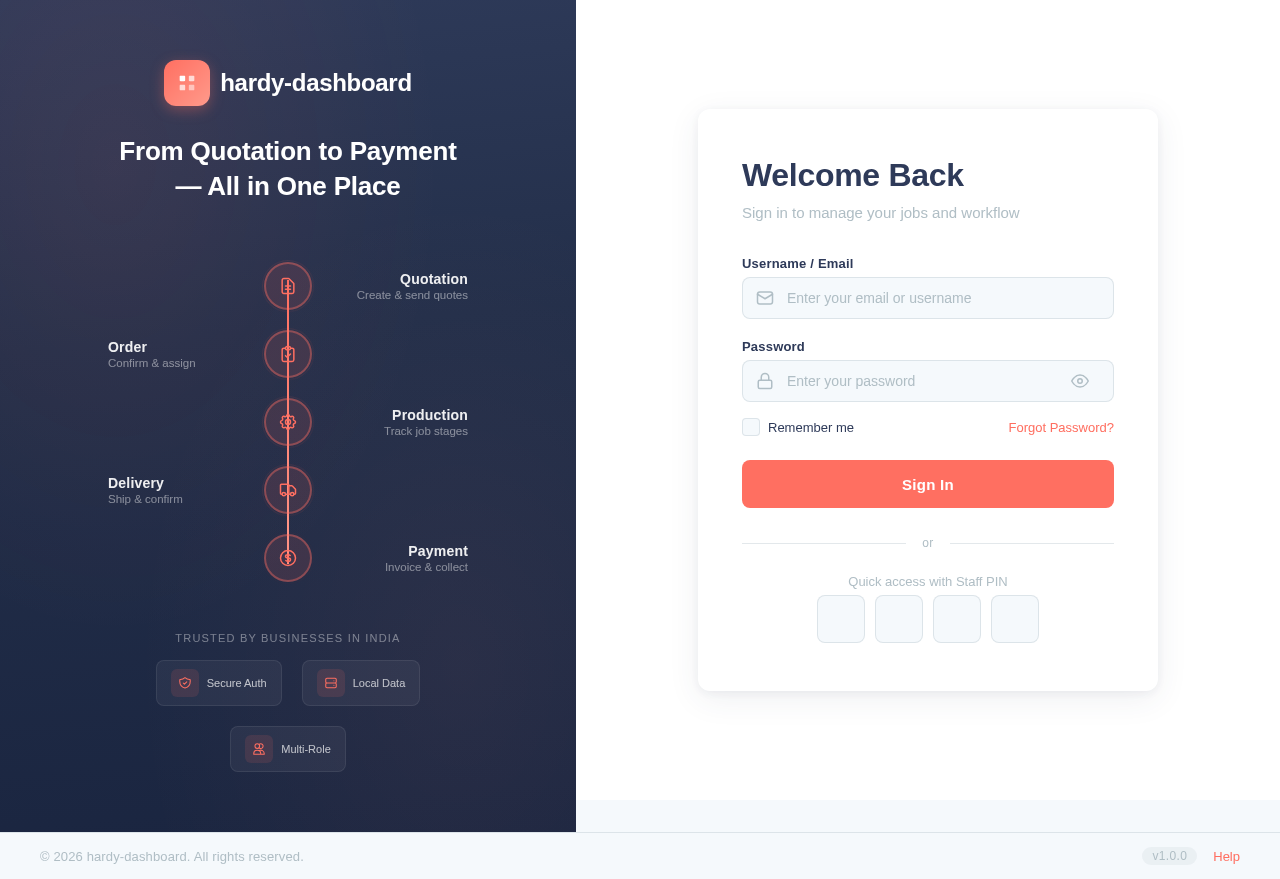
Welcome Back
Sign in to manage your jobs and workflow
No comments yet. Be the first!