green-dashboard
 Harshil vaja
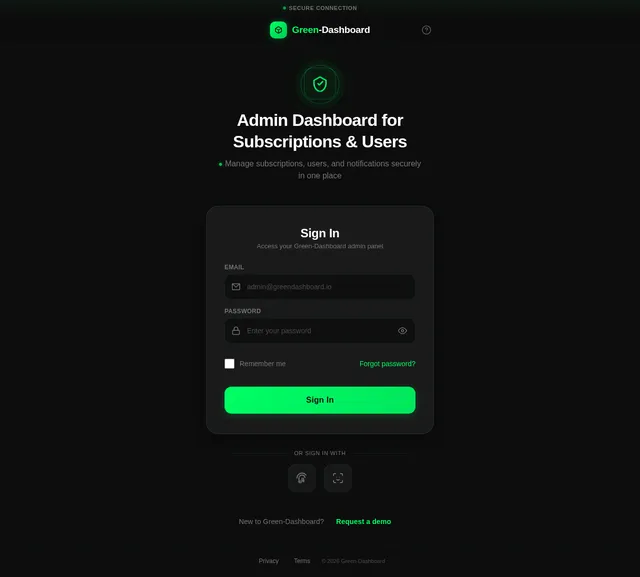
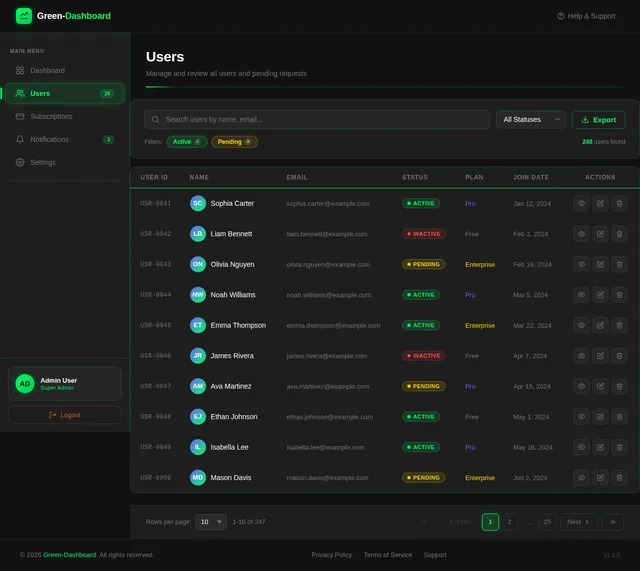
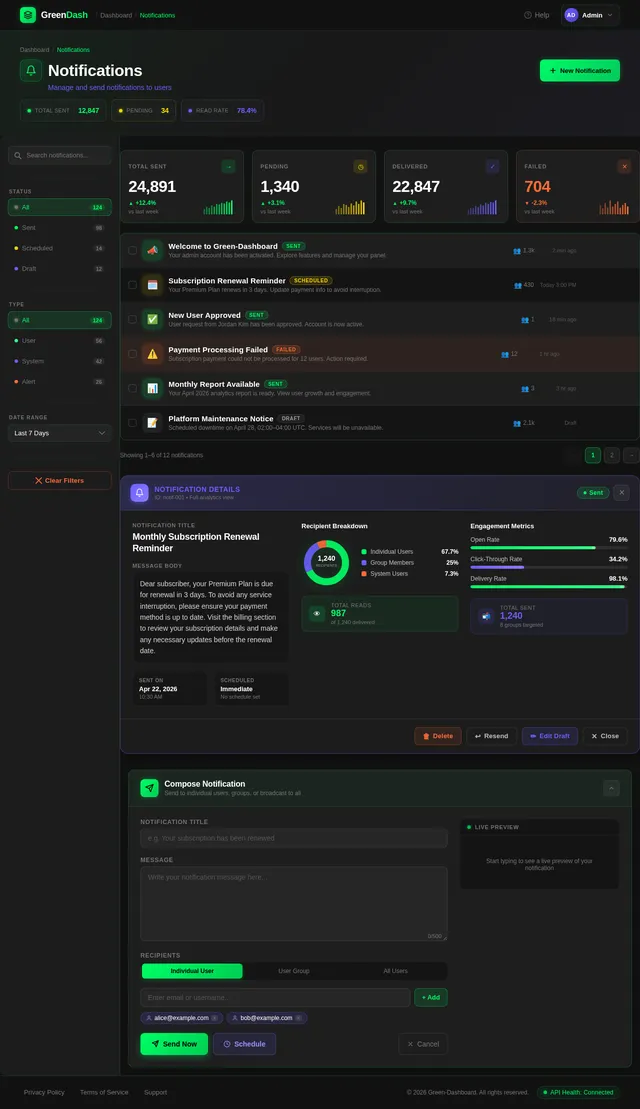
The admin panel flow starts with a secure login, after which the admin lands on a dashboard that acts as the main control center. This dashboard displays key summary information such as total users, active subscriptions, pending user requests, and notifications sent, along with clear navigation options to three main sections: Subscription Management, User Management, and Notification Management. In Subscription Management, the admin can view a list of all plans, add new plans, update existing ones, and activate or deactivate them using simple controls. In User Management, all users are listed with their current status, and when a new user signs up, they appear in a pending request list where the admin can approve or reject their access; the admin can also view user details and manage their active status. In Notification Management, the admin can manually send notifications to individual users, selected groups, or all users, and also view a complete history of sent notifications with details like message content, target audience, and timestamps. Overall, the flow is designed to be simple, structured, and efficient, allowing the admin to quickly manage subscriptions, users, and communications from a centralized mobile interface. i share my screen according to create ui.
Comments (0)
Sign in to leave a comment
Architecture
No Services Diagrams Yet
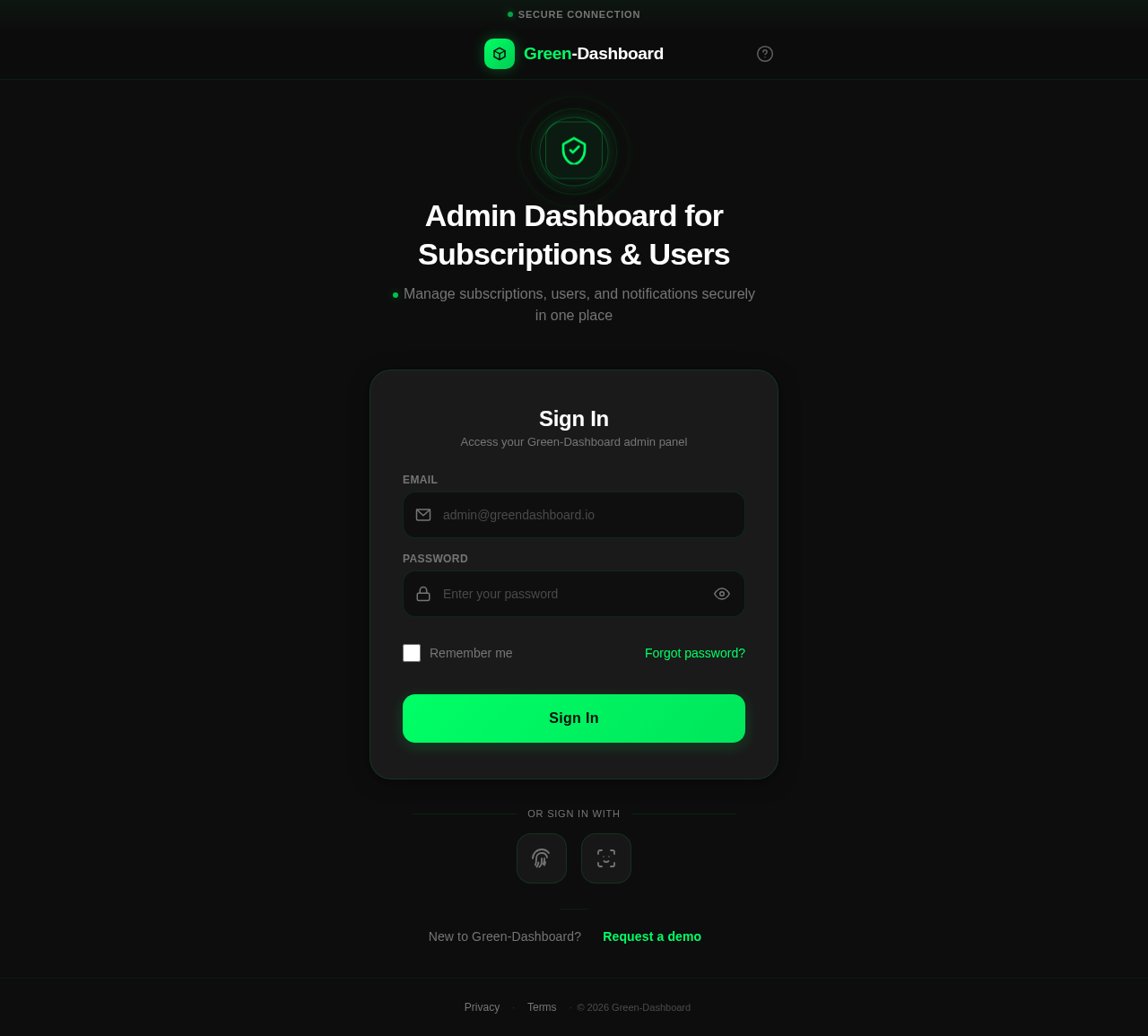
Admin Dashboard for Subscriptions & Users
Manage subscriptions, users, and notifications securely in one place
New to Green-Dashboard? Request a demo
No comments yet. Be the first!