Up to 30% off running
Selected Volt Runner colourways
 Harshil Vaja
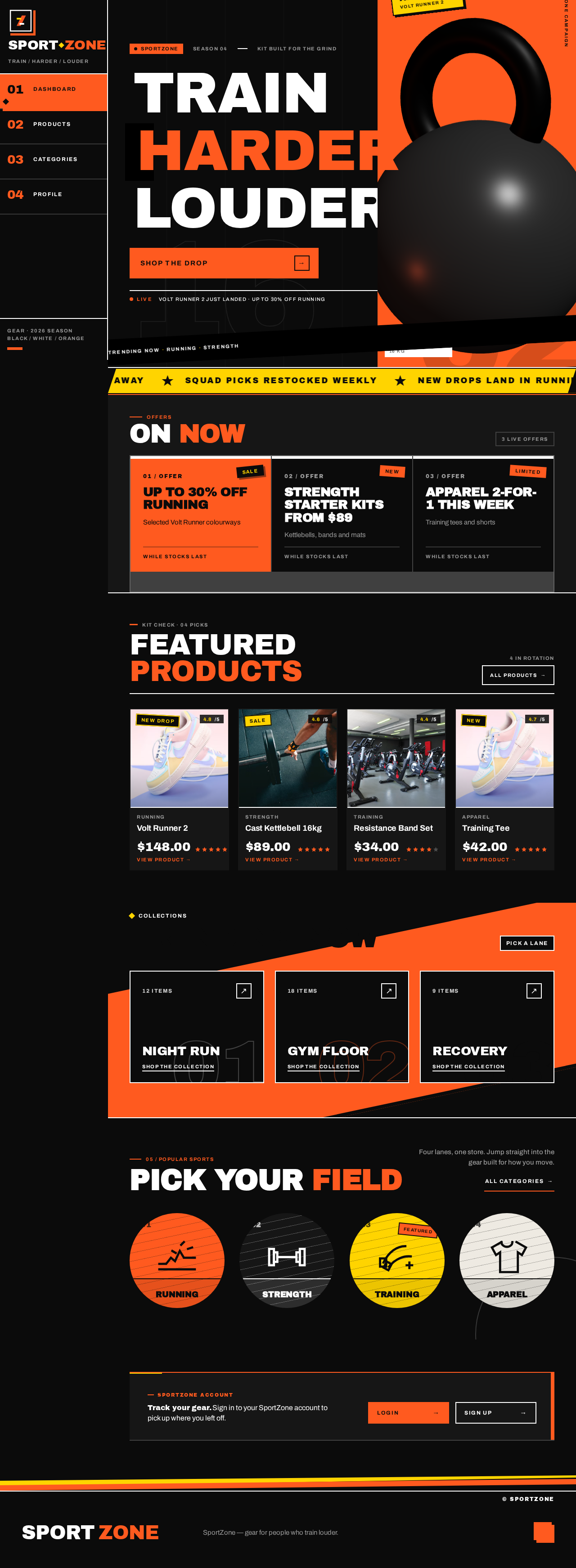
Create a modern, responsive sports and fitness e-commerce website called **SportZone** with a professional, energetic UI. Create a dashboard/homepage featuring a hero banner, promotional offers, featured products, trending collections, and popular sports categories. Add a product listing page with product cards, images, prices, ratings, category filters, and a search bar. Create a product details page with large product images, descriptions, specifications, available sizes, colors, prices, and ratings. Design a user profile page displaying profile information, personal details, and account settings. Include a clean sidebar or navigation bar linking the dashboard, products, categories, and profile pages. Use a bold sports-inspired design with black, white, and vibrant orange accents, modern typography, and consistent spacing. Ensure all pages are visually polished, responsive, and navigable, with working buttons, filters, and page transitions using realistic sample data.


Sign in to leave a comment
Free sizing guide one tap away · Squad picks restocked weekly · New drops land in Running · Strength gear built for the floor
Selected Volt Runner colourways
Kettlebells, bands and mats
Training tees and shorts
05 / Popular sports
Four lanes, one store. Jump straight into the gear built for how you move.
All categoriesFree sizing guide one tap away · Squad picks restocked weekly · New drops land in Running · Strength gear built for the floor
Selected Volt Runner colourways
Kettlebells, bands and mats
Training tees and shorts
05 / Popular sports
Four lanes, one store. Jump straight into the gear built for how you move.
All categories



No comments yet. Be the first!