ATS Compatibility
ATS compatibility score
See how well your resume parses through Applicant Tracking Systems before a recruiter ever opens it.
 Mandy Lawn
Build a production-ready AI Resume Analyzer web application. Users should upload a PDF resume, select a target job description, and receive an analysis of ATS compatibility, missing skills, keyword matching, experience alignment, and actionable improvement suggestions. Include authentication, dashboard, resume history, job-description input, analysis results, and downloadable report. Use a clean modern responsive UI. Separate frontend, backend API, database and AI processing. Include proper validation, error handling, loading states and tests.


Sign in to leave a comment
Analysis Output
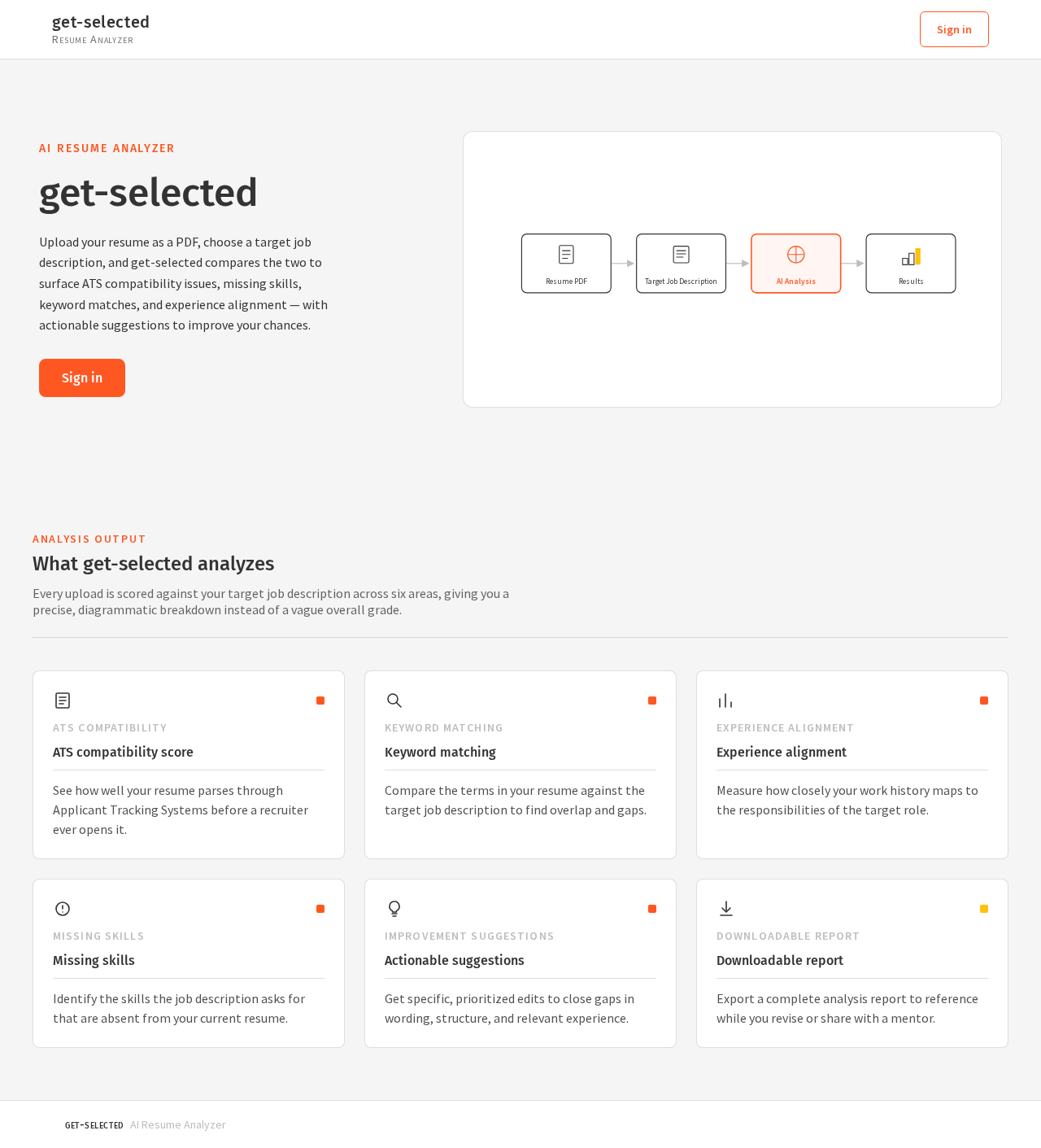
Every upload is scored against your target job description across six areas, giving you a precise, diagrammatic breakdown instead of a vague overall grade.
ATS Compatibility
See how well your resume parses through Applicant Tracking Systems before a recruiter ever opens it.
Keyword Matching
Compare the terms in your resume against the target job description to find overlap and gaps.
Experience Alignment
Measure how closely your work history maps to the responsibilities of the target role.
Missing Skills
Identify the skills the job description asks for that are absent from your current resume.
Improvement Suggestions
Get specific, prioritized edits to close gaps in wording, structure, and relevant experience.
Downloadable Report
Export a complete analysis report to reference while you revise or share with a mentor.
Analysis Output
Every upload is scored against your target job description across six areas, giving you a precise, diagrammatic breakdown instead of a vague overall grade.
ATS Compatibility
See how well your resume parses through Applicant Tracking Systems before a recruiter ever opens it.
Keyword Matching
Compare the terms in your resume against the target job description to find overlap and gaps.
Experience Alignment
Measure how closely your work history maps to the responsibilities of the target role.
Missing Skills
Identify the skills the job description asks for that are absent from your current resume.
Improvement Suggestions
Get specific, prioritized edits to close gaps in wording, structure, and relevant experience.
Downloadable Report
Export a complete analysis report to reference while you revise or share with a mentor.
No comments yet. Be the first!