gentle-community
 CreatorKiKahani
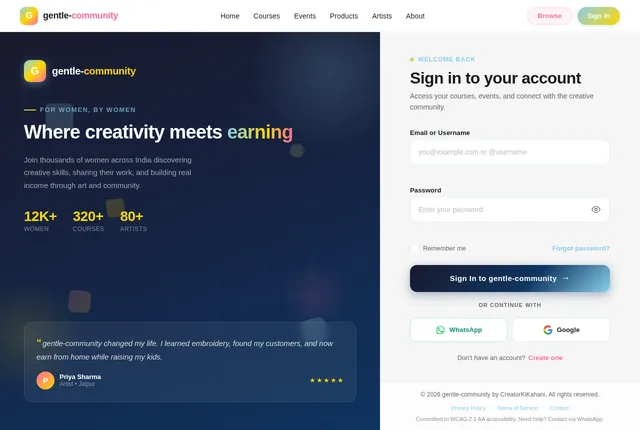
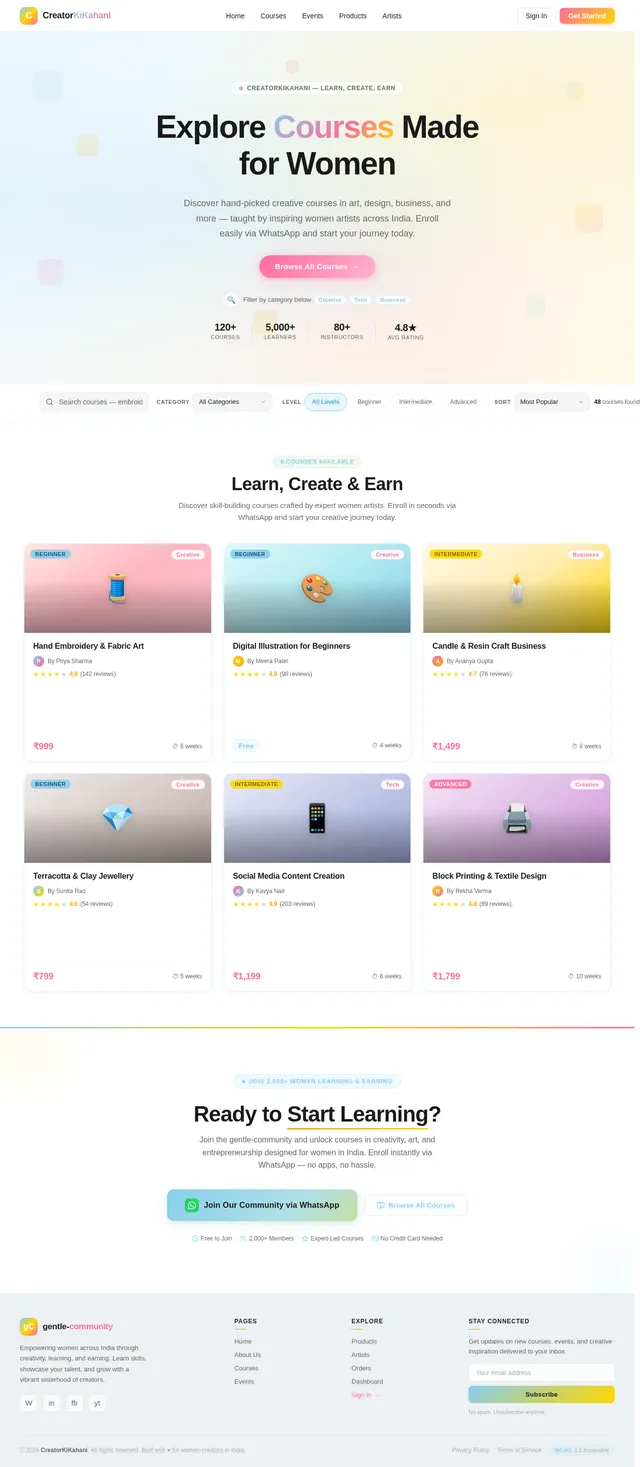
Create a modern, responsive website for a women-focused creative community. Theme & Design: - Primary colors: Blue and Mustard Yellow - Style: Clean, empowering, minimal but vibrant - Target audience: Women interested in learning creative skills and earning from home - Mobile-first design Pages & Features: 1. Home Page: - Hero section with strong headline (empowering women through creativity & earning) - Short intro about the community - Sections: • Featured Courses • Upcoming Events • Featured Artists - CTA buttons: "Join Community", "Explore Courses", "View Events" - Testimonials / social proof - Footer with contact + social links 2. About Us Page: - Mission, vision, and story - Focus on women empowerment & skill development - Team or founder section 3. Courses Page: - Grid layout of all courses - Each course card includes: • Title • Image • Short description • Button: "Enroll Now" - On clicking "Enroll Now" → redirect to WhatsApp with pre-filled message 4. Events Page: - List of upcoming workshops/events - Each event includes: • Title • Date • Description • Button: "Join Event" - Redirect to WhatsApp on click 5. Products Page (Marketplace): - Display products created by artists - Product cards: • Image • Name • Price • Artist name • "Order Now" button 6. Artist Page: - List of artists - Each artist profile includes: • Name • Skills (art types) • Experience • Bio • Their products 7. Order System: - Simple order tracking page: • Input: Order ID • Output: Order status (Pending / Completed / Rejected) - Admin should be able to: • View all orders • Mark as Completed or Rejected 8. Admin Panel: - Secure login - Manage: • Courses (add/edit/delete) • Events • Products • Artists • Orders - Dashboard overview 9. WhatsApp Integration: - All “Enroll” / “Join” / “Order” buttons redirect to WhatsApp with pre-filled message including: • Course/Event/Product name Tech Requirements: - Use modern framework (React / Next.js preferred) - Backend for admin + order management (Firebase / Supabase) - Clean UI components - Fast loading Extra: - SEO-friendly structure - Easy content update system

Comments (0)
Sign in to leave a comment
System Requirements
System Requirements Document (SRD)
Project Name: gentle-community
1. Introduction
The gentle-community project is a modern, responsive website designed to empower women through creativity and earning opportunities. Developed for CreatorKiKahani in India, this platform aims to foster a vibrant community where women can learn creative skills, showcase their talents, and connect with like-minded individuals.
This document outlines the system requirements for the gentle-community project, incorporating the user’s vision of a clean, empowering, and mobile-first design inspired by Womanej.com.
2. System Overview
The gentle-community platform will serve as a hub for women-focused creative initiatives, offering courses, events, and a marketplace for artist-created products. It will feature seamless WhatsApp integration for communication and transactions, ensuring accessibility and ease of use for the target audience.
Key features include:
- A responsive, mobile-first design tailored for Indian users.
- Integration with WhatsApp for course enrollment, event registration, and product orders.
- A secure admin panel with role-based access (Admin and Moderator).
- SEO-friendly structure and fast-loading UI components.
- A design inspired by Womanej.com, with a unique twist to reflect the community’s identity.
3. Functional Requirements
User Story Points:
- As a User, I should be able to browse courses, events, and products easily.
- As a User, I should be able to enroll in courses via WhatsApp with pre-filled messages.
- As a User, I should be able to register for events via WhatsApp with pre-filled messages.
- As a User, I should be able to order products via WhatsApp with pre-filled messages.
- As a User, I should be able to view artist profiles and their products.
- As an Admin, I should be able to manage courses, events, products, artists, and orders.
- As an Admin, I should be able to track and update order statuses.
- As a Moderator, I should be able to approve or reject orders and manage events.
- As a Guest, I should be able to explore the community without logging in.
4. User Personas
Admin:
- Full access to manage all aspects of the platform.
- Responsible for adding/editing/deleting courses, events, products, artists, and orders.
- Can assign Moderator roles.
Moderator:
- Limited access to manage events and approve/reject orders.
- Cannot delete data or assign roles.
User:
- Women interested in creative skills and earning opportunities.
- Can browse courses, events, products, and artist profiles.
- Can enroll/register/order via WhatsApp.
Guest:
- Visitors exploring the platform without logging in.
- Can view courses, events, products, and artist profiles.
5. Visuals Colors and Theme
Color Palette:
- Background: #F5F5F5 (Soft Pearl White)
- Surface: #FFFFFF (Pure White)
- Text: #1A1A1A (Deep Charcoal Black)
- Accent: #FFD700 (Vibrant Mustard Yellow)
- Muted Tones: #87CEEB (Gentle Sky Blue)
This palette reflects the empowering and vibrant theme of the community while maintaining a clean and minimal aesthetic.
6. Signature Design Concept
Concept: Interactive Mosaic Homepage
The homepage will feature an interactive mosaic design inspired by the creative spirit of the community.
Details:
- Hero Section: A dynamic mosaic of tiles representing courses, events, artists, and testimonials. Each tile animates subtly when hovered over, revealing a short description and a CTA button.
- Transitions: Smooth fade-in animations for tiles and micro-interactions like tile flipping on hover.
- Mood: Empowering and vibrant, with bold typography and the blue/mustard yellow palette.
- Interactive Element: Users can drag and rearrange tiles to explore content in their preferred order, creating a playful and personalized experience.
- Background: A soft watercolor gradient that shifts subtly based on the time of day (morning: light blue, evening: warm yellow).
This design will make the homepage unforgettable, engaging users from the moment they arrive.
7. Non-Functional Requirements
- Performance: Pages must load within 2 seconds on mobile devices.
- Scalability: The system should handle up to 10,000 concurrent users.
- Security: Role-based access control for Admin and Moderator.
- Accessibility: WCAG 2.1 compliance for inclusivity.
- Localization: Default timezone set to IST (Indian Standard Time).
8. Tech Stack
Frontend:
- React for Web
- React Native for Mobile App
Backend:
- Python
- FastAPI
Database:
- MySQL or MariaDB (with Alembic for migrations)
AI Models:
- GPT 5.4 for user-friendly responses
- Google Nano Banana for image generation
AI Tools:
- Litellm for LLM Routing
- Langchain
Orchestration:
- Docker and docker-compose for local development
- Kubernetes for server-side orchestration
9. Assumptions and Constraints
Assumptions:
- Users are primarily mobile-first and familiar with WhatsApp.
- Admins and Moderators will manage the platform via desktop interfaces.
- The platform will initially focus on Indian users but may expand globally.
Constraints:
- WhatsApp integration limits advanced order tracking features.
- Role-based access control must be implemented securely to prevent unauthorized actions.
10. Glossary
- CTA: Call-to-Action, a button or link prompting user interaction.
- WCAG: Web Content Accessibility Guidelines, standards for web accessibility.
- IST: Indian Standard Time, the timezone used in India.
- LLM: Large Language Model, AI models for natural language processing.
This updated SRD ensures the gentle-community project aligns with your vision while incorporating robust functionality and a unique design concept. Let me know if there’s anything else you’d like to refine!

Empower Your Creativity
Join a vibrant community of women creators. Learn new skills, showcase your talent, and connect with like-minded artists across India.
Explore the Community→Your Creative Mosaic
Discover everything our community has to offer. Hover to explore, drag to personalize your view.
Courses
50+ AvailableCourses
Learn creative skills from expert women instructors across textile, digital art, and more.
Browse Courses→Events
Upcoming LiveArtists
100+ CreatorsMarketplace
Handcrafted GoodsTestimonials
Real StoriesTestimonials
Hear from women whose lives were transformed through creativity and community.
Read Stories→Community
500+ MembersResources
Guides & TipsBlog
Fresh InsightsFeatured Courses
Discover creative courses taught by talented women artists. Build new skills, connect with mentors, and turn your passion into a livelihood.

Textile Art Masterclass
Learn traditional Indian textile techniques blended with modern design. From block printing to embroidery, unlock your creative potential.

Digital Illustration for Beginners
Start your digital art journey with hands-on projects. Master essential tools and techniques to create stunning illustrations.

Handmade Jewelry Business
Turn your passion for jewelry making into a thriving business. Learn crafting, pricing, photography, and selling on WhatsApp.
Connect, Learn & Grow Together
Join our upcoming workshops and meetups designed to empower women creators across India.
Watercolor Workshop: Florals & Botanicals
Women Creators Meetup — Delhi Edition
Meet Our Inspiring Artists
Discover talented women creators who are turning their passion into purpose. Each artist brings a unique perspective and craft to our community.


Handcrafted by Women Artists
Discover unique, handmade products created by talented women in our community. Every purchase empowers a creator.
What Our Community Says
Hear from the incredible women who have transformed their creative journeys with us
Ready to Begin Your Creative Journey?
Join thousands of women who are learning new skills, showcasing their art, and earning through creativity. Your community is waiting.
Free to join · No credit card required · WhatsApp-powered
No comments yet. Be the first!