gentle-community
 CreatorKiKahani
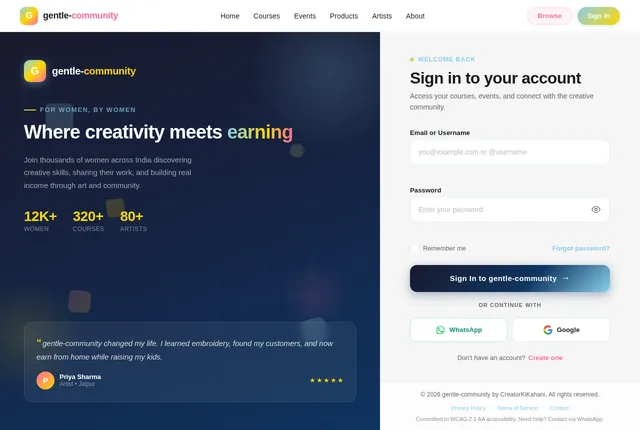
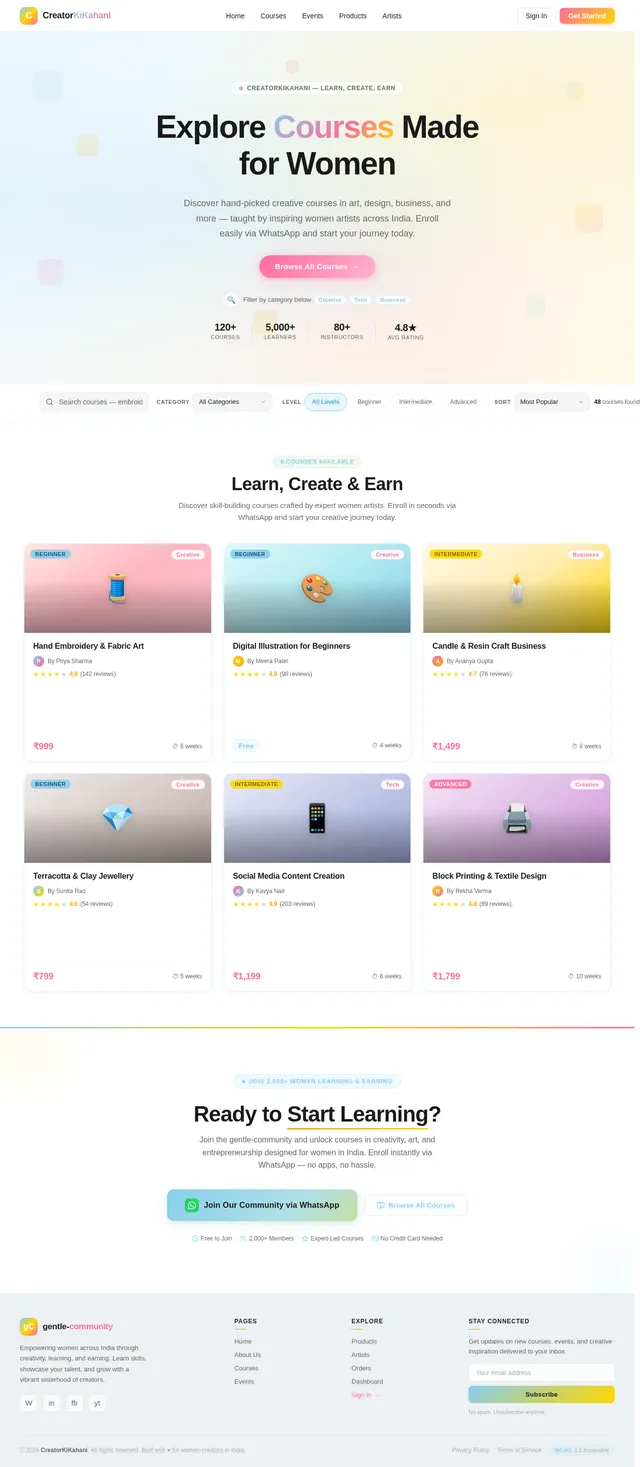
Create a modern, responsive website for a women-focused creative community. Theme & Design: - Primary colors: Blue and Mustard Yellow - Style: Clean, empowering, minimal but vibrant - Target audience: Women interested in learning creative skills and earning from home - Mobile-first design Pages & Features: 1. Home Page: - Hero section with strong headline (empowering women through creativity & earning) - Short intro about the community - Sections: • Featured Courses • Upcoming Events • Featured Artists - CTA buttons: "Join Community", "Explore Courses", "View Events" - Testimonials / social proof - Footer with contact + social links 2. About Us Page: - Mission, vision, and story - Focus on women empowerment & skill development - Team or founder section 3. Courses Page: - Grid layout of all courses - Each course card includes: • Title • Image • Short description • Button: "Enroll Now" - On clicking "Enroll Now" → redirect to WhatsApp with pre-filled message 4. Events Page: - List of upcoming workshops/events - Each event includes: • Title • Date • Description • Button: "Join Event" - Redirect to WhatsApp on click 5. Products Page (Marketplace): - Display products created by artists - Product cards: • Image • Name • Price • Artist name • "Order Now" button 6. Artist Page: - List of artists - Each artist profile includes: • Name • Skills (art types) • Experience • Bio • Their products 7. Order System: - Simple order tracking page: • Input: Order ID • Output: Order status (Pending / Completed / Rejected) - Admin should be able to: • View all orders • Mark as Completed or Rejected 8. Admin Panel: - Secure login - Manage: • Courses (add/edit/delete) • Events • Products • Artists • Orders - Dashboard overview 9. WhatsApp Integration: - All “Enroll” / “Join” / “Order” buttons redirect to WhatsApp with pre-filled message including: • Course/Event/Product name Tech Requirements: - Use modern framework (React / Next.js preferred) - Backend for admin + order management (Firebase / Supabase) - Clean UI components - Fast loading Extra: - SEO-friendly structure - Easy content update system

Comments (0)
Sign in to leave a comment
Architecture
No Services Diagrams Yet

Empower Your Creativity
Join a vibrant community of women creators. Learn new skills, showcase your talent, and connect with like-minded artists across India.
Explore the Community→Your Creative Mosaic
Discover everything our community has to offer. Hover to explore, drag to personalize your view.
Courses
50+ AvailableCourses
Learn creative skills from expert women instructors across textile, digital art, and more.
Browse Courses→Events
Upcoming LiveArtists
100+ CreatorsMarketplace
Handcrafted GoodsTestimonials
Real StoriesTestimonials
Hear from women whose lives were transformed through creativity and community.
Read Stories→Community
500+ MembersResources
Guides & TipsBlog
Fresh InsightsFeatured Courses
Discover creative courses taught by talented women artists. Build new skills, connect with mentors, and turn your passion into a livelihood.

Textile Art Masterclass
Learn traditional Indian textile techniques blended with modern design. From block printing to embroidery, unlock your creative potential.

Digital Illustration for Beginners
Start your digital art journey with hands-on projects. Master essential tools and techniques to create stunning illustrations.

Handmade Jewelry Business
Turn your passion for jewelry making into a thriving business. Learn crafting, pricing, photography, and selling on WhatsApp.
Connect, Learn & Grow Together
Join our upcoming workshops and meetups designed to empower women creators across India.
Watercolor Workshop: Florals & Botanicals
Women Creators Meetup — Delhi Edition
Meet Our Inspiring Artists
Discover talented women creators who are turning their passion into purpose. Each artist brings a unique perspective and craft to our community.


Handcrafted by Women Artists
Discover unique, handmade products created by talented women in our community. Every purchase empowers a creator.
What Our Community Says
Hear from the incredible women who have transformed their creative journeys with us
Ready to Begin Your Creative Journey?
Join thousands of women who are learning new skills, showcasing their art, and earning through creativity. Your community is waiting.
Free to join · No credit card required · WhatsApp-powered
No comments yet. Be the first!