garnet-learn

bysatyam dave

make me a app to learn spnaish

Landing
Landing

Comments (0)

No comments yet. Be the first!

Architecture

No Services Diagrams Yet

Architecture diagrams will be automatically generated when the Project Manager creates tasks for your project.

Live
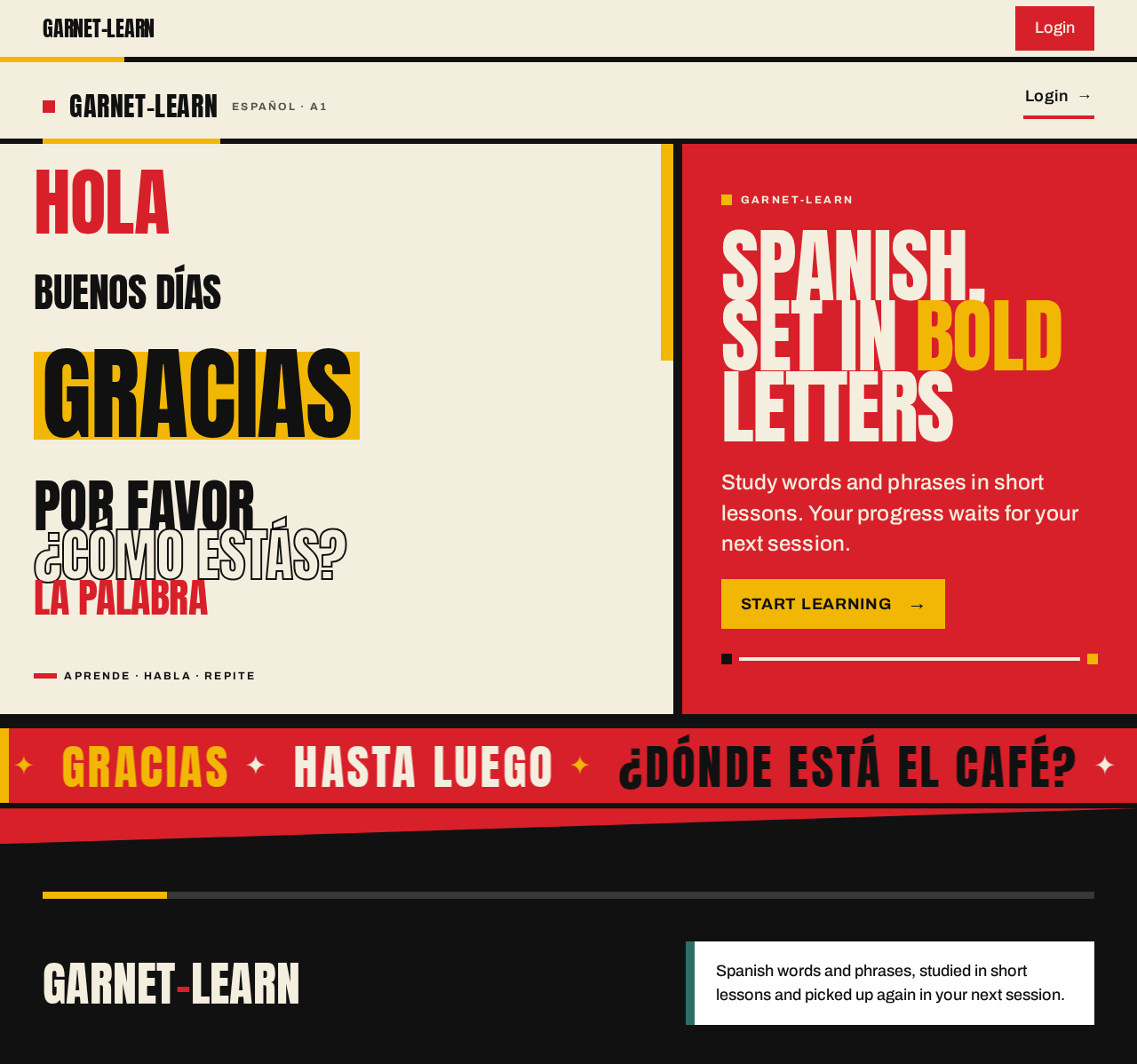
Landing design preview
Landing: 1. View hero and word wall
Sign Up: 2. Start enrollment
Sign Up: 3. Submit email and password
Sign Up: 4. Correct inline errors and resubmit
Dashboard: 5. View zero progress and first lesson
Dashboard: 6. Open next lesson
Lesson: 7. Answer exercise
Lesson: 8. Read feedback and advance
Lesson: 9. Retry failed content load
Lesson: 10. Retry failed answer submission
Lesson: 11. Exit mid-lesson to Dashboard
Lesson Result: 12. Review outcome and saved progress
Lesson Result: 13. Retry failed result save
Lesson Result: 14. Start next lesson
Dashboard: 15. Return to continue
Dashboard: 16. Sign out
Landing: 17. Open Login link
Login: 18. Submit returning credentials
Login: 19. Re-enter credentials after error
Dashboard: 20. View saved progress and next lesson
Dashboard: 21. Retry failed progress fetch
Dashboard: 22. Select any lesson row
Login: 23. Sign in after session expiry
Live
Landing design preview
Landing: 1. View hero and word wall
Sign Up: 2. Start enrollment
Sign Up: 3. Submit email and password
Sign Up: 4. Correct inline errors and resubmit
Dashboard: 5. View zero progress and first lesson
Dashboard: 6. Open next lesson
Lesson: 7. Answer exercise
Lesson: 8. Read feedback and advance
Lesson: 9. Retry failed content load
Lesson: 10. Retry failed answer submission
Lesson: 11. Exit mid-lesson to Dashboard
Lesson Result: 12. Review outcome and saved progress
Lesson Result: 13. Retry failed result save
Lesson Result: 14. Start next lesson
Dashboard: 15. Return to continue
Dashboard: 16. Sign out
Landing: 17. Open Login link
Login: 18. Submit returning credentials
Login: 19. Re-enter credentials after error
Dashboard: 20. View saved progress and next lesson
Dashboard: 21. Retry failed progress fetch
Dashboard: 22. Select any lesson row
Login: 23. Sign in after session expiry