gamma-note

byDev Kalyani

create a simple note taker web app

LandingNotesLoginSign UpNote DetailsNew Note
Landing

Comments (0)

No comments yet. Be the first!

Architecture

No Services Diagrams Yet

Architecture diagrams will be automatically generated when the Project Manager creates tasks for your project.

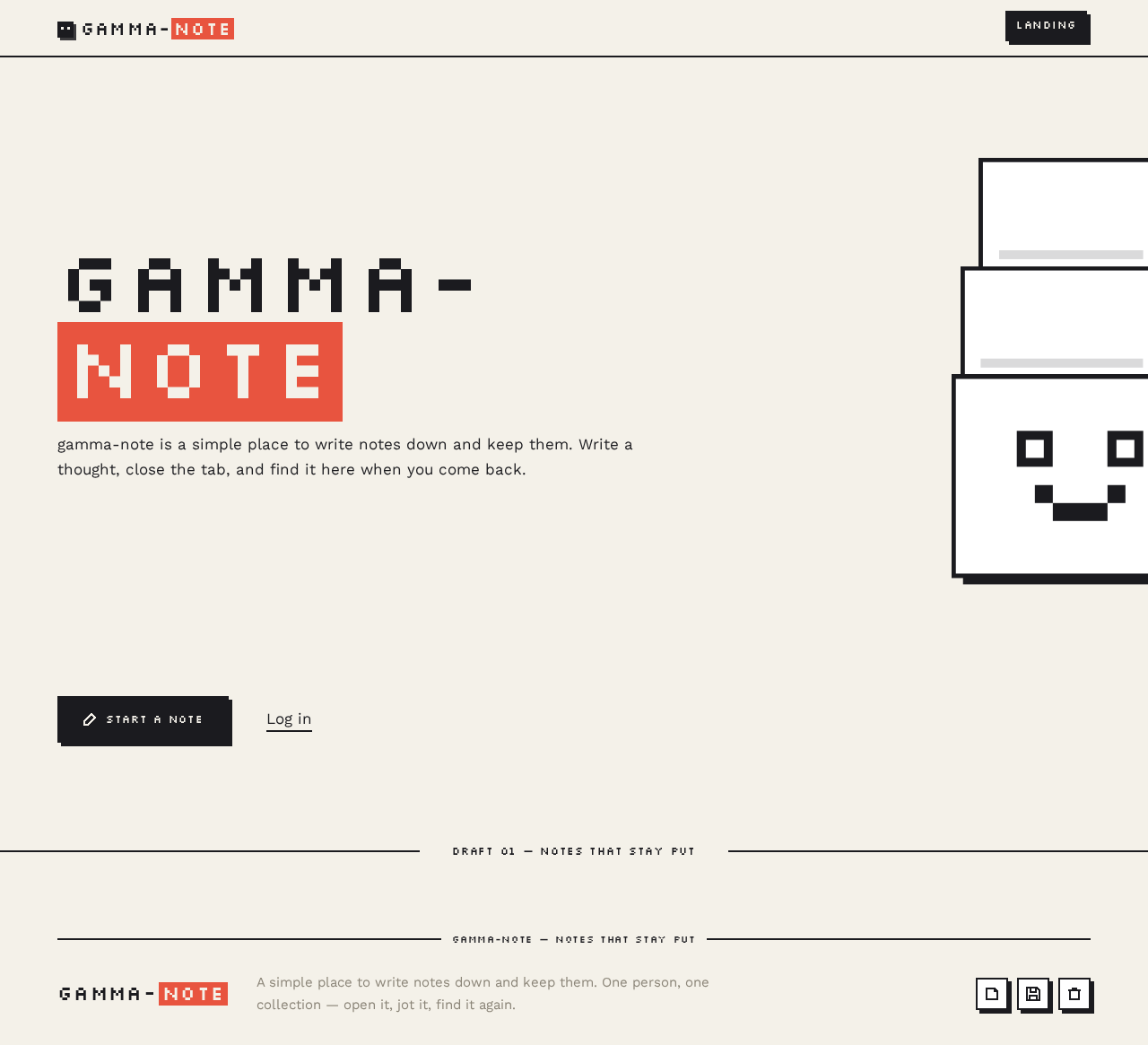
Landing design preview
Landing: 1. Arrive anonymously
Landing: 2. Choose Start a note
Landing: 3. Choose Log in
Sign Up: 4. Submit enrollment
Sign Up: 5. Correct rejected fields and resubmit
Sign Up: 6. Follow cross-link to Login
Login: 7. Submit verification
Login: 8. Retry rejected credentials
Login: 9. Follow cross-link to Sign Up
Notes: 10. View notes list
Notes: 11. Retry loading collection
Notes: 12. Start a new note
Notes: 13. Open a note
Notes: 14. Sign out
New Note: 15. Type title and content
New Note: 16. Save new note
New Note: 17. Retry save keeping draft
New Note: 18. Return to list without saving
Note Details: 19. Read note title and content
Note Details: 20. Edit title or content
Note Details: 21. Save edits
Note Details: 22. Retry save keeping edit
Note Details: 23. Confirm deletion
Note Details: 24. Dismiss delete confirmation
Note Details: 25. Retry or cancel failed deletion
Notes: 26. Return to list after deletion
Landing design preview
Landing: 1. Arrive anonymously
Landing: 2. Choose Start a note
Landing: 3. Choose Log in
Sign Up: 4. Submit enrollment
Sign Up: 5. Correct rejected fields and resubmit
Sign Up: 6. Follow cross-link to Login
Login: 7. Submit verification
Login: 8. Retry rejected credentials
Login: 9. Follow cross-link to Sign Up
Notes: 10. View notes list
Notes: 11. Retry loading collection
Notes: 12. Start a new note
Notes: 13. Open a note
Notes: 14. Sign out
New Note: 15. Type title and content
New Note: 16. Save new note
New Note: 17. Retry save keeping draft
New Note: 18. Return to list without saving
Note Details: 19. Read note title and content
Note Details: 20. Edit title or content
Note Details: 21. Save edits
Note Details: 22. Retry save keeping edit
Note Details: 23. Confirm deletion
Note Details: 24. Dismiss delete confirmation
Note Details: 25. Retry or cancel failed deletion
Notes: 26. Return to list after deletion