feral-skillbridge
 mili kava
Build a modern, responsive full-stack web application called **SkillBridge – AI Career Platform** for students and fresh graduates. The platform should help users discover jobs and internships, analyze resumes, and manage their job applications. **User Features:** - User registration, login, logout, and profile management. - Job and internship listings with search, filters, and categories. - Resume upload and AI-powered resume analysis. - AI job matching with a percentage score based on skills and job requirements. - Save jobs and manage applications. - Application tracking with Applied, Interview, Selected, and Rejected statuses. - Personalized dashboard with application statistics. **Admin Features:** - Admin dashboard with analytics. - Add, update, and delete job listings. - Manage registered users and job applications. **Design Requirements:** - Premium, modern SaaS design. - Clean dashboard with sidebar navigation. - Professional typography, subtle gradients, and smooth animations. - Responsive design for desktop, tablet, and mobile. - Use a consistent design system. **Technical Requirements:** - Build a functional full-stack application. - Implement secure authentication and role-based access. - Create proper database models and REST APIs. - Implement frontend-backend integration. - Include form validation, error handling, and loading states. - Use AI integration for resume analysis and job matching. - Include sample data for demonstration. Make the application feel like a real production-ready SaaS product, not just a static UI prototype.


Comments (0)
Sign in to leave a comment
Architecture
No Services Diagrams Yet
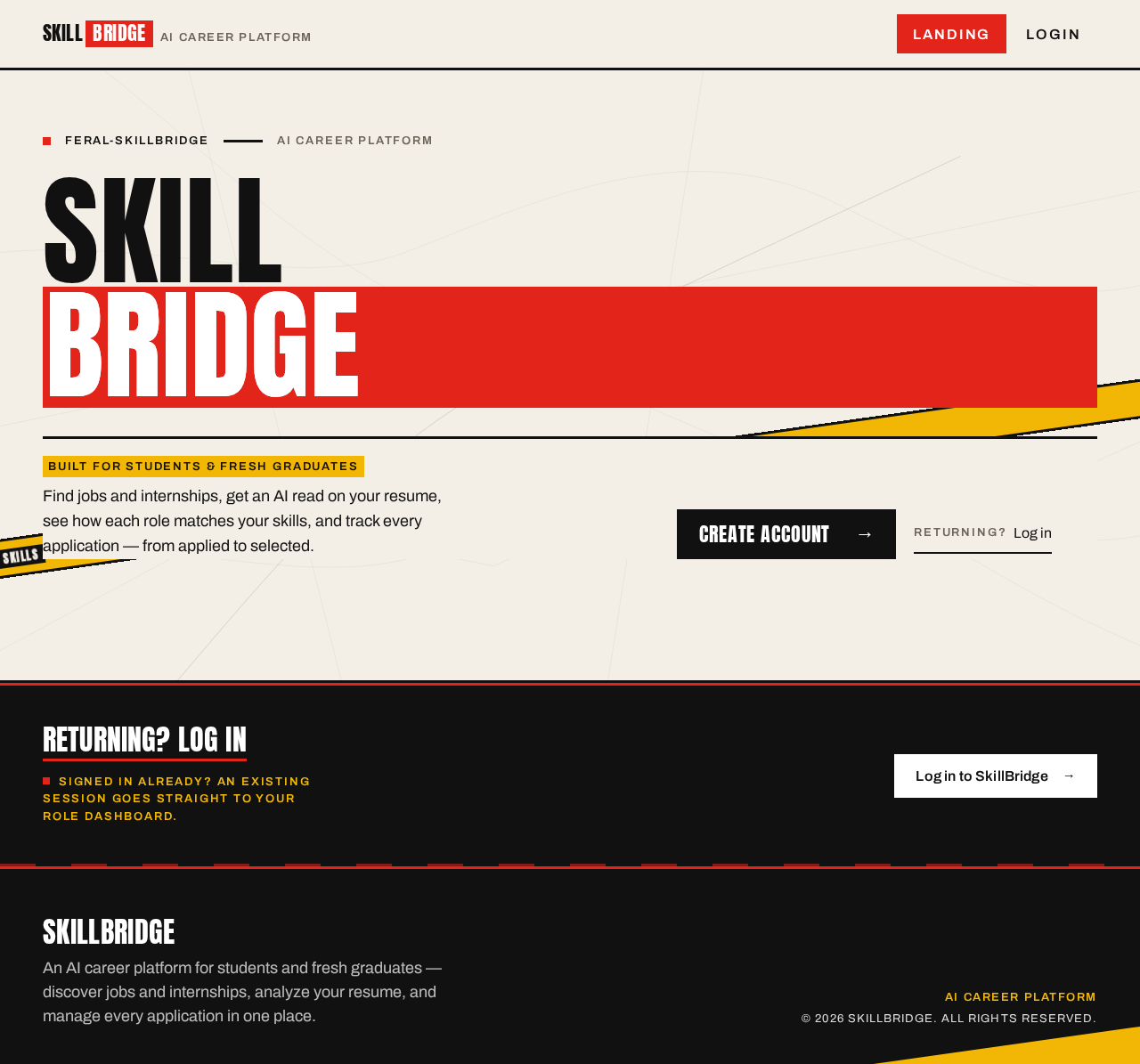
Built for students & fresh graduatesFind jobs and internships, get an AI read on your resume, see how each role matches your skills, and track every application — from applied to selected.
Returning? Log in
Log in to SkillBridgeSigned in already? An existing session goes straight to your role dashboard.
Built for students & fresh graduatesFind jobs and internships, get an AI read on your resume, see how each role matches your skills, and track every application — from applied to selected.
Returning? Log in
Log in to SkillBridgeSigned in already? An existing session goes straight to your role dashboard.
No comments yet. Be the first!