feral-presentation
 RAJAN PAREKH
can you develop a ppt presentation for our RTD WIRES, we are attaching here our word file for your reference, we need a cover page and end page with contact details containing address, website, email ID, TELEPHONE NO etc. LOGO on each page, 1st file for RTD WIRES DESCRIPTION, 2nd file for logo AND 3rd file for contact details, pl. use professional colors like blue, brown, black, red, etc
Comments (0)
Sign in to leave a comment
Project Tasks6
Implement Theme & Structure
As a user, I want the scaffold project pages to look exactly identical to the mock-design pages. This task covers applying the color palette (#F3F6FA background, #2B3A42 surface, #1C1C1C text, #D32F2F accent, #8C7B70 muted tones), typography, and layout structure across all existing pages (home, login, signup, welcome, dashboard/overview, dashboard/ai-assistant, dashboard/settings). Remove any pages not referenced in the design or user flows. This task must be completed independently before any other page implementation begins.
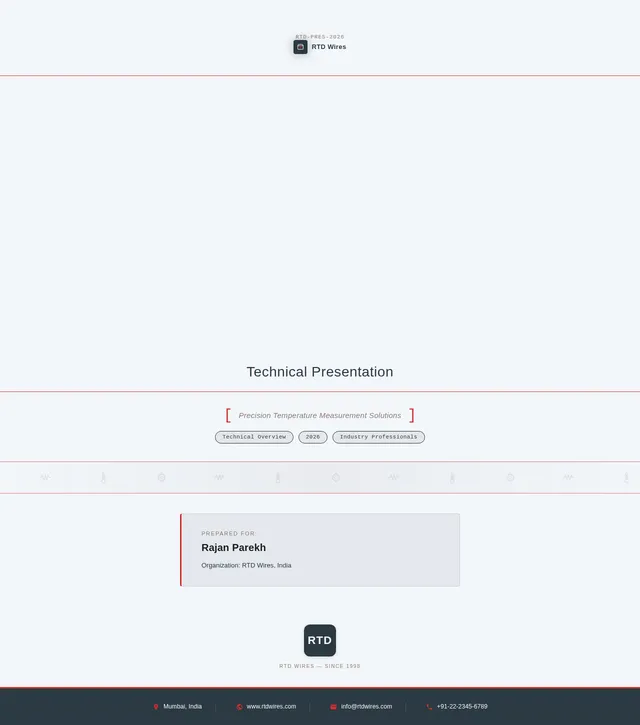
Build Cover Page
As a user, I want to view a technical blueprint-inspired Cover Page that sets the tone for the RTD Wires presentation. Implement the Cover Page based on the existing JSX design (v2). The page should feature: a textured blueprint grid background, prominent logo placement in the top-right corner with a subtle glow effect, the title 'RTD Wires Presentation' rendered as if being drawn by a mechanical drafting tool, micro-interaction ripple effects on hover over title and logo, and subtle blue-to-gray color shifts on the blueprint background. This is the entry point for both the Presenter (Rajan Parekh) and Audience (Industry Professionals) flows.
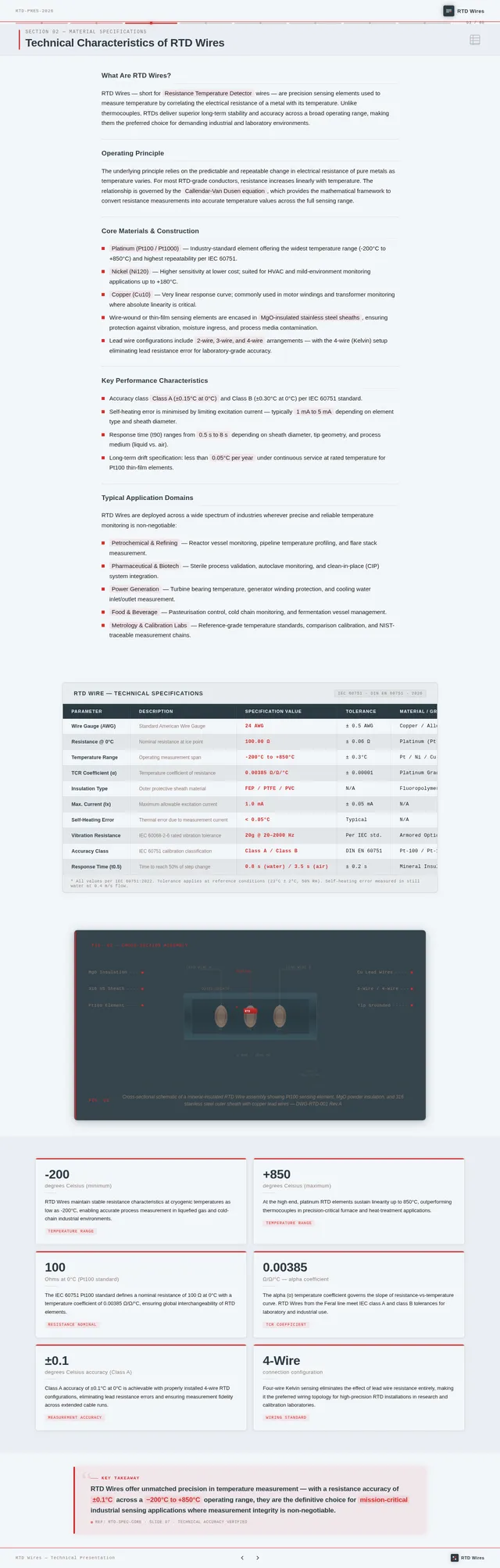
Build Content Slides Page
As a user, I want to navigate through Content Slides that present technical information about RTD Wires in a clear, text-focused format with visuals used only where necessary. Implement the Content Slides page based on the existing JSX design (v2). The slides should support: reading technical information, viewing diagrams or images where relevant, and analyzing data. Branding (logo on each slide) must be consistent. This page is reached from the Cover Page in both Audience and Presenter flows, and leads to the Branding Check and End Page.
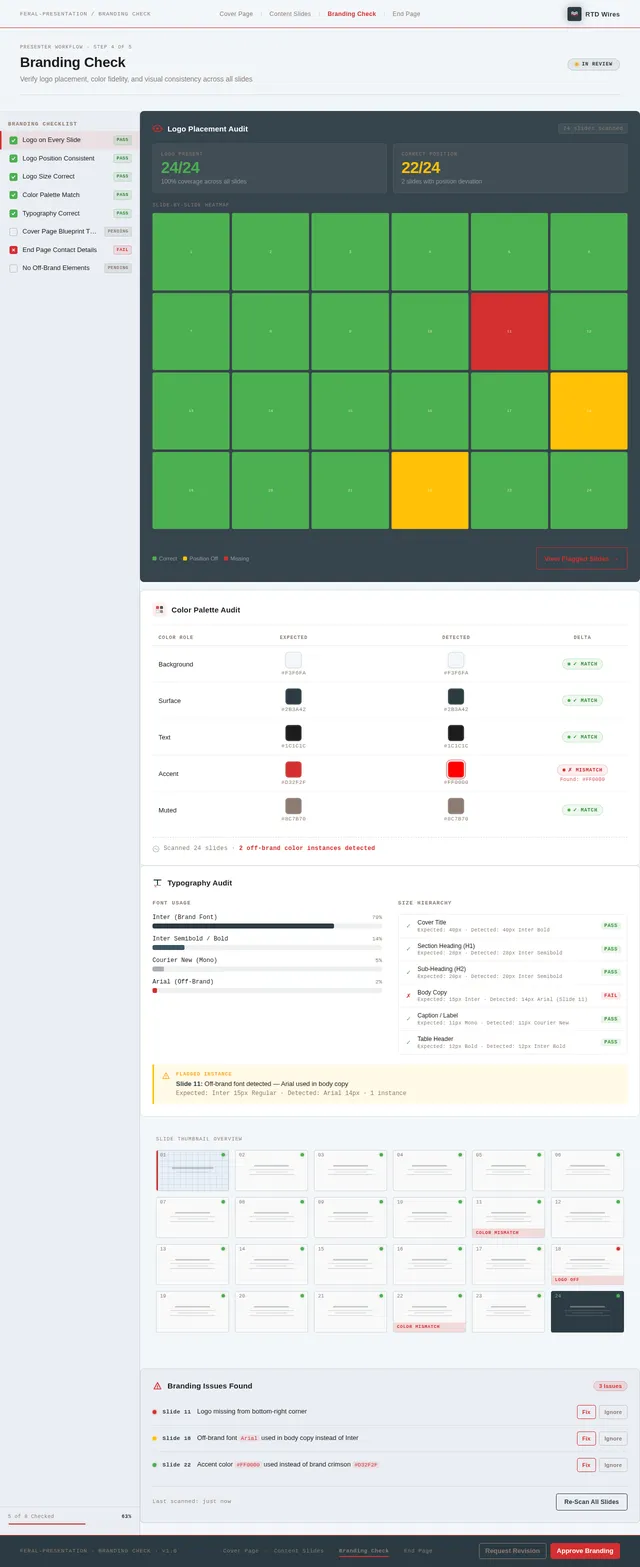
Build Branding Check Page
As a user (Presenter), I want a Branding Check view that allows me to verify that the RTD Wires logo is correctly and consistently placed on every slide. Implement the Branding Check page based on the existing JSX design (v2). This page should display a visual overview of all slides with logo placement highlighted for review. It is part of the Presenter flow, reached after reviewing Content Slides, and leads to the End Page.
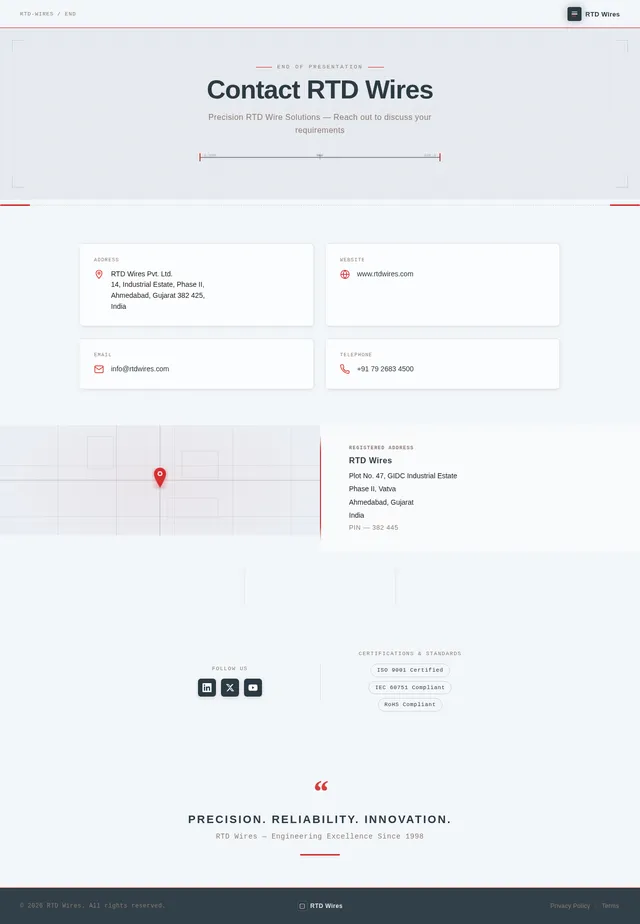
Build End Page
As a user, I want to view a polished End Page that displays complete contact details for RTD Wires, including address, website, email ID, and telephone number, along with the logo for consistent branding. Implement the End Page based on the existing JSX design (v2). This is the final page in both the Audience and Presenter user flows, reached after the Content Slides and Branding Check respectively.
Export Presentation Files
As a user (Presenter), I want to be able to export the completed presentation in PPTX and PDF formats so that it is compatible with Microsoft PowerPoint, Google Slides, and easy to share. Implement the export functionality ensuring file sizes are optimized for quick loading and sharing.
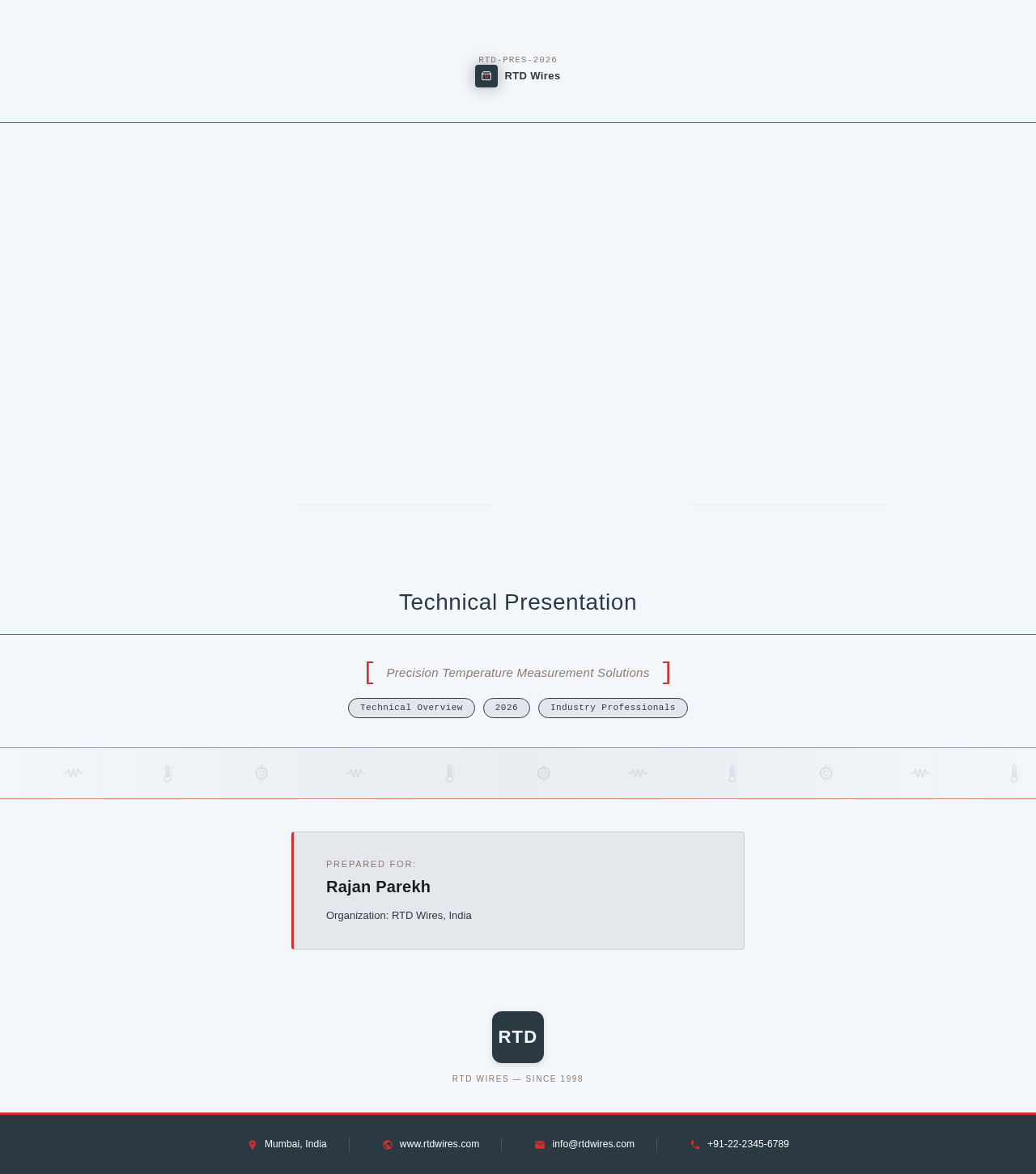
RTDWires
Technical Presentation
Prepared for:
Rajan Parekh
Organization: RTD Wires, India
RTD Wires — Since 1998
No comments yet. Be the first!