feral-presentation
 RAJAN PAREKH
can you develop a ppt presentation for our RTD WIRES, we are attaching here our word file for your reference, we need a cover page and end page with contact details containing address, website, email ID, TELEPHONE NO etc. LOGO on each page, 1st file for RTD WIRES DESCRIPTION, 2nd file for logo AND 3rd file for contact details, pl. use professional colors like blue, brown, black, red, etc
Comments (0)
Sign in to leave a comment
System Requirements
System Requirements Document (SRD)
Project Name: Feral-Presentation
1. Introduction
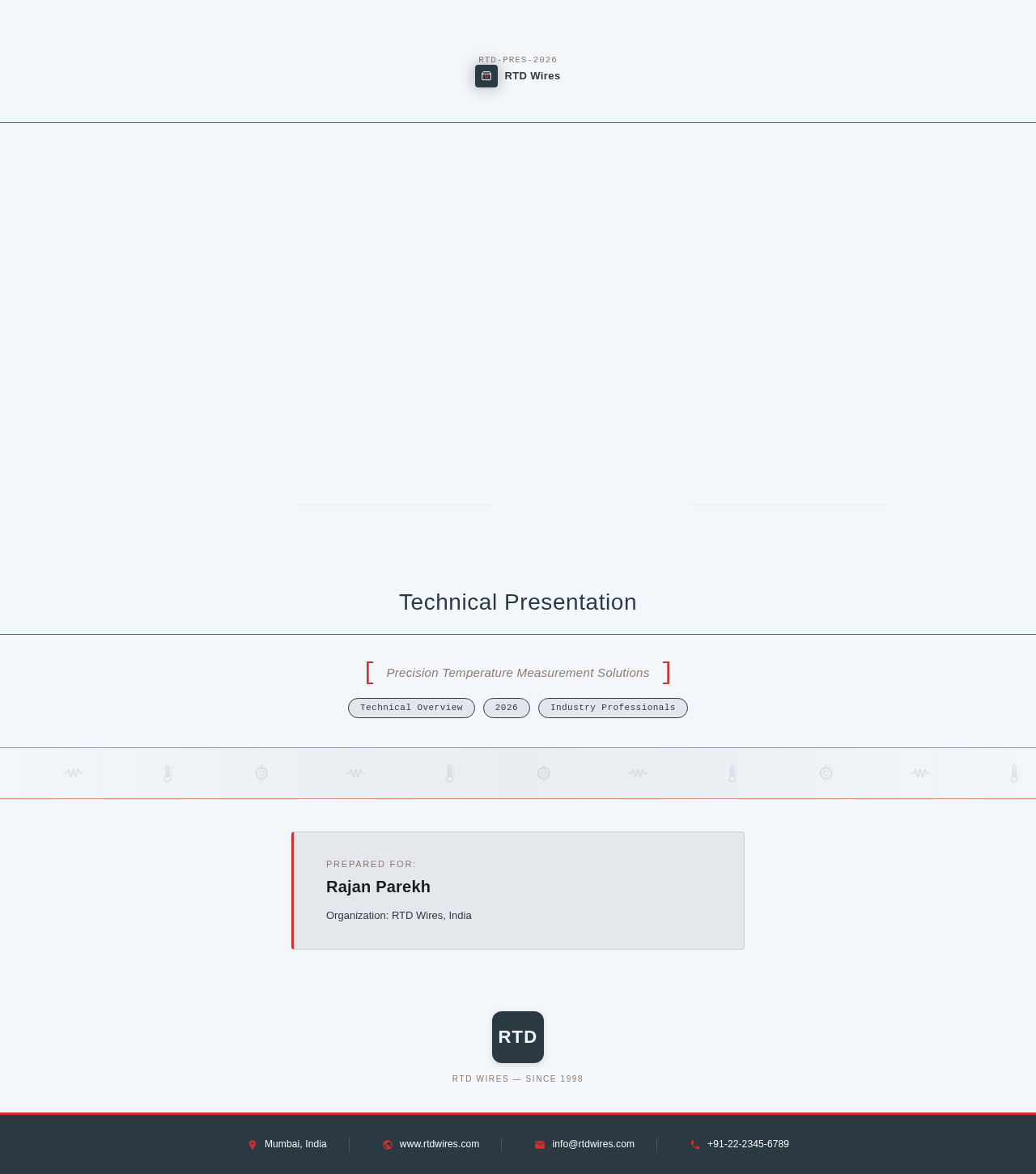
The Feral-Presentation project aims to develop a professional PowerPoint presentation for RTD Wires, tailored to meet the specific requirements of Rajan Parekh from India. The presentation will focus on delivering technical content in a primarily text-based format, supplemented by visuals where necessary. It will include a modern technical-themed cover page, consistent branding with the logo on each slide, and a polished end page with contact details. The design will leverage professional colors such as blue, brown, black, and red to ensure a modern and professional aesthetic.
2. System Overview
The Feral-Presentation system is designed to create a high-quality PowerPoint presentation that effectively communicates the technical details of RTD Wires. The presentation will include:
- A technical-themed cover page to set the tone.
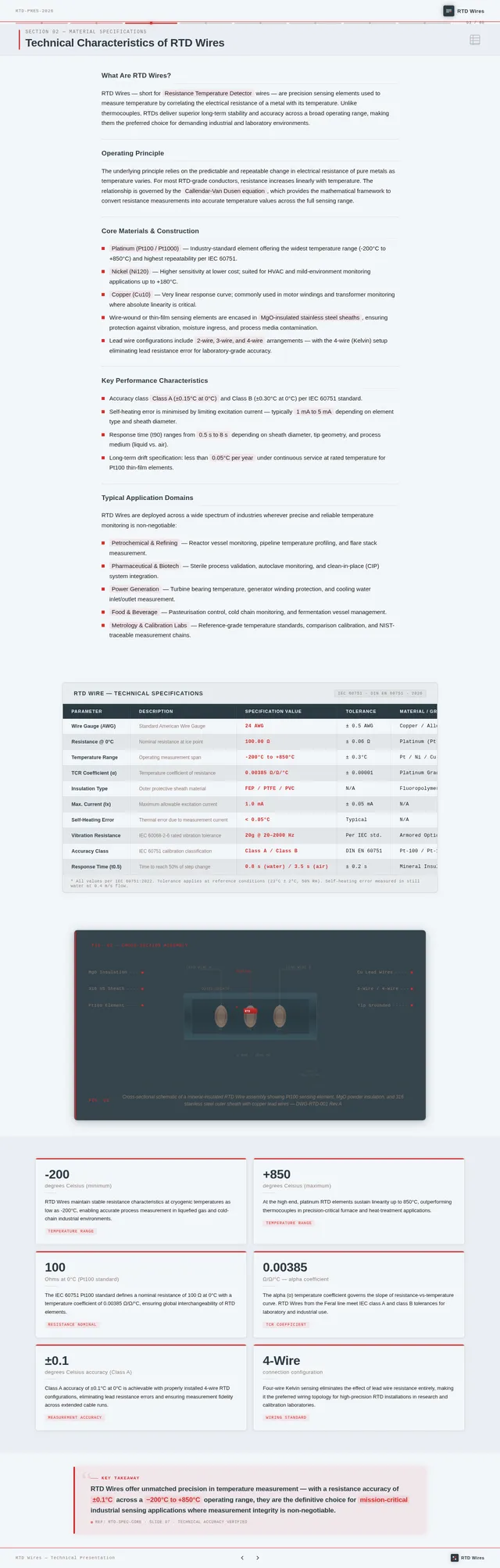
- Text-focused slides based on the provided RTD Wires description file.
- Strategic use of visuals to enhance understanding.
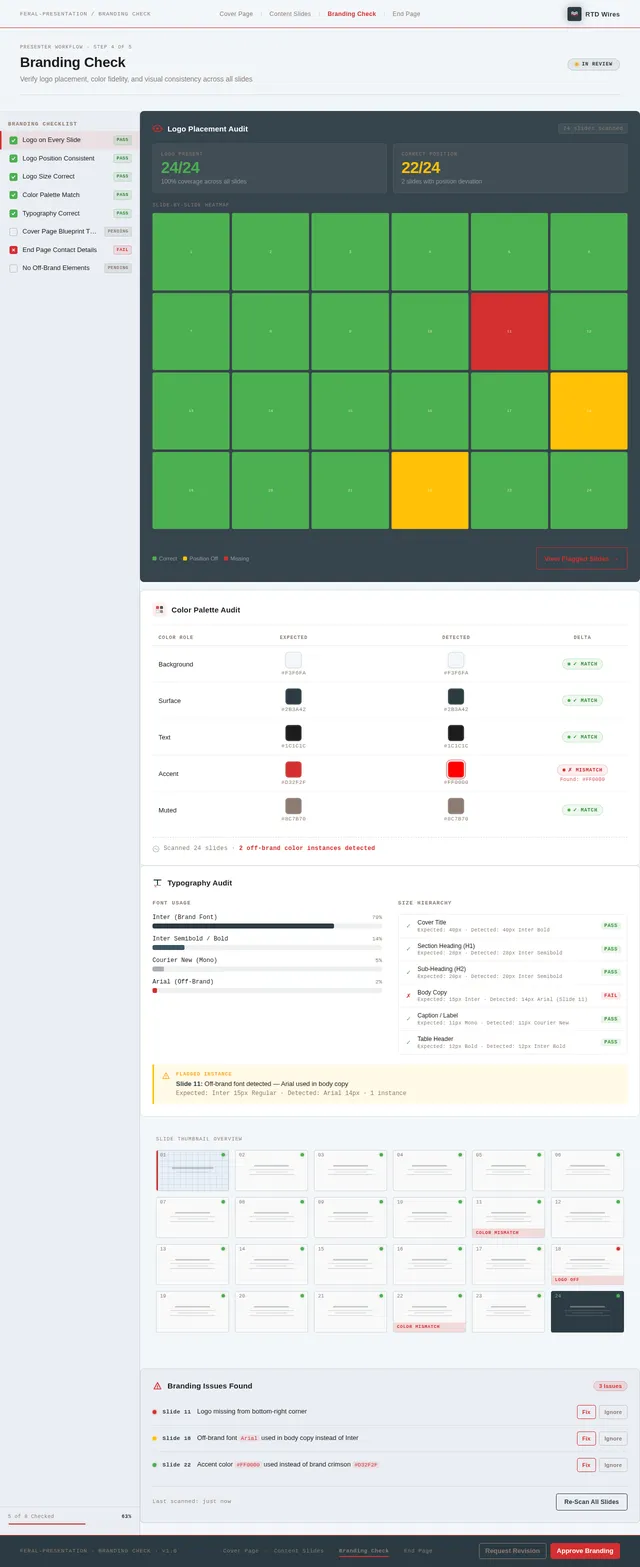
- Consistent branding with the logo on each slide.
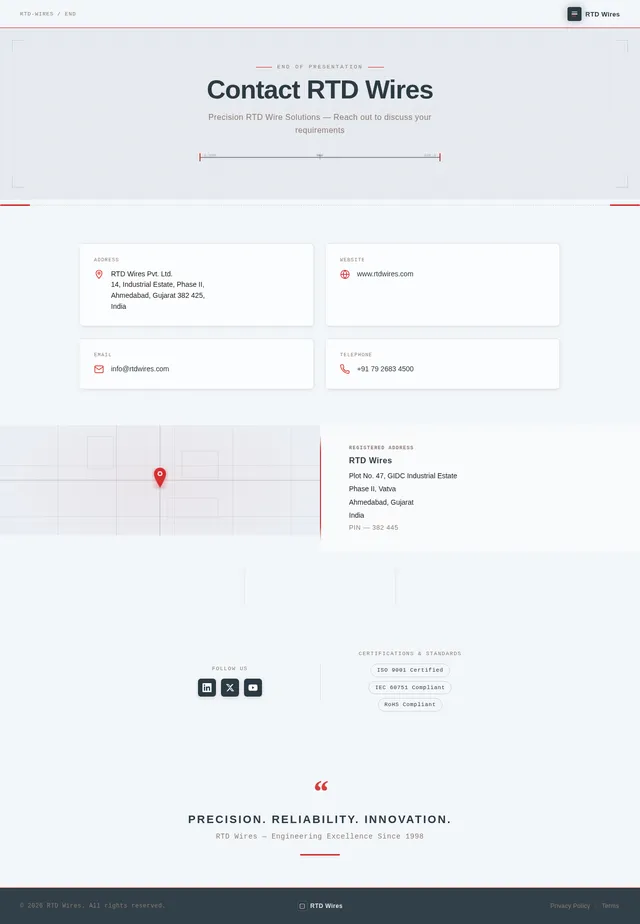
- A professional end page with complete contact details, including address, website, email ID, and telephone number.
The system will ensure the presentation is visually appealing, easy to navigate, and aligned with the professional standards expected in the industry.
3. Functional Requirements
- As Rajan, I should be able to have a technical-themed cover page for the presentation.
- As Rajan, I should be able to include the logo on every slide for consistent branding.
- As Rajan, I should be able to have text-based slides with visuals only where necessary.
- As Rajan, I should be able to have an end page with complete contact details, including address, website, email ID, and telephone number.
- As Rajan, I should be able to use professional colors like blue, brown, black, and red throughout the presentation.
4. User Personas
1. Presenter (Rajan Parekh)
- Role: The primary user responsible for delivering the presentation.
- Needs: A professional, technical-themed presentation that effectively communicates the details of RTD Wires.
2. Audience (Industry Professionals)
- Role: The target viewers of the presentation, likely to be technical experts or decision-makers in the industry.
- Needs: Clear, concise, and technical information presented in a visually appealing format.
5. Visuals Colors and Theme
Color Palette:
The following unique color palette has been designed for the Feral-Presentation project:
- Background: #F3F6FA (Light Grayish Blue)
- Surface: #2B3A42 (Dark Steel Blue)
- Text: #1C1C1C (Charcoal Black)
- Accent: #D32F2F (Crimson Red)
- Muted Tones: #8C7B70 (Muted Brown)
This palette ensures a professional and modern aesthetic, aligning with the technical theme of the presentation.
6. Signature Design Concept
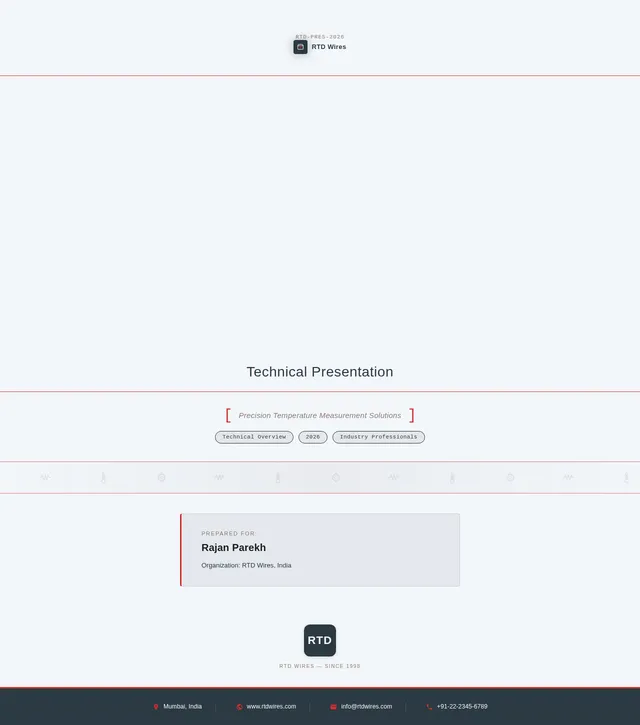
Interactive Blueprint Cover Page
The homepage of the presentation will feature a technical blueprint-inspired design. The cover page will resemble an engineering drawing, with subtle pencil-sketch animations that dynamically highlight key elements of RTD Wires.
Details:
- Background: A textured blueprint grid with faint technical diagrams.
- Logo Placement: Prominently displayed in the top-right corner, with a subtle glow effect.
- Title Animation: The title "RTD Wires Presentation" will appear as if being drawn by a mechanical drafting tool.
- Micro-Interactions: Hovering over the title or logo will create a ripple effect, mimicking the precision of technical instruments.
- Color Shifts: The blueprint background will subtly shift between shades of blue and gray, creating a dynamic yet professional visual experience.
This bold design concept will immediately captivate the audience and set the tone for the technical content that follows.
7. Non-Functional Requirements
- The presentation must be compatible with Microsoft PowerPoint and Google Slides.
- The design must adhere to professional standards and be visually appealing.
- The file size must be optimized to ensure quick loading and sharing.
- The presentation must be easy to navigate and user-friendly.
8. Tech Stack
Tools and Technologies:
- Design Software: Adobe Photoshop, Illustrator, or Canva for creating visuals and layouts.
- Presentation Software: Microsoft PowerPoint or Google Slides for final delivery.
- File Formats: PPTX and PDF for compatibility and sharing.
9. Assumptions and Constraints
Assumptions:
- The user will provide all necessary files, including the RTD Wires description, logo, and contact details.
- The audience is familiar with technical presentations and expects a professional tone.
Constraints:
- The presentation must adhere to the color palette and design guidelines specified.
- The visuals must be used sparingly to maintain a text-focused format.
10. Glossary
- RTD Wires: Resistance Temperature Detector wires used for precise temperature measurement.
- Blueprint: A technical drawing used in engineering and architecture.
- Accent Color: A color used to highlight key elements in a design.
- Micro-Interactions: Small animations or effects that enhance user engagement.
This document outlines the updated system requirements for the Feral-Presentation project, ensuring it meets Rajan Parekh's specifications for a professional, technical-themed PowerPoint presentation.
RTDWires
Technical Presentation
Prepared for:
Rajan Parekh
Organization: RTD Wires, India
RTD Wires — Since 1998
No comments yet. Be the first!