exambro

bySquad Buntu

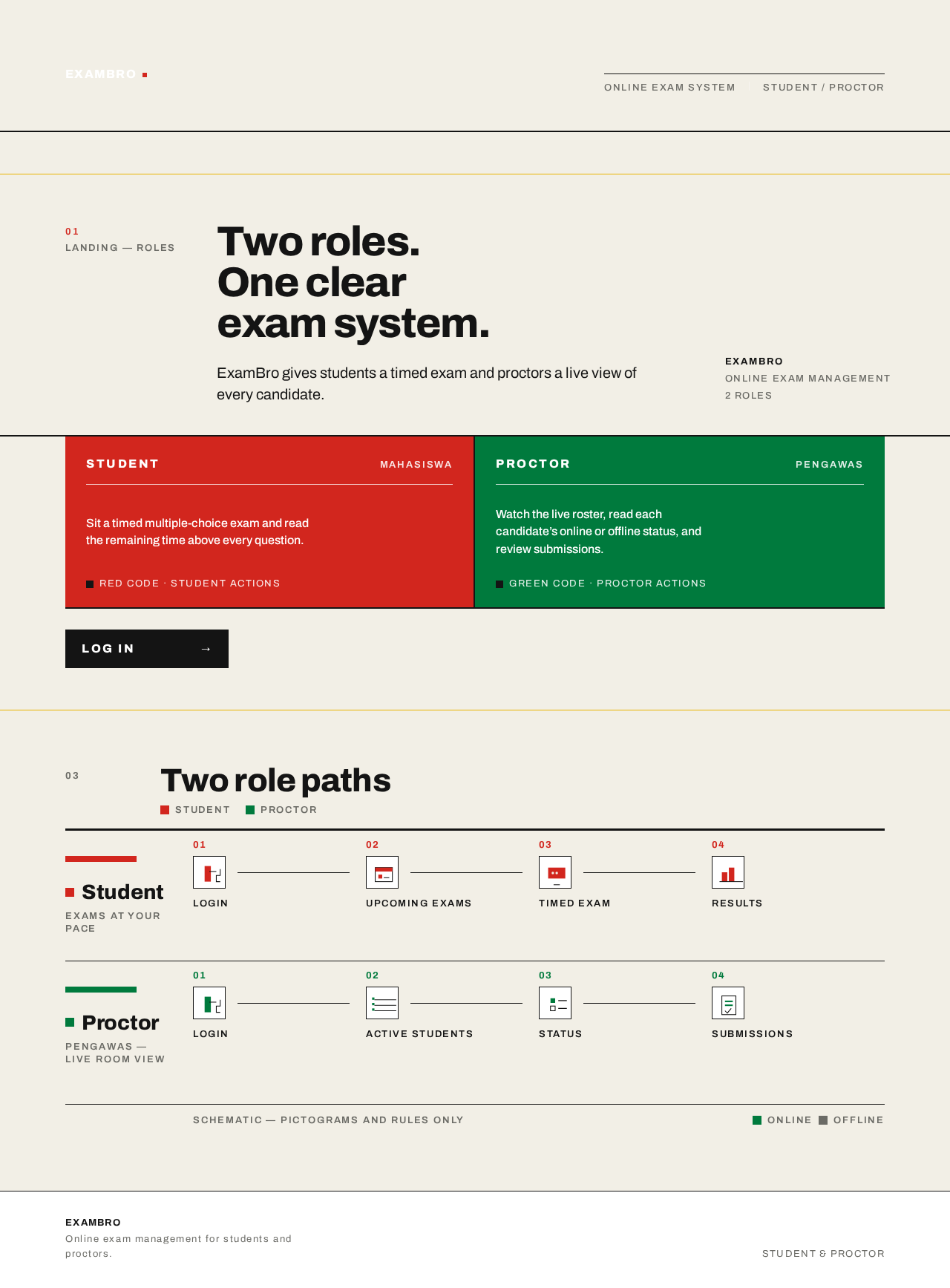
"Design an Android mobile application called 'ExamBro' for online exam management. It must have two distinct user roles: Student and Proctor (Pengawas). Student Features: Login, view upcoming exams, take a multiple-choice exam with a countdown timer, submit answers, and view exam results. Proctor Features: Login, view a list of active students taking the exam in real-time, monitor student status (online/offline), and review student submissions. The UI should be clean, professional, and easy to navigate for both roles. Please generate the app architecture, database schema, and UI wireframes for both Student and Proctor screens."

LandingLogin
Landing

Comments (0)

No comments yet. Be the first!

Project Tasks

34 planning tasks
#1

Generate system requirement document

0m 59s0.05 cr used
Done
#2

Generate personas & user flows

0m 7s0.05 cr used
Done
#5

Architecture

0.05 cr needed
Paused
#6

Workspace task plan

0.05 cr needed
Paused
#7

Create flow for Student

0m 6sCredits in parent
Done
#8

Create flow for Proctor (Pengawas)

0m 6sCredits in parent
Done
#9

Landing

2m 41sCredits in subtasks
Done
#10

Login

2m 18sCredits in subtasks
Done
#11

Upcoming Exams

2m 18sCredits in subtasks
Paused
#12

Take Exam

2m 17sCredits in subtasks
Paused
#13

Exam Results

2m 17sCredits in subtasks
Paused
#14

Active Students

2m 17sCredits in subtasks
Paused
#15

Submissions

2m 17sCredits in subtasks
Paused
#16

Landing / Header Bar

0m 21s0.85 cr used
Done
#17

Landing / Hero Block

0m 22s0.85 cr used
Done
#18

Landing / Role Path Schematic

0m 30s0.85 cr used
Done
#19

Landing / Navigation

0m 1s0.85 cr used
Done
#20

Landing / Footer

0m 1s0.85 cr used
Done
#21

Navigation

0m 17sCredits in parent
Done
#22

Footer

0m 12sCredits in parent
Done
#23

Fix Landing: Desktop role blocks collapse to narrow columns and the Proctor copy spills outside its…

0m 43sCredits unavailable
Done
#24

Fix Landing: The page renders two competing product headers: and . The visible frame shows a separate…

0m 57sCredits unavailable
Done
#25

Fix Landing review findings: Desktop role blocks collapse to narrow columns and the… (+1 more)

0m 24s0 cr used
Done
#26

Login / Navigation Slot

0m 0s0.85 cr used
Done
#27

Login / Access Panel

1m 0s0.85 cr used
Done
#28

Login / Footer Slot

0m 0s0.85 cr used
Done
#29

Login / Role Path Reference

0m 23s0.85 cr used
Done
#30

Upcoming Exams / Header

0.85 cr needed
Paused
#31

Upcoming Exams / List

0.85 cr needed
Paused
#32

Upcoming Exams / Footer

0.85 cr needed
Paused
#33

Take Exam / Navigation

0.85 cr needed
Paused
#34

Take Exam / Session Header

0.85 cr needed
Paused
#35

Take Exam / Question Panel

0.85 cr needed
Paused
#36

Take Exam / Footer

0.85 cr needed
Paused
Live
Landing design preview

Landing: Read role paths

Login: Select Proctor role

Login: Establish new account

Login: 1. Sign in

Login: 2. Correct invalid credentials

Active Students: 1. Monitor live roster

Active Students: 2. Track online/offline status

Active Students: 3. Continue after reconnect

Active Students: 4. Open submitted student

Submissions: 5. View submission list

Submissions: 6. Retry failed load

Submissions: 7. Select submission

Submissions: 8. Review submitted answers

Submissions: 9. Return to roster

Live
Landing design preview

Landing: Read role paths

Login: Select Proctor role

Login: Establish new account

Login: 1. Sign in

Login: 2. Correct invalid credentials

Active Students: 1. Monitor live roster

Active Students: 2. Track online/offline status

Active Students: 3. Continue after reconnect

Active Students: 4. Open submitted student

Submissions: 5. View submission list

Submissions: 6. Retry failed load

Submissions: 7. Select submission

Submissions: 8. Review submitted answers

Submissions: 9. Return to roster