emerald-flashlight
by Abhay Gamer
Abhay GamerMake a app for flashlight

Comments (0)
Sign in to leave a comment
Project Tasks
12 planning tasks#1
Generate system requirement document
0m 42s0.1 cr used
Done#2
Generate personas & user flows
0m 5s0.1 cr used
Done#7
Create flow for Flashlight User
0m 5sCredits in parent
Done#8
Landing
6m 24sCredits in subtasks
Done#10
Landing / Top Bar
0m 30s0.8 cr used
Done#11
Landing / Lamp Instrument
0m 31s0.8 cr used
Done#12
Landing / Purpose Statement
0m 29s0.8 cr used
Done#13
Landing / Footer
0m 11s0.8 cr used
Done#14
Footer
0m 11sCredits in parent
Done#9
Flashlight
Credits in subtasks
Backlog#5
Architecture
0.1 cr needed
Backlog#6
Workspace task plan
0.1 cr needed
Backlog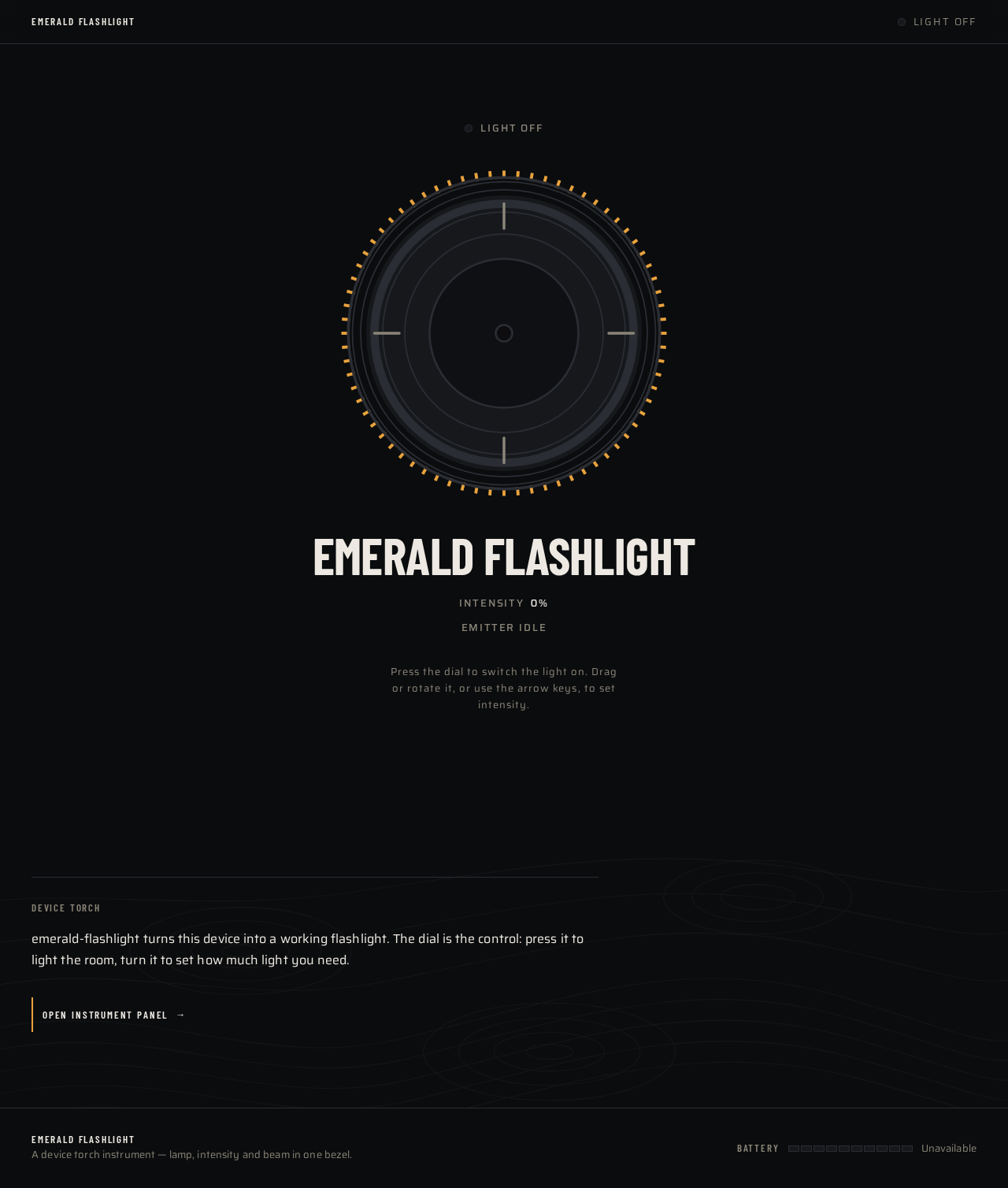
Light offDevice flashlight is off
Emerald Flashlight
Intensity0%
Emitter idle
Press the dial to switch the light on. Drag or rotate it, or use the arrow keys, to set intensity.
Device Torch
emerald-flashlight turns this device into a working flashlight. The dial is the control: press it to light the room, turn it to set how much light you need.
Open instrument panelLight offDevice flashlight is off
Emerald Flashlight
Intensity0%
Emitter idle
Press the dial to switch the light on. Drag or rotate it, or use the arrow keys, to set intensity.
Device Torch
emerald-flashlight turns this device into a working flashlight. The dial is the control: press it to light the room, turn it to set how much light you need.
Open instrument panel
No comments yet. Be the first!