embroidery-render-photoshop
 viral ghelani
Create a adobe photoshop cs6 compatible filter to turn a color shape into embroidery render


Comments (0)
Sign in to leave a comment

Load a layered TIFF
Layered TIFF files authored in Adobe Photoshop — layer structure is kept intact.
0 B
- file
- No file loaded
- bytes
- 0
- layers
- —
The readout turns tangerine and counts up the decoded byte size while the file is read.
Layers
no file
No TIFF loaded
Load a TIFF in the intake strip above to read its layers here.
No layer selected
Color shapes
—Color shapes appear once a layer is selected.
Render handoff
No layer selected
Choose a layer and one of its color shapes in the canvas, then send that color shape to the Embroidery Render surface.
- Select a layer in the layer tree
- Identify a color shape in the canvas
- Send the color shape to render
Select a layer in the layer tree to continue.
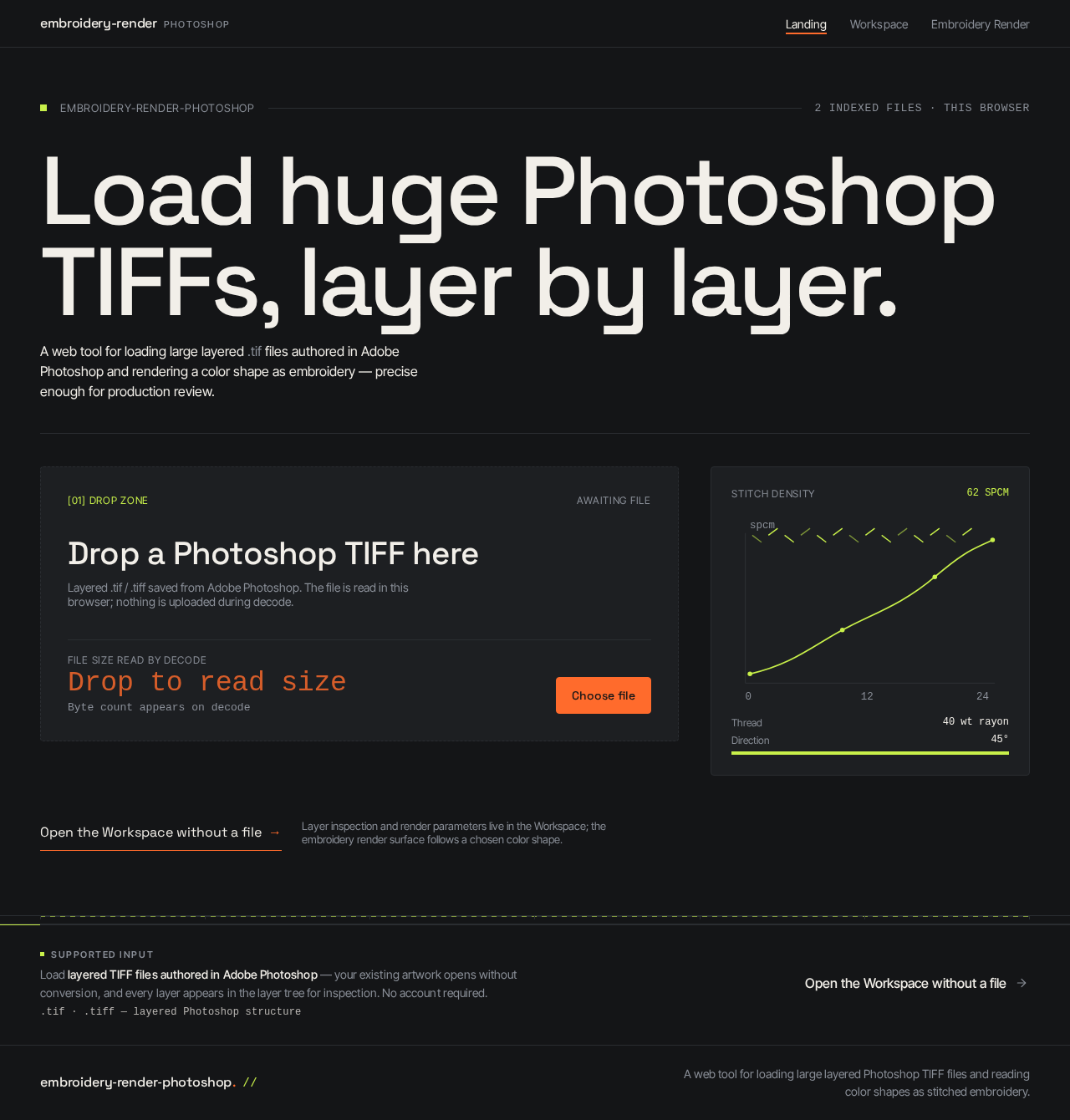
Load huge Photoshop TIFFs, layer by layer.
A web tool for loading large layered .tif files authored in Adobe Photoshop and rendering a color shape as embroidery — precise enough for production review.
Layer inspection and render parameters live in the Workspace; the embroidery render surface follows a chosen color shape.
Load layered TIFF files authored in Adobe Photoshop — your existing artwork opens without conversion, and every layer appears in the layer tree for inspection. No account required.
No comments yet. Be the first!