document-processing-summaries
by Malhar Shah
Malhar ShahI want to build a website regarding document processing and giving summaries. how to move forward

Comments (0)
Sign in to leave a comment
Project Tasks
19 planning tasks#1
Generate system requirement document
0m 46s0.2 cr used
Done#2
Generate personas & user flows
0m 7s0.2 cr used
Done#7
Create flow for Document Submitter
0m 7sCredits in parent
Done#8
Create flow for Summary Reader
0m 7sCredits in parent
Done#9
Landing
7m 14sCredits in subtasks
Done#21
Fix Landing review findings: frontend/src/components/Landing Hero.jsx and… (+1 more)
0m 58s0.4 cr used
Done#20
Fix Landing review findings: Q1 as reviewed now: The desktop outline headline remains… (+1 more)
1m 9s0.4 cr used
Done#19
Fix Landing review findings: Q1 as reviewed now: The desktop outline headline remains… (+1 more)
0m 22s0.4 cr used
Done#18
Fix Landing review findings: Q1 as reviewed now: The desktop hero outline headline is… (+1 more)
0m 20s0.4 cr used
Done#17
Fix Landing review findings: Hero headline is clipped at the desktop viewport edge… (+2 more)
0m 22s0.4 cr used
Done#15
Landing / Navigation
0m 16s1.6 cr used
Done#12
Landing / Hero
0m 17s1.6 cr used
Done#13
Landing / Pipeline Schematic
0m 19s1.6 cr used
Done#14
Landing / Entry Footer
0m 17s1.6 cr used
Done#16
Navigation
0m 16sCredits in parent
Done#10
Document Upload
Credits in subtasks
Backlog#11
Summary
Credits in subtasks
Backlog#5
Architecture
0.2 cr needed
Backlog#6
Workspace task plan
0.2 cr needed
Backlog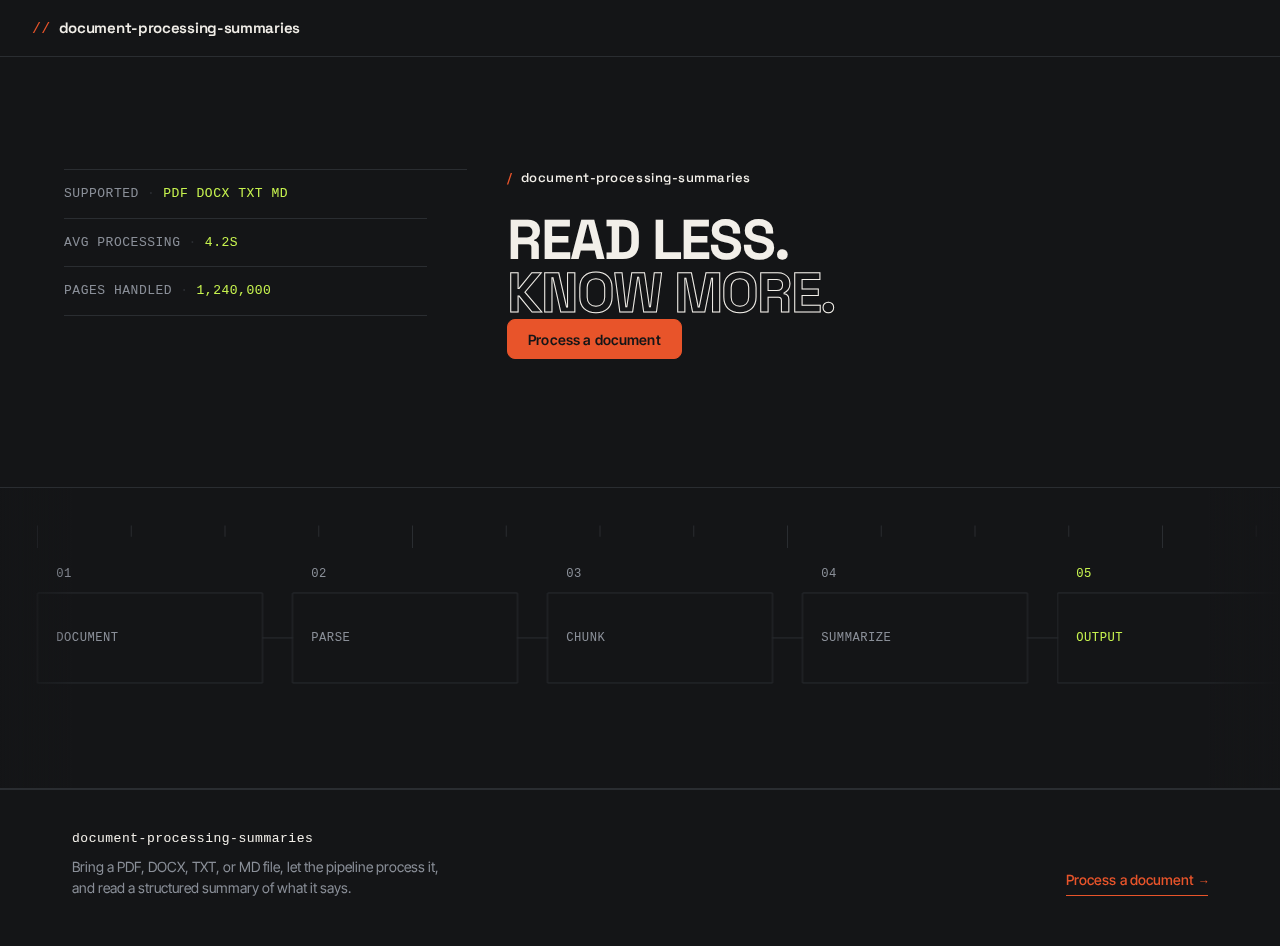
- SUPPORTED
- PDF DOCX TXT MD
- AVG PROCESSING
- 4.2S
- PAGES HANDLED
- 1,240,000
- SUPPORTED
- PDF DOCX TXT MD
- AVG PROCESSING
- 4.2S
- PAGES HANDLED
- 1,240,000
No comments yet. Be the first!