deep-app
 Omer Timna
Hypno gif maker: an app where I can take a picture of any animted/realistic character from the internet/my phone's gallery and turn it to a gif picture by adding hypnotic effects to it. The hypnotic effects can be for example, a big spiral background that spins in a circular motion, hypnotic spirals in the character's eyes that also spin in a circular motion, and swinging pendulums(pocket watch, necklace, pendant, etc)that swing from side to side in a continuous motion. Other hypnotic effects are also welcomed. Also, if possible, I would like to add features that control the placement of the hypnotic effects on the picture(except for the spiral background effect, because it covers the whole background anyway)and also the posture of the character(by being able to move it's head, arms, hands, etc). If there's more then one character in the picture, let the posture control feature work on all the characters.

Comments (0)
Sign in to leave a comment
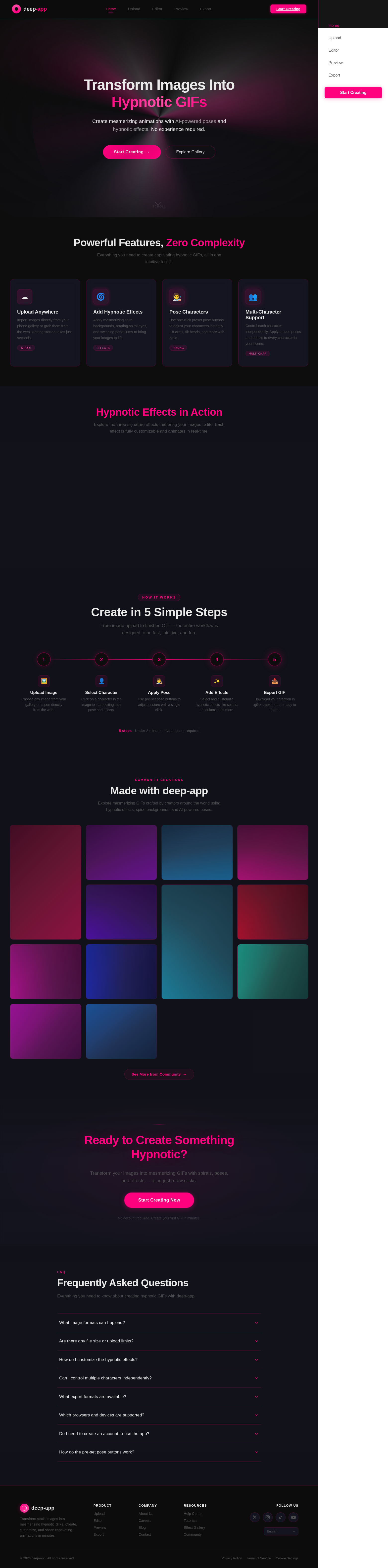
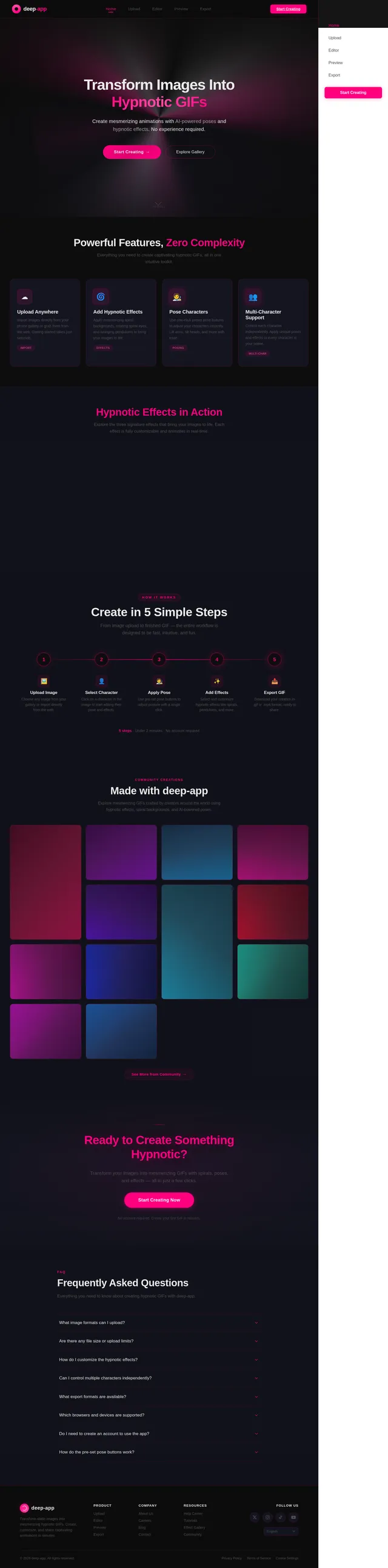
Transform Images Into Hypnotic GIFs
Create mesmerizing animations with AI-powered poses and hypnotic effects. No experience required.
Powerful Features, Zero Complexity
Everything you need to create captivating hypnotic GIFs, all in one intuitive toolkit.
Upload Anywhere
Import images directly from your phone gallery or grab them from the web. Getting started takes just seconds.
ImportAdd Hypnotic Effects
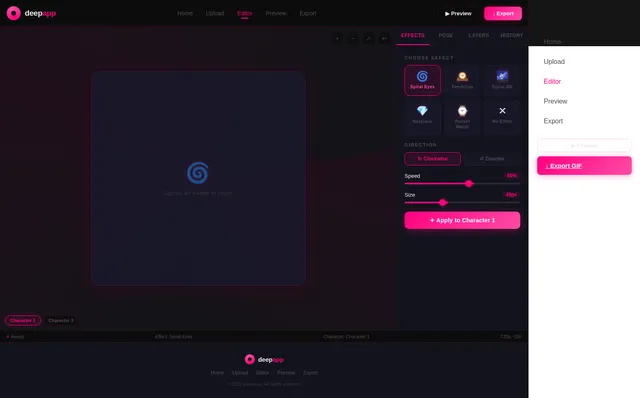
Apply mesmerizing spiral backgrounds, rotating spiral eyes, and swinging pendulums to bring your images to life.
EffectsPose Characters
Use one-click preset pose buttons to adjust your characters instantly. Lift arms, tilt heads, and more with ease.
PosingMulti-Character Support
Control each character independently. Apply unique poses and effects to every character in your scene.
Multi-CharHypnotic Effects in Action
Explore the three signature effects that bring your images to life. Each effect is fully customizable and animates in real-time.
Create in 5 Simple Steps
From image upload to finished GIF — the entire workflow is designed to be fast, intuitive, and fun.
Upload Image
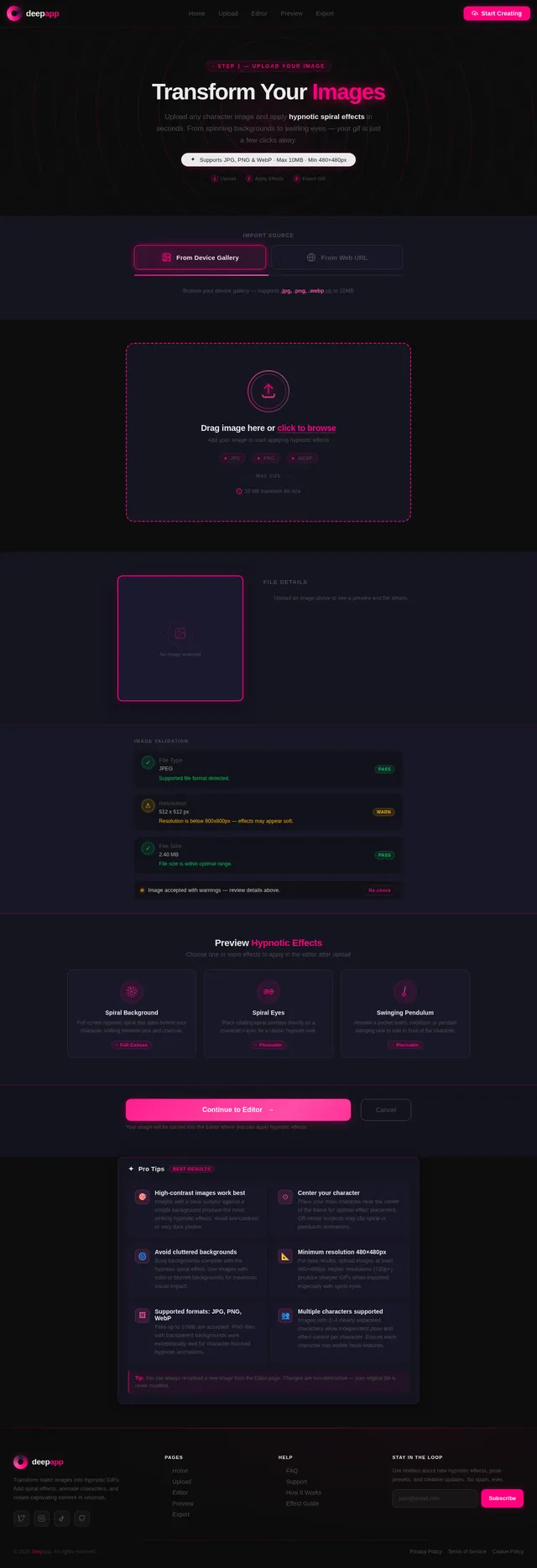
Choose any image from your gallery or import directly from the web.
Select Character
Click on a character in the image to start editing their pose and effects.
Apply Pose
Use pre-set pose buttons to adjust posture with a single click.
Add Effects
Select and customize hypnotic effects like spirals, pendulums, and more.
Export GIF
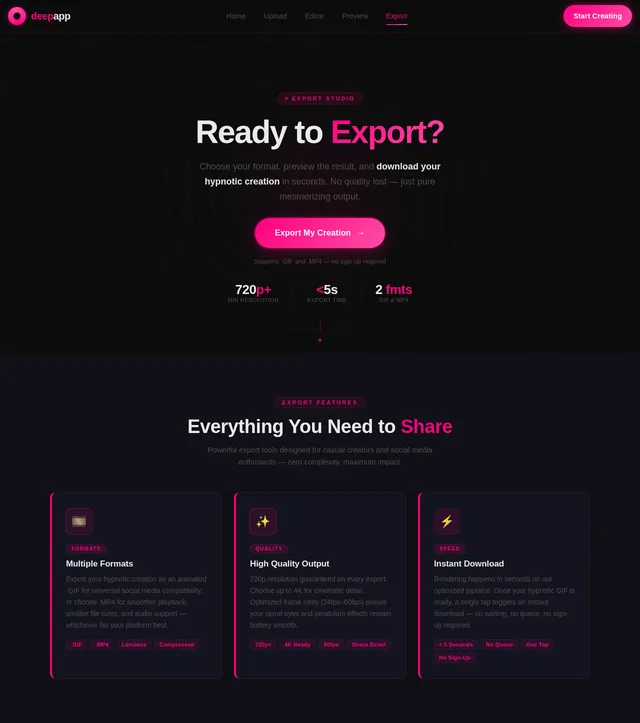
Download your creation in .gif or .mp4 format, ready to share.
Made with deep-app
Explore mesmerizing GIFs crafted by creators around the world using hypnotic effects, spiral backgrounds, and AI-powered poses.
Ready to Create Something Hypnotic?
Transform your images into mesmerizing GIFs with spirals, poses, and effects — all in just a few clicks.
Start Creating NowNo account required. Create your first GIF in minutes.
Frequently Asked Questions
Everything you need to know about creating hypnotic GIFs with deep-app.
deep-app supports all major image formats including PNG, JPG, JPEG, and WebP. You can upload images directly from your phone gallery or import them from the internet. For best results, we recommend using high-resolution images with clearly visible characters.
Free users can upload images up to 10MB per file. There is no limit on the number of images you can work with during a session. Larger files may take slightly longer to process, but our AI pipeline handles optimization automatically.
After adding an effect like spiral eyes or a swinging pendulum, you can adjust its placement, size, and direction directly on the canvas. The spiral background covers the full image and its speed and color intensity can be fine-tuned. All adjustments update in real-time so you can see changes instantly.
Yes! deep-app supports multi-character images. Simply click on each character to select them individually. You can apply different poses and effects to each character independently, giving you full creative control over complex scenes with multiple subjects.
You can export your creations as standard .gif files or as .mp4 video files. GIF format is perfect for social media sharing and messaging apps, while MP4 offers higher quality and smaller file sizes for platforms that support video uploads.
deep-app works on all modern browsers including Chrome, Firefox, Safari, and Edge. It is fully optimized for mobile devices running iOS 15+ and Android 10+. For the smoothest experience, we recommend using the latest version of your preferred browser.
No account is required to start creating! You can upload an image, apply effects, adjust poses, and preview your GIF without signing up. An optional account lets you save projects, access your creation history, and share directly to social platforms.
Instead of manually dragging body parts, deep-app uses AI-powered pre-set pose buttons like "lift arm," "tilt head," and "lean closer." Simply click a button and the character pose updates instantly. This one-click approach is designed for casual creators who want quick, professional-looking results.
No comments yet. Be the first!