crm-lead-management
 Meghna Rajawat
Develop a secure, scalable, AI-powered CRM system with customer and lead management, sales pipelines, follow-up automation, AI-driven communication, workflow integrations, reporting, and user management - Implementing basic reporting and analytics. - Setting up a secure database and user management. - Ensuring the system is scalable and can be maintained independently.


Comments (0)
Sign in to leave a comment
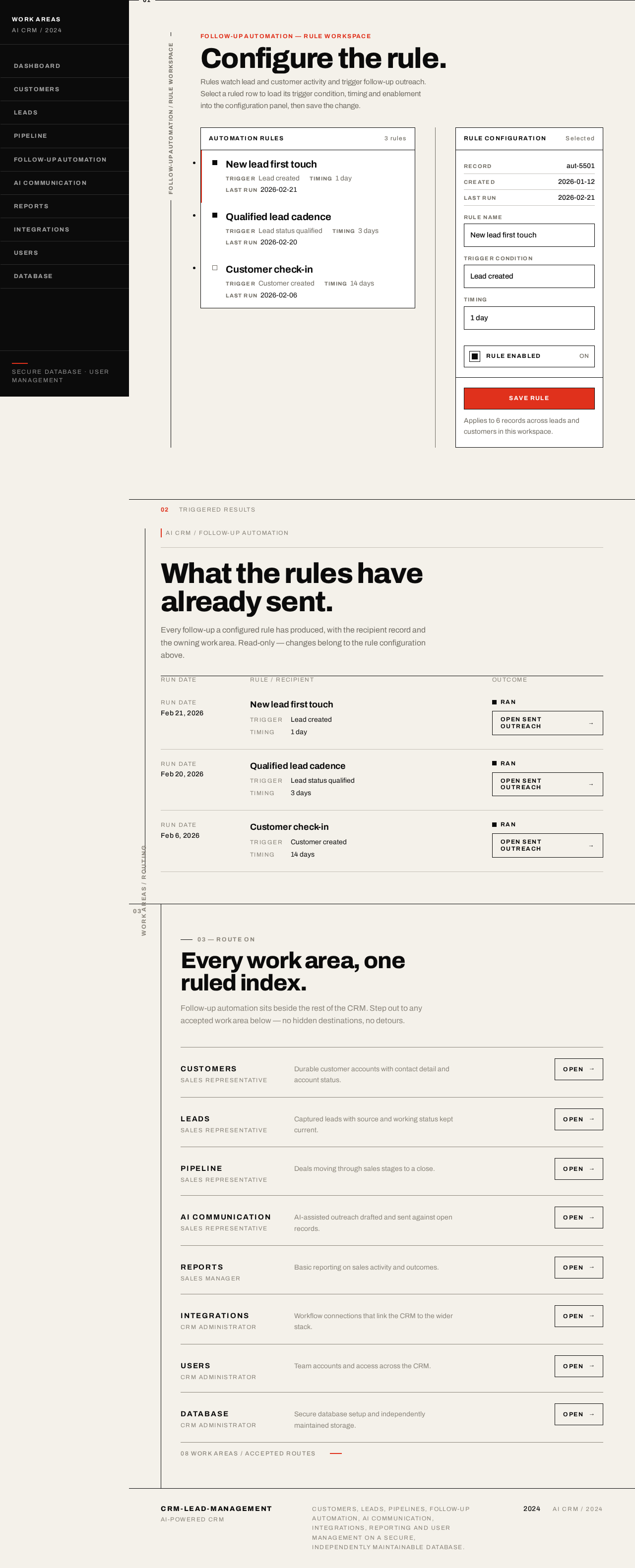
Follow-up automation — rule workspace
Configure the rule.
Rules watch lead and customer activity and trigger follow-up outreach. Select a ruled row to load its trigger condition, timing and enablement into the configuration panel, then save the change.
Automation rules
3 rules
Rule configuration
Selected
Applies to 6 records across leads and customers in this workspace.
02
Triggered results
AI CRM / Follow-up automation
What the rules have already sent.
Every follow-up a configured rule has produced, with the recipient record and the owning work area. Read-only — changes belong to the rule configuration above.
Run date
Feb 21, 2026
New lead first touch
- Trigger
- Lead created
- Timing
- 1 day
Run date
Feb 20, 2026
Qualified lead cadence
- Trigger
- Lead status qualified
- Timing
- 3 days
Run date
Feb 6, 2026
Customer check-in
- Trigger
- Customer created
- Timing
- 14 days
03 — Route on
Every work area, one ruled index.
Follow-up automation sits beside the rest of the CRM. Step out to any accepted work area below — no hidden destinations, no detours.
Customers
Sales Representative
Durable customer accounts with contact detail and account status.
Leads
Sales Representative
Captured leads with source and working status kept current.
Pipeline
Sales Representative
Deals moving through sales stages to a close.
AI Communication
Sales Representative
AI-assisted outreach drafted and sent against open records.
Reports
Sales Manager
Basic reporting on sales activity and outcomes.
Integrations
CRM Administrator
Workflow connections that link the CRM to the wider stack.
Users
CRM Administrator
Team accounts and access across the CRM.
Database
CRM Administrator
Secure database setup and independently maintained storage.
08 work areas / accepted routes
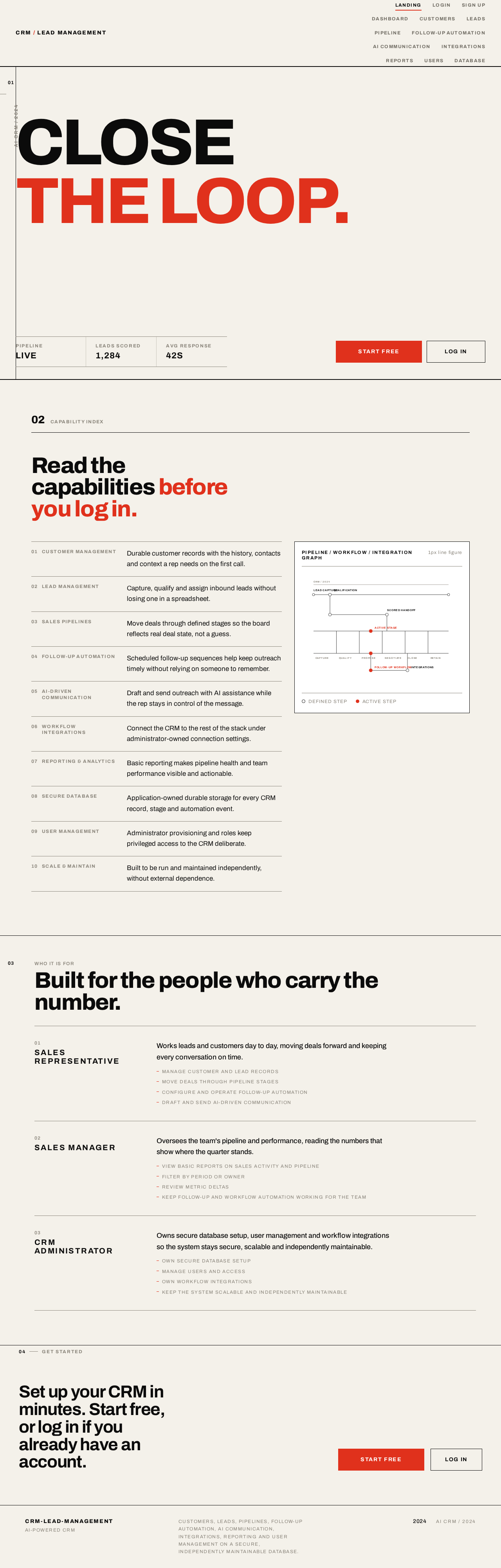
CLOSETHE LOOP.
Who it is for
Built for the people who carry the number.
- 01
Sales Representative
Works leads and customers day to day, moving deals forward and keeping every conversation on time.
- Manage customer and lead records
- Move deals through pipeline stages
- Configure and operate follow-up automation
- Draft and send AI-driven communication
- 02
Sales Manager
Oversees the team's pipeline and performance, reading the numbers that show where the quarter stands.
- View basic reports on sales activity and pipeline
- Filter by period or owner
- Review metric deltas
- Keep follow-up and workflow automation working for the team
- 03
CRM Administrator
Owns secure database setup, user management and workflow integrations so the system stays secure, scalable and independently maintainable.
- Own secure database setup
- Manage users and access
- Own workflow integrations
- Keep the system scalable and independently maintainable
No comments yet. Be the first!