crm-lead-management
 Meghna Rajawat
Develop a secure, scalable, AI-powered CRM system with customer and lead management, sales pipelines, follow-up automation, AI-driven communication, workflow integrations, reporting, and user management - Implementing basic reporting and analytics. - Setting up a secure database and user management. - Ensuring the system is scalable and can be maintained independently.


Comments (0)
Sign in to leave a comment
Architecture
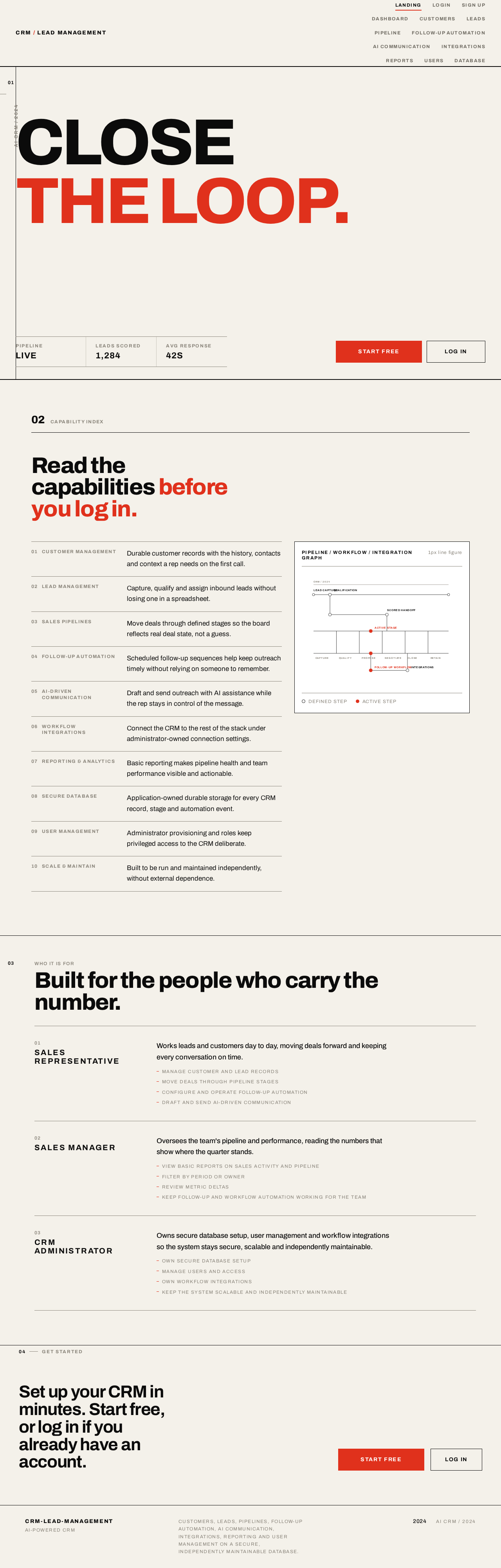
CLOSETHE LOOP.
Who it is for
Built for the people who carry the number.
- 01
Sales Representative
Works leads and customers day to day, moving deals forward and keeping every conversation on time.
- Manage customer and lead records
- Move deals through pipeline stages
- Configure and operate follow-up automation
- Draft and send AI-driven communication
- 02
Sales Manager
Oversees the team's pipeline and performance, reading the numbers that show where the quarter stands.
- View basic reports on sales activity and pipeline
- Filter by period or owner
- Review metric deltas
- Keep follow-up and workflow automation working for the team
- 03
CRM Administrator
Owns secure database setup, user management and workflow integrations so the system stays secure, scalable and independently maintainable.
- Own secure database setup
- Manage users and access
- Own workflow integrations
- Keep the system scalable and independently maintainable
Set up your CRM in minutes. Start free, or log in if you already have an account.
CLOSETHE LOOP.
Who it is for
Built for the people who carry the number.
- 01
Sales Representative
Works leads and customers day to day, moving deals forward and keeping every conversation on time.
- Manage customer and lead records
- Move deals through pipeline stages
- Configure and operate follow-up automation
- Draft and send AI-driven communication
- 02
Sales Manager
Oversees the team's pipeline and performance, reading the numbers that show where the quarter stands.
- View basic reports on sales activity and pipeline
- Filter by period or owner
- Review metric deltas
- Keep follow-up and workflow automation working for the team
- 03
CRM Administrator
Owns secure database setup, user management and workflow integrations so the system stays secure, scalable and independently maintainable.
- Own secure database setup
- Manage users and access
- Own workflow integrations
- Keep the system scalable and independently maintainable
No comments yet. Be the first!