A shared album photo
cms-playahead-lunarstorm
by Johan Tornell
Johan TornellCreate a new cool cms, inspired by playahead & lunarstorm. Playahead had: Core Features Feature Description Profiles Personal pages with photo, presentation, interests, music taste, relationship status, etc. Guestbook A public wall where friends could leave greetings — similar to Facebook’s wall. Blog Users could write posts, share thoughts, and comment on each other’s blogs. Albums Upload and share photos, often with comments and ratings. Friends / Teams Social connections — users could create “teams” (groups) or add friends. Mingle A feed-like view showing photos and statuses — an early version of a social feed. Chat / Live Real-time chat directly in the browser, similar to MSN Messenger. Forum / Discussions Topic-based forums for everything from music to love. VIP Status (Silver, Black, Gold) Premium features like extra design options, more photos, stats, and exclusive icons. Icons / “I LIKE IT” Small graphic badges you could buy or give to others as appreciation. Statistics Displayed profile visits, points, and activity. Relationships Option to “create a relationship” — marking friendship, dating, or flirting status. Social and Interactive Plugins Dr. Love – a playful “compatibility test” showing how well you matched with others. Point System – activity gave points, increasing visibility. Music Favorites – users could show what they were listening to. Blog Comments and Ratings – encouraged interaction. VIP Black / Silver / Gold – unlocked more design and exclusive features. Themes and Colors – VIP users could customize background, text color, and layout. 🧩 Technical and Design Details Flash-based elements (for animations and chat). HTML profile editing (users could insert custom code snippets). SMS integration (for notifications and premium features). “Playahead GO” – a campaign or plugin for finding new contacts. Lunarstorm had: Core Features & Plugins Category Description Krypin (Profile Page) Each user had a personal “krypin” (den), like a mini homepage. You could customize colors, backgrounds, and add guestbooks, photos, and lists of friends. Gästbok (Guestbook) Public message board on your profile — similar to Facebook wall posts later. LunarMail / LunarMejl Internal private messaging system for direct communication. Lajv (Live Chat) Real-time chat plugin — at the top under navigation/menu short message (paid one) that users could see across the whole site. Logged out/logged in. Forum / Diskussionsgrupper Topic-based discussion boards, often themed around interests, regions, or humor. Dagbok (Diary/Blog) Personal blog entries visible to friends or public — one of the earliest “microblog” systems in Sweden. Bildalbum (Photo Album) Upload and share photos, comment on others’ pictures. Grupper (Groups) Public or private communities for shared interests — like mini-forums inside the platform. Events / Kalender Used for meetups, parties, and local gatherings. VIP / Pro Membership Paid upgrade unlocking profile styles, extra storage, and special emoticons. Radio Lunar Integrated streaming radio station with music and talk shows. Mobil Lunar SMS integration — you could receive notifications or send messages via mobile. Tycka / Snacka / Skoj Sections Interactive zones for polls, quizzes, and humor content. Krypin Statistik Showed visitor counts and popularity metrics for your profile.


Comments (0)
Sign in to leave a comment
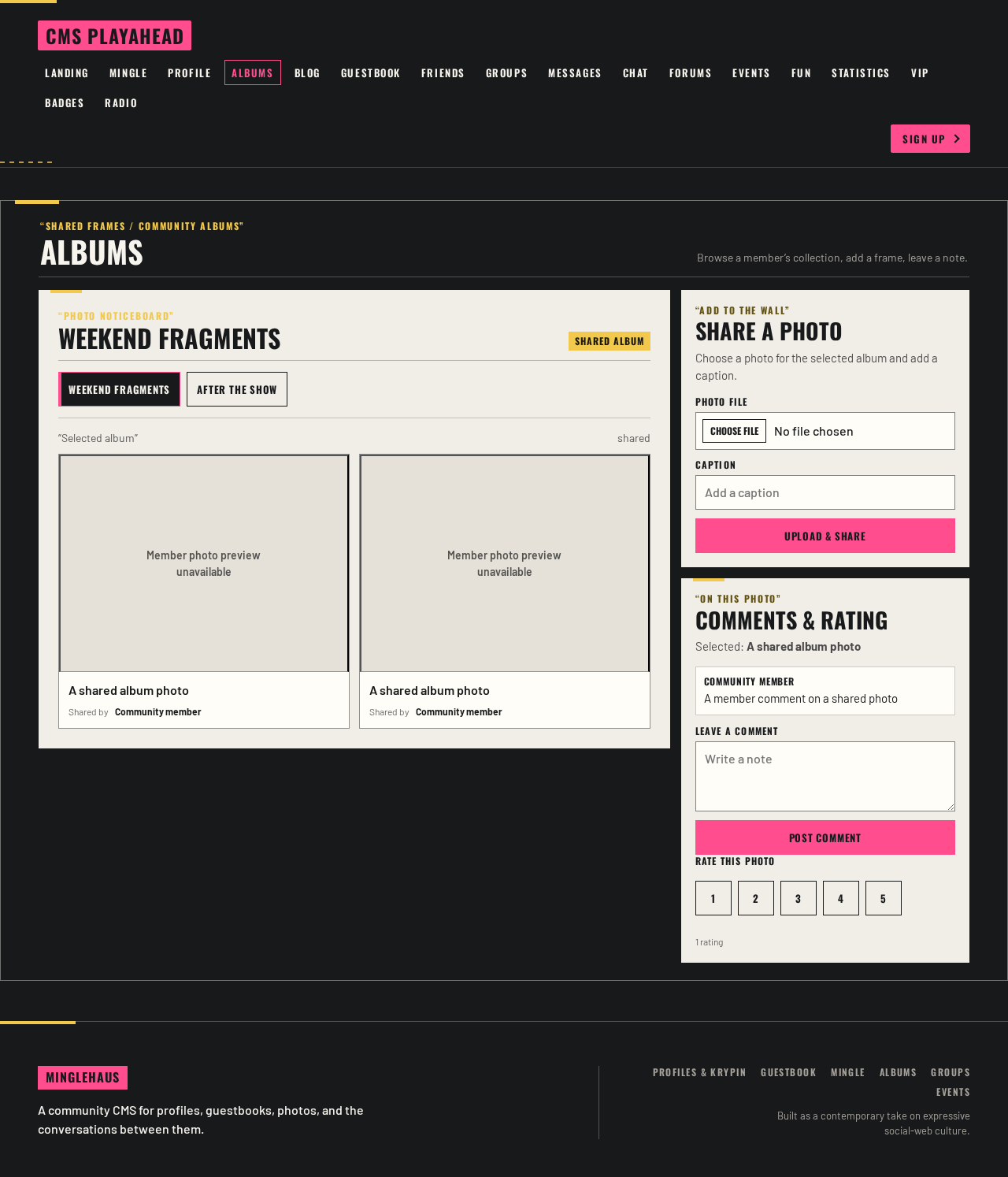
“Shared frames / community albums”
Albums
Browse a member’s collection, add a frame, leave a note.
“Photo noticeboard”
shared albumWeekend fragments
A shared album photo
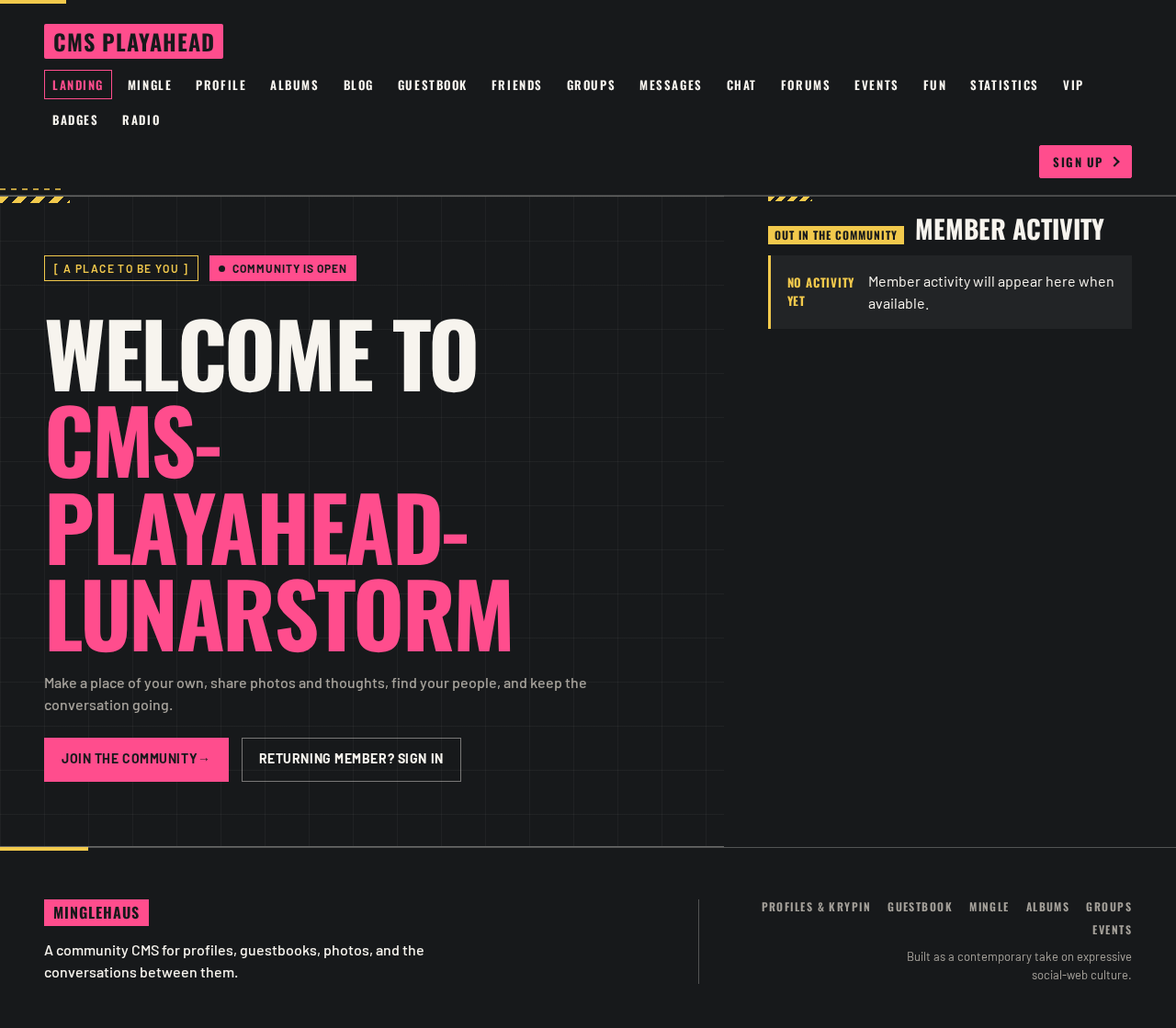
[ A place to be you ]Community is open
Welcome to cms-playahead-lunarstorm
Make a place of your own, share photos and thoughts, find your people, and keep the conversation going.
Out in the community
Member activity
No activity yetMember activity will appear here when available.
No comments yet. Be the first!