cms-playahead-lunarstorm
 Johan Tornell
Create a new cool cms, inspired by playahead & lunarstorm. Playahead had: Core Features Feature Description Profiles Personal pages with photo, presentation, interests, music taste, relationship status, etc. Guestbook A public wall where friends could leave greetings — similar to Facebook’s wall. Blog Users could write posts, share thoughts, and comment on each other’s blogs. Albums Upload and share photos, often with comments and ratings. Friends / Teams Social connections — users could create “teams” (groups) or add friends. Mingle A feed-like view showing photos and statuses — an early version of a social feed. Chat / Live Real-time chat directly in the browser, similar to MSN Messenger. Forum / Discussions Topic-based forums for everything from music to love. VIP Status (Silver, Black, Gold) Premium features like extra design options, more photos, stats, and exclusive icons. Icons / “I LIKE IT” Small graphic badges you could buy or give to others as appreciation. Statistics Displayed profile visits, points, and activity. Relationships Option to “create a relationship” — marking friendship, dating, or flirting status. Social and Interactive Plugins Dr. Love – a playful “compatibility test” showing how well you matched with others. Point System – activity gave points, increasing visibility. Music Favorites – users could show what they were listening to. Blog Comments and Ratings – encouraged interaction. VIP Black / Silver / Gold – unlocked more design and exclusive features. Themes and Colors – VIP users could customize background, text color, and layout. 🧩 Technical and Design Details Flash-based elements (for animations and chat). HTML profile editing (users could insert custom code snippets). SMS integration (for notifications and premium features). “Playahead GO” – a campaign or plugin for finding new contacts. Lunarstorm had: Core Features & Plugins Category Description Krypin (Profile Page) Each user had a personal “krypin” (den), like a mini homepage. You could customize colors, backgrounds, and add guestbooks, photos, and lists of friends. Gästbok (Guestbook) Public message board on your profile — similar to Facebook wall posts later. LunarMail / LunarMejl Internal private messaging system for direct communication. Lajv (Live Chat) Real-time chat plugin — at the top under navigation/menu short message (paid one) that users could see across the whole site. Logged out/logged in. Forum / Diskussionsgrupper Topic-based discussion boards, often themed around interests, regions, or humor. Dagbok (Diary/Blog) Personal blog entries visible to friends or public — one of the earliest “microblog” systems in Sweden. Bildalbum (Photo Album) Upload and share photos, comment on others’ pictures. Grupper (Groups) Public or private communities for shared interests — like mini-forums inside the platform. Events / Kalender Used for meetups, parties, and local gatherings. VIP / Pro Membership Paid upgrade unlocking profile styles, extra storage, and special emoticons. Radio Lunar Integrated streaming radio station with music and talk shows. Mobil Lunar SMS integration — you could receive notifications or send messages via mobile. Tycka / Snacka / Skoj Sections Interactive zones for polls, quizzes, and humor content. Krypin Statistik Showed visitor counts and popularity metrics for your profile.


Comments (0)
Sign in to leave a comment
Architecture
No Services Diagrams Yet
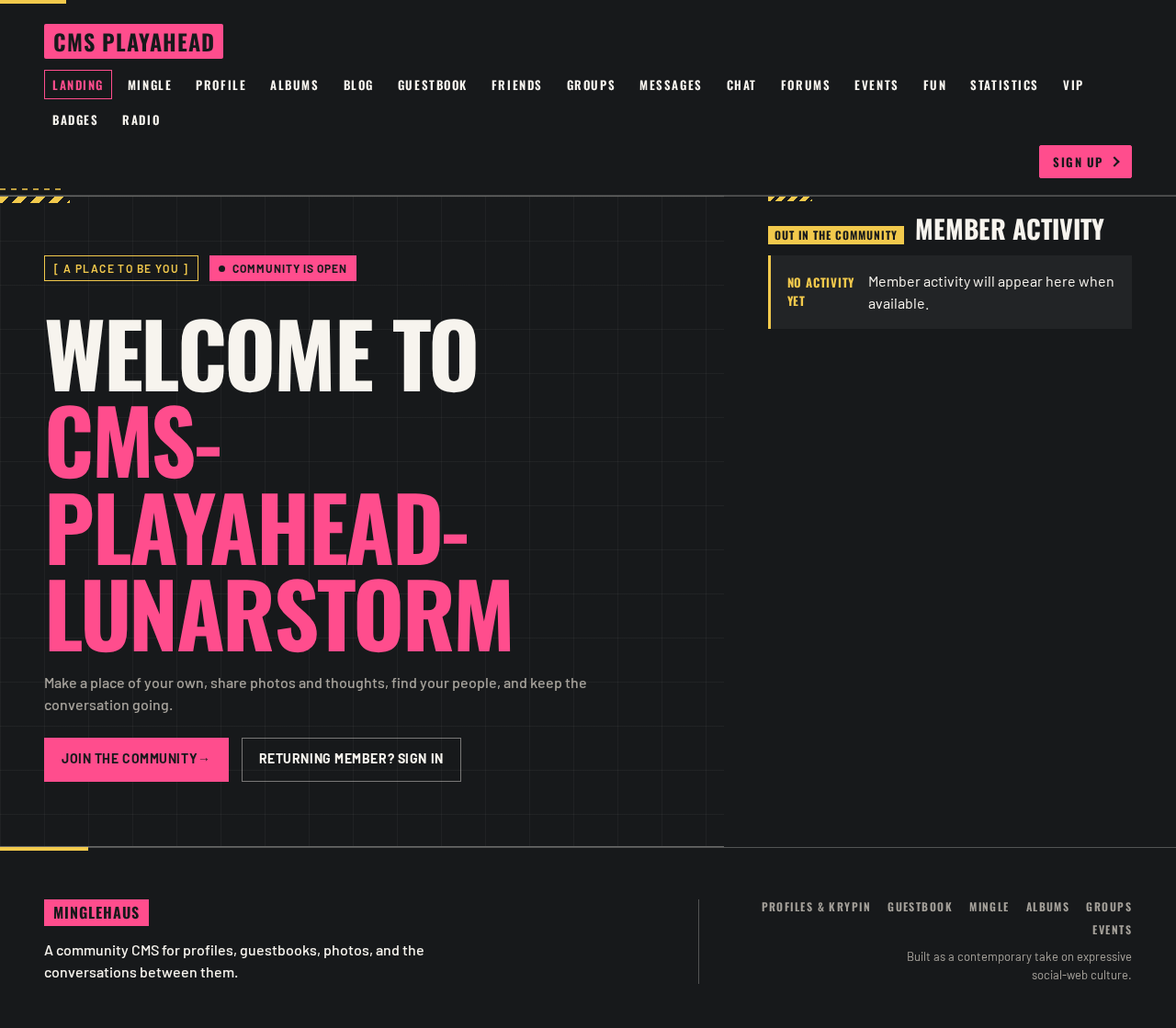
Welcome to cms-playahead-lunarstorm
Make a place of your own, share photos and thoughts, find your people, and keep the conversation going.
Member activity
Welcome to cms-playahead-lunarstorm
Make a place of your own, share photos and thoughts, find your people, and keep the conversation going.
No comments yet. Be the first!