clever-packages
 Neto Jaime Francisco Meque
mini 3 Correndo por segundosCorreu por 248 segundos summarize_auto Histórico de ações chevron_right Aqui estão as principais ações tomadas para o aplicativo: download Instalei 6 pacotes. edit Editei 8 arquivos. metadata.json check_circle src/lib/utils.ts check_circle src/types/game.ts check_circle src/types/countries.ts check_circle src/components/WorldMap.tsx check_circle src/components/EvolutionPanel.tsx check_circle src/App.tsx check_circle src/index.css check_circle build Construído
Comments (0)
Sign in to leave a comment
Project Tasks12
Design Home Page
As a user, I want to see a dynamic blueprint landing page with animations and interactive elements as described in the SRD. This includes grid-like backgrounds, animated pencil-sketch lines, and smooth transitions.
Build Splash Page
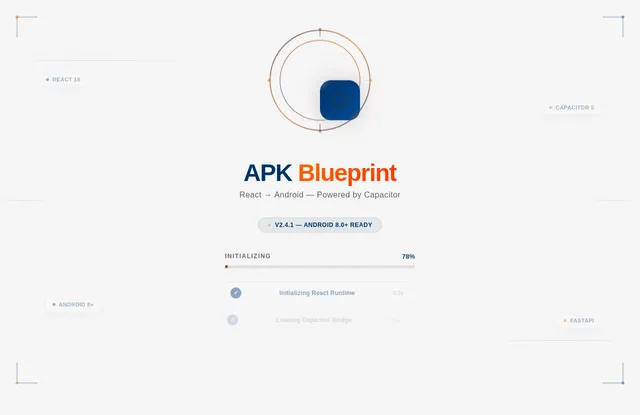
As a user, I want to see a splash page when launching the app, providing a smooth transition into the application. Implement the page based on the existing design.
Build Landing Page
As a user, I want to interact with the landing page, which includes viewing features and exploring the blueprint. Implement the page based on the existing design.
Build Settings Page
As a user, I want to adjust preferences on the settings page, including theme and other configurations. Design and implement the page.
Align Colors and Theme
As a user, I want the application to have a modern and clean design aesthetic with the specified color palette (Deep Blue, Bright Orange, Light Gray, Dark Gray) and theme for simplicity and clarity.
Build Home Page
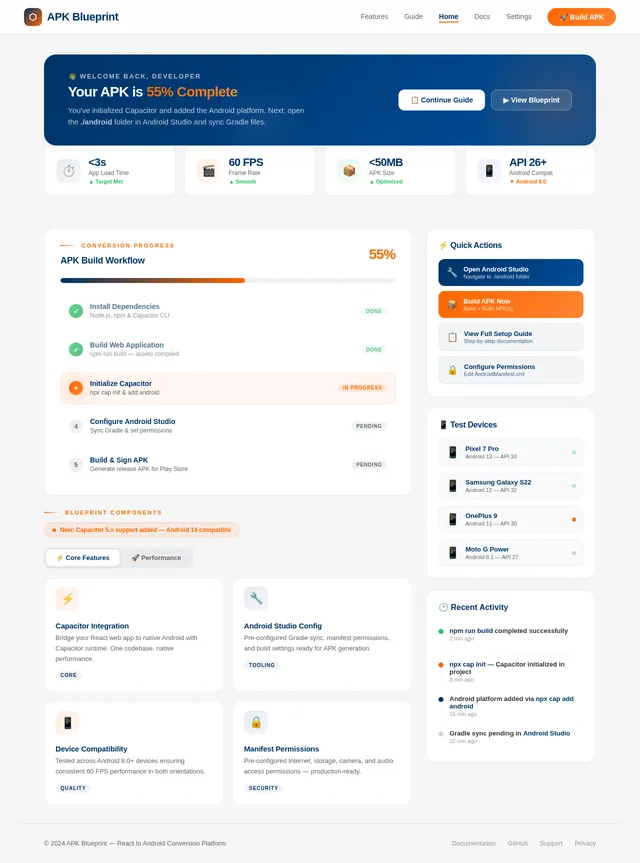
As a user, I want to interact with the home page, which includes dynamic blueprint animations and interactive elements. Implement the page based on the existing design.
Convert App to APK
As a developer, I want to convert the application into an APK for Android distribution using Capacitor and Android Studio. Follow the step-by-step guide provided in the SRD.
Configure Android Studio
As a developer, I want to configure Android Studio for APK generation, including syncing Gradle files and setting up the AndroidManifest.xml permissions as outlined in the SRD.
Optimize APK Size
As a developer, I want to optimize the APK size to ensure it does not exceed 50 MB, using tools like ProGuard as outlined in the SRD.
Sign APK for Release
As a developer, I want to sign the APK for release using Android Studio, ensuring it is ready for distribution as outlined in the SRD.
Test APK on Devices
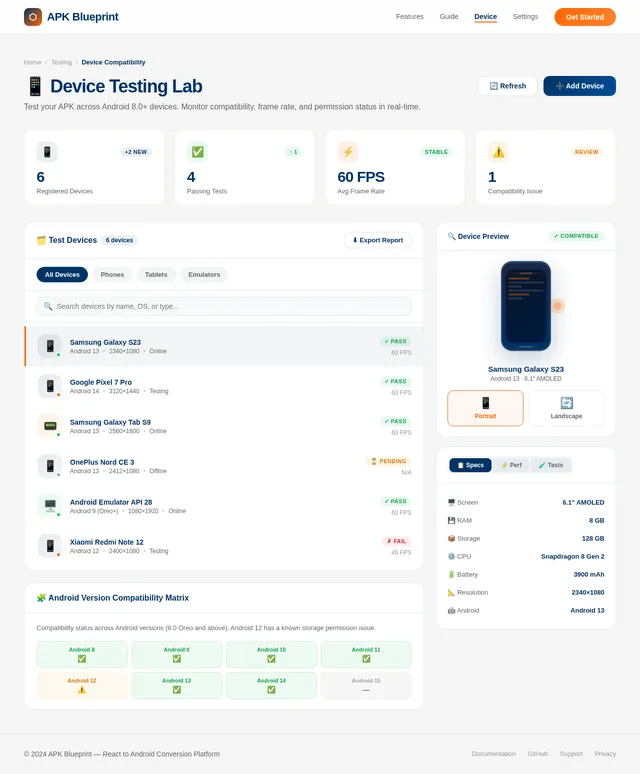
As a developer, I want to test the APK on various Android devices to ensure compatibility, performance, and functionality.
Configure Android Permissions
As a developer, I want to configure the AndroidManifest.xml file to include necessary permissions such as internet access, storage, and camera usage, as outlined in the SRD.
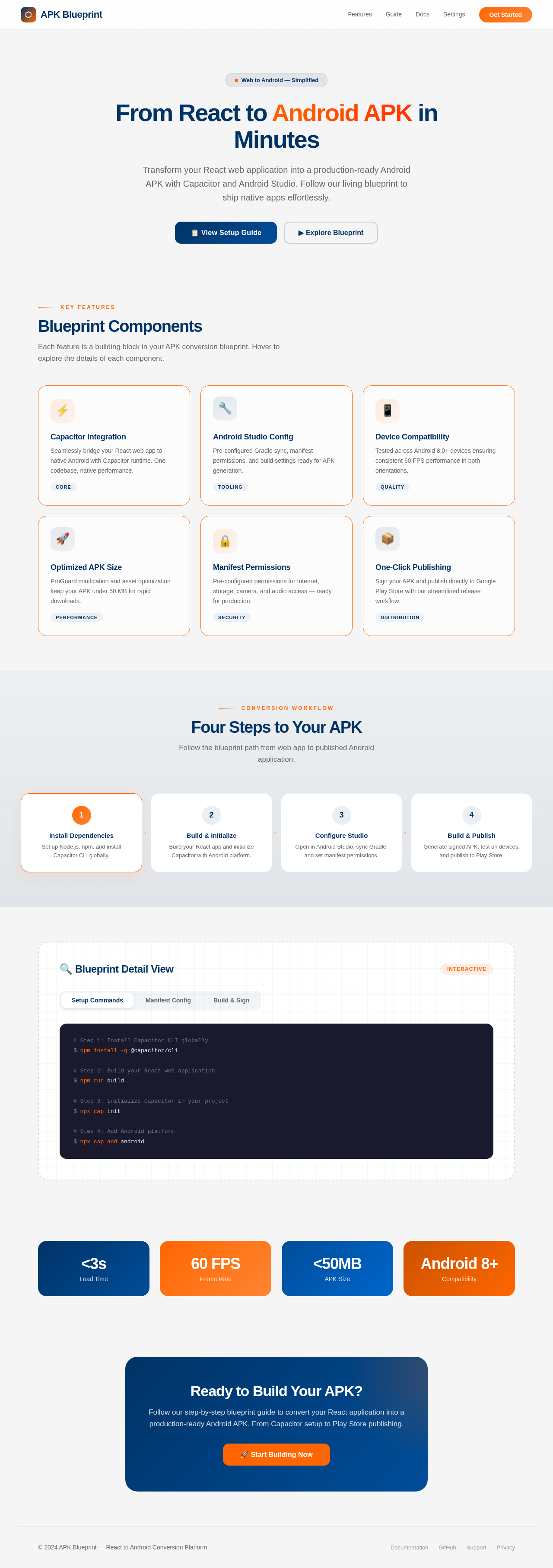
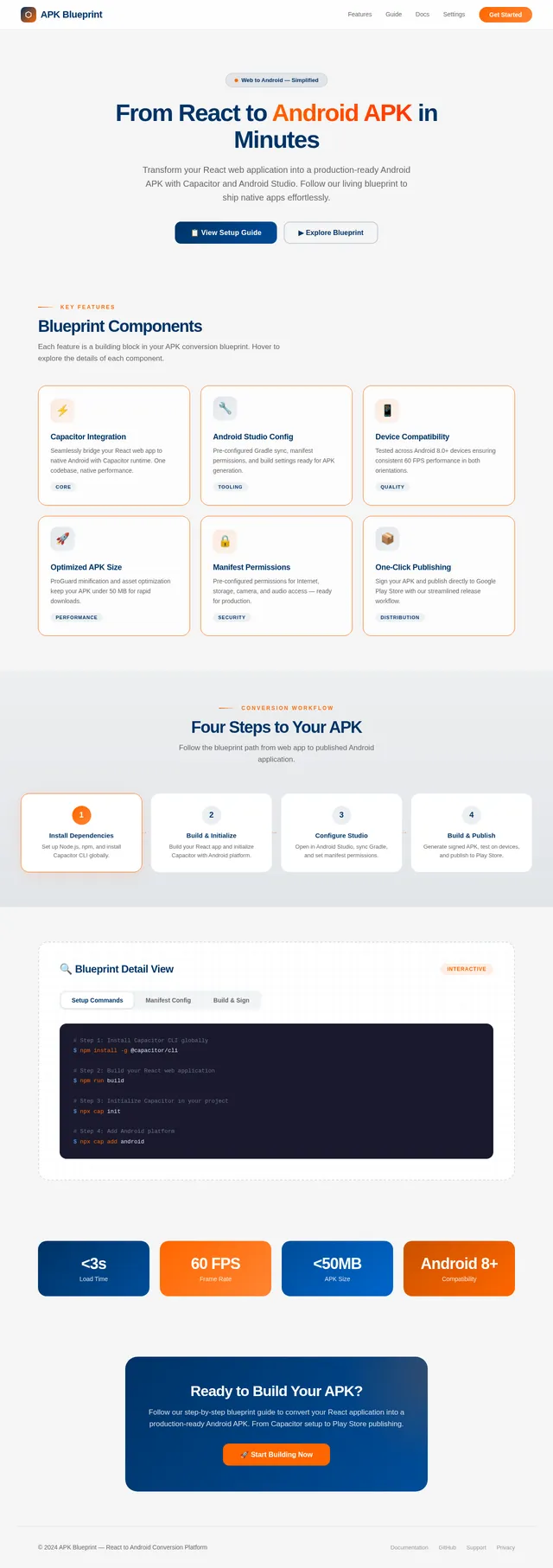
From React to Android APK in Minutes
Transform your React web application into a production-ready Android APK with Capacitor and Android Studio. Follow our living blueprint to ship native apps effortlessly.
Blueprint Components
Each feature is a building block in your APK conversion blueprint. Hover to explore the details of each component.
Capacitor Integration
Seamlessly bridge your React web app to native Android with Capacitor runtime. One codebase, native performance.
CoreAndroid Studio Config
Pre-configured Gradle sync, manifest permissions, and build settings ready for APK generation.
ToolingDevice Compatibility
Tested across Android 8.0+ devices ensuring consistent 60 FPS performance in both orientations.
QualityOptimized APK Size
ProGuard minification and asset optimization keep your APK under 50 MB for rapid downloads.
PerformanceManifest Permissions
Pre-configured permissions for Internet, storage, camera, and audio access — ready for production.
SecurityOne-Click Publishing
Sign your APK and publish directly to Google Play Store with our streamlined release workflow.
DistributionFour Steps to Your APK
Follow the blueprint path from web app to published Android application.
Install Dependencies
Set up Node.js, npm, and install Capacitor CLI globally.
→Build & Initialize
Build your React app and initialize Capacitor with Android platform.
→Configure Studio
Open in Android Studio, sync Gradle, and set manifest permissions.
→Build & Publish
Generate signed APK, test on devices, and publish to Play Store.
🔍 Blueprint Detail View
InteractiveReady to Build Your APK?
Follow our step-by-step blueprint guide to convert your React application into a production-ready Android APK. From Capacitor setup to Play Store publishing.
No comments yet. Be the first!