childhood-memory
 Lavinia Divine Mungcal
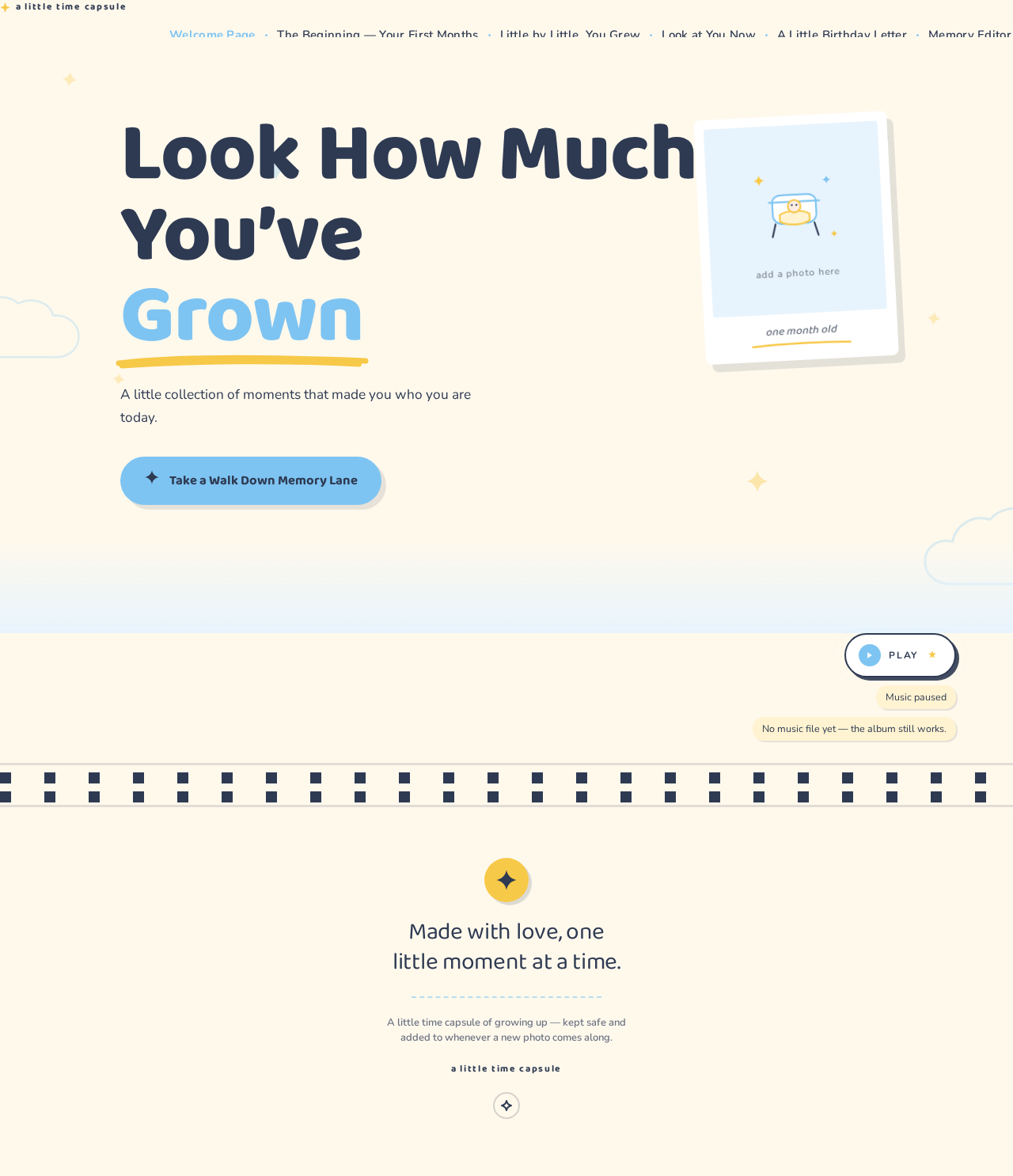
Build me a beautiful, interactive, and heartwarming childhood memory website for my nephew's 7th birthday. Website Title: “Look How Much You've Grown” Create a personal digital time capsule that tells the story of my nephew's childhood, starting from when he was one month old up to the present day, when he is almost 7 years old. IMPORTANT: Do not organize the website by birthdays or separate yearly birthday albums. Instead, make it a continuous chronological journey through his childhood, showing how he gradually grew from a tiny baby into the little boy he is today. Website Sections 1. Welcome Page - Display the title “Look How Much You've Grown.” - Add a subtitle: “A little collection of moments that made you who you are today.” - Include a beautiful childhood photo and a button labeled “Take a Walk Down Memory Lane.” - Add gentle animations, floating stars, and a warm, nostalgic atmosphere. 2. The Beginning — Your First Months - Start with photos from when he was one month old. - Continue chronologically through his baby months. - Include pictures of his little expressions, smiles, and everyday moments. - Add short captions with his age or the date each picture was taken. 3. Little by Little, You Grew - Continue the timeline through his toddler years and early childhood. - Arrange pictures in chronological order, from his earliest photos to more recent ones. - Include candid moments, funny expressions, family memories, first experiences, and other milestones. - Use a beautiful combination of photo grids, polaroid frames, and scrapbook-style layouts. 4. Look at You Now - Showcase his most recent photos as he approaches his seventh birthday. - Include a then-and-now comparison of his baby pictures and current photos. - Add the heading “You may have grown up, but you'll always be our little boy.” 5. A Little Birthday Letter - End with a heartfelt letter celebrating his seventh birthday. - Make it sweet, personal, and emotional, expressing how special it has been to watch him grow. - Add a final message: “Happy 7th Birthday! No matter how big you get, you'll always be our little sunshine.” Design and Features - Use a soft pastel palette with baby blue, cream, white, and light yellow. - Add stars, clouds, tiny doodles, film frames, and handwritten-style fonts. - Use smooth scrolling and gentle transitions to make the photos feel like pages in a childhood storybook. - Include optional background music with a play/pause button. - Make the website responsive on mobile phones and computers. - Use replaceable photo placeholders and editable captions so I can easily add his own pictures. - Make the timeline flow naturally without separating the content into individual birthday years. The overall experience should feel like opening a precious childhood scrapbook and watching a little boy grow up right before your eyes. Make it emotional, nostalgic, personal, and magical, like a birthday gift made entirely of memories.

Comments (0)
Sign in to leave a comment
Architecture
No Services Diagrams Yet
a little time capsule
Look How MuchYou’veGrown
A little collection of moments that made you who you are today.
a little time capsule
Look How MuchYou’veGrown
A little collection of moments that made you who you are today.
No comments yet. Be the first!