bright-calculator
by Diya Trivedi
Diya Trivedistart a project to build a simple single page desin of calculator

Comments (0)
Sign in to leave a comment
Project Tasks
17 planning tasks#1
Workspace task plan
0.05 cr needed
Backlog#4
Generate system requirement document
1m 31s0.05 cr needed
Done#5
Architecture
0.05 cr needed
Backlog#6
Generate personas & user flows
0m 4s0.05 cr needed
Done#7
Create flow for Calculator User
Not recordedCredits in parent
Done#8
Landing
7m 31sCredits in subtasks
Done#9
Calculator
Credits in subtasks
Backlog#10
Landing / Identity Header
0m 40s0.85 cr used
Done#11
Landing / Calculator Surface
2m 37s0.85 cr used
Done#12
Landing / Navigation
0m 0s0.85 cr used
Done#13
Landing / Footer
0m 1s0.85 cr used
Done#14
Navigation
0m 34sCredits in parent
Done#15
Footer
0m 36sCredits in parent
Done#16
Fix Landing: The keypad is declared as a 4×5 grid in the SRD and creative direction, but contains…
1m 41sCredits unavailable
Done#17
Fix Landing: The recent-results ticker is hidden until a calculation completes (), so the composed…
1m 41sCredits unavailable
Done#18
Fix Landing: The odometer roll is keyed on , which is bumped on every digit/operator/backspace action…
1m 40sCredits unavailable
Done#19
Fix Landing review findings: frontend/src/components/Landing Calculator Surface.jsx: the… (+2 more)
1m 31s0.02 cr used
Done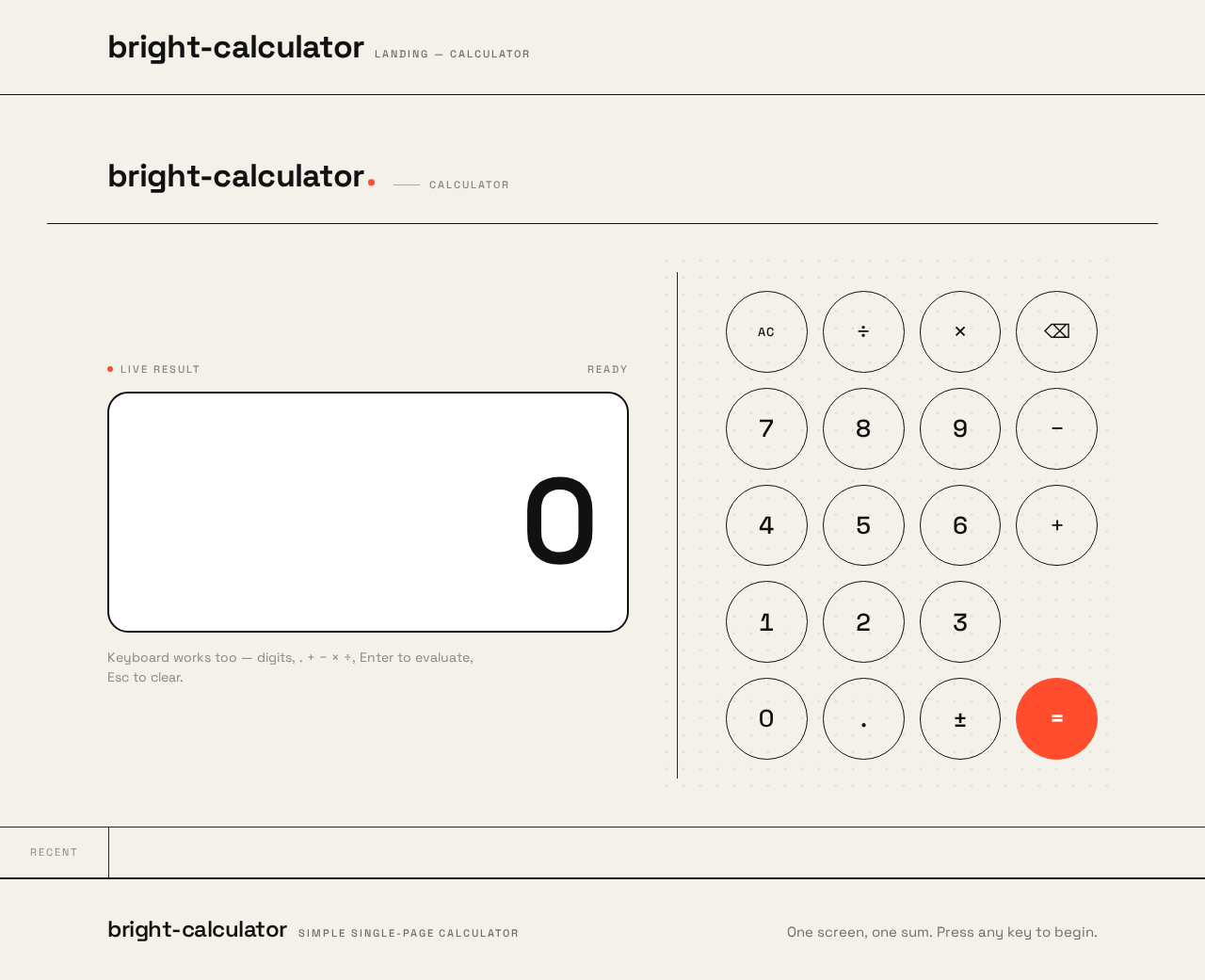
bright-calculator
Calculator
Live result
Keyboard works too — digits, . + − × ÷, Enter to evaluate, Esc to clear.
Recent
bright-calculator
Calculator
Live result
Keyboard works too — digits, . + − × ÷, Enter to evaluate, Esc to clear.
Recent
No comments yet. Be the first!