bright-application
 Dev Kalyani
I want to create a simple application for user to use calculator
Comments (0)
Sign in to leave a comment
Project Tasks6
Implement Theme and Structure
As a Frontend Developer, I want to implement the visual theme and structure from the mock-design pages so that all pages look exactly identical to the designed mockups. This includes applying the color palette (#E8F0F2 background, #FFFFFF surface, #2C3E50 text, #FF6F61 accent, #AAB7C4 muted), glassmorphism effects, typography, floating panel layout, and overall layout structure. Remove any pages not needed per the SRD (e.g. login, signup, welcome, dashboard sub-pages). This task must remain independent of all other tasks.
Implement Calculator Logic API
As a Backend Developer, I want to implement a FastAPI endpoint for arithmetic calculations so that the frontend can offload computation to the backend. The API should accept two operands and an operator (+, -, *, /, and one additional operation such as square root or percentage) and return the result. It should handle edge cases such as division by zero and invalid inputs gracefully. Built with Python + FastAPI per the tech stack.
Build Home Page
As a Frontend Developer, I want to implement the Home page based on the existing JSX design (Home v2) so that users can access the calculator interface instantly. The Home page should showcase the floating panel calculator interface with a gradient background that subtly shifts colors, accent color (#FF6F61) prominently used on buttons, and 3D press effect animations. It serves as the entry point for both Basic Users and Guest Users per the user flow (Home: Access Calculator → Calculator: View Interface).
Build Calculator Page
As a Frontend Developer, I want to implement the Calculator page so that users can perform basic arithmetic operations (addition, subtraction, multiplication, division) plus one additional operation (e.g., square root or percentage). The page should include: a display area with typewriter animation for inputs/results, number and operation buttons with 3D press effects and glow-on-hover (#FF6F61), a clear button that pulses gently on hover, the additional operation button with a unique spinning animation, and full keyboard input support. Follows the user flow: Enter Numbers → Select Operation → Input More Numbers → View Result → Clear Display → loop back.
Integrate Frontend with API
As a Frontend Developer, I want to connect the Calculator page to the backend arithmetic API so that user inputs (including the additional operation) are processed via the FastAPI service and results are displayed seamlessly with typewriter animation. This includes handling API errors (e.g. division by zero) with appropriate user-facing messages and maintaining a responsive UX during API calls.
Ensure WCAG Accessibility Compliance
As a Frontend Developer, I want to ensure the calculator application meets WCAG 2.1 accessibility standards so that all users, including those with disabilities, can use the application. This includes proper ARIA labels on all buttons (including the new additional operation button), keyboard navigation support, sufficient color contrast ratios for the chosen palette (#E8F0F2, #2C3E50, #FF6F61), and screen reader compatibility.
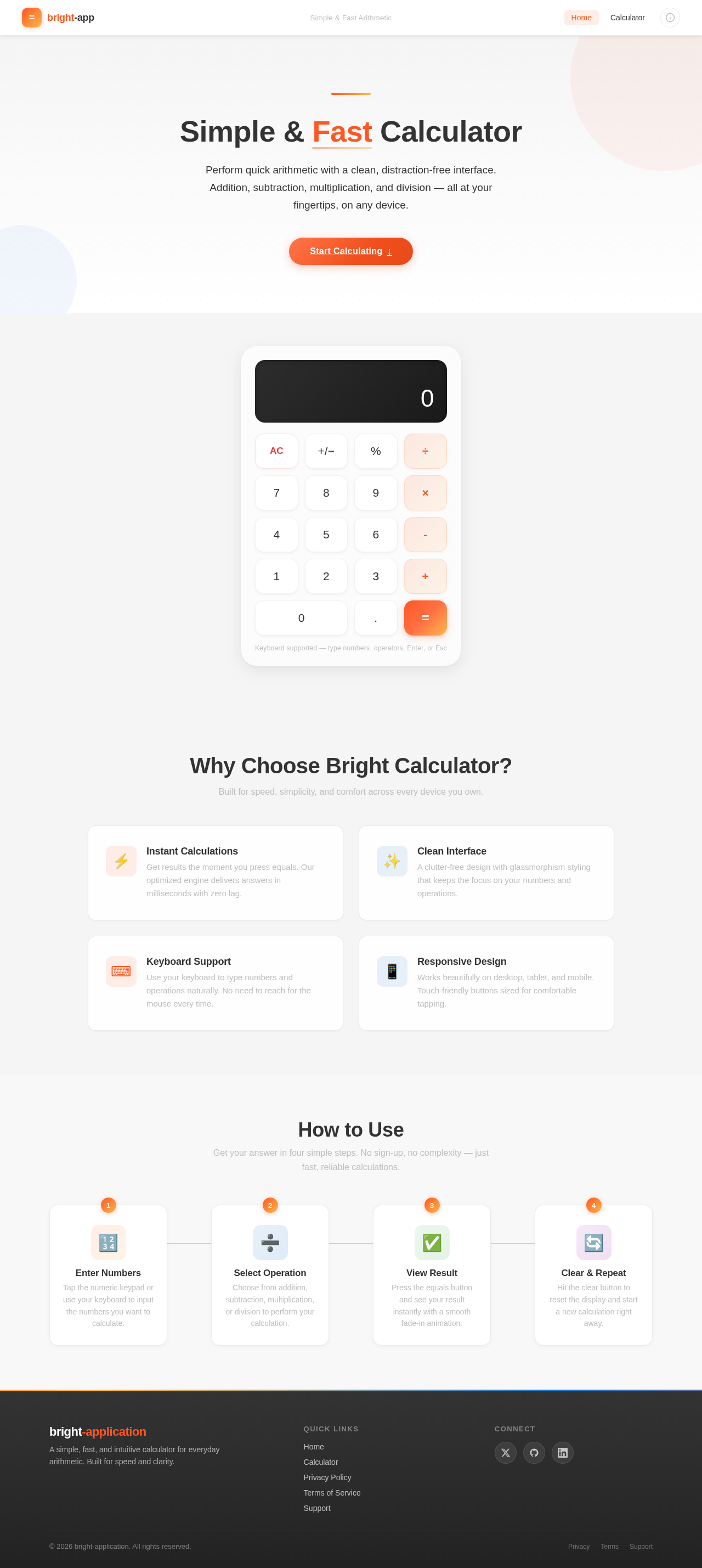
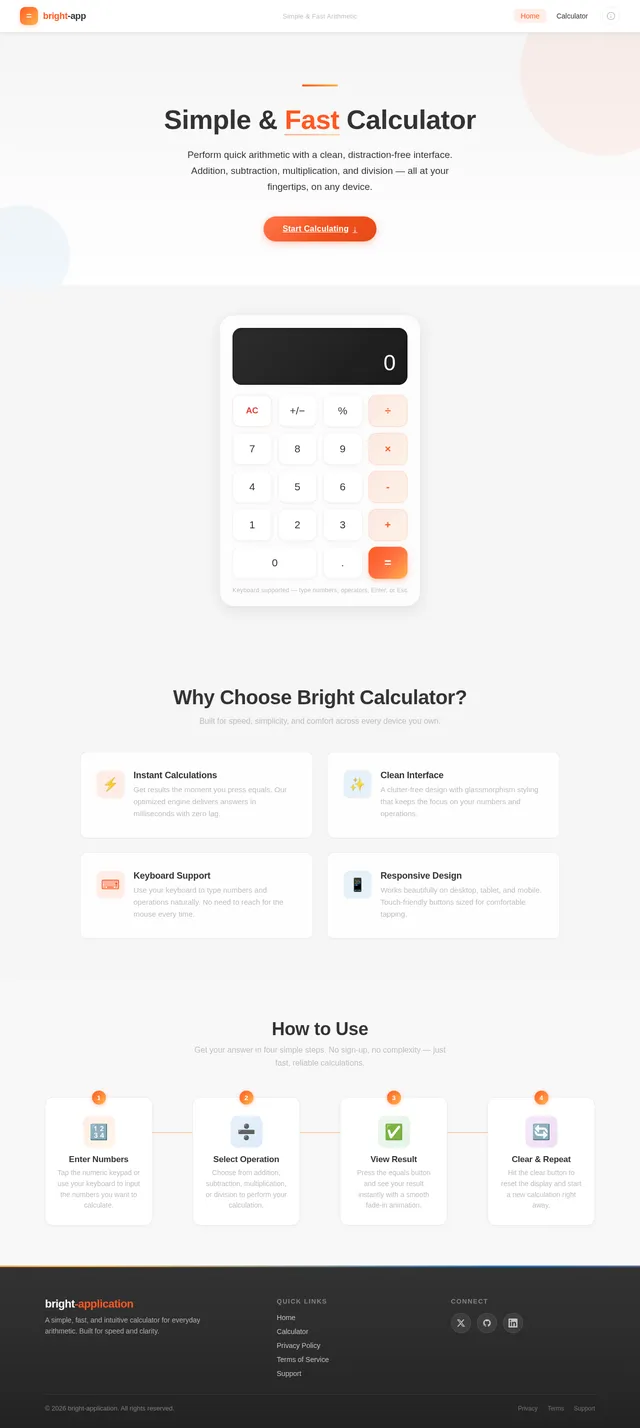
Simple & Fast Calculator
Perform quick arithmetic with a clean, distraction-free interface. Addition, subtraction, multiplication, and division — all at your fingertips, on any device.
Start Calculating↓Why Choose Bright Calculator?
Built for speed, simplicity, and comfort across every device you own.
Get results the moment you press equals. Our optimized engine delivers answers in milliseconds with zero lag.
A clutter-free design with glassmorphism styling that keeps the focus on your numbers and operations.
Use your keyboard to type numbers and operations naturally. No need to reach for the mouse every time.
Works beautifully on desktop, tablet, and mobile. Touch-friendly buttons sized for comfortable tapping.
How to Use
Get your answer in four simple steps. No sign-up, no complexity — just fast, reliable calculations.
No comments yet. Be the first!