
brave-create

bySharath Sharath

Create a modern interface with landing, login and signup, user dashboard, thumbnail generator, project gallery, profile, settings, pricing, help, and admin dashboard pages. Let users enter a YouTube title and description, choose categories (kids, gaming, finance, education, tech, travel, food, vlog, business), pick a style (realistic, cartoon, 3D, cinematic, minimal, modern), and generate three AI thumbnail options. Include a built-in editor to change text, fonts, colors, images, icons, stickers, emojis, shadows, borders, and layouts. Support image uploads, background removal, image enhancement, and PNG or JPG downloads. Implement a Free plan (5 generations per month, basic templates, watermarked downloads), a Pro plan at 20 dollars per month with unlimited generations, HD downloads, no watermark, premium templates, AI title suggestions, background removal, unlimited projects, and faster generation. A Business plan at 50 dollars per month with everything in Pro plus team accounts, brand kits, shared workspaces, API access, analytics, priority support, and early feature access. Integrate Stripe or Razorpay for secure monthly subscriptions that automatically upgrade accounts when paid, and revert to free if payment lapses. Add an admin dashboard to monitor users, subscriptions, revenue, and AI usage. Include secure authentication, role-based access, validation, error handling, SEO optimization, analytics, dark mode, fast loading, multilingual support, email notifications, and deployment configuration for Firebase Hosting or Vercel. Build in phases: first login, generation, editing, downloads, and subscriptions; then add advanced AI features and analytics later. Keep the code clean, modular, and ready for deployment, so you can launch quickly and start getting real users.1"Implement a secure referral system with exactly three backend-stored codes: 'SHARATH 'RAJATH', and 'VISHWAS'. Unlock the pro plan when a valid code is entered, add success or invalid messages, and include an admin panel to change codes. 2 "Add an AI assistant page with chat for YouTube titles, thumbnail text, descriptions, and keywords, using a secure API key."   3, 'Add a create thumbnailfrom YouTube link feature. Let users paste a video URL, analyze metadata, generate 3 to 5 thumbnail concepts with editing, and include quality suggestions.'  4.Checking. Checking. Here a prompt you can paste into Lovable to upgrade Thumb AI: Add Google sign-in and cloud sync. Add an AI thumbnail score with suggestions to improve click-through. Generate five thumbnail variations, plus title, description, tags, and hook generator. Add a YouTube channel analyzer and trending topic finder. Include a brand kit, image tools like background remover, A/B testing workspace, cloud project saving, a QR code payment option for pro access, an admin dashboard, an AI chat assistant, an analytics dashboard, and a feedback button. Optimize for speed, simple navigation, and a great mobile experience

LandingAssistantLoginSignup
Landing

Comments (0)

No comments yet. Be the first!

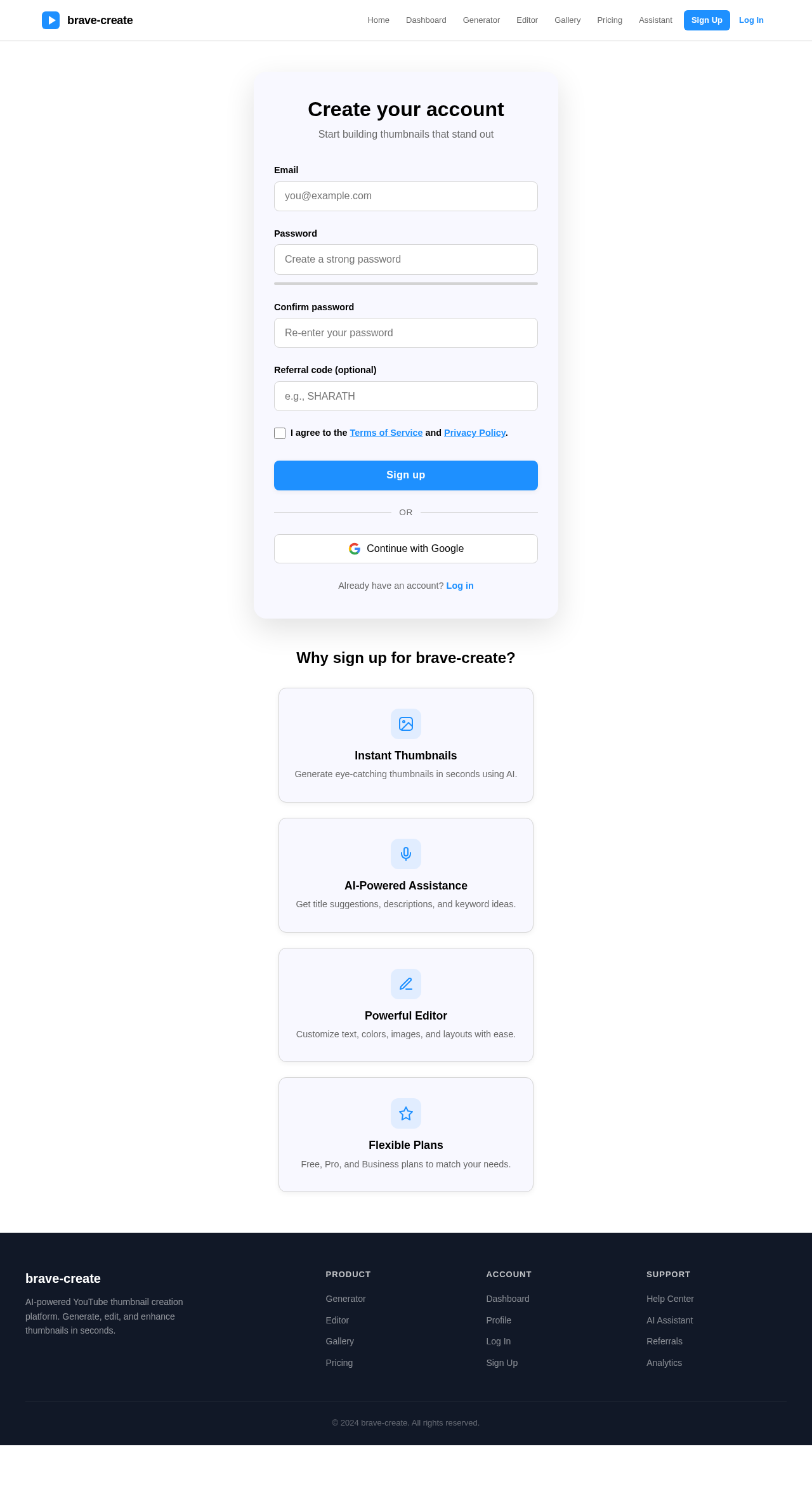
Signup design preview
Login: Sign In
Admin Dashboard: View Users
Admin Dashboard: View Subscriptions
Admin Dashboard: View Revenue
Admin Dashboard: View AI Usage
Referral: Manage Codes
Analytics: View Reports
Landing design preview
Login: Sign In
Admin Dashboard: View Users
Admin Dashboard: View Subscriptions
Admin Dashboard: View Revenue
Admin Dashboard: View AI Usage
Referral: Manage Codes
Analytics: View Reports