befree-itr-automation
 Janvi shah
this is scope of work I need proper designs


Comments (0)
Sign in to leave a comment
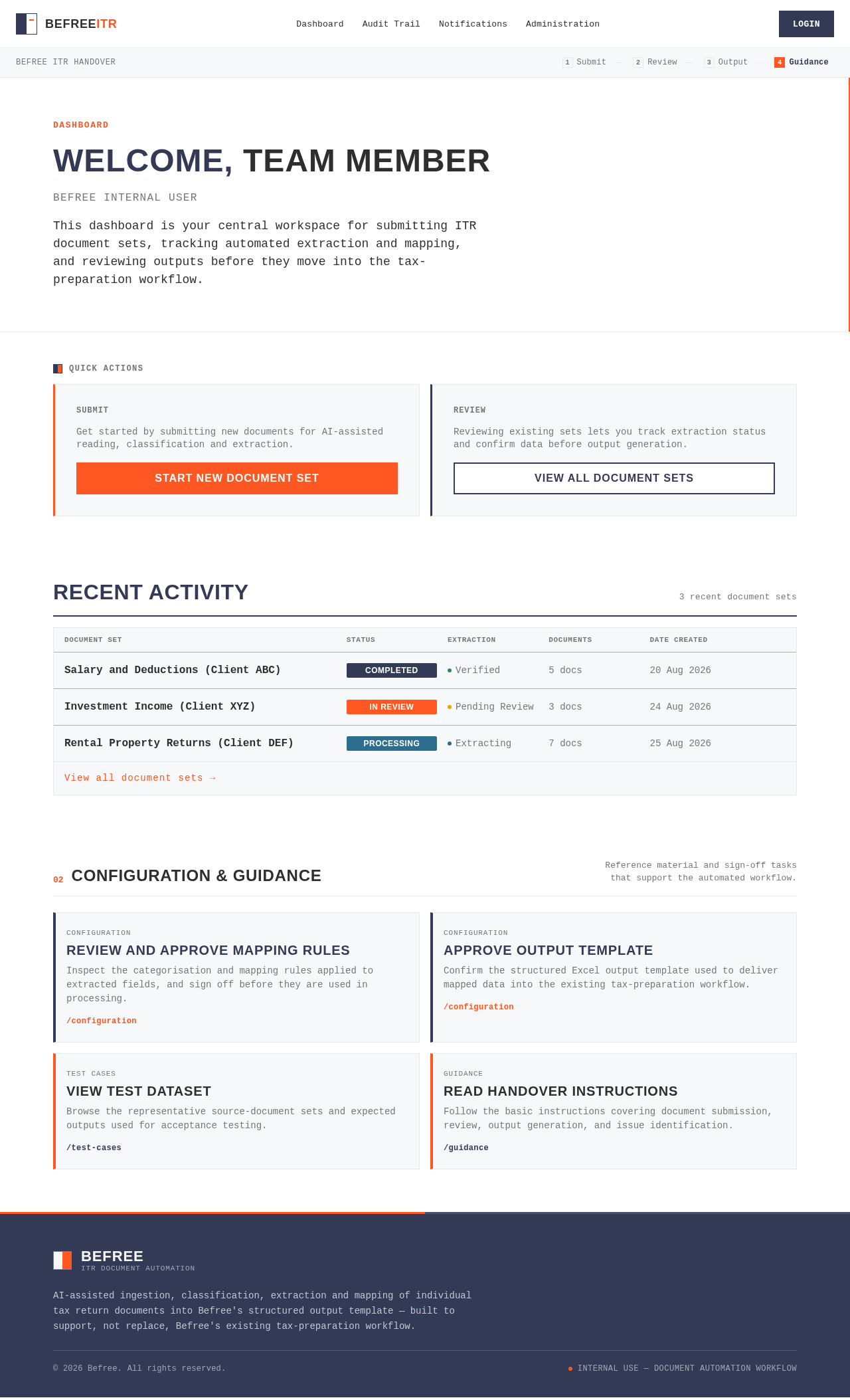
Dashboard
Welcome, Team Member
Befree Internal User
This dashboard is your central workspace for submitting ITR document sets, tracking automated extraction and mapping, and reviewing outputs before they move into the tax-preparation workflow.
Get started by submitting new documents for AI-assisted reading, classification and extraction.
Start New Document SetReviewing existing sets lets you track extraction status and confirm data before output generation.
View All Document SetsRecent Activity
3 recent document setsSalary and Deductions (Client ABC)
CompletedInvestment Income (Client XYZ)
In ReviewRental Property Returns (Client DEF)
ProcessingConfiguration & Guidance
Reference material and sign-off tasks that support the automated workflow.
Review and Approve Mapping Rules
Inspect the categorisation and mapping rules applied to extracted fields, and sign off before they are used in processing.
ConfigurationApprove Output Template
Confirm the structured Excel output template used to deliver mapped data into the existing tax-preparation workflow.
Test CasesView Test Dataset
Browse the representative source-document sets and expected outputs used for acceptance testing.
GuidanceRead Handover Instructions
Follow the basic instructions covering document submission, review, output generation, and issue identification.
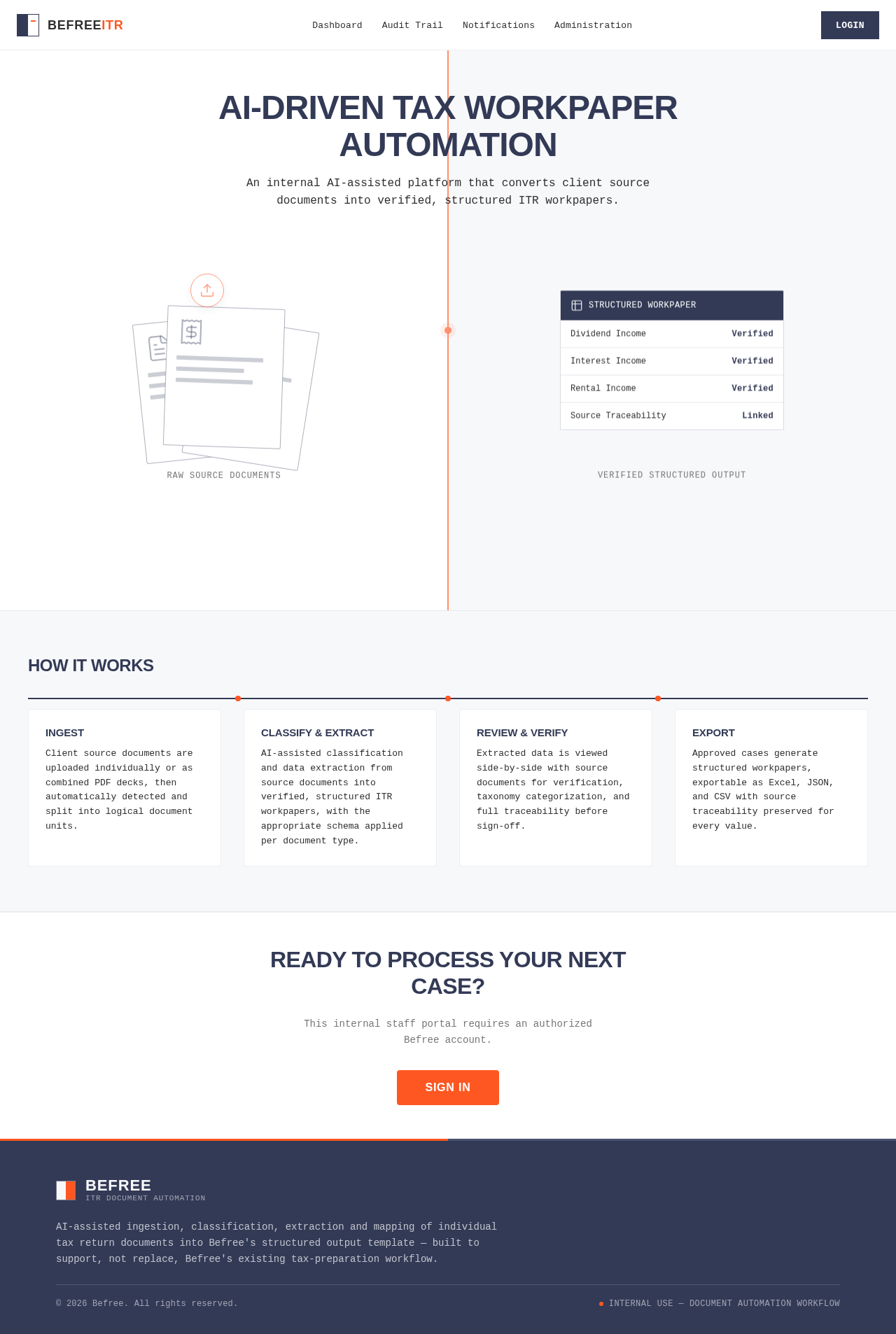
AI-Driven Tax Workpaper Automation
An internal AI-assisted platform that converts client source documents into verified, structured ITR workpapers.
How It Works
Ingest
Client source documents are uploaded individually or as combined PDF decks, then automatically detected and split into logical document units.
Classify & Extract
AI-assisted classification and data extraction from source documents into verified, structured ITR workpapers, with the appropriate schema applied per document type.
Review & Verify
Extracted data is viewed side-by-side with source documents for verification, taxonomy categorization, and full traceability before sign-off.
Export
Approved cases generate structured workpapers, exportable as Excel, JSON, and CSV with source traceability preserved for every value.
Ready to Process Your Next Case?
This internal staff portal requires an authorized Befree account.
Sign In
No comments yet. Be the first!