autumn-realestate
 vansh kumar
Create a premium modern real estate landing website for a plotted development. Project Name: Finest Properties Location: Harohalli, Karnataka Design Style: Minimal, elegant and cinematic real estate website with large images, immersive layouts and smooth scroll interactions. Color palette: Primary: Deep forest green Accent: Subtle gold Background: White and light neutral tones Typography: Large elegant headings with minimal body text. Images: Use large high-quality images but optimized for fast loading. Ensure the website is fully responsive and optimized for both desktop and mobile. --- HERO SECTION Use a FULL SCREEN CINEMATIC AERIAL VIDEO of greenery and plotted development. Important behavior: • The background video must remain FIXED in position. • Do NOT apply zoom animation to the video. • Only foreground elements move. Foreground elements: Heading: Finest Properties Subheading: Premium Plotted Development in Harohalli Description: Experience peaceful living surrounded by nature with modern infrastructure and excellent connectivity. Buttons: Book Site Visit Download Brochure Scroll behavior: • When the user scrolls, the hero text slowly moves upward. • Text fades slightly while scrolling. • The next section overlaps the hero section smoothly. • Video remains fixed in the background. --- PROJECT OVERVIEW Large minimal section. Layout: Two column layout. Left side: Short elegant project description. Right side: Large immersive landscape image of greenery or plotted layout. Animation: Content fades upward while entering viewport. --- PROJECT HIGHLIGHTS Instead of a grid layout create a horizontal scrolling card section. Cards appear side-by-side in a row. Cards include: Premium Gated Community 25+ Lifestyle Amenities Miyawaki Forest Wide Internal Roads Underground Utilities Excellent Connectivity Scrolling behavior: • As the user scrolls vertically the cards move horizontally. • Smooth side scrolling animation. Desktop: Wide cinematic horizontal scrolling. Mobile: Cards scroll horizontally using swipe gestures. Card design: • rounded corners • soft shadows • hover lift effect --- AMENITIES SECTION Use a Polaroid Scrapbook Collage Layout with a center hero image. Layout: • One large central image • Several smaller polaroid style images around it • Slight rotation (2–6 degrees) • White borders • Soft shadows Amenities: Clubhouse Amphitheatre Yoga Deck Children Play Area Pet Park Sports Courts Scroll animation: Images enter from different directions: • left • right • top • bottom They settle into the collage layout. --- LOCATION ADVANTAGES Minimal clean section. Title: Strategically Located in Harohalli Points: Easy access to Kanakapura Road Nearby industrial hubs Peaceful natural surroundings Nearby schools and hospitals Include a stylized map or location illustration. --- GALLERY SECTION Use a scrapbook collage layout similar to amenities. Images appear like scattered photographs but arranged neatly. Effects: • images slide into the screen from different directions • slight rotation during entry • hover zoom effect • click opens lightbox viewer --- CALL TO ACTION Dark background section. Text: Schedule Your Site Visit Today Buttons: Book Site Visit Contact Sales --- CONTACT SECTION Lead form fields: Name Phone Email Message Include WhatsApp contact option. --- FOOTER Company Name: Finest Properties Include: Quick Links Contact information Location: Harohalli, Karnataka --- FLOATING WHATSAPP BUTTON Add a floating WhatsApp button fixed at the bottom-right corner of the screen. Behavior: • visible across the entire website • circular WhatsApp icon • pulse animation every few seconds • hover scale effect on desktop • opens WhatsApp chat on click Default message: Hello, I am interested in Finest Properties in Harohalli. Please share more details. Ensure proper spacing on mobile so it does not overlap navigation bars. --- BACK TO TOP BUTTON Add a small back-to-top button in the footer area aligned to the right. Design: • circular button • up arrow icon • deep green color • subtle shadow Behavior: • appears only after user scrolls down • smooth scroll back to top • hover lift effect --- SCROLL ANIMATION SYSTEM Use smooth scroll-based animations across the entire site. General rules: • animations trigger when elements enter viewport • use staggered animation timing • use lightweight GPU-accelerated transforms • avoid heavy animation libraries Section reveal animations: • fade-up • fade-left • fade-right • fade-bottom --- IMAGE PARALLAX EFFECT Large images should have subtle parallax movement while scrolling to create depth. --- BUTTON INTERACTIONS Hover: • slight scale • soft glow shadow Click: • soft press animation. --- PERFORMANCE OPTIMIZATION • lazy load images • optimized video • GPU accelerated animations • smooth scrolling --- MOBILE OPTIMIZATION Animations should adapt for mobile: • shorter animation distance • simplified motion • collage sections convert to stacked cards • horizontal highlights allow swipe interaction Ensure the site loads fast and animations remain smooth on mobile devices.
Comments (0)
Sign in to leave a comment
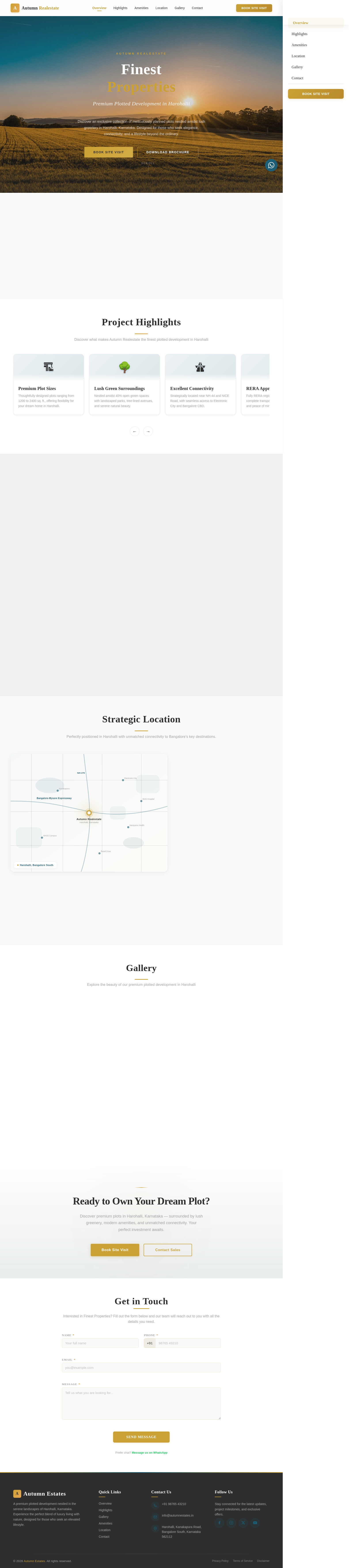

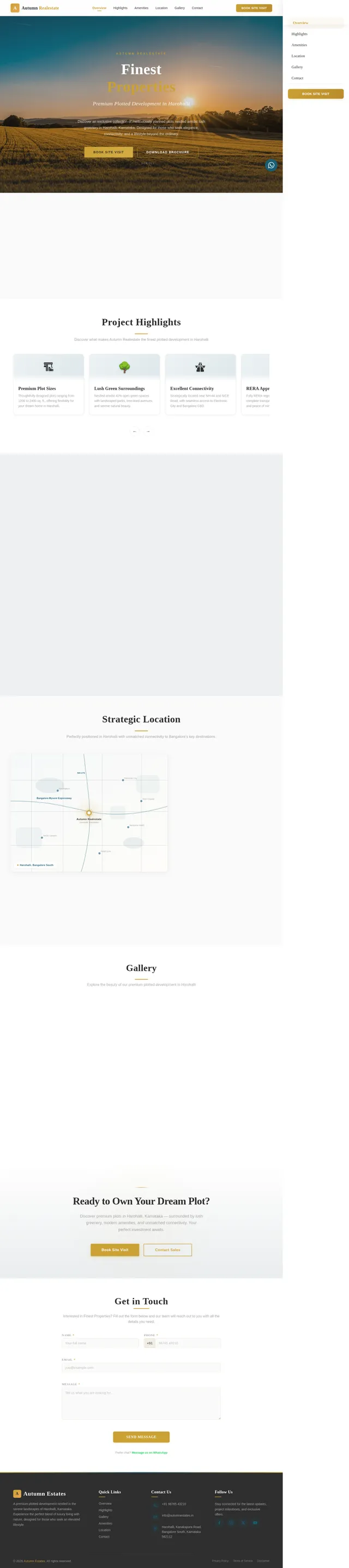
Finest Properties
Premium Plotted Development in Harohalli
Discover an exclusive collection of meticulously planned plots nestled amidst lush greenery in Harohalli, Karnataka. Designed for those who seek elegance, connectivity, and a lifestyle beyond the ordinary.
About the Project
Nestled in the heart of Harohalli, Karnataka, Autumn Realestate presents a premium plotted development designed for those who appreciate the finer things in life. Spread across lush green landscapes, the project offers meticulously planned plots complemented by world-class amenities — from landscaped parks and walking trails to a modern clubhouse and children’s play areas. Enjoy seamless connectivity to Bangalore’s key business hubs via the NICE Ring Road and proximity to reputed schools, hospitals, and shopping destinations. Whether you envision building your forever home or making a sound investment, every detail has been thoughtfully crafted to elevate your lifestyle and ensure lasting value.
Project Highlights
Discover what makes Autumn Realestate the finest plotted development in Harohalli
Premium Plot Sizes
Thoughtfully designed plots ranging from 1200 to 2400 sq. ft., offering flexibility for your dream home in Harohalli.
Lush Green Surroundings
Nestled amidst 40% open green spaces with landscaped parks, tree-lined avenues, and serene natural beauty.
Excellent Connectivity
Strategically located near NH-44 and NICE Road, with seamless access to Electronic City and Bangalore CBD.
RERA Approved
Fully RERA-registered project ensuring complete transparency, legal compliance, and peace of mind for buyers.
World-Class Amenities
Clubhouse, swimming pool, jogging track, sports courts, and more designed for a luxurious modern lifestyle.
High Appreciation Value
Located in one of Bangalore's fastest-growing corridors with projected 15-20% annual appreciation potential.
Gated Community Living
24/7 security surveillance, controlled access entry, and dedicated patrol for a safe and secure living environment.
Smart Infrastructure
Underground electrical cabling, rainwater harvesting, solar-powered common areas, and modern drainage systems.
World-Class Amenities
Experience a lifestyle of luxury and leisure at our premium plotted development in Harohalli

Clubhouse

Swimming Pool

Landscaped Gardens

Children's Play Area

Jogging Track
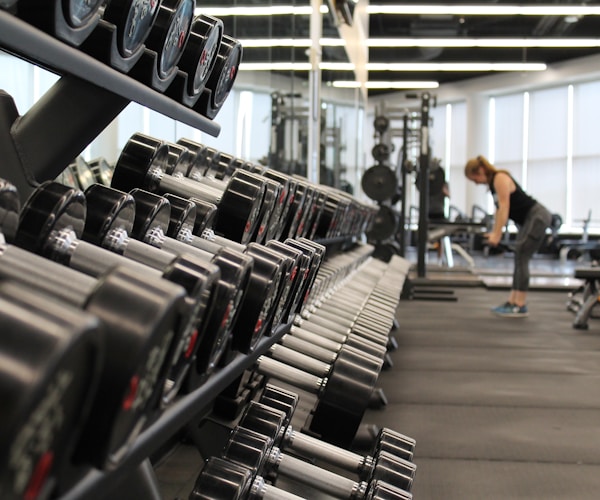
Fitness Center

Indoor Sports Arena
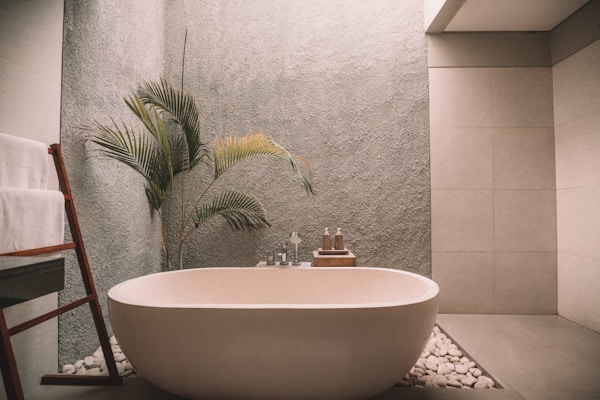
Meditation Pavilion
Strategic Location
Perfectly positioned in Harohalli with unmatched connectivity to Bangalore's key destinations.
Excellent Road Connectivity
Direct access to Bangalore-Mysore Expressway and NH-275, ensuring seamless commutes to the city center.
2 km to ExpresswayProximity to IT Hubs
Close to Electronic City and major IT corridors, making it ideal for working professionals.
25 min to Electronic CityEducational Institutions
Renowned schools and colleges including Christ University and NHCE within easy reach.
10 min driveHealthcare Facilities
Leading hospitals like Narayana Health and BGS Global Hospital in close proximity.
15 min to Narayana HealthShopping & Entertainment
Premium malls, retail outlets, and entertainment zones along Kanakapura Road and beyond.
20 min to retail zonesNature & Green Spaces
Surrounded by lush greenery with lakes and nature reserves for a serene lifestyle.
Adjoining green zonesGallery
Explore the beauty of our premium plotted development in Harohalli
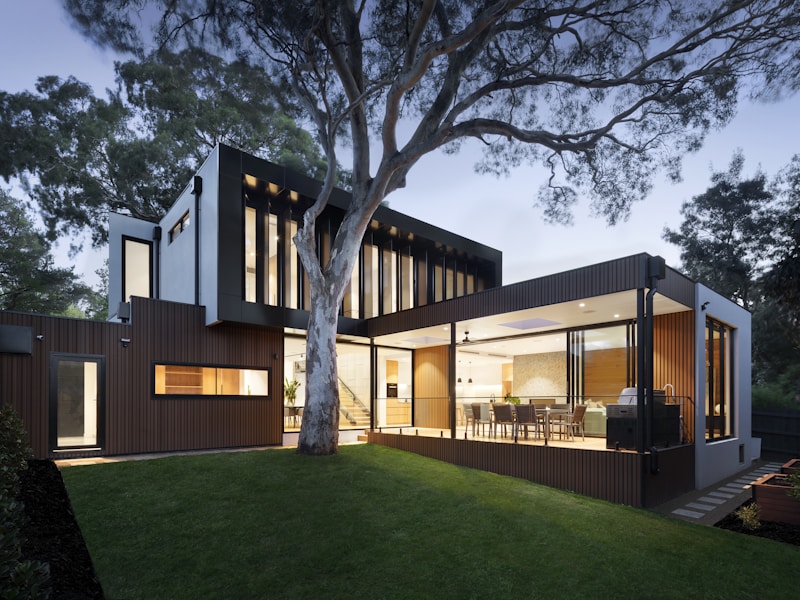 Aerial View
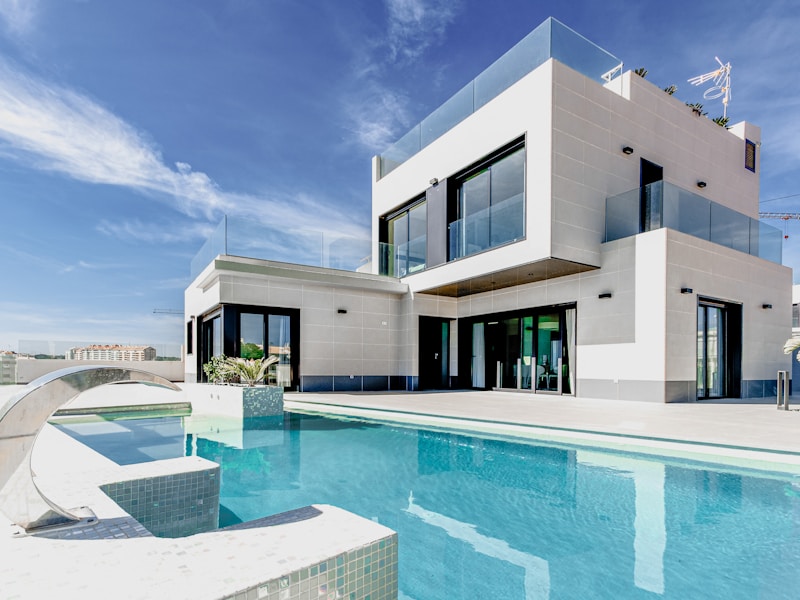 Green Landscape
 Clubhouse
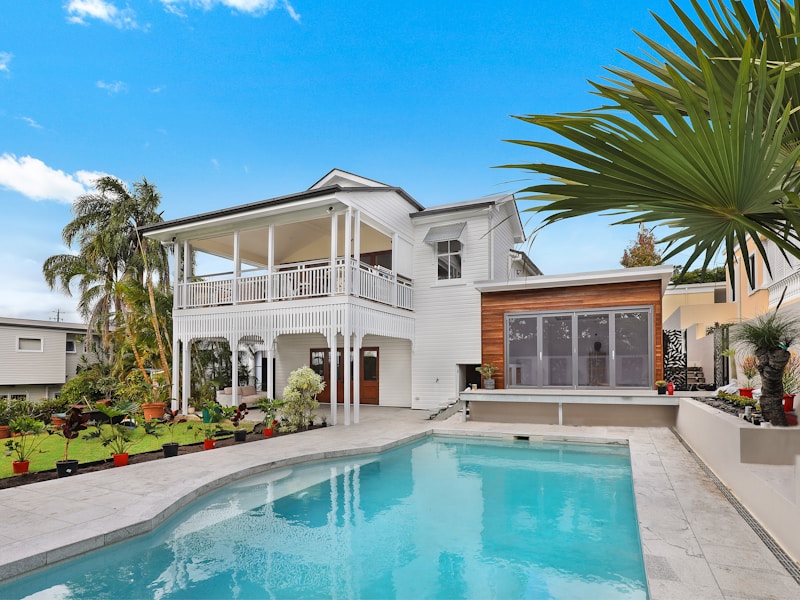 Plot Layout
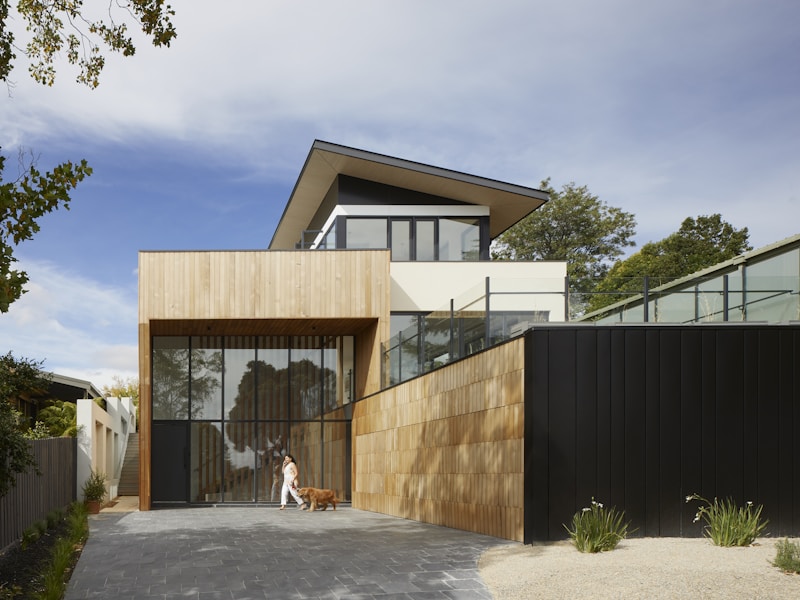 Avenue
 Swimming Pool
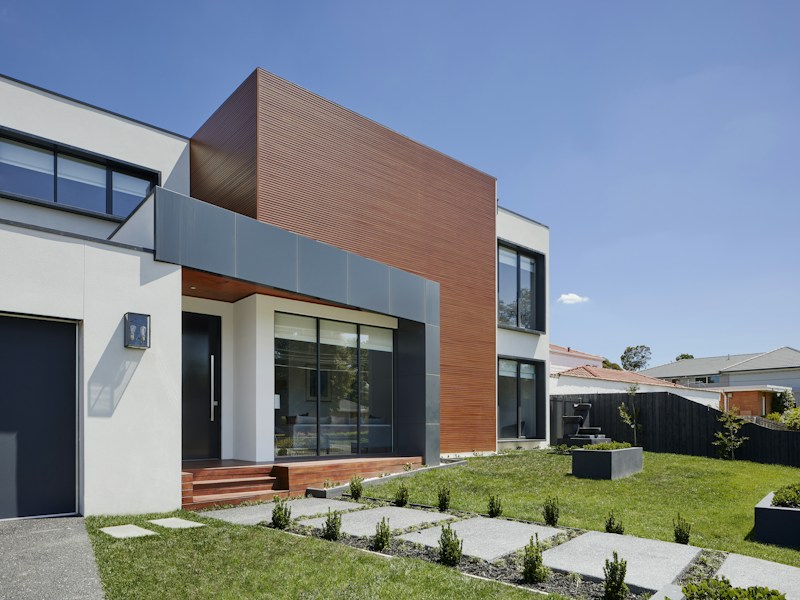 Play Area
 Gardens
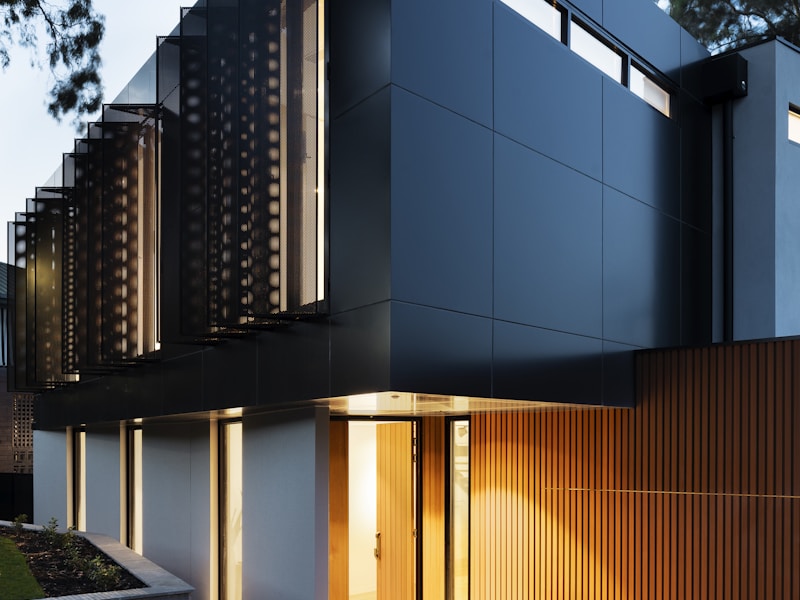 Grand Entrance
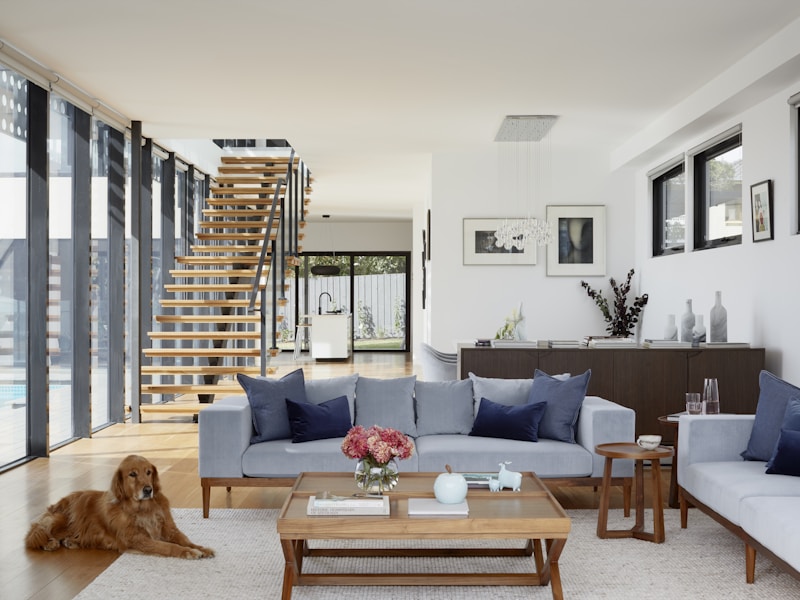 Walking Trail
 Sunset View
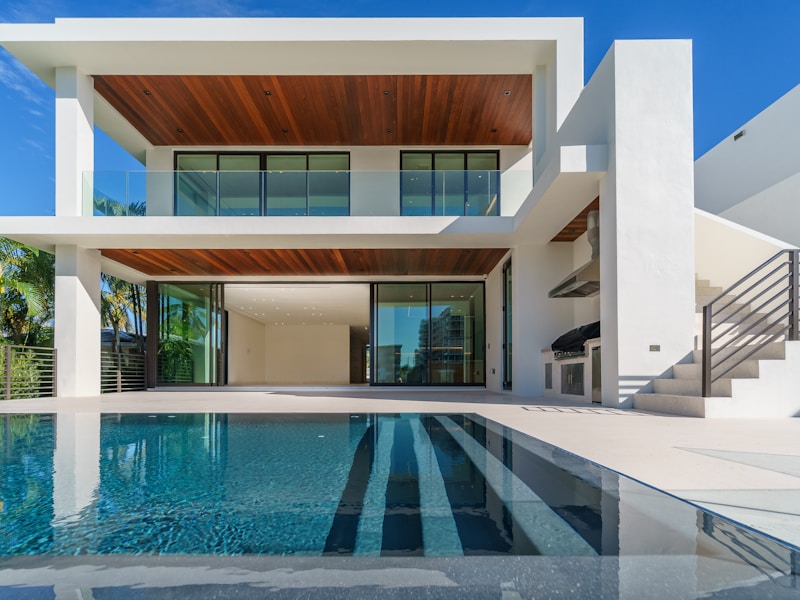 Model Villa
Ready to Own Your Dream Plot?
Discover premium plots in Harohalli, Karnataka — surrounded by lush greenery, modern amenities, and unmatched connectivity. Your perfect investment awaits.
Get in Touch
Interested in Finest Properties? Fill out the form below and our team will reach out to you with all the details you need.
No comments yet. Be the first!