api-key
 حسام الشاذلي
عايز ابني او اعمل موقع لتشغيل وربط API key لجميع الموديلات من المزودين ويكون الموقع يدعم الاتصال مع openAI و كلود


Comments (0)
Sign in to leave a comment
Architecture
No Services Diagrams Yet
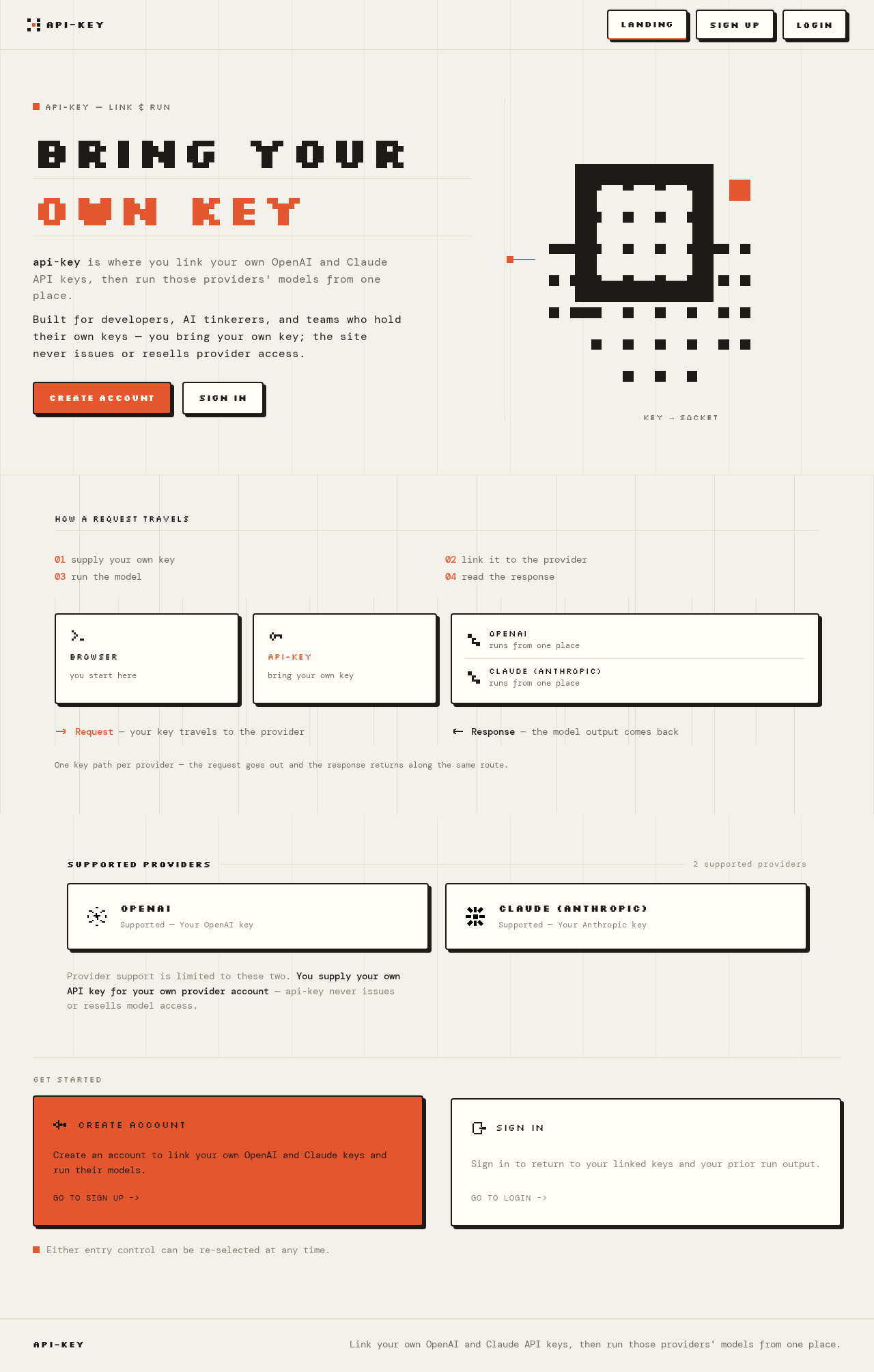
api-key — link & run
BRING YOUROWN KEY
api-key is where you link your own OpenAI and Claude API keys, then run those providers' models from one place.Built for developers, AI tinkerers, and teams who hold their own keys — you bring your own key; the site never issues or resells provider access.
Key → socket
How a request travels
- supply your own key
- link it to the provider
- run the model
- read the response
Request — your key travels to the provider
Response — the model output comes back
One key path per provider — the request goes out and the response returns along the same route.
Supported providers
2 supported providers- OpenAISupported — Your OpenAI key
- Claude (Anthropic)Supported — Your Anthropic key
Provider support is limited to these two. You supply your own API key for your own provider account — api-key never issues or resells model access.
Get Started
Either entry control can be re-selected at any time.
api-key — link & run
BRING YOUROWN KEY
api-key is where you link your own OpenAI and Claude API keys, then run those providers' models from one place.Built for developers, AI tinkerers, and teams who hold their own keys — you bring your own key; the site never issues or resells provider access.
Key → socket
How a request travels
- supply your own key
- link it to the provider
- run the model
- read the response
Request — your key travels to the provider
Response — the model output comes back
One key path per provider — the request goes out and the response returns along the same route.
Supported providers
2 supported providers- OpenAISupported — Your OpenAI key
- Claude (Anthropic)Supported — Your Anthropic key
Provider support is limited to these two. You supply your own API key for your own provider account — api-key never issues or resells model access.
Get Started
Either entry control can be re-selected at any time.
No comments yet. Be the first!