ai-image-video
 Arnab Chakraborty
Make a ai image and ai video making plartfom. Where people can make free 5 image and 3 , 30 second video . In a day if they want more then need upgrade. Plan , prompt to make image & video .


Comments (0)
Sign in to leave a comment
Architecture
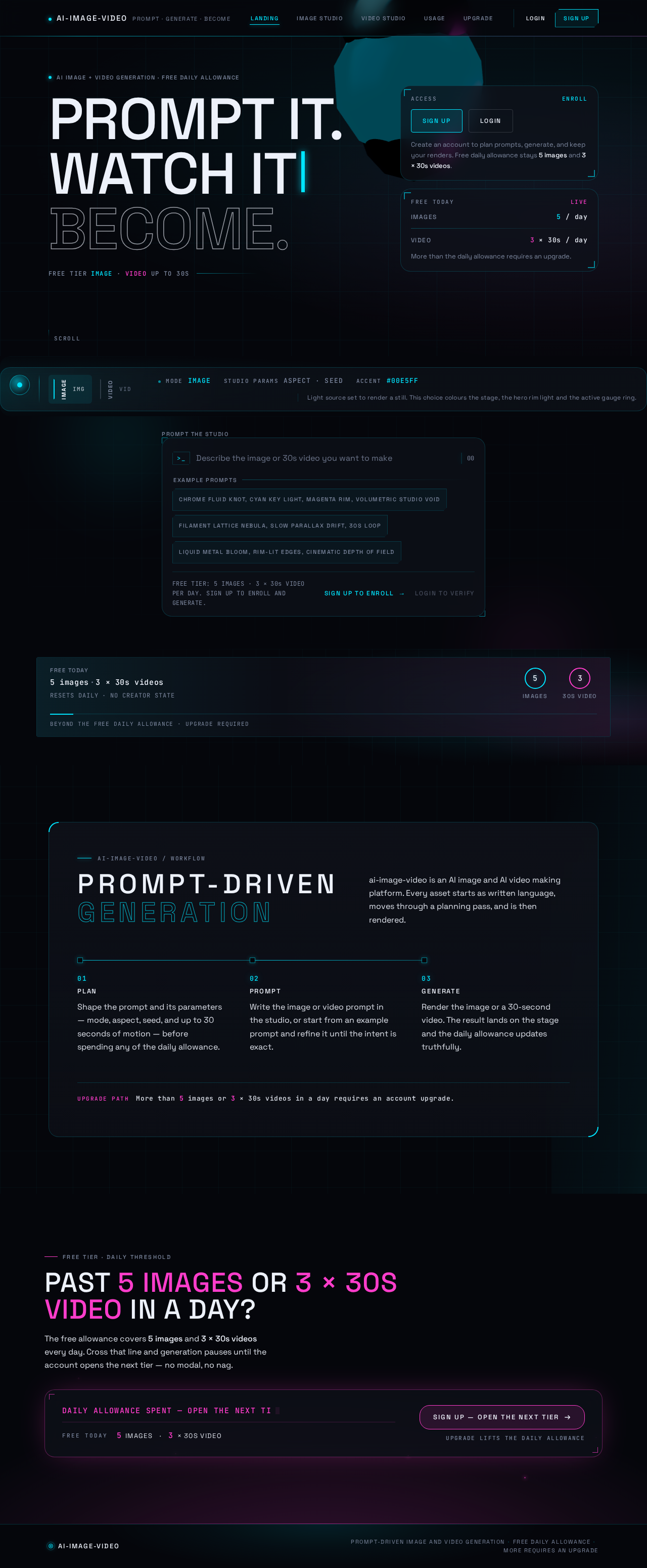
AI image + video generation · free daily allowance
Prompt it.Watch itBecome.
Free tier IMAGE · VIDEO up to 30s
5 images3 × 30s videos
RESETS DAILY · NO CREATOR STATEBeyond the free daily allowance · upgrade required
ai-image-video / workflow
Prompt-driven generation
ai-image-video is an AI image and AI video making platform. Every asset starts as written language, moves through a planning pass, and is then rendered.
- 01
PLAN
Shape the prompt and its parameters — mode, aspect, seed, and up to 30 seconds of motion — before spending any of the daily allowance.
- 02
PROMPT
Write the image or video prompt in the studio, or start from an example prompt and refine it until the intent is exact.
- 03
GENERATE
Render the image or a 30-second video. The result lands on the stage and the daily allowance updates truthfully.
More than 5 images or 3 × 30s videos in a day requires an account upgrade.
FREE TIER · DAILY THRESHOLD
PAST 5 IMAGES OR 3 × 30s VIDEO IN A DAY?
The free allowance covers 5 images and 3 × 30s videos every day. Cross that line and generation pauses until the account opens the next tier — no modal, no nag.
DAILY ALLOWANCE SPENT — OPEN THE NEXT TIER
- 5IMAGES
- 3× 30S VIDEO
AI image + video generation · free daily allowance
Prompt it.Watch itBecome.
Free tier IMAGE · VIDEO up to 30s
5 images3 × 30s videos
RESETS DAILY · NO CREATOR STATEBeyond the free daily allowance · upgrade required
ai-image-video / workflow
Prompt-driven generation
ai-image-video is an AI image and AI video making platform. Every asset starts as written language, moves through a planning pass, and is then rendered.
- 01
PLAN
Shape the prompt and its parameters — mode, aspect, seed, and up to 30 seconds of motion — before spending any of the daily allowance.
- 02
PROMPT
Write the image or video prompt in the studio, or start from an example prompt and refine it until the intent is exact.
- 03
GENERATE
Render the image or a 30-second video. The result lands on the stage and the daily allowance updates truthfully.
More than 5 images or 3 × 30s videos in a day requires an account upgrade.
FREE TIER · DAILY THRESHOLD
PAST 5 IMAGES OR 3 × 30s VIDEO IN A DAY?
The free allowance covers 5 images and 3 × 30s videos every day. Cross that line and generation pauses until the account opens the next tier — no modal, no nag.
DAILY ALLOWANCE SPENT — OPEN THE NEXT TIER
- 5IMAGES
- 3× 30S VIDEO
No comments yet. Be the first!