


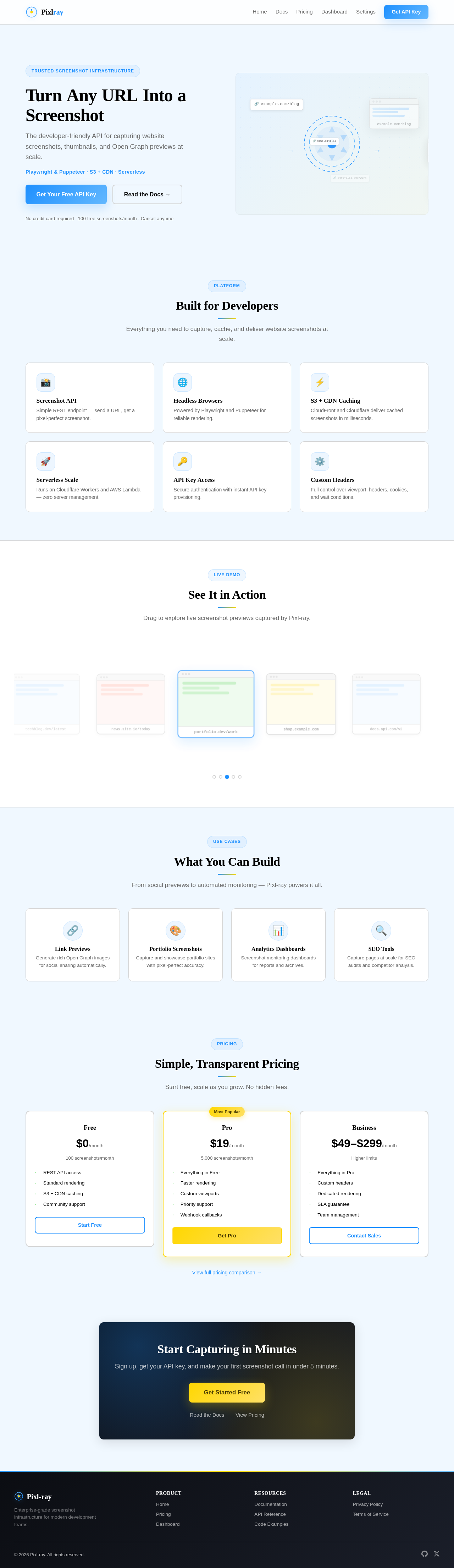
TurnAnyURLIntoaScreenshot
The developer-friendly API for capturing website screenshots, thumbnails, and Open Graph previews at scale.
Playwright & Puppeteer · S3 + CDN · Serverless
No credit card required · 100 free screenshots/month · Cancel anytime
Built for Developers
Everything you need to capture, cache, and deliver website screenshots at scale.
Screenshot API
Simple REST endpoint — send a URL, get a pixel-perfect screenshot.
Headless Browsers
Powered by Playwright and Puppeteer for reliable rendering.
S3 + CDN Caching
CloudFront and Cloudflare deliver cached screenshots in milliseconds.
Serverless Scale
Runs on Cloudflare Workers and AWS Lambda — zero server management.
API Key Access
Secure authentication with instant API key provisioning.
Custom Headers
Full control over viewport, headers, cookies, and wait conditions.
See It in Action
Drag to explore live screenshot previews captured by Pixl-ray.
Tech Blog
Click to expand
News Portal
Click to expand
Portfolio
Click to expand
E-Commerce
Click to expand
API Docs
Click to expand
What You Can Build
From social previews to automated monitoring — Pixl-ray powers it all.
Link Previews
Generate rich Open Graph images for social sharing automatically.
Portfolio Screenshots
Capture and showcase portfolio sites with pixel-perfect accuracy.
Analytics Dashboards
Screenshot monitoring dashboards for reports and archives.
SEO Tools
Capture pages at scale for SEO audits and competitor analysis.
Simple, Transparent Pricing
Start free, scale as you grow. No hidden fees.
Free
100 screenshots/month
- REST API access
- Standard rendering
- S3 + CDN caching
- Community support
Pro
5,000 screenshots/month
- Everything in Free
- Faster rendering
- Custom viewports
- Priority support
- Webhook callbacks
Business
Higher limits
- Everything in Pro
- Custom headers
- Dedicated rendering
- SLA guarantee
- Team management
Start Capturing in Minutes
Sign up, get your API key, and make your first screenshot call in under 5 minutes.
No comments yet. Be the first!