snowy-line
 Xander Banks
A line distribution

Comments (0)
Sign in to leave a comment
System Requirements
System Requirements Document (SRD)
Project Name: snowy-line
1. Introduction
The snowy-line project is a song line distribution application designed to help vocal groups, music bands, and other collaborative teams divide song parts fairly and efficiently. This document outlines the system requirements for the snowy-line project, ensuring the application meets the needs of its users.
This SRD has been tailored for Xander Banks, based in the US, and reflects locale-specific defaults such as time zones (EST), currency (USD), and user preferences.
2. System Overview
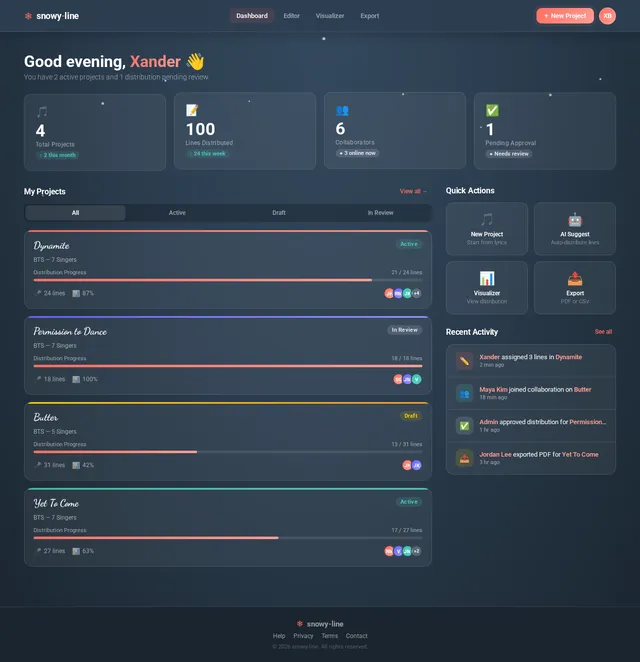
The snowy-line application will provide tools for visualizing, assigning, and editing song line distributions. It will allow users to input song lyrics, assign lines to specific singers, and visualize the distribution using charts and timelines. The system will also include features for collaboration, ensuring that teams can work together seamlessly to finalize song arrangements.
The application will leverage modern technologies to deliver a smooth user experience, including interactive visuals, AI-powered suggestions, and real-time updates.
3. Functional Requirements
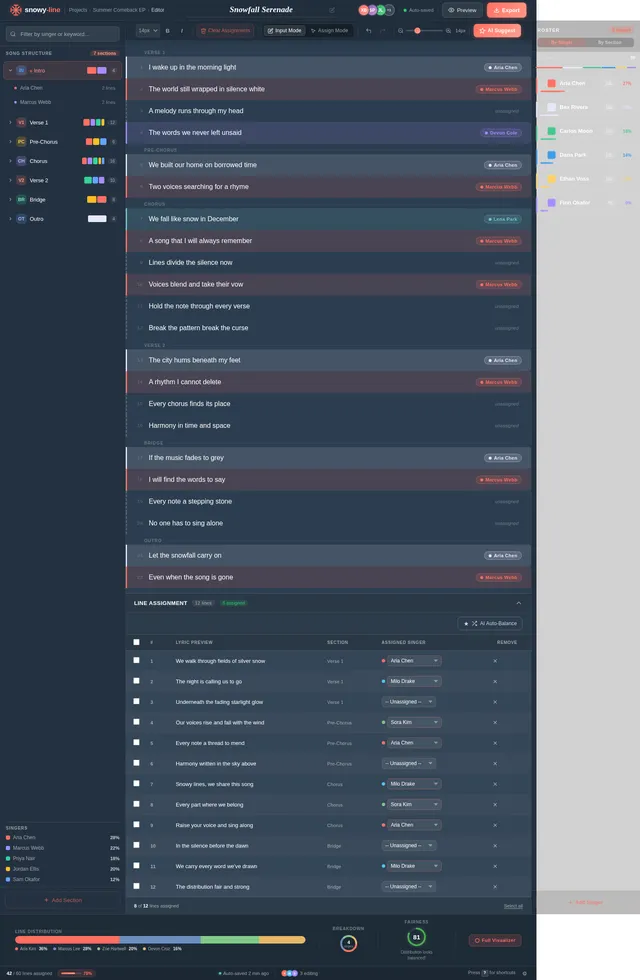
- As User I should be able to input song lyrics into the system.
- As User I should be able to assign specific lines to individual singers.
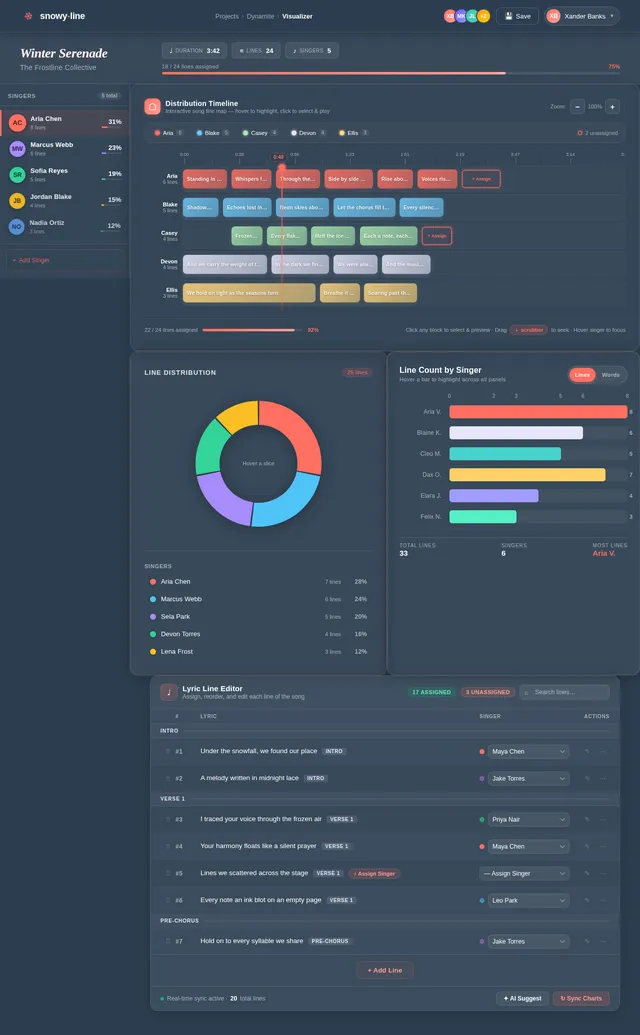
- As User I should be able to visualize the distribution of song lines using pie charts, bar graphs, and timelines.
- As User I should be able to edit the distribution after initial assignment.
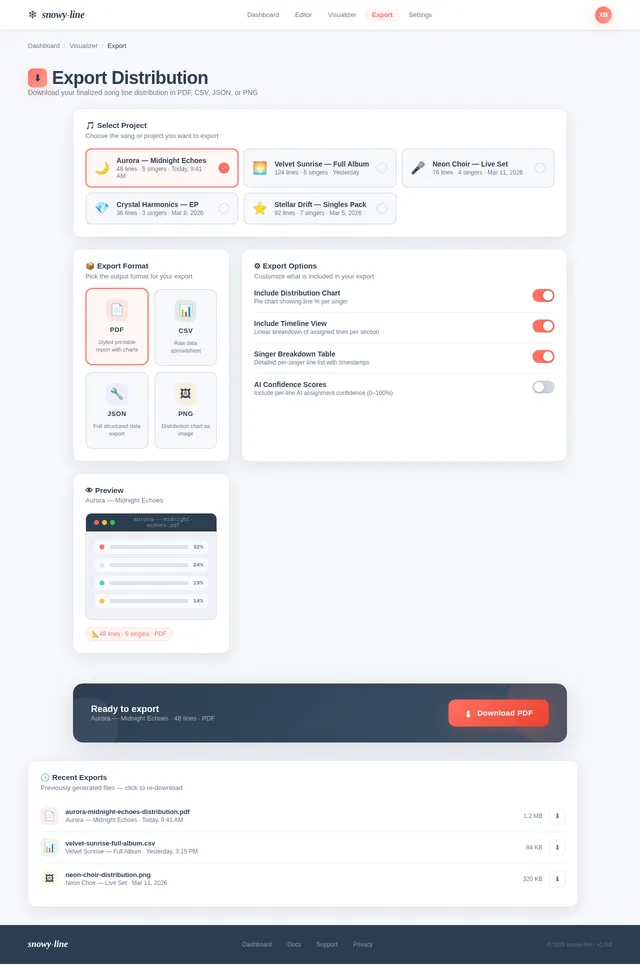
- As User I should be able to save and export the finalized distribution in multiple formats (e.g., PDF, CSV).
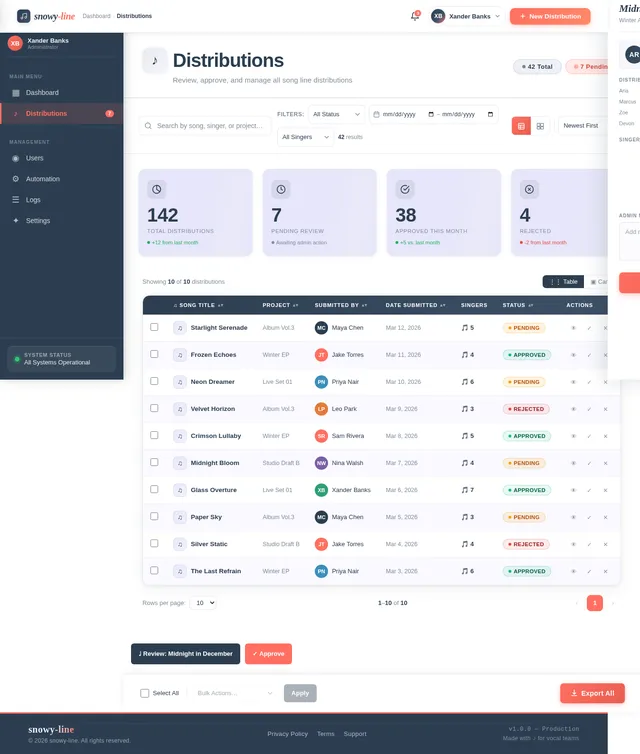
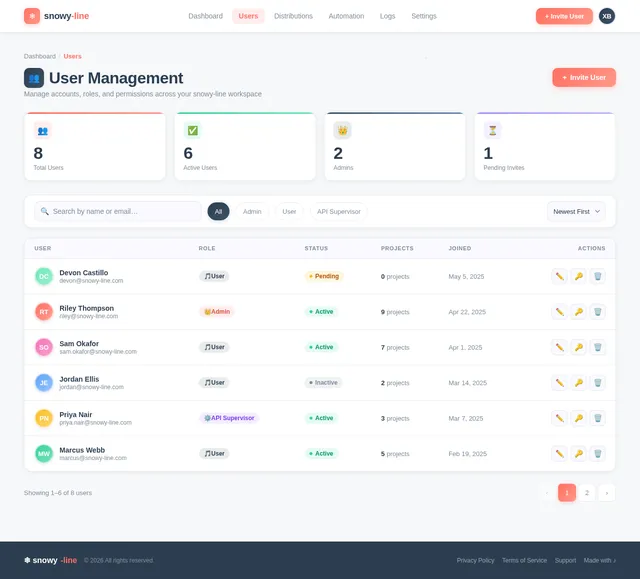
- As Admin I should be able to manage user accounts and permissions.
- As Admin I should be able to oversee and approve line distributions.
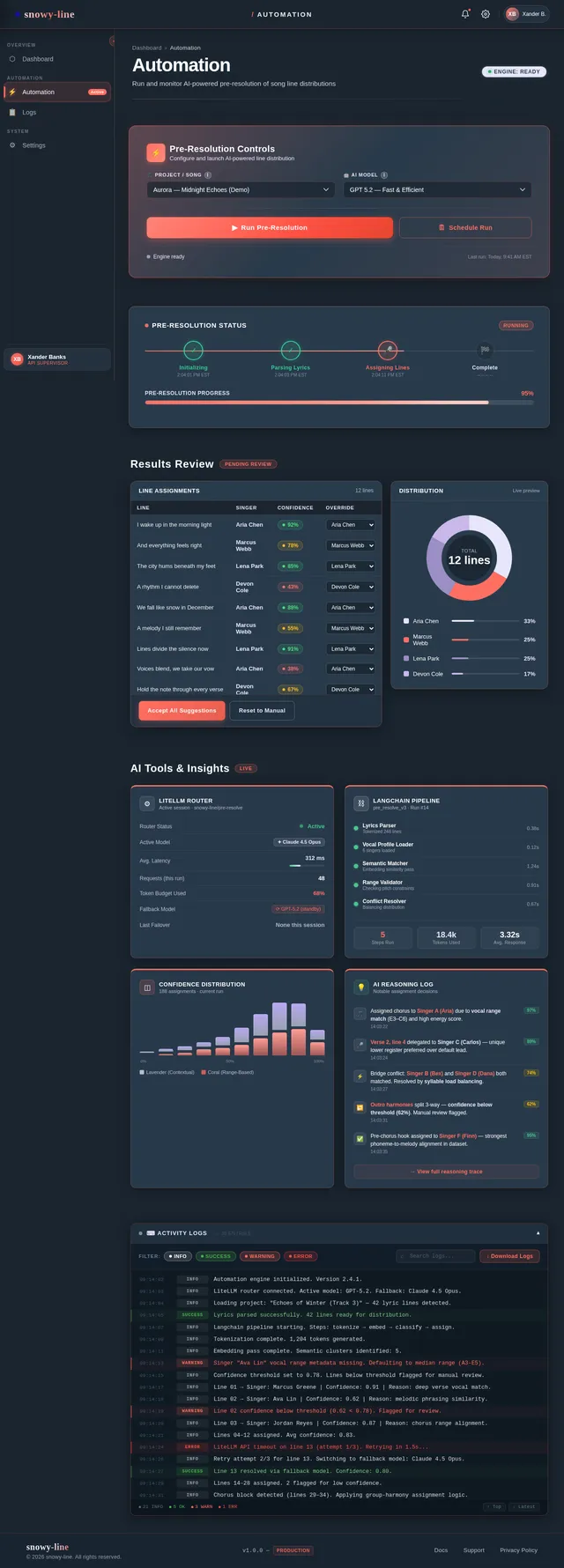
- As API Supervisor I should be able to pre-resolve song line distribution functionality using automated tools.
4. User Personas
User
- Primary user of the application.
- Typically a member of a vocal group, music band, or collaborative team.
- Needs tools to input, assign, and visualize song line distributions.
Admin
- Responsible for managing user accounts and permissions.
- Oversees and approves line distributions to ensure fairness and accuracy.
API Supervisor
- Handles automated pre-resolution of song line distribution functionality.
- Ensures the system operates efficiently and accurately using AI tools.
5. Visuals Colors and Theme
The snowy-line application will adopt a sleek and modern aesthetic inspired by music and creativity. The proposed color scheme includes:
- Primary Colors:
- Snow White (#FFFFFF) for backgrounds and clean visuals.
- Midnight Blue (#2C3E50) for headers and key elements.
- Accent Colors:
- Vibrant Coral (#FF6F61) for interactive buttons and highlights.
- Soft Lavender (#E6E6FA) for charts and secondary elements.
- Typography:
- Sans-serif fonts like "Roboto" or "Open Sans" for readability.
- Elegant cursive fonts for decorative elements (e.g., song titles).
6. Signature Design Concept
Interactive Musical Canvas
The snowy-line homepage will feature an interactive musical canvas that visually represents the song being distributed. Users will see a dynamic timeline of the song, with each singer's assigned lines highlighted in vibrant colors.
Key Features:
- Dynamic Animations: As users hover over a singer's name, their assigned lines will glow and expand on the timeline.
- Interactive Pie Chart: A pie chart will display the percentage of lines assigned to each singer, updating in real-time as edits are made.
- Lyric Playback: Clicking on a line in the timeline will play the corresponding lyric snippet, allowing users to hear how the distribution sounds.
- Micro-interactions: Buttons and sliders will feature subtle animations, such as color shifts and smooth transitions, enhancing the user experience.
- Background Theme: A soft, animated snowfall effect will create a calming and creative atmosphere, tying into the snowy-line branding.
This design concept will make the snowy-line homepage unforgettable, engaging users from the moment they arrive.
7. Non-Functional Requirements
- The system must support real-time collaboration for multiple users.
- The application must load within 3 seconds for optimal user experience.
- The system must ensure data security and privacy, adhering to GDPR and CCPA standards.
- The application must be compatible with modern web browsers (Chrome, Firefox, Safari, Edge).
- The system must support export formats including PDF and CSV.
8. Tech Stack
Frontend
- React for Web
Backend
- Python
- FastAPI
Database
- MySQL (preferred)
- Alembic for migrations
AI Models
- GPT 5.2 for user-friendly responses
- Claude 4.5 Opas for academic or coding work
AI Tools
- Litellm for LLM Routing
- Langchain
Local Orchestration
- Docker
- docker-compose
Server-side Orchestration
- Kubernetes
9. Assumptions and Constraints
- The application assumes users will have basic knowledge of song structure and lyrics.
- The system will operate in the EST timezone by default, with options to adjust for other time zones.
- The application will primarily target English-speaking users, with future plans for multilingual support.
- The system will require internet connectivity for real-time collaboration and AI-powered features.
10. Glossary
- Song Line Distribution: The process of dividing song lyrics among singers in a group.
- API Supervisor: A role responsible for overseeing automated functionalities within the system.
- Pie Chart: A circular statistical graphic used to visualize proportions.
- Timeline: A linear representation of song lyrics and their assigned singers.
- Micro-interactions: Small animations or design elements that enhance user experience.
This updated SRD reflects the new requirement for song line distribution functionality as pre-resolved by the API supervisor.
No comments yet. Be the first!