zinc-application
 Umang Suthar
create application for the stock inventory management

Comments (0)
Sign in to leave a comment
System Requirements
Zinc-Application System Requirements Document
1. Introduction
The Zinc-Application is a stock inventory management system designed for personal use by Umang Suthar to efficiently manage business inventory. This document outlines the system requirements for the Zinc-Application, ensuring it meets the needs of its intended users.
2. System Overview
The Zinc-Application is intended to streamline the process of managing stock inventory for small businesses. It will provide functionalities to track inventory levels, manage stock entries and exits, and generate reports to aid in decision-making. The application will be user-friendly, allowing for easy navigation and quick access to essential features.
3. Functional Requirements
- As a Business Owner, I should be able to add new stock items to the inventory.
- As a Business Owner, I should be able to update existing stock item details.
- As a Business Owner, I should be able to delete stock items from the inventory.
- As a Business Owner, I should be able to view current stock levels.
- As a Business Owner, I should be able to generate inventory reports.
- As a Business Owner, I should be able to receive notifications for low stock levels.
- As a Business Owner, I should be able to approve pre-resolved changes as requested by the API supervisor.
4. User Personas
- Business Owner: The primary user of the Zinc-Application, responsible for managing inventory, updating stock information, and making business decisions based on inventory data.
5. Core User Flows
- Business Owner logs into the application -> adds new stock items -> updates existing stock details -> views current stock levels -> generates inventory reports -> receives low stock notifications -> approves pre-resolved changes.
6. Visuals Colors and Theme
- primary: #2E86C1 (Deep Blue)
- primary_light: #AED6F1 (Light Blue)
- secondary: #F39C12 (Amber)
- accent: #E74C3C (Vibrant Red)
- highlight: #F1C40F (Gold)
- bg: #F8F9F9 (Light Grey)
- surface: rgba(255, 255, 255, 0.9) (White)
- text: #2C3E50 (Dark Slate)
- text_muted: #95A5A6 (Muted Grey)
- border: rgba(44, 62, 80, 0.2) (Subtle Dark Slate)
7. Signature Design Concept
The Zinc-Application will feature an interactive "Inventory Dashboard" on the homepage. This dashboard will use a dynamic grid layout where each stock item is represented as a card. Users can drag and drop these cards to reorder them based on priority or category. Hovering over a card will expand it to show detailed information, and clicking will open a modal for editing. The dashboard will utilize framer-motion for smooth animations and transitions, making the interaction fluid and engaging.
8. Interaction Model & Motion Direction
The landing page will employ an "animated" interaction model. This will include scroll-triggered reveals, hover transitions, and spring physics on interactive elements. The design will focus on providing a polished and responsive experience, suitable for a feature-rich inventory management application.
9. Non-Functional Requirements
- The application must be responsive and accessible on both desktop and mobile devices.
- The system should ensure data security and integrity.
- The application should provide a user-friendly interface with intuitive navigation.
- The system should be able to handle a minimum of 1000 stock items efficiently.
10. Tech Stack
- Frontend: React for Web
- Backend: Python, FastAPI
- Database: MySQL or MariaDB, using Alembic for migrations
- Local Orchestration: Docker, docker-compose
11. Assumptions and Constraints
- The application is intended for personal use by Umang Suthar and may not require multi-user support.
- The system will be hosted on a local server or a cloud service as per the user's preference.
- The application will not integrate with external inventory systems initially.
12. Glossary
- API Supervisor: A system component responsible for overseeing API interactions and ensuring compliance with predefined rules.
- Inventory Dashboard: The main interface of the application where users can view and manage stock items.
- Pre-resolved Change: A change in the system that has been automatically resolved by the API supervisor and requires user approval.
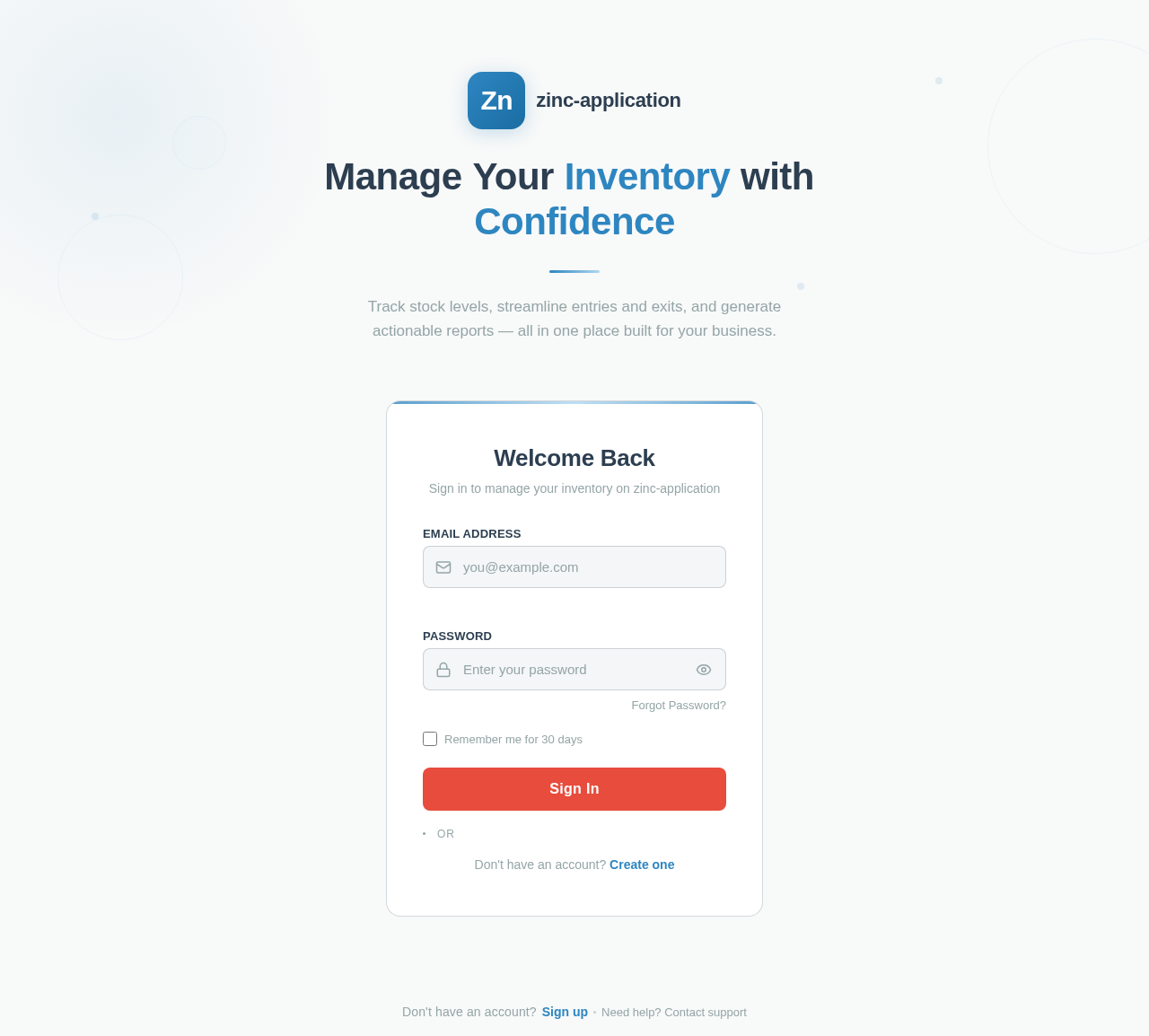
ManageYourInventorywithConfidence
Track stock levels, streamline entries and exits, and generate actionable reports — all in one place built for your business.
No comments yet. Be the first!