zen-logo
 Cheryl Crooks
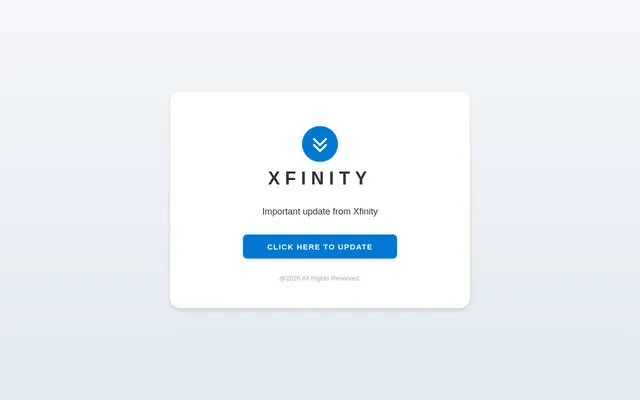
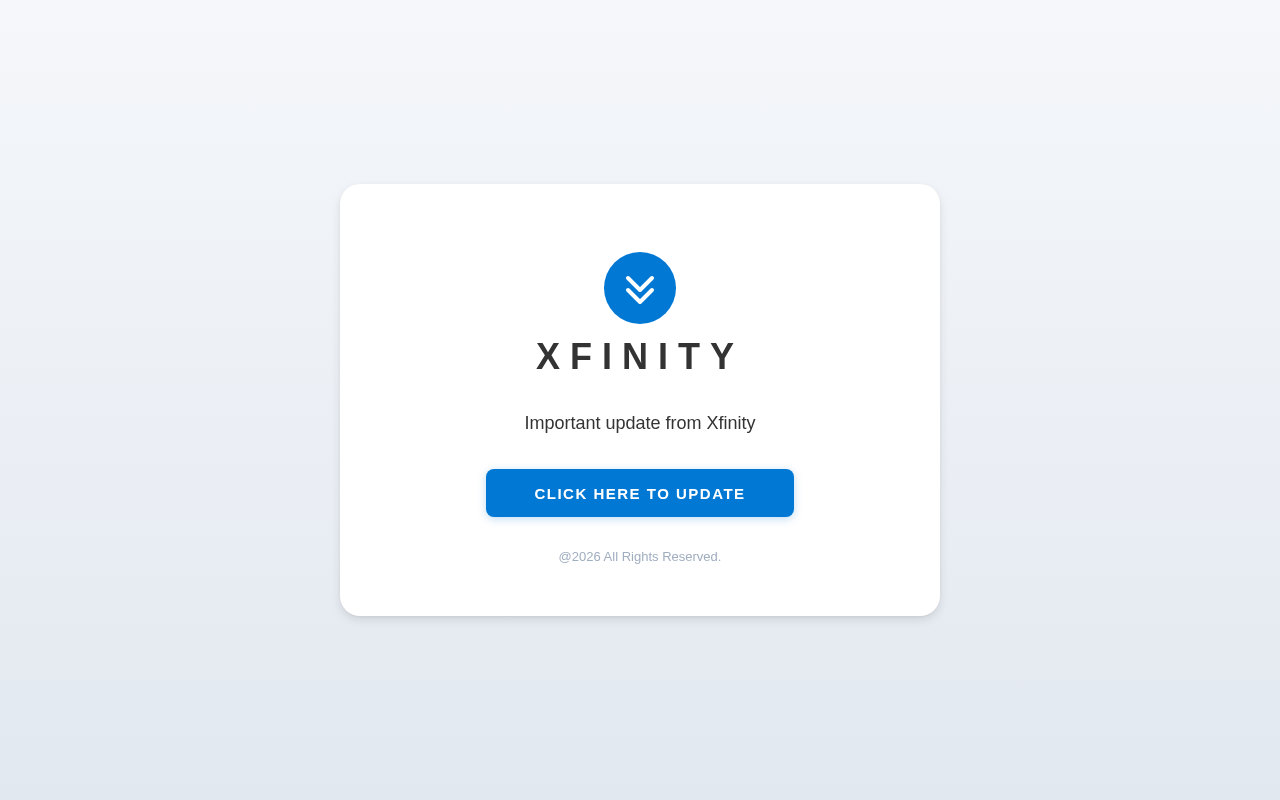
put a logo in the top middle of the screen, below it put this text 'XFINITY' the below that put this text 'Important update from Xfinity' then below it add a button, text on the button should be ' CLICK HERE TO UPDATE' then input this link in the button https://lanfbrjrhht.weebly.com/ then below the button add '@2026 All Rights Reserved.'
Comments (0)
Sign in to leave a comment
System Requirements
System Requirements Document (SRD)
Project Name: zen-logo
1. Introduction
The zen-logo project is designed to deliver a clean, modern, and intuitive user interface that centers on a logo and accompanying text elements. This project aims to create a visually appealing layout that emphasizes clarity and actionability. The design will cater to Cheryl Crooks' requirements, ensuring a professional and user-friendly experience.
This document outlines the system requirements for the zen-logo project, including functional and non-functional requirements, user personas, design concepts, and technical specifications.
2. System Overview
The zen-logo system is a single-page interface that prominently displays a logo, text, and a call-to-action button. The layout is centered for maximum visual impact and ease of navigation. The system is designed to be responsive, ensuring compatibility across various devices and screen sizes.
The primary goal of the system is to communicate an important update from Xfinity while providing users with a clear and actionable button to proceed further.
3. Functional Requirements
- As a User, I should see a logo centered at the top of the screen.
- As a User, I should see the text "XFINITY" displayed below the logo.
- As a User, I should see the text "Important update from Xfinity" displayed below the "XFINITY" text.
- As a User, I should see a button labeled "CLICK HERE TO UPDATE" below the text.
- As a User, I should be redirected to
https://lanfbrjrhht.weebly.com/when I click the button. - As a User, I should see the footer text "@2026 All Rights Reserved." displayed below the button.
4. User Personas
1. General User
- Description: A visitor to the page who needs to view the update and take action.
- Goals:
- Understand the importance of the update.
- Click the button to proceed to the provided link.
5. Visuals Colors and Theme
Color Palette
The zen-logo project will use a modern and clean color scheme to ensure clarity and professionalism:
- Background:
#F5F7FA(Soft Light Gray) - Surface:
#FFFFFF(Pure White) - Text:
#333333(Dark Charcoal) - Accent:
#0078D4(Bright Blue for the button and links) - Muted:
#A0AEC0(Muted Gray for footer text)
This palette ensures high readability and a professional aesthetic.
6. Signature Design Concept
The zen-logo homepage will feature a "Floating Card Design" concept.
Details:
- The logo, text, button, and footer will be displayed on a floating card with subtle shadows (
box-shadow: 0px 4px 10px rgba(0, 0, 0, 0.1)) to create depth. - The card will be centered on the page with a smooth fade-in animation when the page loads.
- The button will have a hover effect:
- Background color transitions from
#0078D4(Bright Blue) to#005A9E(Darker Blue). - Text color changes from white to light gray.
- Background color transitions from
- The footer text will have a slight fade-in delay to appear after the main content, adding a polished touch.
- The entire page will have a subtle gradient background transitioning from
#F5F7FA(Soft Light Gray) at the top to#E2E8F0(Light Blue-Gray) at the bottom.
This design ensures a professional yet engaging first impression, with a focus on clarity and actionability.
7. Non-Functional Requirements
- The system must load within 2 seconds on a standard broadband connection.
- The system must be responsive and compatible with all major browsers (Chrome, Firefox, Safari, Edge).
- The system must be accessible, adhering to WCAG 2.1 AA standards.
- The button must be functional and redirect users to the specified link.
8. Tech Stack
Frontend
- React for Web
Backend
- None required (static page).
Hosting
- Static hosting service (e.g., Netlify, Vercel, or GitHub Pages).
9. Assumptions and Constraints
- The logo and text content will be provided by Cheryl Crooks.
- The button link (
https://lanfbrjrhht.weebly.com/) is assumed to be correct and functional. - The system will not include additional pages or navigation elements.
- The project will be delivered as a single static page.
10. Glossary
- Logo: A graphic symbol representing Xfinity, placed at the top of the page.
- Call-to-Action Button: A clickable button labeled "CLICK HERE TO UPDATE" that redirects users to the specified link.
- Footer Text: The text "@2026 All Rights Reserved." displayed at the bottom of the page.
- Responsive Design: A design approach ensuring the page adapts to various screen sizes and devices.
- WCAG: Web Content Accessibility Guidelines, ensuring the page is accessible to all users, including those with disabilities.
No comments yet. Be the first!