work-that-grade
 Deborah Alison
Build a "CGPA Coach" web app for university students. DESIGN: Use a clean, modern, mobile-first UI with big rounded cards, soft shadows, white background, and bottom navigation. Style should feel premium like Apple + Notion. The app must work perfectly on phone. CORE FEATURES: 1. User Authentication: Signup with Name, Email, Password, University, and Current Level. Login with Email and Password. Show "Welcome, [Name]" on the dashboard. 2. Dashboard: - Card 1: "My CGPA" showing current CGPA and progress bar to graduation - Card 2: "Goal Simulator" - User sets graduation goal: 1st Class, 2:1, 2:2. App calculates what average score they need in remaining courses to hit it. - Card 3: "Study Plan" - Based on goal and learning speed, calculate "You need to study X hours per week to reach your goal" - Card 4: "Reminders" - List of upcoming tests and assignments 3. Settings: - User can set "Learning Speed": Fast, Average, Slow - User can pick Reminder Tone: Hype, Guilt-trip, Sassy 4. Courses Page: - Add/Edit/Delete courses with: Course Code, Course Units, Test 1 Score, Test 2 Score, Exam Score - Auto calculate Grade for each course - Auto calculate Semester GPA and Overall CGPA - Show chart of CGPA progress over time - For each course show "Study Hours Needed: 6hrs to move from C to B" 5. Funny Reminders: - In-app notifications and email reminders for upcoming tests/assignments - Tone: Funny and Duolingo-style - Example reminders: "👀 Your 2:1 needs 4hrs this week, [Name]", "🔥 Study 1hr today and secure that B" TECH: Use React, Node.js, and PostgreSQL. Make database for Users, Courses, and Reminders. Deploy it so I get a shareable link.


Comments (0)
Sign in to leave a comment
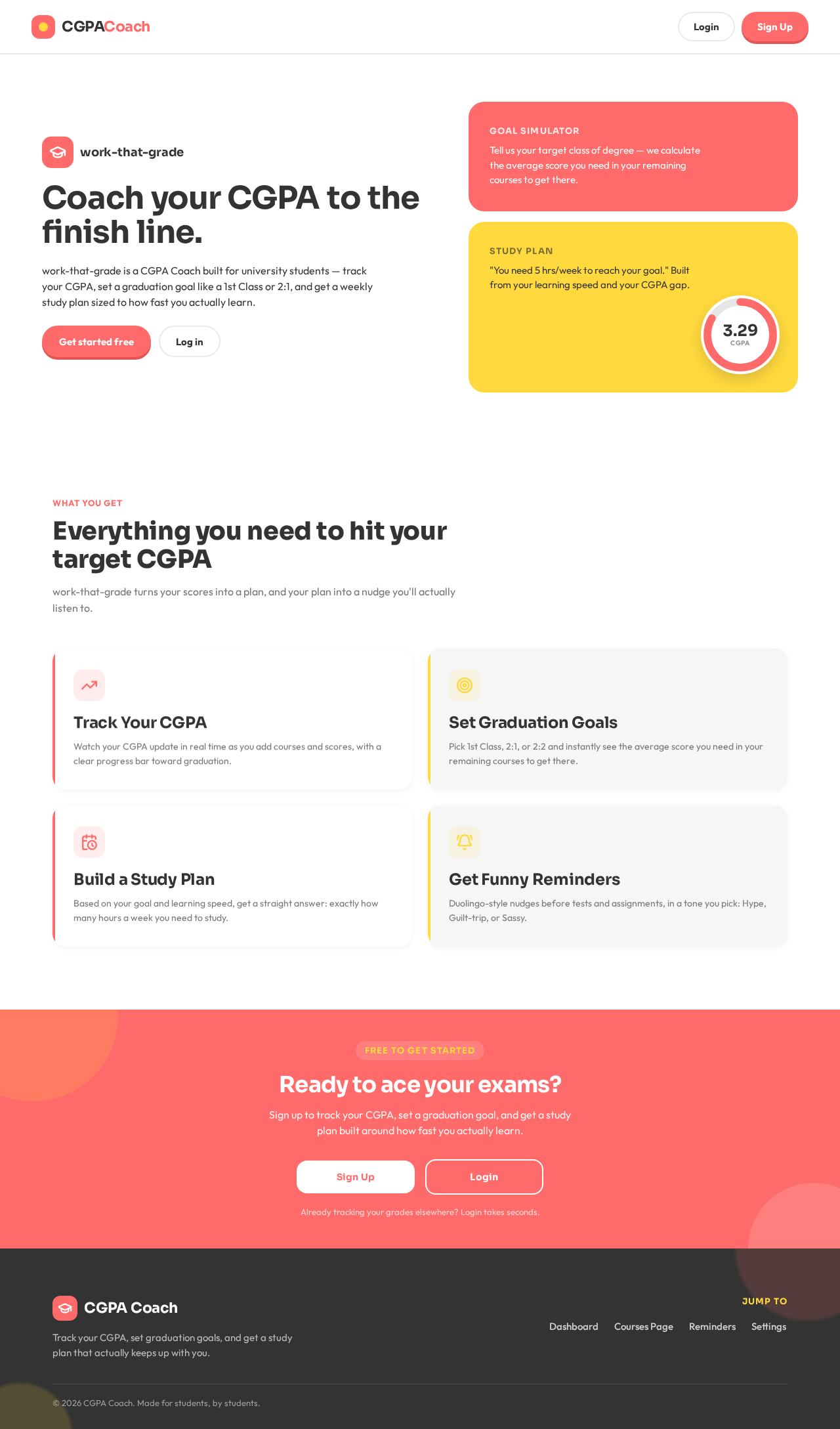
CoachyourCGPAtothefinishline.
work-that-grade is a CGPA Coach built for university students — track your CGPA, set a graduation goal like a 1st Class or 2:1, and get a weekly study plan sized to how fast you actually learn.
Tell us your target class of degree — we calculate the average score you need in your remaining courses to get there.
"You need 5 hrs/week to reach your goal." Built from your learning speed and your CGPA gap.
Everything you need to hit your target CGPA
work-that-grade turns your scores into a plan, and your plan into a nudge you'll actually listen to.
Track Your CGPA
Watch your CGPA update in real time as you add courses and scores, with a clear progress bar toward graduation.
Set Graduation Goals
Pick 1st Class, 2:1, or 2:2 and instantly see the average score you need in your remaining courses to get there.
Build a Study Plan
Based on your goal and learning speed, get a straight answer: exactly how many hours a week you need to study.
Get Funny Reminders
Duolingo-style nudges before tests and assignments, in a tone you pick: Hype, Guilt-trip, or Sassy.
CoachyourCGPAtothefinishline.
work-that-grade is a CGPA Coach built for university students — track your CGPA, set a graduation goal like a 1st Class or 2:1, and get a weekly study plan sized to how fast you actually learn.
Tell us your target class of degree — we calculate the average score you need in your remaining courses to get there.
"You need 5 hrs/week to reach your goal." Built from your learning speed and your CGPA gap.
Everything you need to hit your target CGPA
work-that-grade turns your scores into a plan, and your plan into a nudge you'll actually listen to.
Track Your CGPA
Watch your CGPA update in real time as you add courses and scores, with a clear progress bar toward graduation.
Set Graduation Goals
Pick 1st Class, 2:1, or 2:2 and instantly see the average score you need in your remaining courses to get there.
Build a Study Plan
Based on your goal and learning speed, get a straight answer: exactly how many hours a week you need to study.
Get Funny Reminders
Duolingo-style nudges before tests and assignments, in a tone you pick: Hype, Guilt-trip, or Sassy.
No comments yet. Be the first!