winter-price
 Nishi Jain
I need to bui website of price co.parision for diff ecommerce like blinkit zepto instamart dmart jiomart amazon flipkart

Comments (0)
Sign in to leave a comment
Project Tasks12
Implement Theme and Structure
As a user, I want the application to visually match the mock-design pages so that the experience feels polished and consistent. Implement the global color palette (#F5F9FF background, #FFFFFF surface, #2C3E50 text, #E74C3C accent, #BDC3C7 muted), typography, spacing system, and shared layout components (navbar, footer, containers) across all pages. Remove any scaffold pages not present in the design (e.g. welcome page, ai-assistant page, settings page if not in design). This task must be completed before any individual page implementation.
Build Landing Page
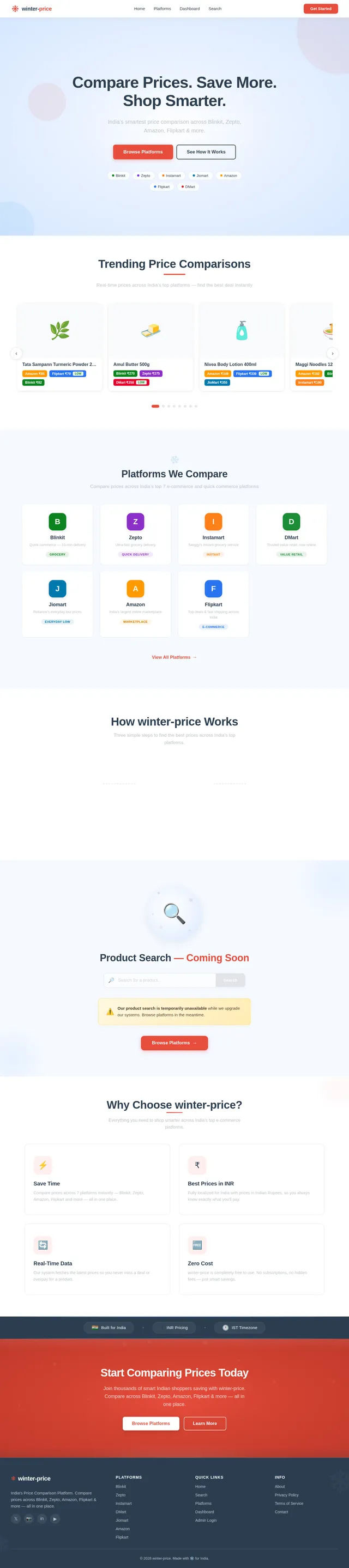
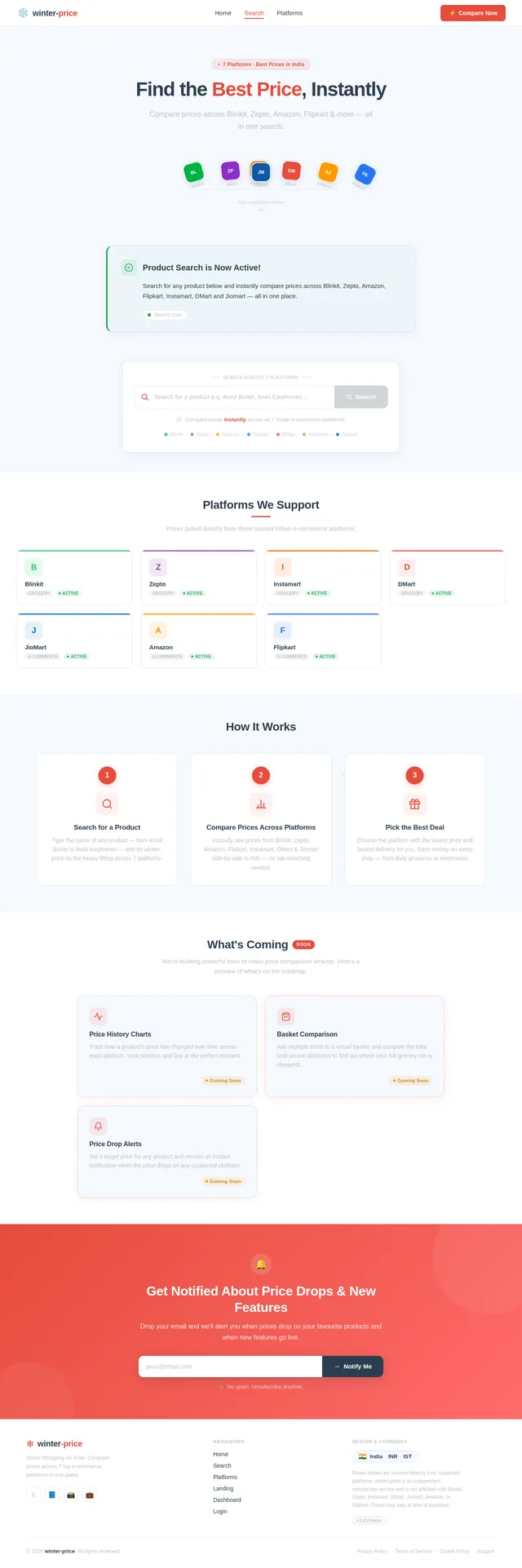
As a user, I want to see a visually captivating landing page with an Interactive Price Carousel so that I can browse trending products and supported platforms. Implement the Landing page based on the existing JSX design (Landing v2). Includes the horizontal product/platform carousel with smooth transitions, hover effects, platform logo color shifts (Amazon orange, Flipkart blue, etc.), and micro-interaction bounce effects on buttons. Links to: Browse Platforms, Search (placeholder). Depends on theme/structure task being complete.
Build Login Page
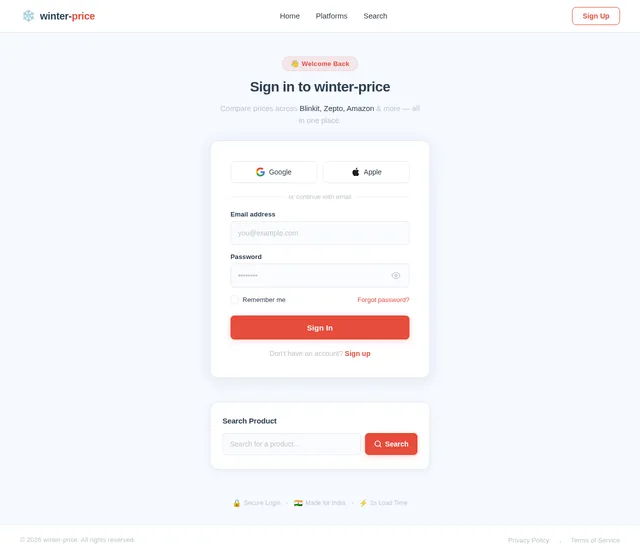
As a user, I want to sign in to the platform so that I can access the dashboard and admin features. Implement the Login page based on the existing JSX design (Login v6). Includes sign-in form with email/password fields, validation feedback, and navigation to Dashboard on success. Styled using the winter-price theme.
Build Home Page
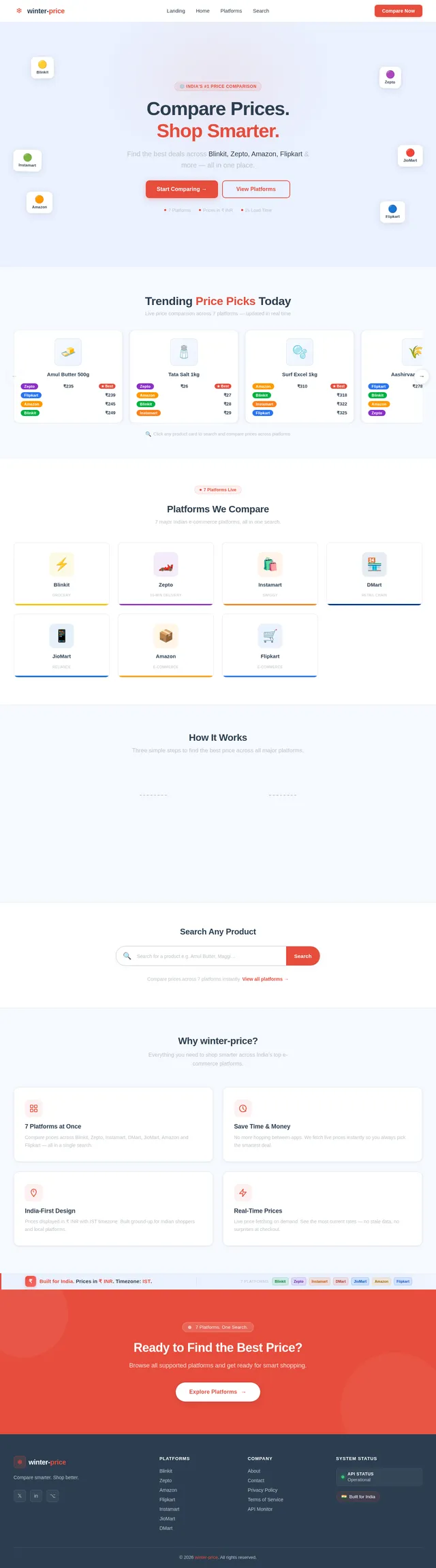
As a user, I want to explore the platform's features after landing so that I understand what winter-price offers. Implement the Home page based on the existing JSX design (Home v5). Includes feature highlights, supported platform logos, and calls-to-action linking to Platforms list and Search. Styled using the winter-price theme.
Build Search Page
As a user, I want to see the product search area so that I know the feature exists even while it is temporarily disabled. Implement the Search page based on the existing JSX design (Search v6). Displays a prominent disabled-search notice/placeholder explaining that product search is temporarily unavailable, with an engaging UI that sets expectations for the future feature. Links from Landing page.
Build Platforms Page
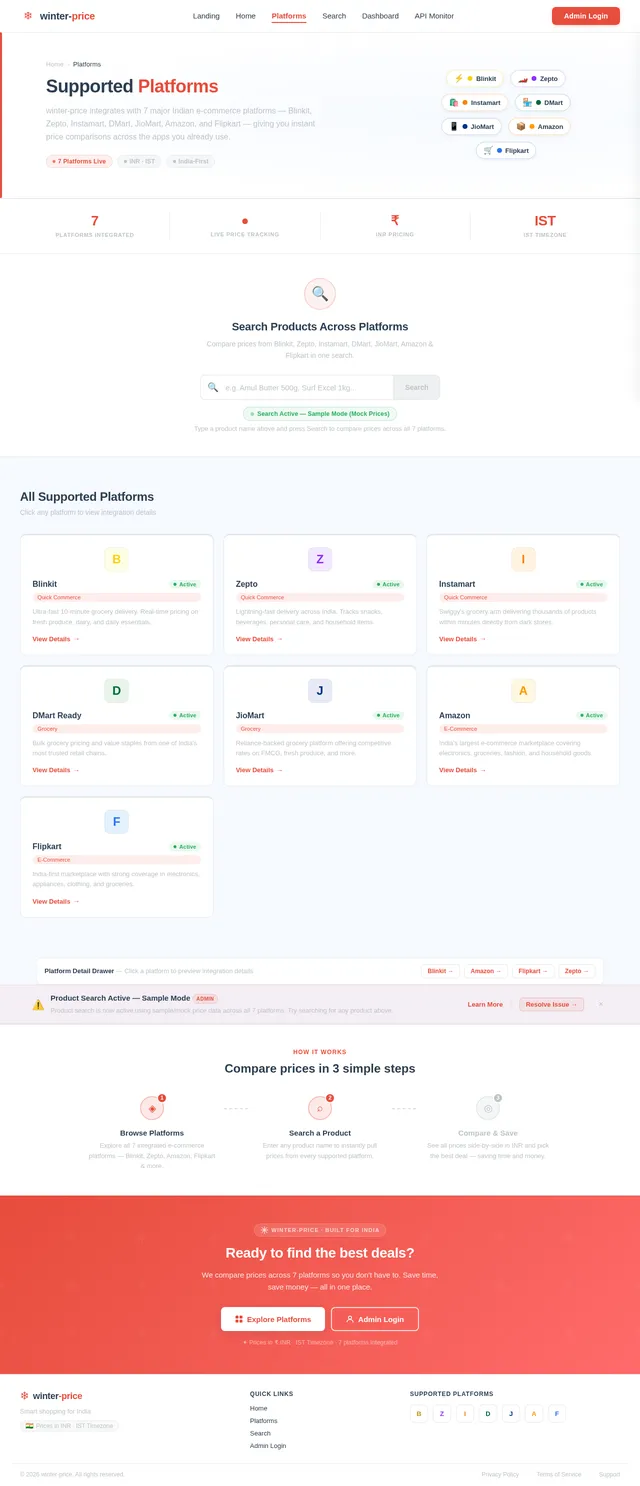
As a user, I want to view the list of supported e-commerce platforms so that I know which stores are covered by winter-price. Implement the Platforms page based on the existing JSX design (Platforms v6). Displays platform cards (Blinkit, Zepto, Instamart, DMart, Jiomart, Amazon, Flipkart) with logos, names, and status indicators. Links from Landing and Home pages.
Build Dashboard Page
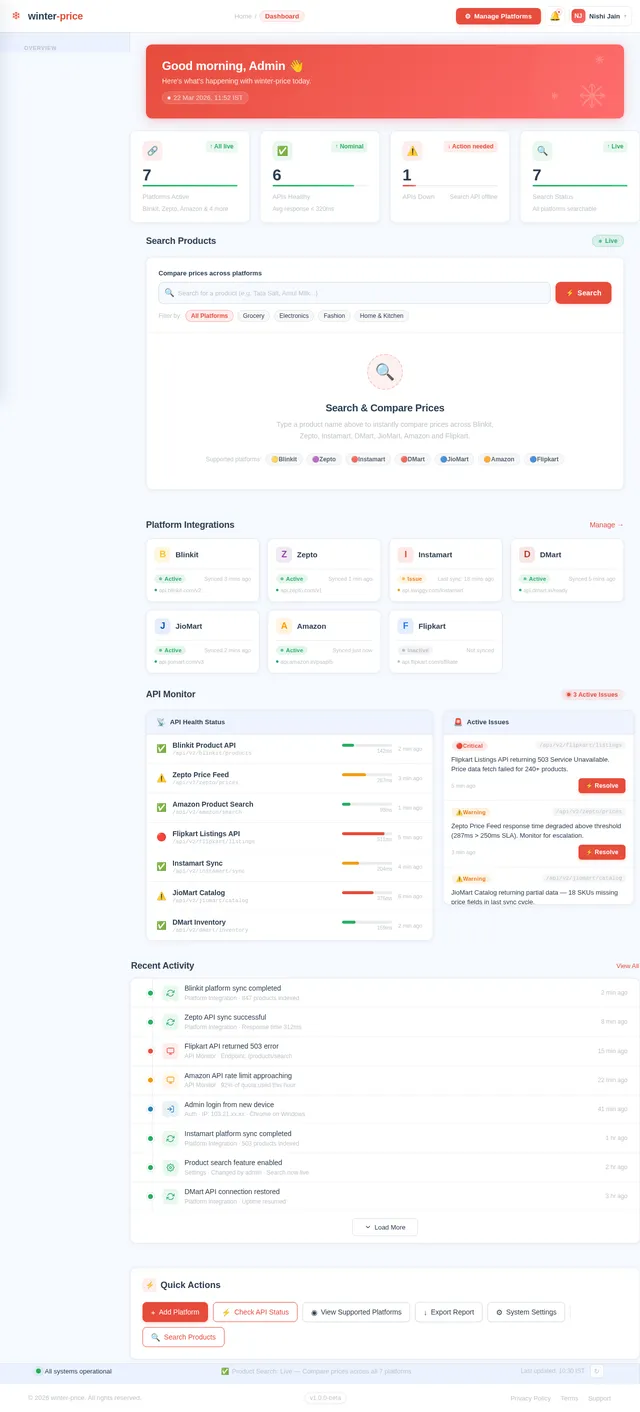
As an admin, I want to view an overview dashboard so that I can monitor the system status and navigate to platform and API management. Implement the Dashboard/Overview page based on the existing JSX design (Dashboard v5). Includes key metrics panels, navigation to Platforms management and API Monitor, and summary cards. Links from Login page on successful authentication.
Platforms Management API
As an admin, I want to use a backend API to manage platform integrations so that I can add, edit, and remove e-commerce platform configurations. Implement FastAPI endpoints: GET /platforms (list all), POST /platforms (add), PUT /platforms/{id} (edit), DELETE /platforms/{id} (remove). Persist data in MySQL using Alembic migrations. Supports the Platforms page and Dashboard.
Build API Monitor Page
As an admin, I want to check and resolve API integration statuses so that I can ensure all platform connections are operational. Implement the API Monitor page based on the existing JSX design (API Monitor v6). Displays real-time status indicators per platform API, error logs, and action buttons to resolve issues. Accessible from Dashboard.
Platforms Data Integration
As a user, I want the Platforms page to display live platform data fetched from the backend so that I see an accurate and up-to-date list of supported stores. Connect the Platforms frontend page to the Platforms Management API. Handle loading, error, and empty states gracefully. Display INR currency and IST timezone context where relevant.
API Monitor Backend Endpoints
As an admin, I want to use backend API endpoints to retrieve and update API status information so that the API Monitor page reflects live integration health. Implement FastAPI endpoints: GET /api-monitor/status (fetch all platform API statuses), POST /api-monitor/resolve/{platform_id} (mark issue resolved). Integrates with MySQL for status persistence.
API Monitor Frontend Integration
As an admin, I want the API Monitor page to display live statuses fetched from the backend so that I can act on real integration data. Connect the API Monitor frontend to the API Monitor backend endpoints. Implement polling or refresh mechanism for near-real-time updates. Handle error and offline states.
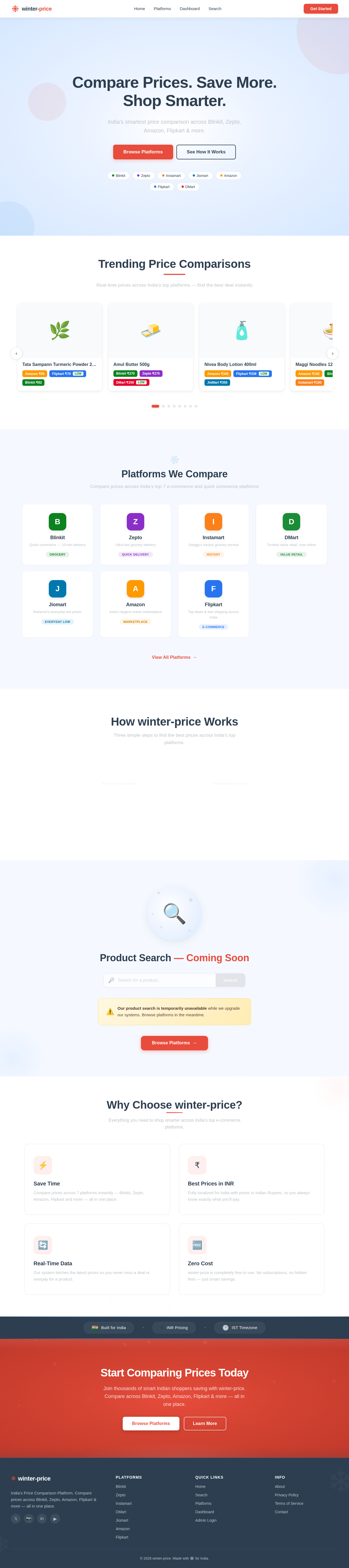
Compare Prices. Save More. Shop Smarter.
India’s smartest price comparison across Blinkit, Zepto, Amazon, Flipkart & more.
Trending Price Comparisons
Real-time prices across India’s top platforms — find the best deal instantly
Tata Sampann Turmeric Powder 200g
Amul Butter 500g
Nivea Body Lotion 400ml
Maggi Noodles 12-Pack
Surf Excel Matic 2kg
Cadbury Dairy Milk Silk 150g
Harpic Power Plus 1L
Aashirvaad Atta 5kg
Platforms We Compare
Compare prices across India’s top 7 e-commerce and quick commerce platforms
Blinkit
Quick commerce — 10-min delivery
GroceryZepto
Ultra-fast grocery delivery
Quick DeliveryInstamart
Swiggy's instant grocery service
InstantDMart
Trusted value retail, now online
Value RetailJiomart
Reliance's everyday low prices
Everyday LowAmazon
India's largest online marketplace
MarketplaceFlipkart
Top deals & fast shipping across India
E-CommerceHow winter-price Works
Three simple steps to find the best prices across India’s top platforms.
Search a Product
Enter any product name and we instantly scan 7 major e-commerce platforms across India.
We Compare Prices
Our engine aggregates real-time prices from Blinkit, Zepto, Amazon, Flipkart and more.
You Save Money
See the best deal at a glance and shop smarter — saving time and money every purchase.
Product Search — Coming Soon
Our product search is temporarily unavailable while we upgrade our systems. Browse platforms in the meantime.
Why Choose winter-price?
Everything you need to shop smarter across India’s top e-commerce platforms.
Save Time
Compare prices across 7 platforms instantly — Blinkit, Zepto, Amazon, Flipkart and more — all in one place.
Best Prices in INR
Fully localized for India with prices in Indian Rupees, so you always know exactly what you’ll pay.
Real-Time Data
Our system fetches the latest prices so you never miss a deal or overpay for a product.
Zero Cost
winter-price is completely free to use. No subscriptions, no hidden fees — just smart savings.
Start Comparing Prices Today
Join thousands of smart Indian shoppers saving with winter-price. Compare across Blinkit, Zepto, Amazon, Flipkart & more — all in one place.
No comments yet. Be the first!