Sign In
Access your local Verdant-a workspace
All credentials stay local. No external calls ever.
Forgot password?
Don't have an account? Create one
 Krishnendu Halder
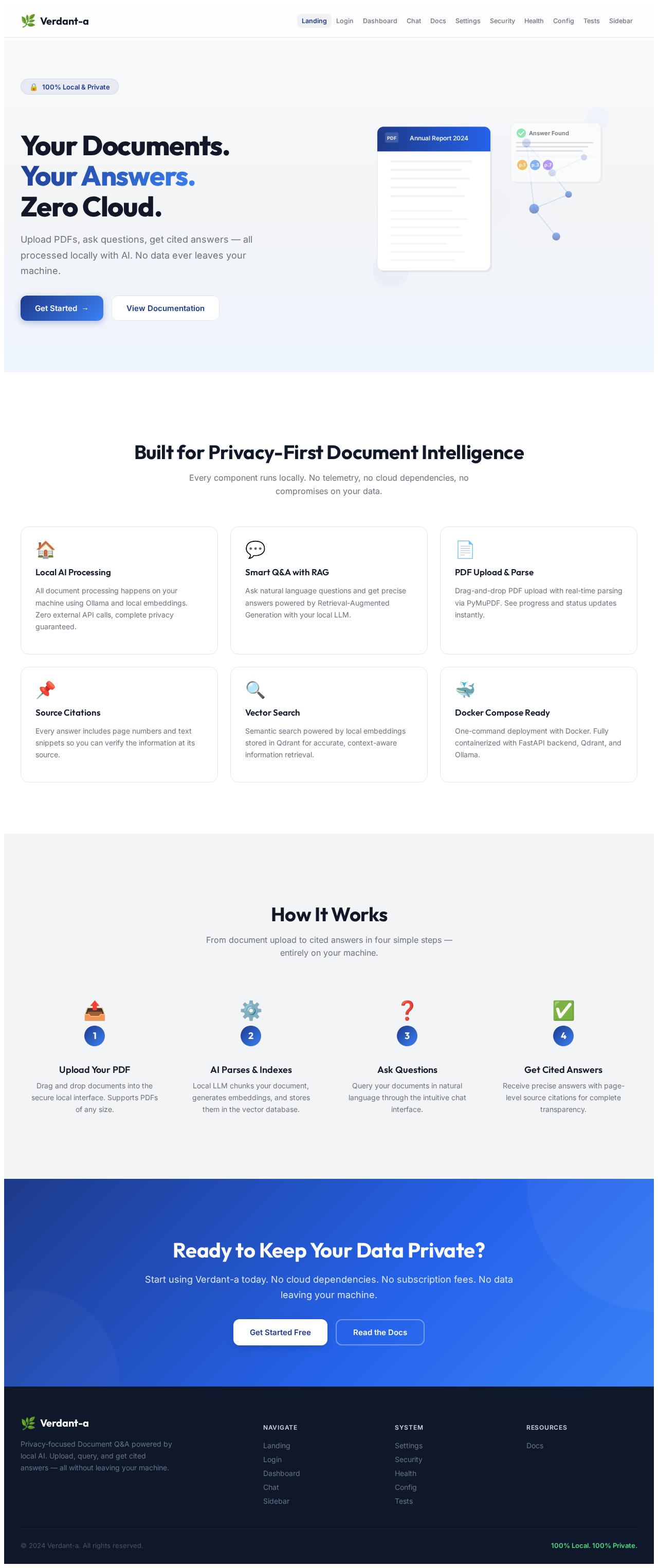
Build a production-grade, privacy-focused Document Q&A (RAG) web application that runs 100% locally with zero external API calls (No OpenAI, Anthropic, or Pinecone). ### 1. Core Architecture & Tech Stack - Frontend: Next.js (React), TypeScript, Tailwind CSS, and Shadcn UI. Include a modern dark mode dashboard, upload dropzone with progress bar, sidebar for uploaded document management, and a clean streaming chat interface. - Backend: FastAPI (Python 3.11) exposing REST APIs for PDF processing, vector search, and chat completions. - Local LLM & Embedding Runner: Use Ollama or LocalAI via Docker to run local inference. - LLM Model: mistral:7b-instruct or llama3:8b-instruct - Embedding Model: BAAI/bge-small-en-v1.5 or all-minilm-L6-v2 (using HuggingFaceEmbeddings / SentenceTransformers) - Vector Database: Qdrant (or ChromaDB) running locally inside a containerized Docker service. - Orchestration Framework: LangChain or LlamaIndex for RAG pipeline, text splitting, and retrieval. - PDF Parser: PyMuPDF (fitz) or pypdf for local, high-speed text extraction. ### 2. Functional Requirements & Features - PDF Upload & Ingestion Pipeline: 1. Users upload a PDF via the drag-and-drop web UI. 2. Parse PDF text locally, chunk it into overlapping sections (chunk_size: 1000, chunk_overlap: 150) using RecursiveCharacterTextSplitter. 3. Generate embeddings locally using the Hugging Face model and store vectors + document metadata (filename, page number, chunk ID) inside local Qdrant. 4. Return real-time upload progress and parsing status to the UI. - Retrieval & Chat Execution: 1. User asks a question in the chat interface. 2. Convert query to embeddings locally and perform Cosine Similarity search against local Qdrant (top_k: 4 chunks). 3. Pass retrieved context chunks along with the query to the local LLM running in Ollama using a tailored RAG prompt template. 4. Stream the generated answer back to the frontend UI in real-time (Server-Sent Events / WebSockets). 5. Include Source Citations: Every answer must display expandable "Source Badges" showing the exact page number and text snippet retrieved from the PDF. ### 3. Fully Local / Air-Gapped Enforcement - Hardcode all configuration logic to point to local localhost / container network endpoints (e.g., http://ollama:11434 and http://qdrant:6333). - Provide a clear fallback script/mechanism using `langchain-community` to download models during initial Docker build so runtime functions offline. ### 4. Infrastructure & DevOps Setup - Docker Compose: Provide a multi-container `docker-compose.yml` configured with services for: 1. `frontend` (Next.js) 2. `backend` (FastAPI) 3. `qdrant` (Vector Database with persistent volume) 4. `ollama` (Local LLM service pre-configured to pull llama3/mistral and bge-small) - Automated Tests: Write pytest integration tests for PDF parsing, local embedding generation, Qdrant vector retrieval, and FastAPI health checks. - API Documentation: Autogenerate OpenAPI (Swagger) endpoints for `/api/upload`, `/api/query`, and `/api/documents`.


Sign in to leave a comment
Access your local Verdant-a workspace
Don't have an account? Create one
No comments yet. Be the first!